Find a visual starting point that understands your content.
Choose what you create to find tailored examples, topic ideas, a repeatable workflow, and a direct path into Thumbnail.AI.
Choose the work or audience behind your content
We group related publishers together, but every guide is written around its own source material, recurring topics, and visual expectations.
AI thumbnail creation
1 guide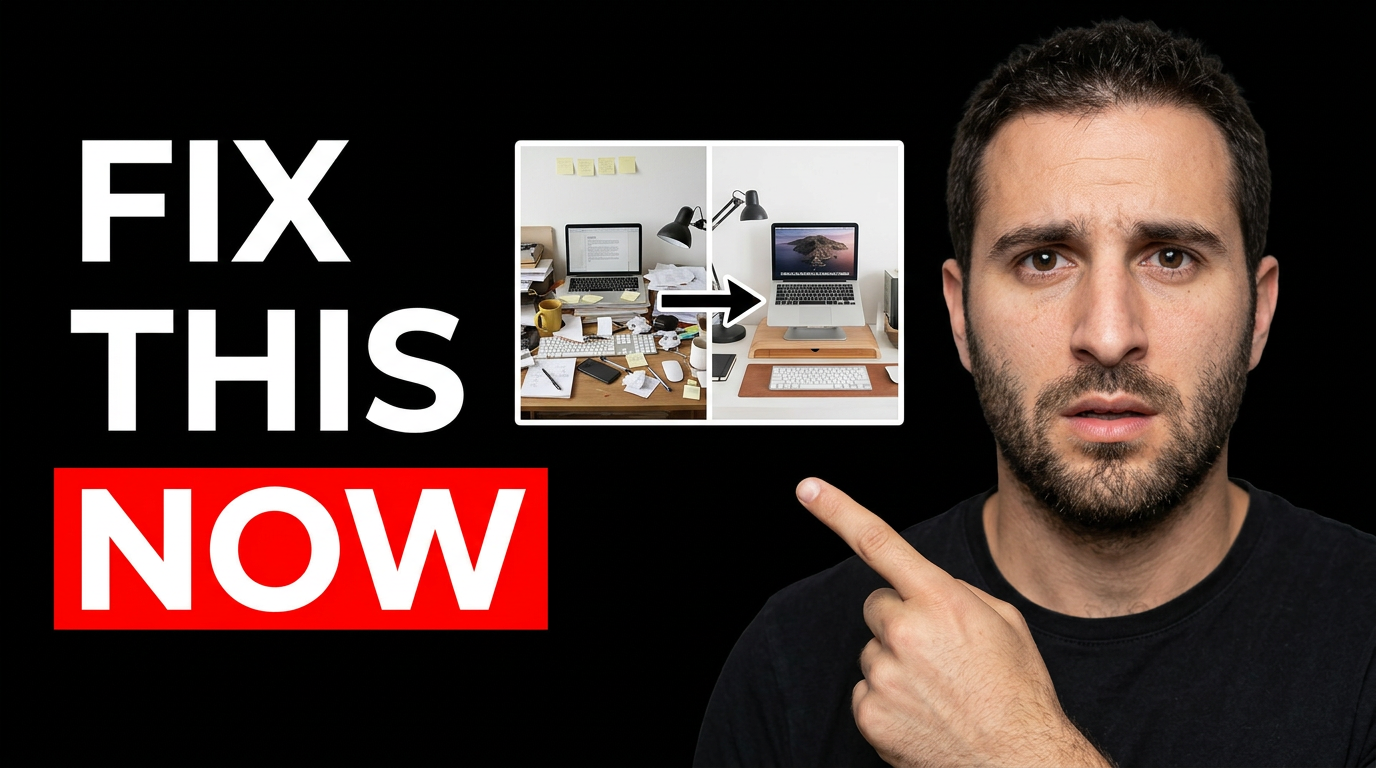
Business and professional services
1 guide
Business services
1 guide
Contractor marketing thumbnails
1 guide
Creator thumbnails
4 guides
Interior design & home decor
A strong interior design thumbnail makes the transformation or design decision clear at a glance. Use Thumbnail.AI to build around your real space: upload a before photo and finished room, add your face when your channel is personality-led, specify the exact words you want visible, and direct the visual focus toward the feature that matters—paint color, layout, lighting, storage, styling, or budget. Revise until the composition reflects the polished, approachable point of view of your content.
Explore this thumbnail maker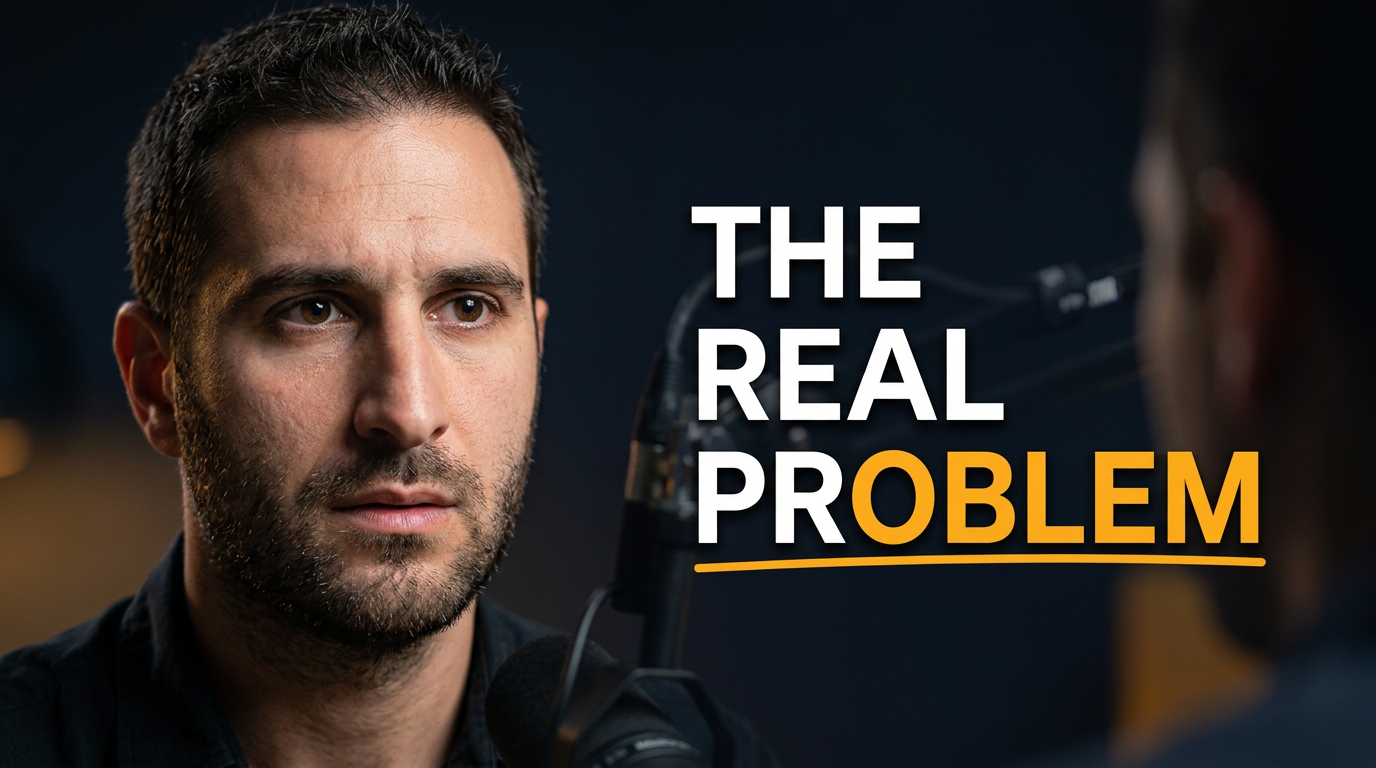
Podcasters
A podcast thumbnail has to communicate the guest, the tension, and the reason to press play before a viewer reads the title. Thumbnail.AI helps you build custom visuals around your actual host and guest photos, studio imagery, brand colors, and exact on-image wording. Describe the mood you want—thoughtful, provocative, funny, urgent, or polished—then revise the composition and emphasis in plain language until it fits the conversation.
Explore this thumbnail maker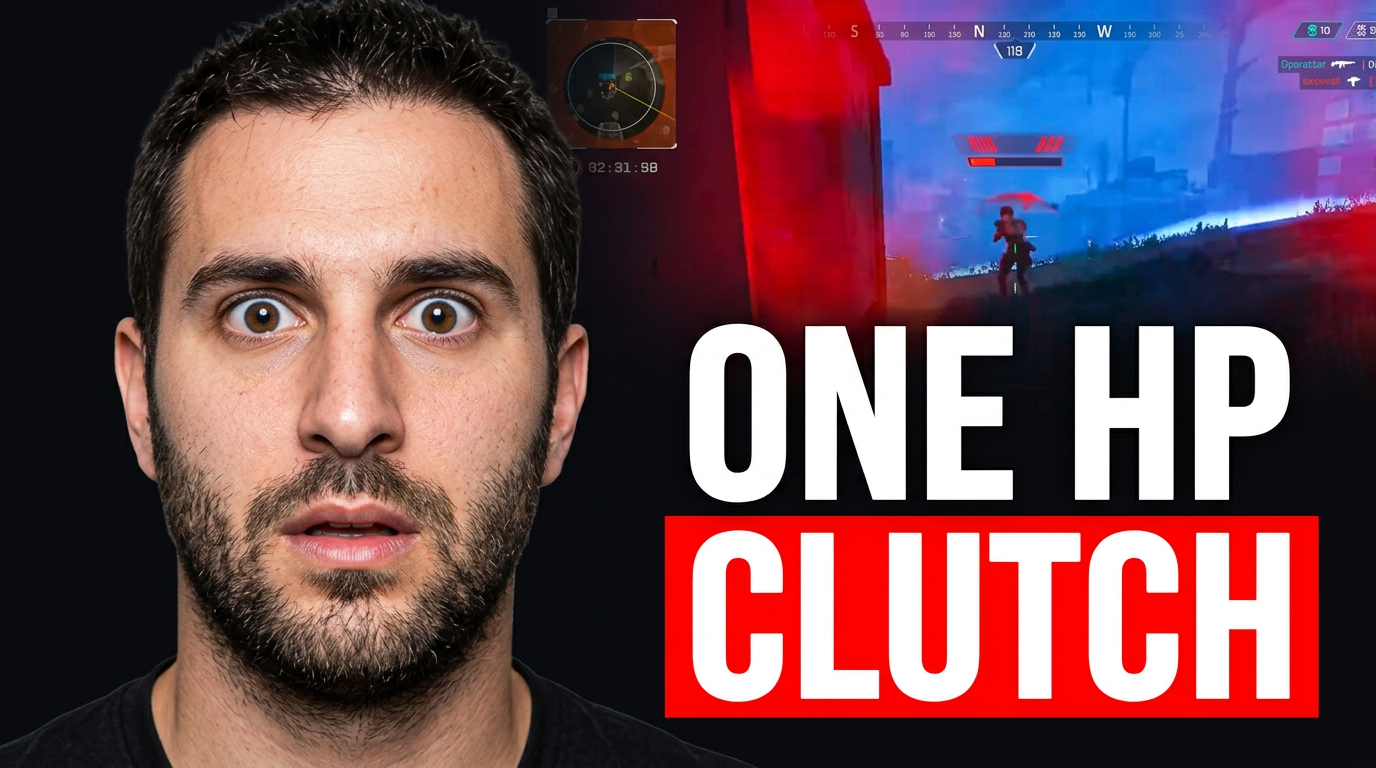
Streamers
Stream content moves quickly, but your thumbnail still has to communicate the moment before someone reads the title. Thumbnail.AI helps streamers build custom visuals around the actual hook: a clutch win, a failed challenge, a heated reaction, a new setup, a raid, or a memorable live moment. Upload your face and source images, choose the wording you want shown, and describe the energy you need in plain language. Revise the composition until the thumbnail feels like your channel—not a generic gaming template.
Explore this thumbnail maker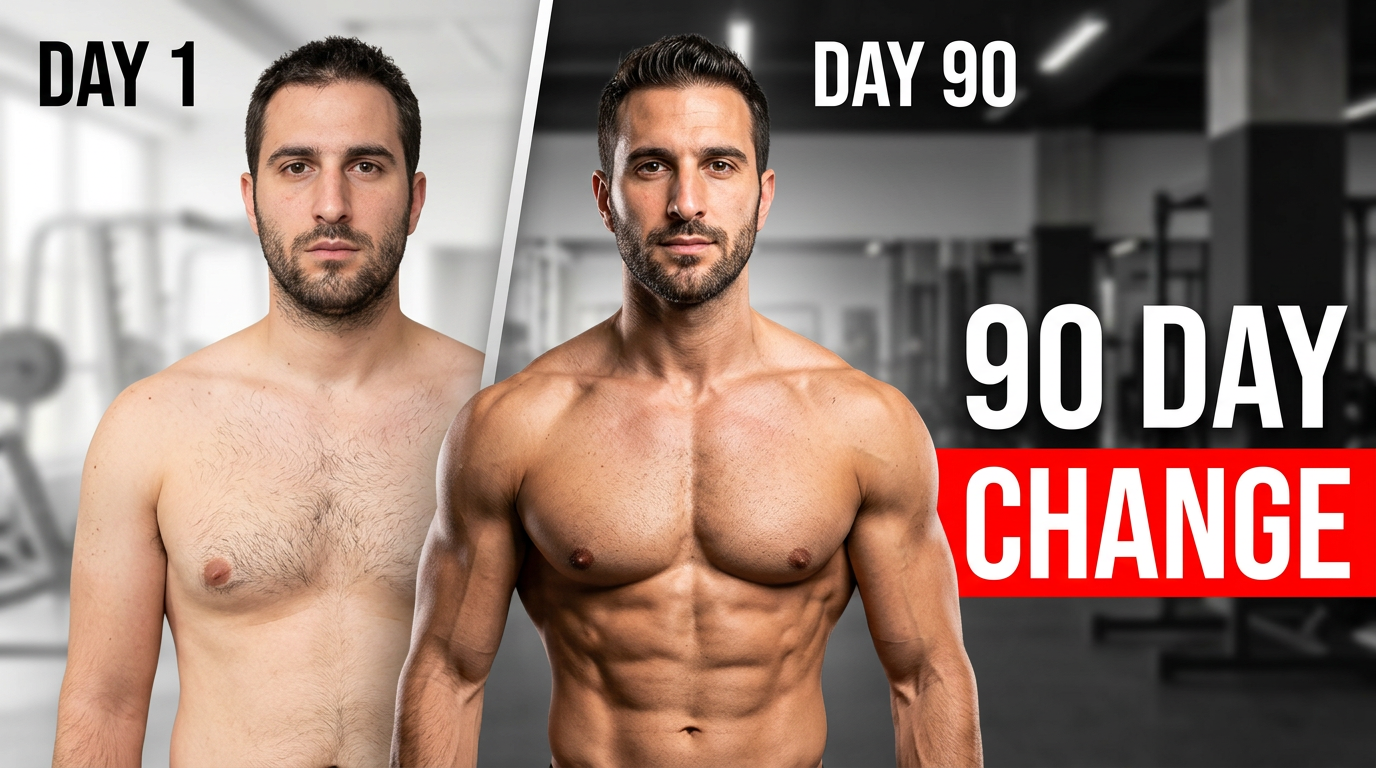
Weight-loss transformation
Weight-loss transformation videos need more than a generic fitness image. A strong thumbnail can frame the specific moment: a check-in, a habit change, a milestone, a realistic setback, or a conversation with a coach. Thumbnail.AI helps you build around your own face and source photos, then refine the composition, emotional tone, and short headline with plain-language instructions. Keep the visual honest, make the milestone clear, and give viewers a reason to understand what changed.
Explore this thumbnail makerCreator thumbnails by content category
1 guide
Creator thumbnails by profession
2 guides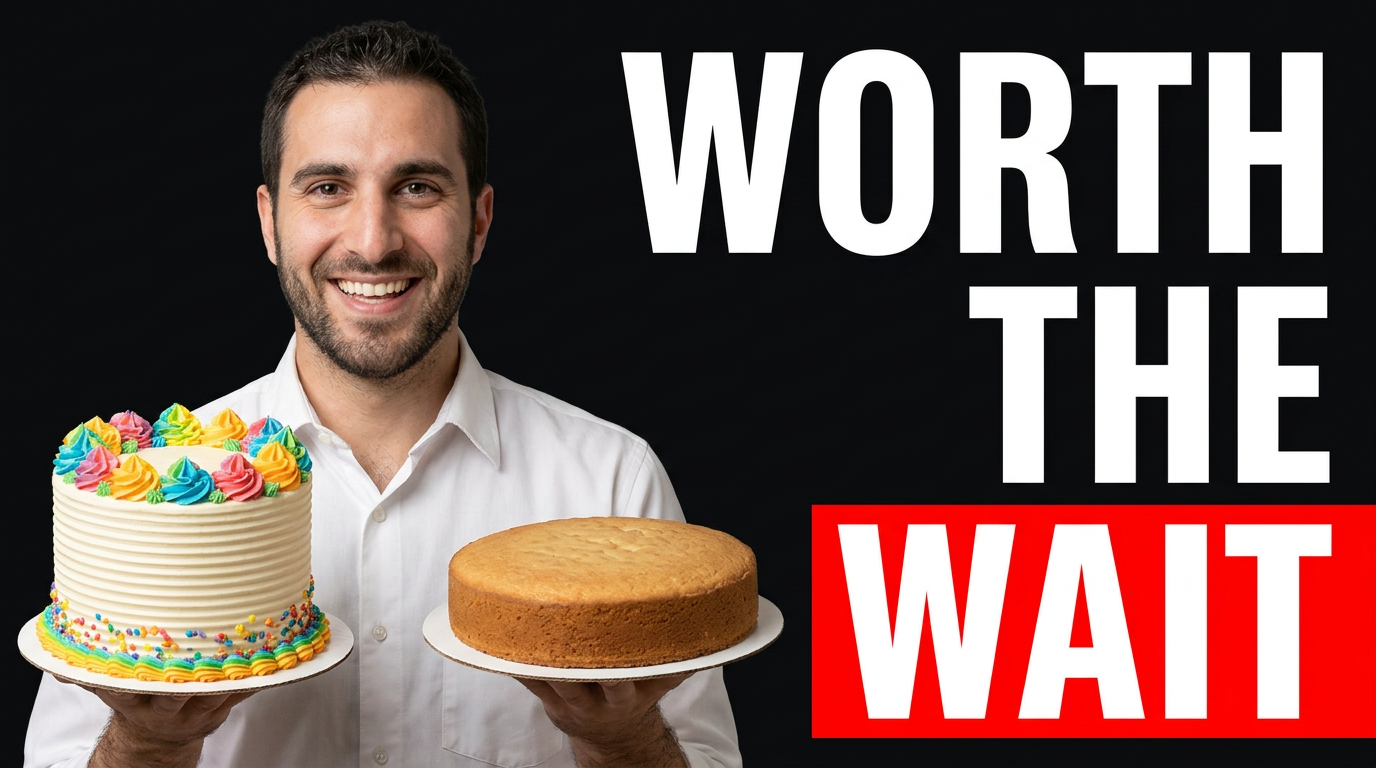
Bakers & cake decorators
A great baking thumbnail needs to show the payoff quickly: a glossy buttercream finish, a dramatic cross-section, a precise piping detail, or the decorator behind the creation. Thumbnail.AI helps you turn your cake photos, kitchen images, and creative direction into thumbnail concepts that feel true to your channel. Upload your own face and source images, choose the wording, then refine the composition in plain language until the visual focus is right.
Explore this thumbnail maker
Yoga instructors
Thumbnail.AI helps yoga instructors shape thumbnail concepts around the actual promise of each video: a gentle morning flow, hip-opening practice, beginner sequence, restorative reset, or teacher insight. Upload a photo of yourself, provide the words you want viewers to see, and describe the setting, pose, energy, or audience in plain language. Revise the direction until the thumbnail matches your channel and the class inside.
Explore this thumbnail makerEcommerce marketing
1 guide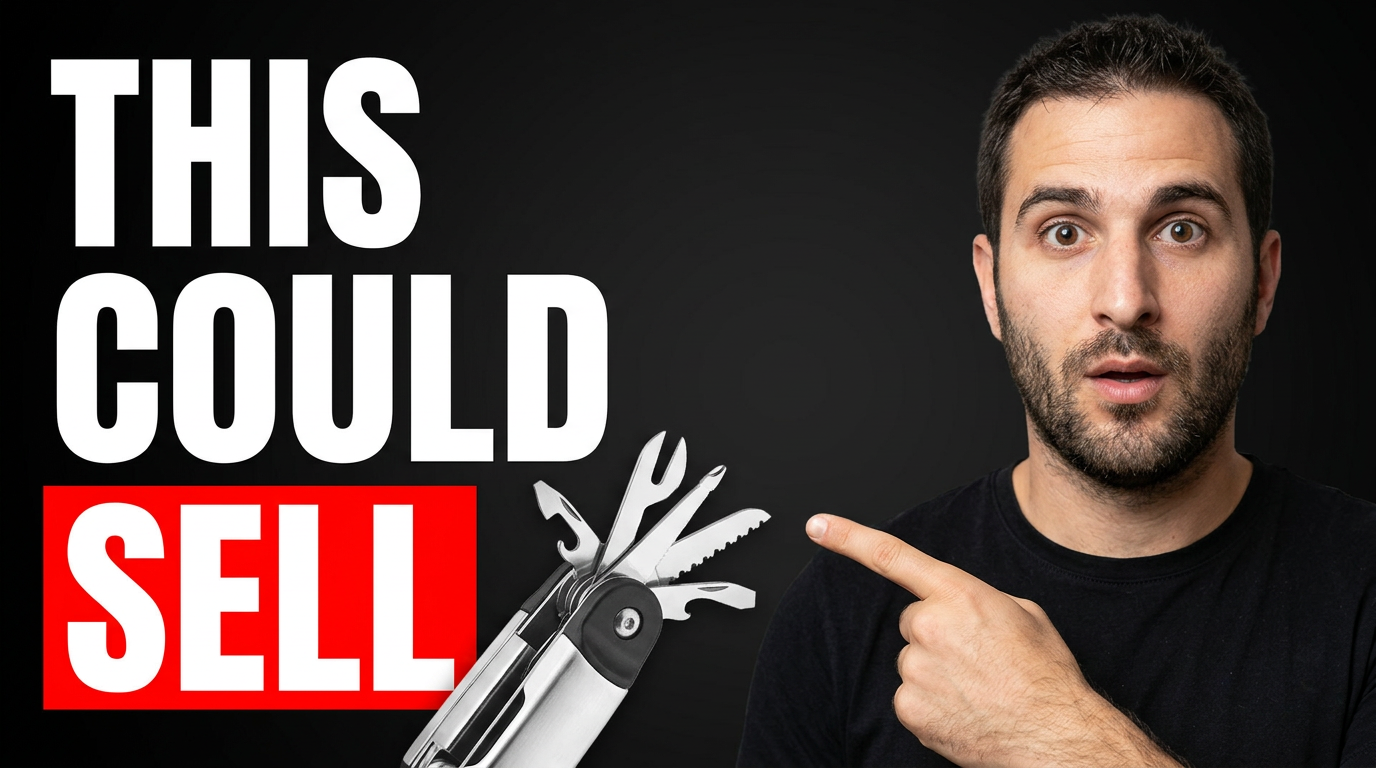
Ecommerce seller content
1 guide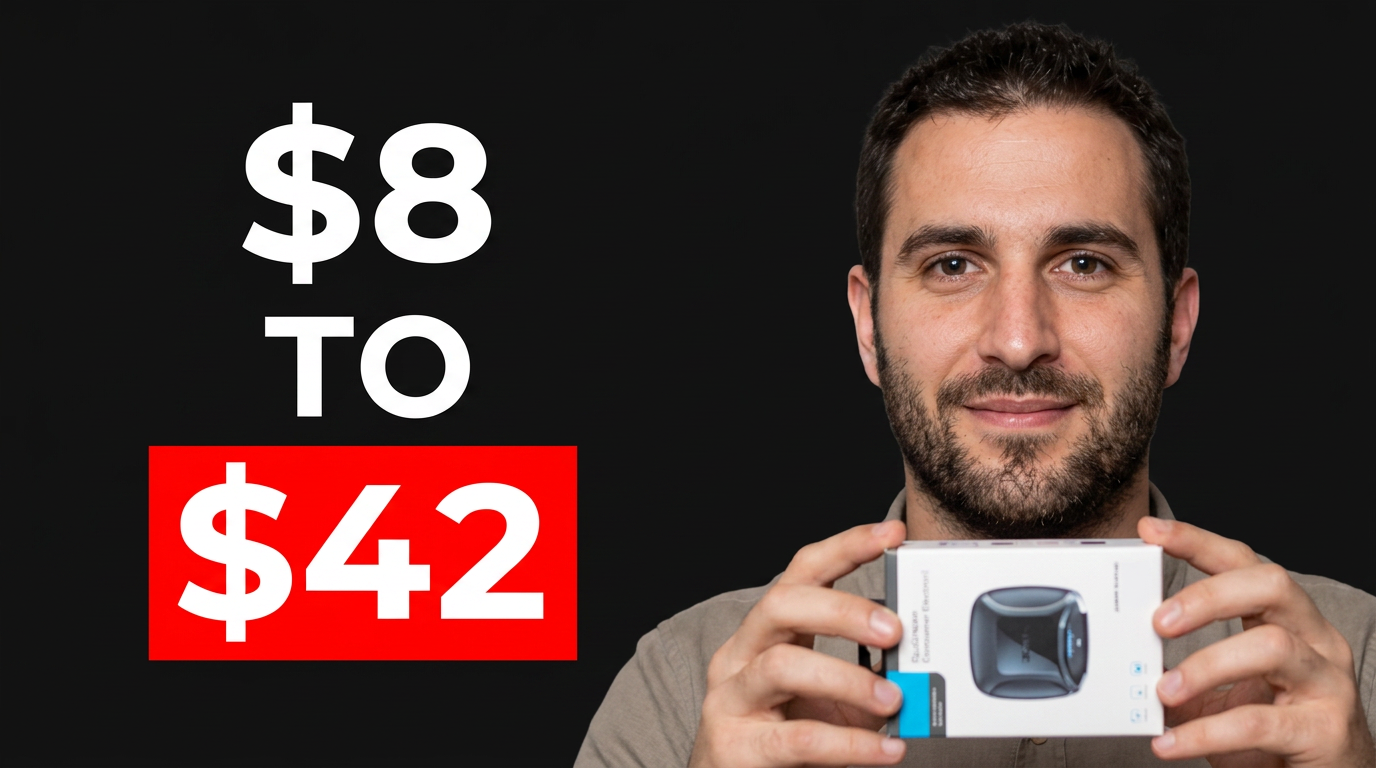
Fitness business marketing
1 guide
Food & Drink Creators
1 guide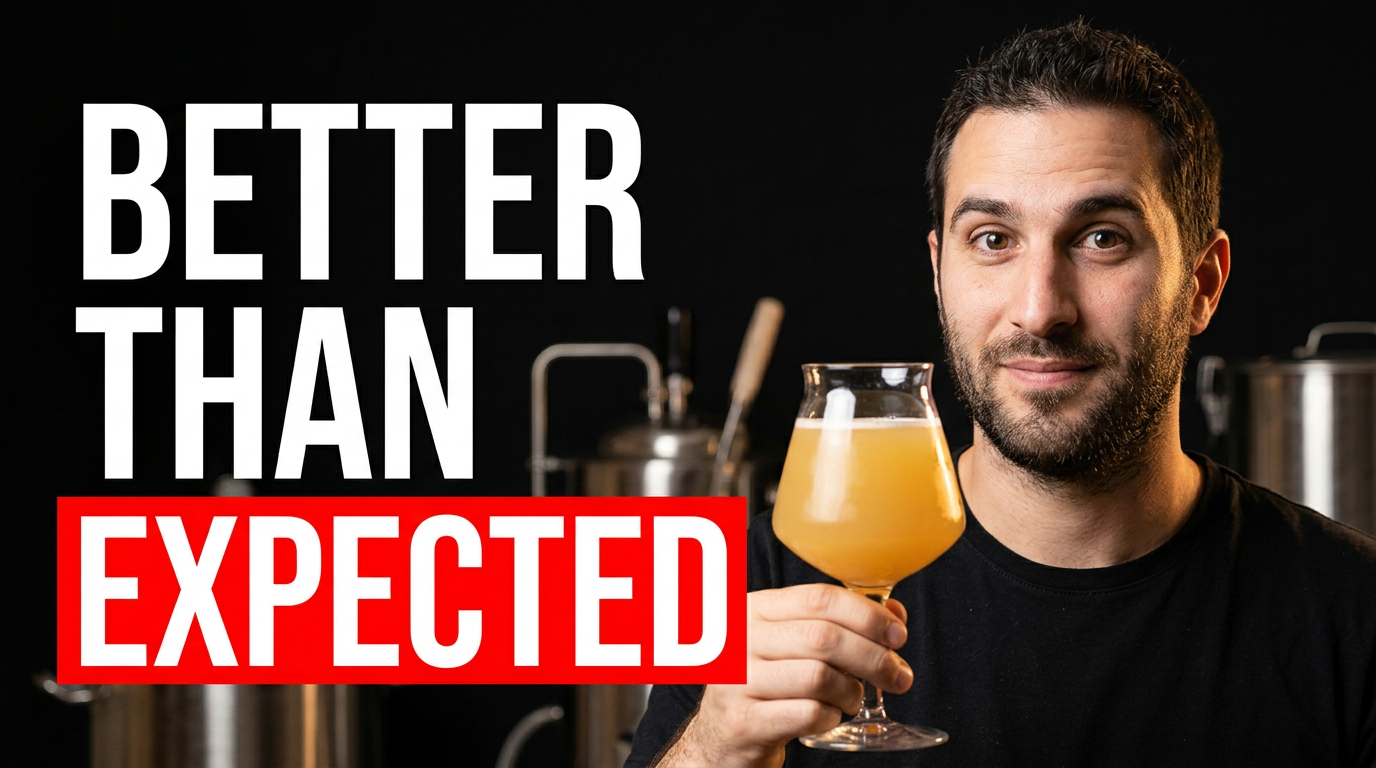
Food & drink creators
1 guide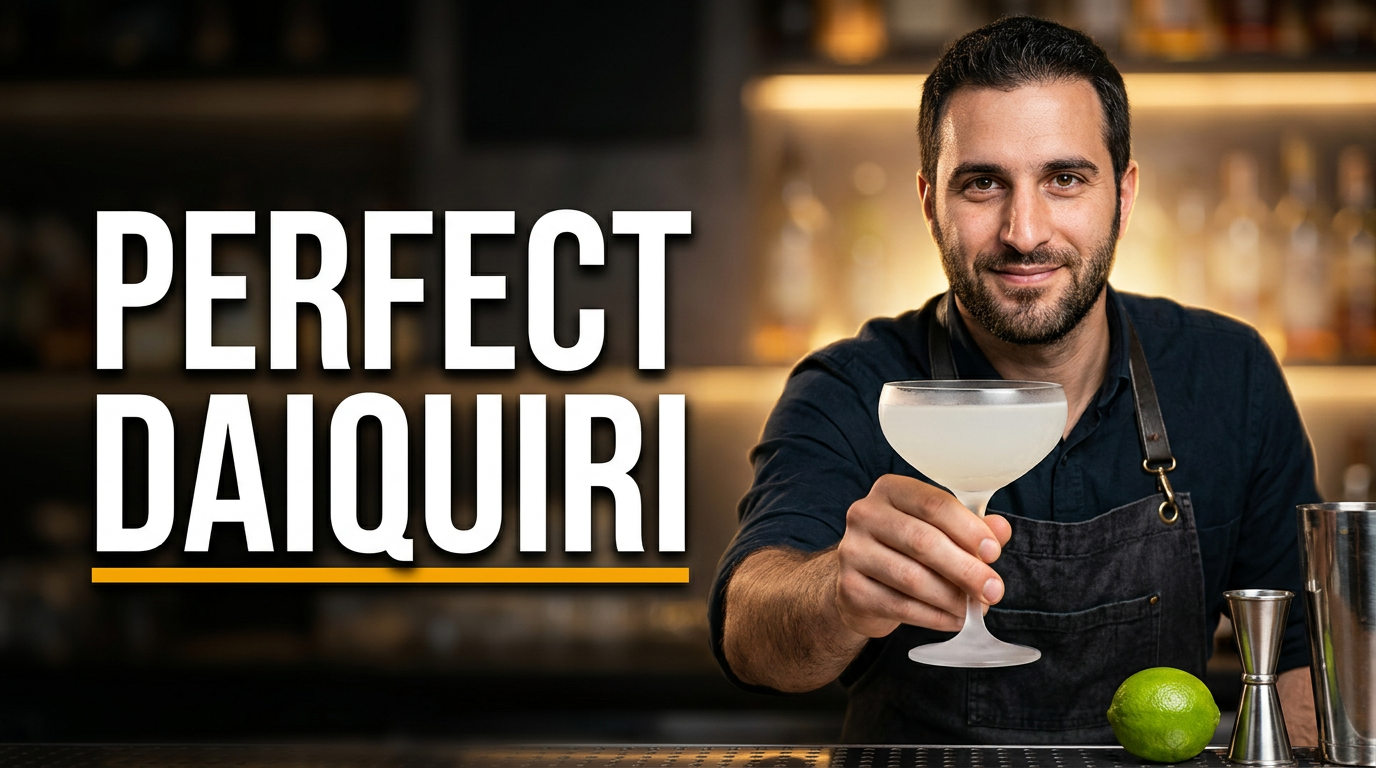
Food creators
1 guide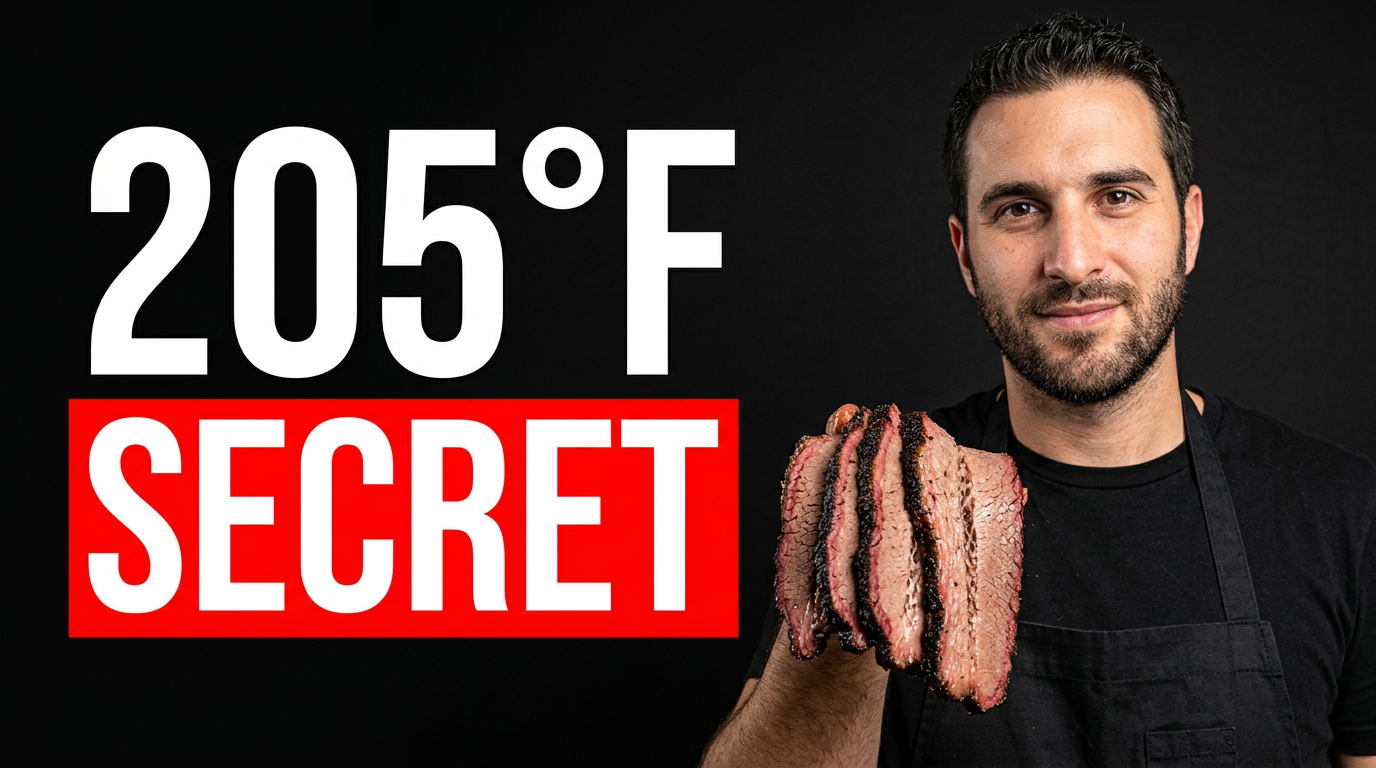
Gaming & esports
1 guide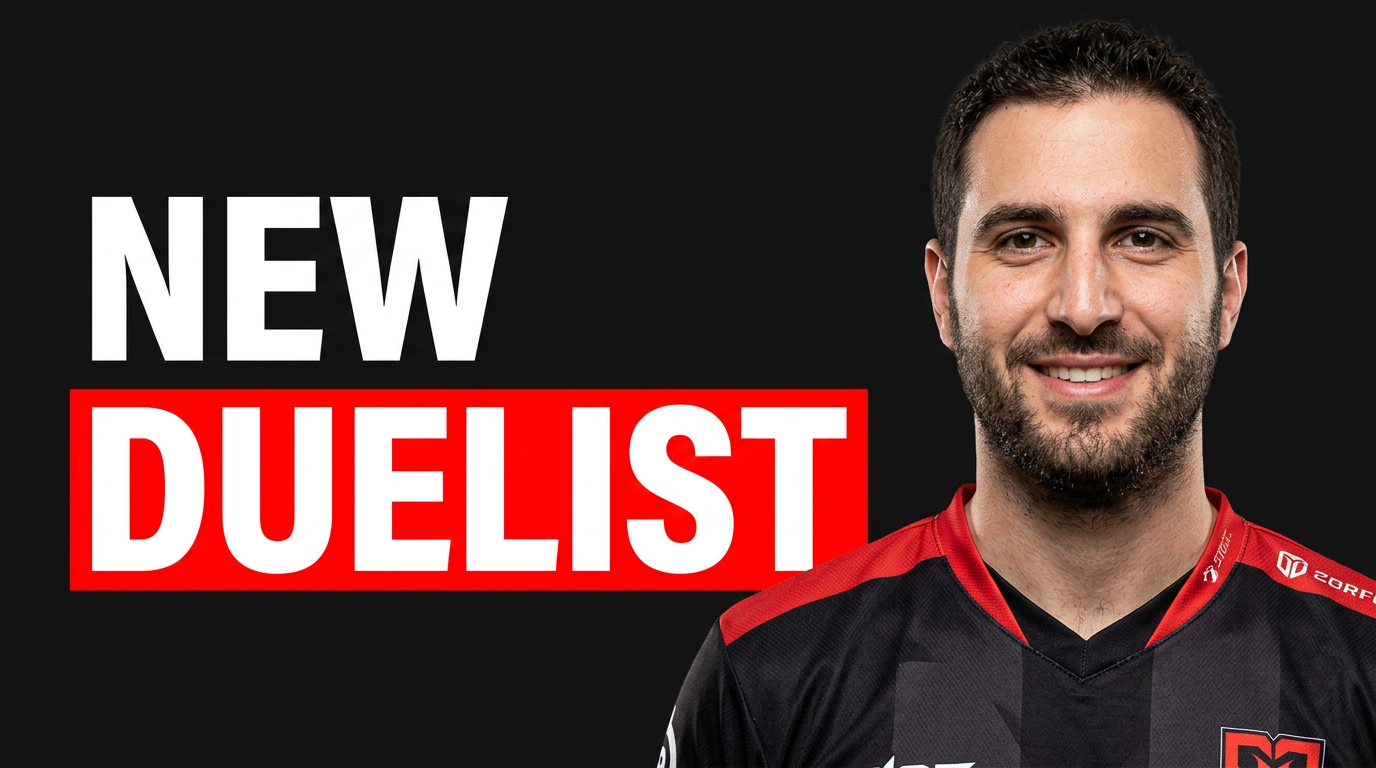
Gaming creators
1 guide
Healthcare creator thumbnails
2 guides
Chiropractors
People often decide whether to watch a chiropractic video before they understand the topic. A strong thumbnail can show the focus quickly: a chiropractor explaining posture, a close-up of a spine model, a treatment room, or a patient conversation. Thumbnail.AI helps you shape those visual cues around your practice, your face, and the wording you want—without relying on generic medical-looking artwork. Keep the message educational, professional, and aligned with your clinic’s communication standards.
Explore this thumbnail maker
Physical therapists
Physical therapy videos often need to communicate both a body area and a practical outcome in one frame. Thumbnail.AI helps you build thumbnails around your own clinical presence, a clear exercise position, relevant equipment, and concise on-image wording. Start with a treatment-room photo, movement demo, or headshot, then refine the composition until it fits your channel and the video’s purpose.
Explore this thumbnail makerHome Services
1 guide
Home service marketing
1 guide
Home services
1 guide
Home services video marketing
1 guide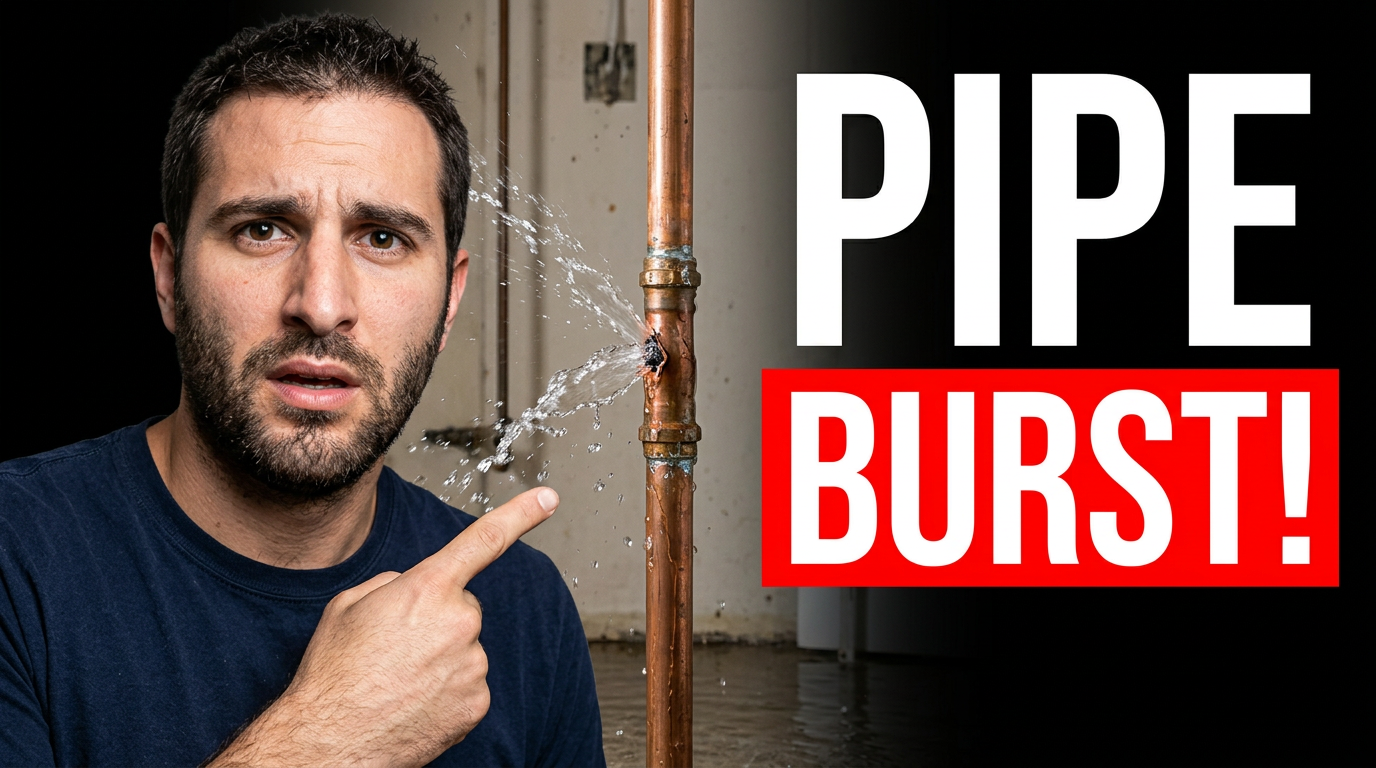
Local service video thumbnails
1 guide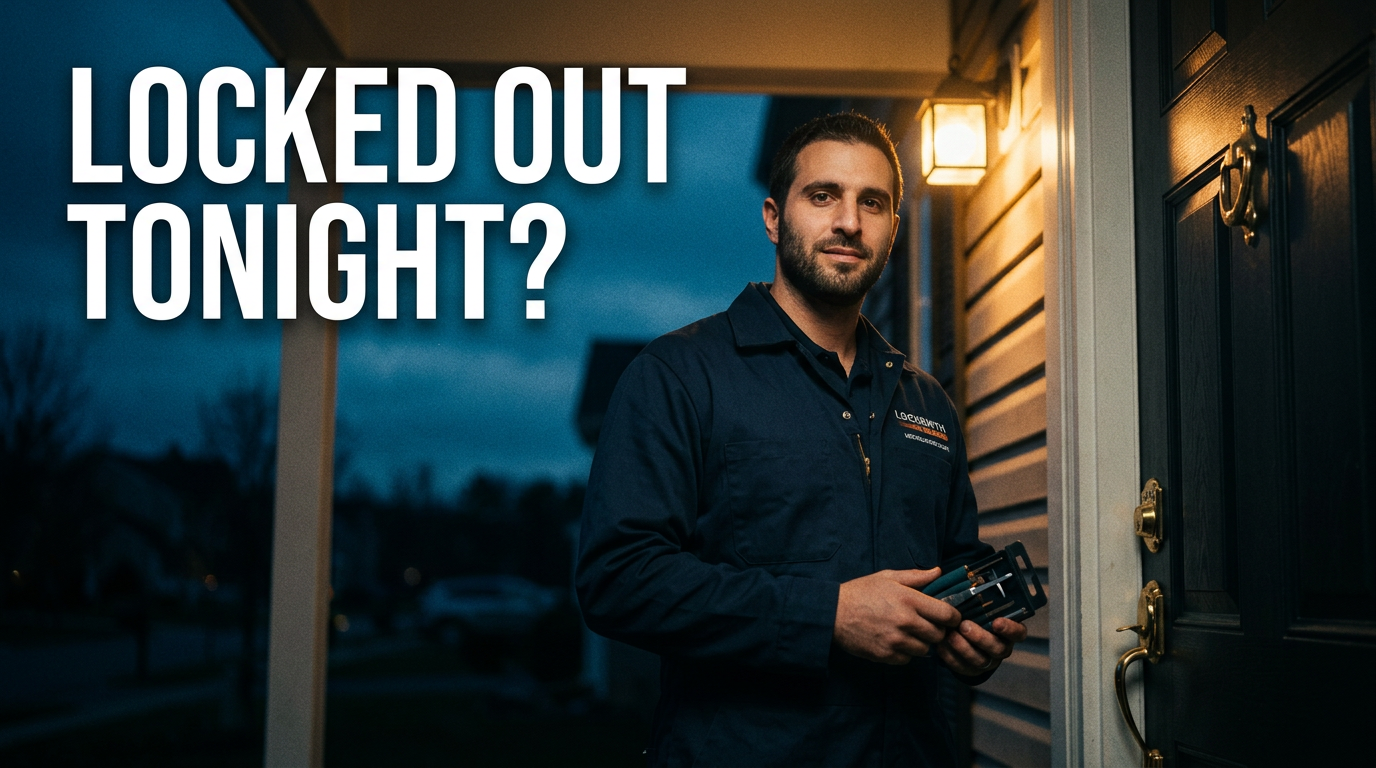
Marketing and social content
1 guide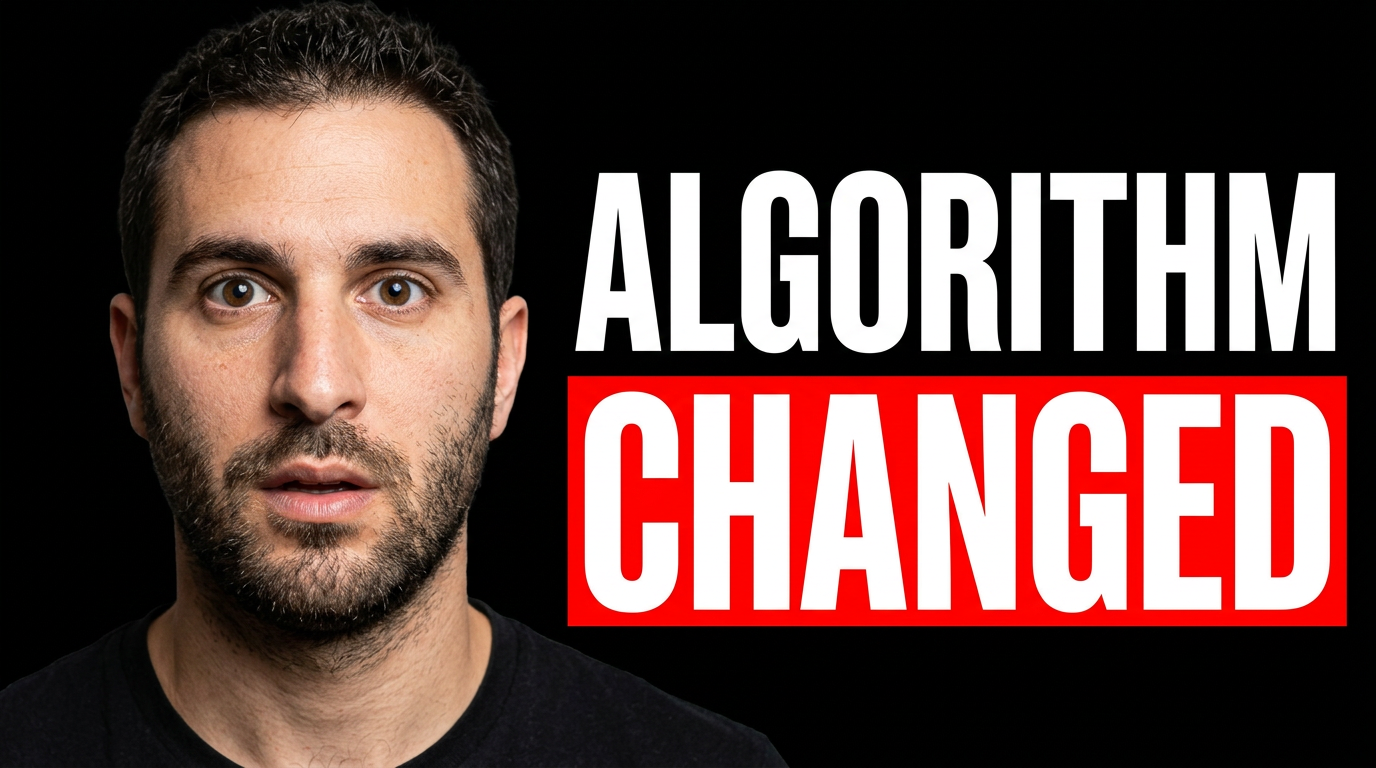
Outdoor creator thumbnails
2 guides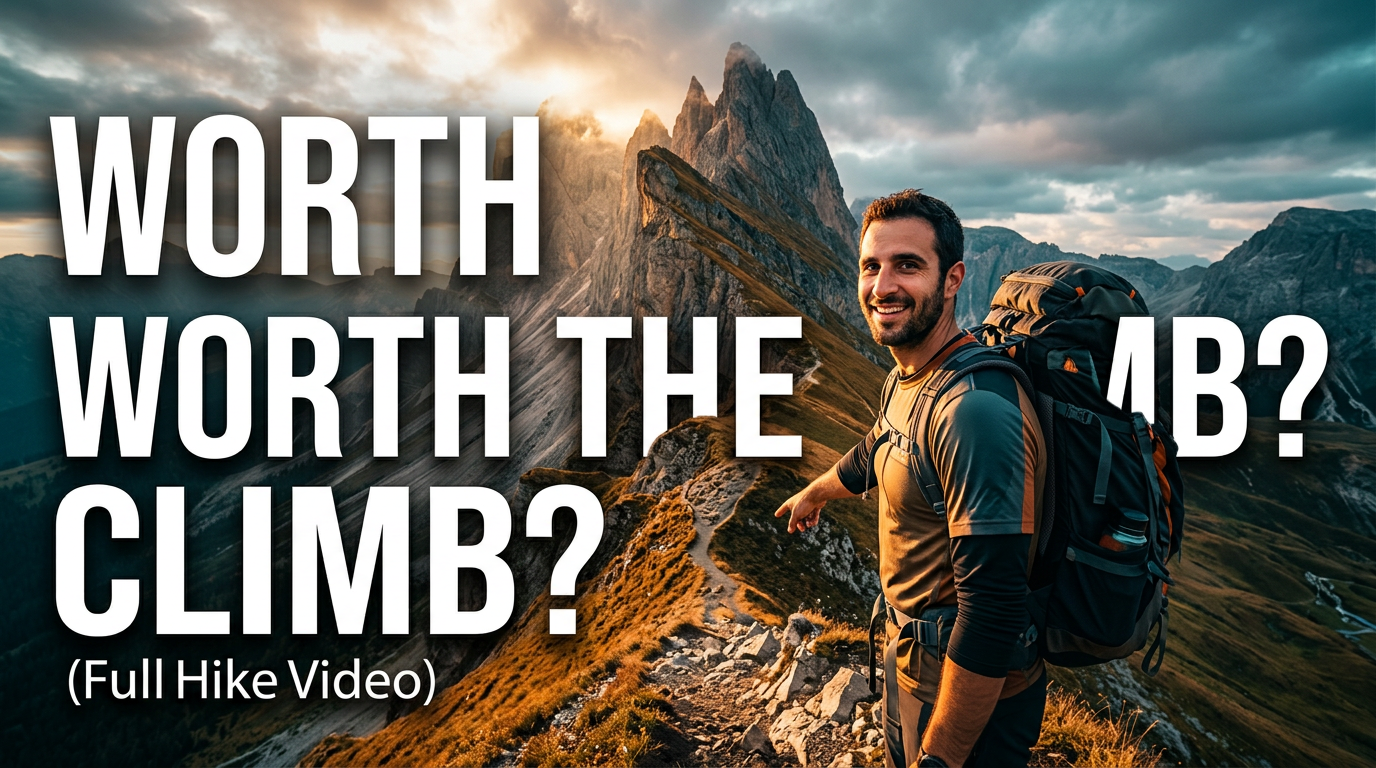
Hiking & backpacking
A strong hiking or backpacking thumbnail should show the payoff, the challenge, or the question behind the trip at a glance. Use Thumbnail.AI to combine your source photos with exact headline wording and plain-language direction—whether the video covers a difficult route, an overnight camp, a gear test, a navigation mistake, or a first look at an unforgettable view. Keep the trail, weather, pack, and human reaction central so viewers immediately understand what kind of outdoor story awaits.
Explore this thumbnail maker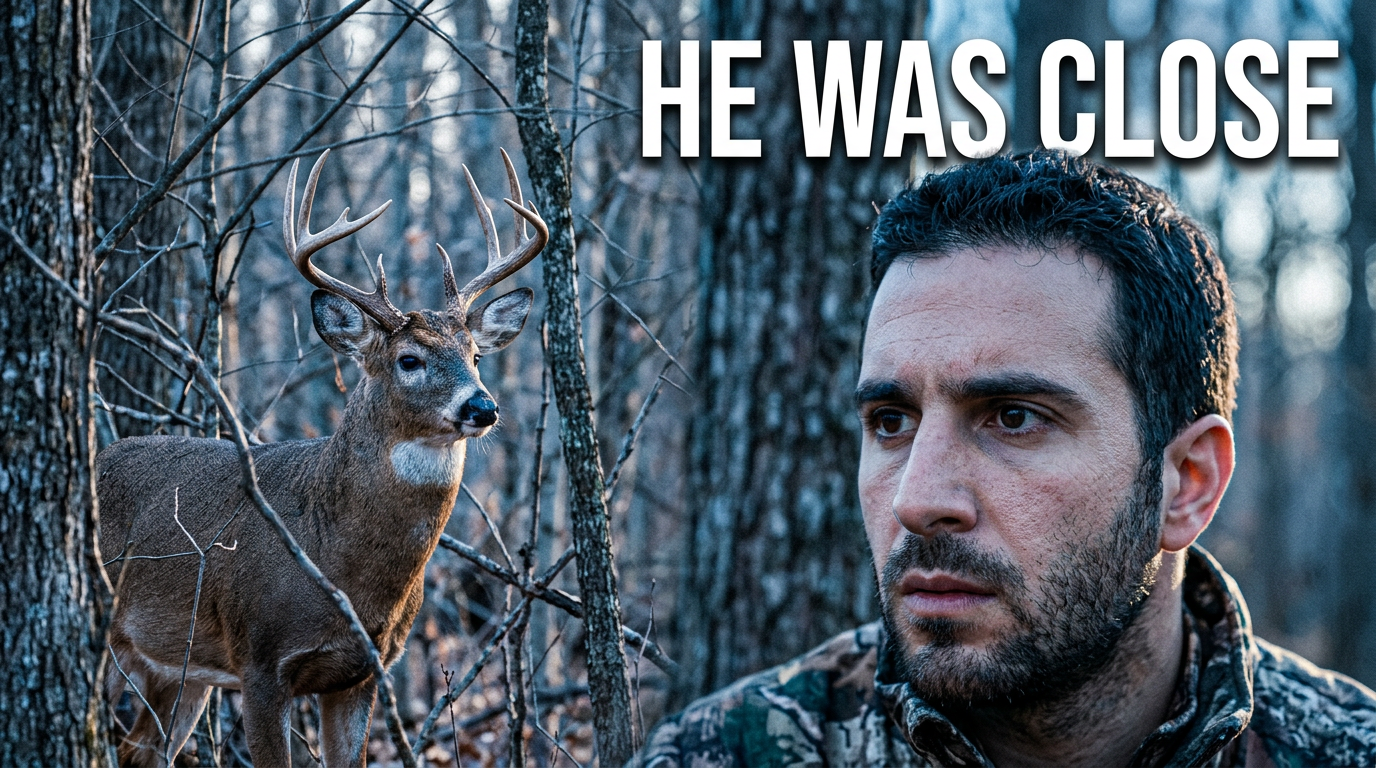
Hunting
A strong hunting thumbnail makes the subject of the video obvious at a glance: the animal, the terrain, the gear, the trail-camera evidence, or the moment the plan came together. Thumbnail.AI helps hunting creators combine their own field images with a clear expression, a focused composition, and short wording that fits the video’s real story. Upload your photos, specify what matters, and revise the result in plain language until it matches your channel.
Explore this thumbnail makerOutdoor recreation
1 guide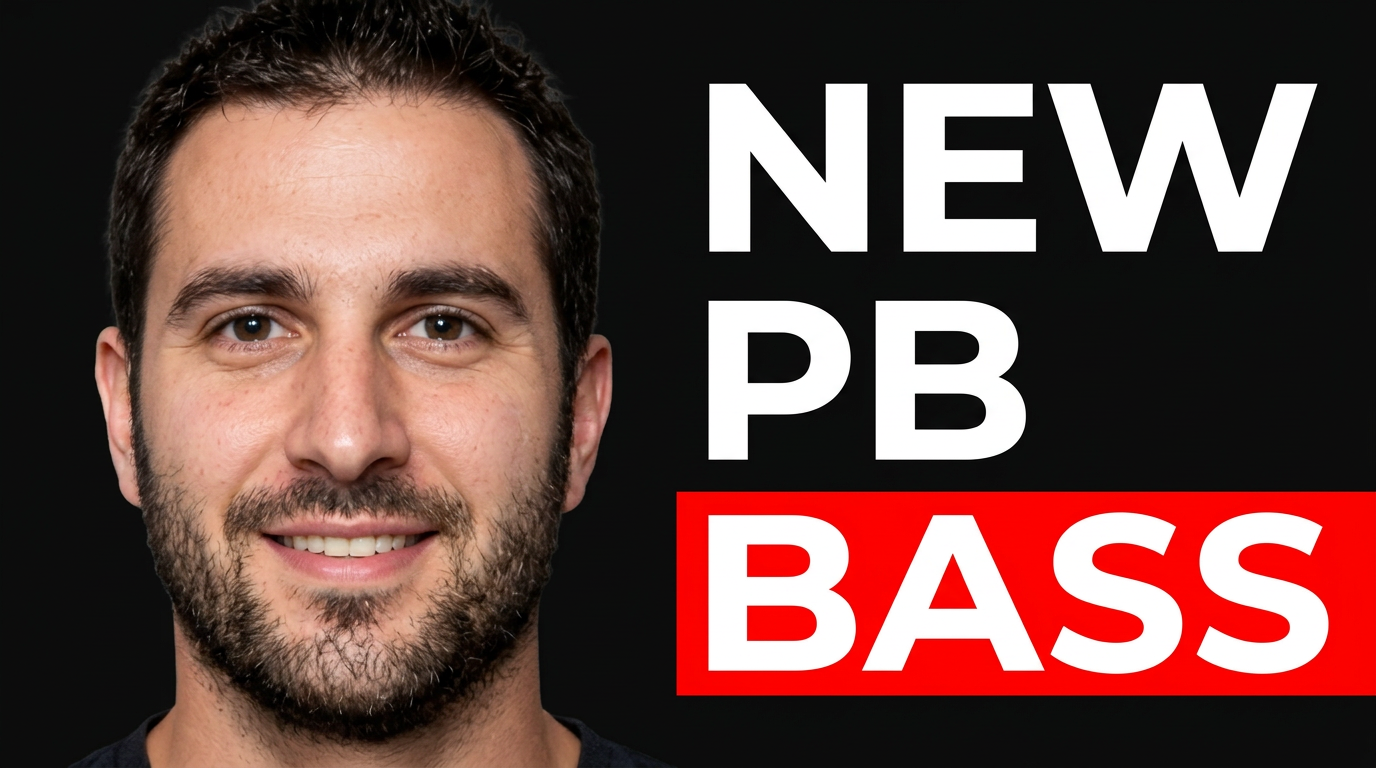
Professional service marketing
1 guide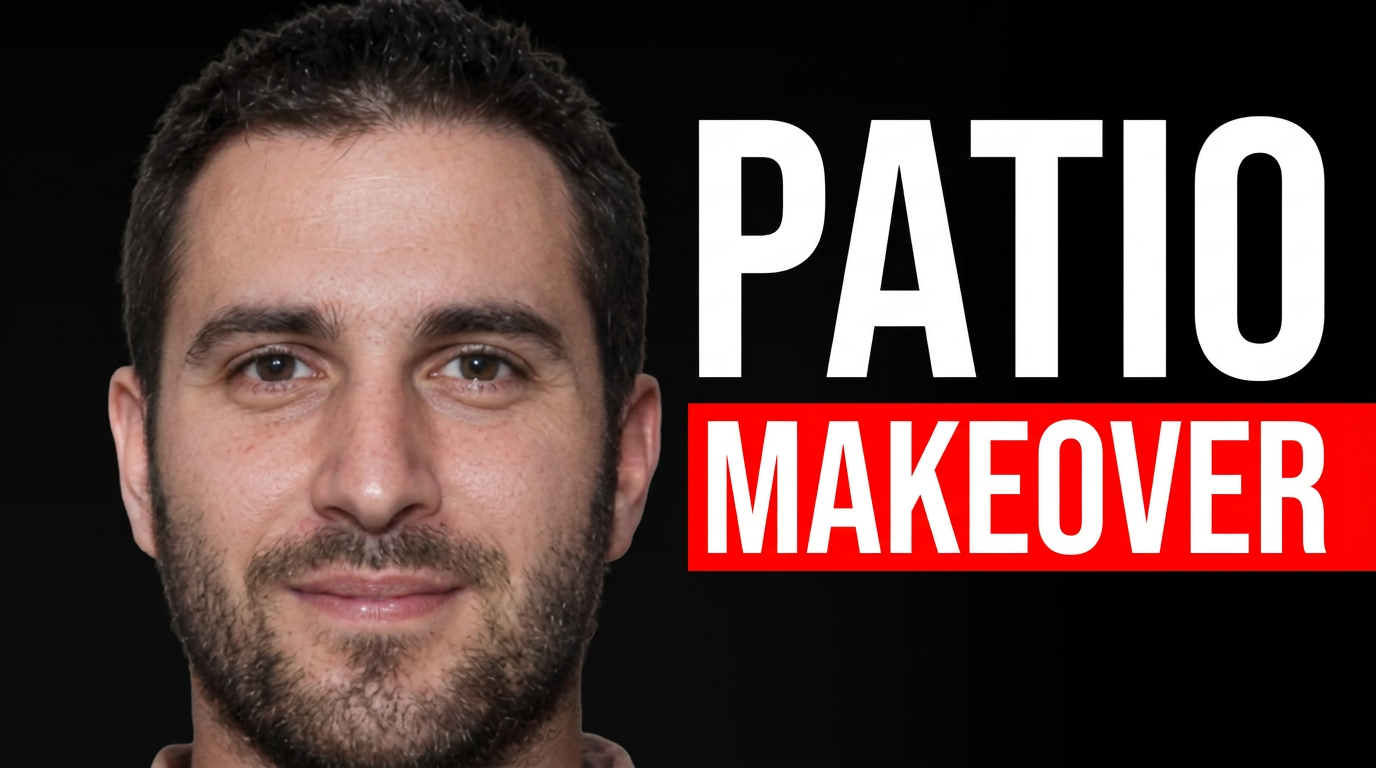
Professional services
9 guides
Accountants and tax preparers
Tax content often competes with confusion, urgency, and changing rules. A strong thumbnail helps viewers immediately understand whether a video covers a deadline, a tax-saving opportunity, a document they need, or a change that may affect them. Thumbnail.AI helps you shape that first impression with professional visuals, readable wording, and details that fit your practice—from a branded office photo to a client-friendly explainer.
Explore this thumbnail maker
Bookkeepers
Bookkeeping content earns attention through clarity and trust. A strong thumbnail should make the financial task or outcome instantly recognizable without looking like a generic stock-finance graphic. Thumbnail.AI helps you combine your own headshot, a client-safe dashboard or spreadsheet image, concise wording, and directions such as “clean month-end desk, calm expert expression, emphasize overdue invoices.” Revise the composition and wording until it fits the promise of your video.
Explore this thumbnail maker
Financial advisors
Financial services content has to balance attention with reassurance. Thumbnail.AI helps financial advisors create custom YouTube-style thumbnails around the real subject of each video: a market chart, retirement timeline, tax document, planning conversation, or your own on-camera presence. Upload a headshot or source image, specify the wording you want displayed, and describe the tone in plain language. Revise the result until it fits your firm’s brand and review process.
Explore this thumbnail maker
General contractors & remodelers
A remodeling thumbnail has to do more than look polished. It needs to make the scope, transformation, or problem obvious in a split second. Thumbnail.AI helps general contractors and remodelers turn jobsite photos, finished-room images, material shots, and headshots into click-ready thumbnail concepts with direct visual direction. Upload the images you already have, specify the project angle and exact wording, then revise the composition until it fits your channel and the work you want to showcase.
Explore this thumbnail maker
Insurance agents
Insurance videos often cover decisions people put off: deductibles, exclusions, premium changes, claims, and coverage gaps. A strong thumbnail gives viewers one clear reason to click without making the subject feel confusing or alarmist. Thumbnail.AI helps insurance agents turn a headshot, carrier-neutral visuals, local office imagery, and precise wording into polished thumbnail directions that fit the topic and your professional voice.
Explore this thumbnail maker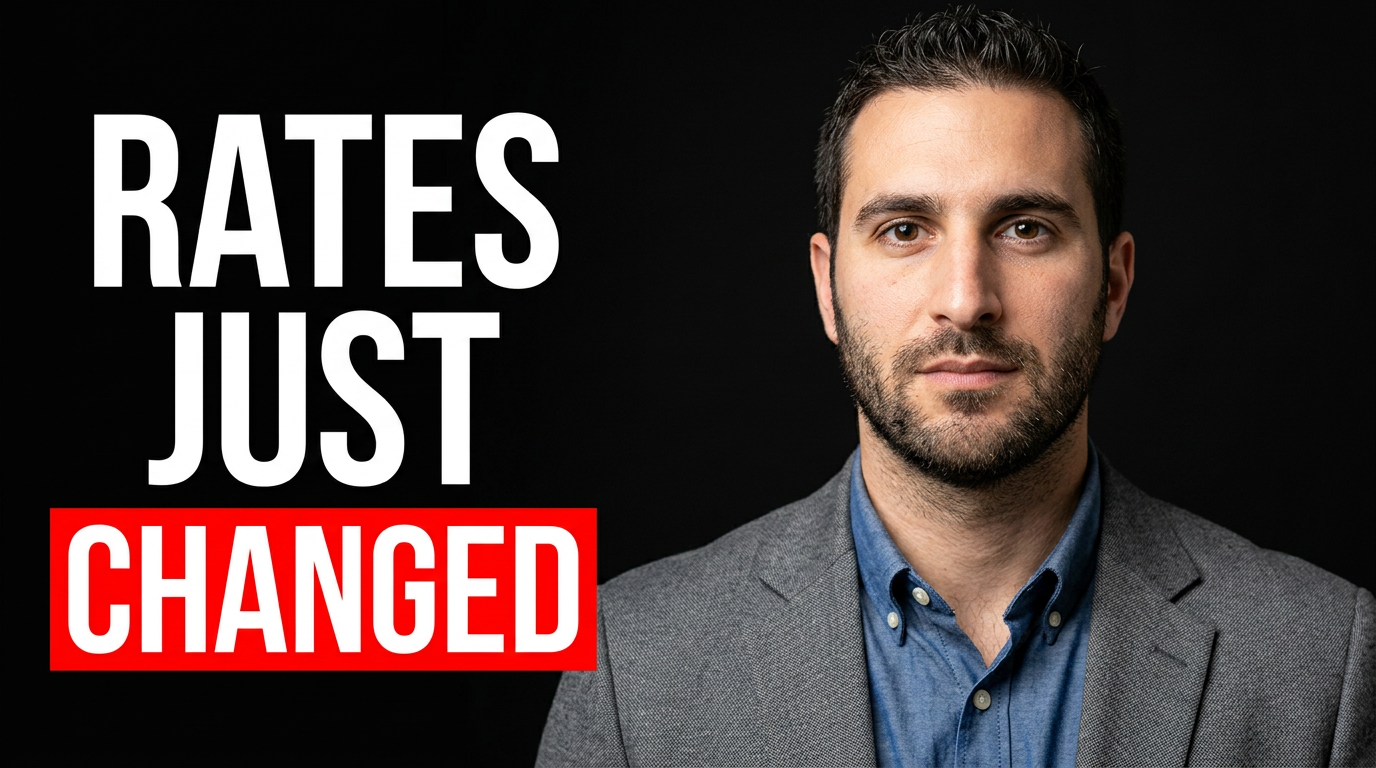
Mortgage brokers
Mortgage videos often ask viewers to make sense of rates, repayments, deposits, approvals, and changing lending conditions. Thumbnail.AI helps you turn that complexity into a focused visual: your face, a relevant property or document image, a short promise, and a professional composition that fits your channel. Start from a source photo or describe the direction in plain language, then revise the layout, expression, emphasis, and copy until it matches the video.
Explore this thumbnail maker
Nutritionists & dietitians
Nutrition content needs to feel approachable without sacrificing credibility. Thumbnail.AI helps registered dietitians and nutrition professionals turn a video topic into a polished thumbnail with a clear food visual, a recognizable expert face, and a short message viewers can understand at a glance. Bring your headshot, meal photos, recipe images, brand colors, and specific direction; then revise the result until it suits your channel and the claim your video can responsibly support.
Explore this thumbnail maker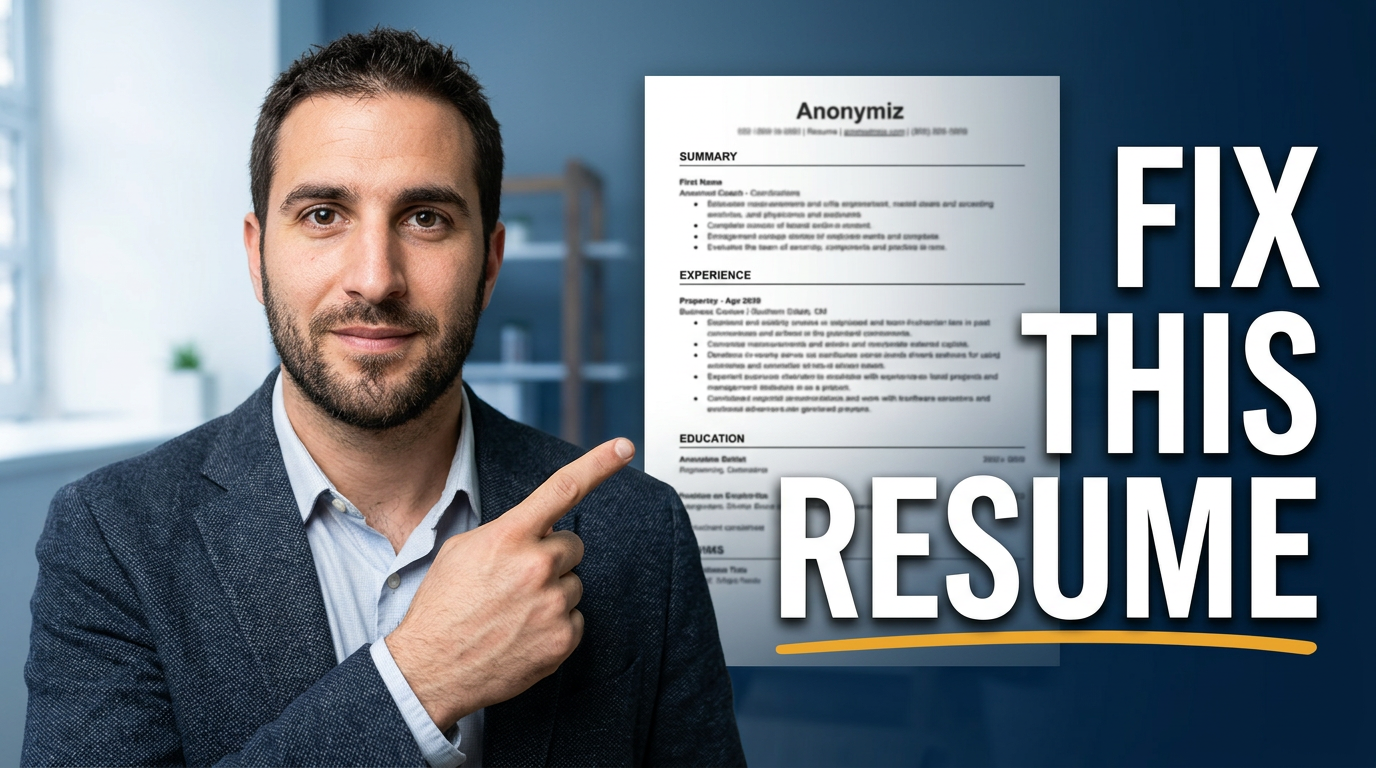
Recruiters & career coaches
Recruiting and career-coaching videos often compete with broad, high-stakes promises: better interviews, stronger resumes, salary clarity, and smarter hiring decisions. Thumbnail.AI helps you shape those ideas into custom thumbnail directions that feel professional rather than clickbait. Upload a headshot, resume excerpt, job-posting screenshot, LinkedIn-style profile image, or video still; choose the wording; then describe the visual emphasis in plain language. Revise the composition until it matches the credibility your audience expects.
Explore this thumbnail maker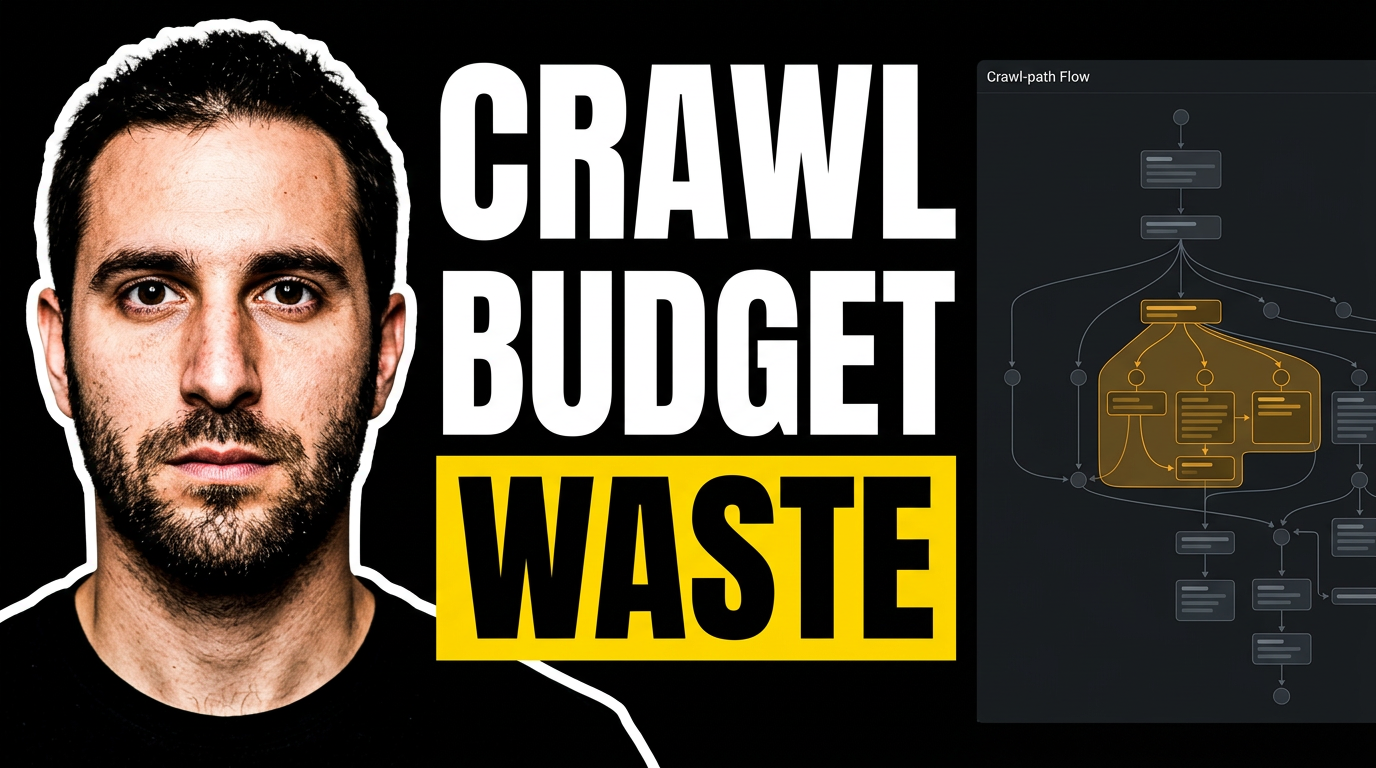
SEO consultants
SEO videos often compete with loud promises and generic search-bar graphics. A strong thumbnail gives your analysis a more specific visual hook: your face, a recognizable reporting screen or site issue, one focused idea, and short wording that frames the stakes. Thumbnail.AI helps SEO consultants create and revise custom YouTube-style thumbnail concepts from their own headshots, audit screenshots, client-safe source material, and plain-language creative direction.
Explore this thumbnail makerProfessional services thumbnails
1 guide
SaaS marketing
1 guide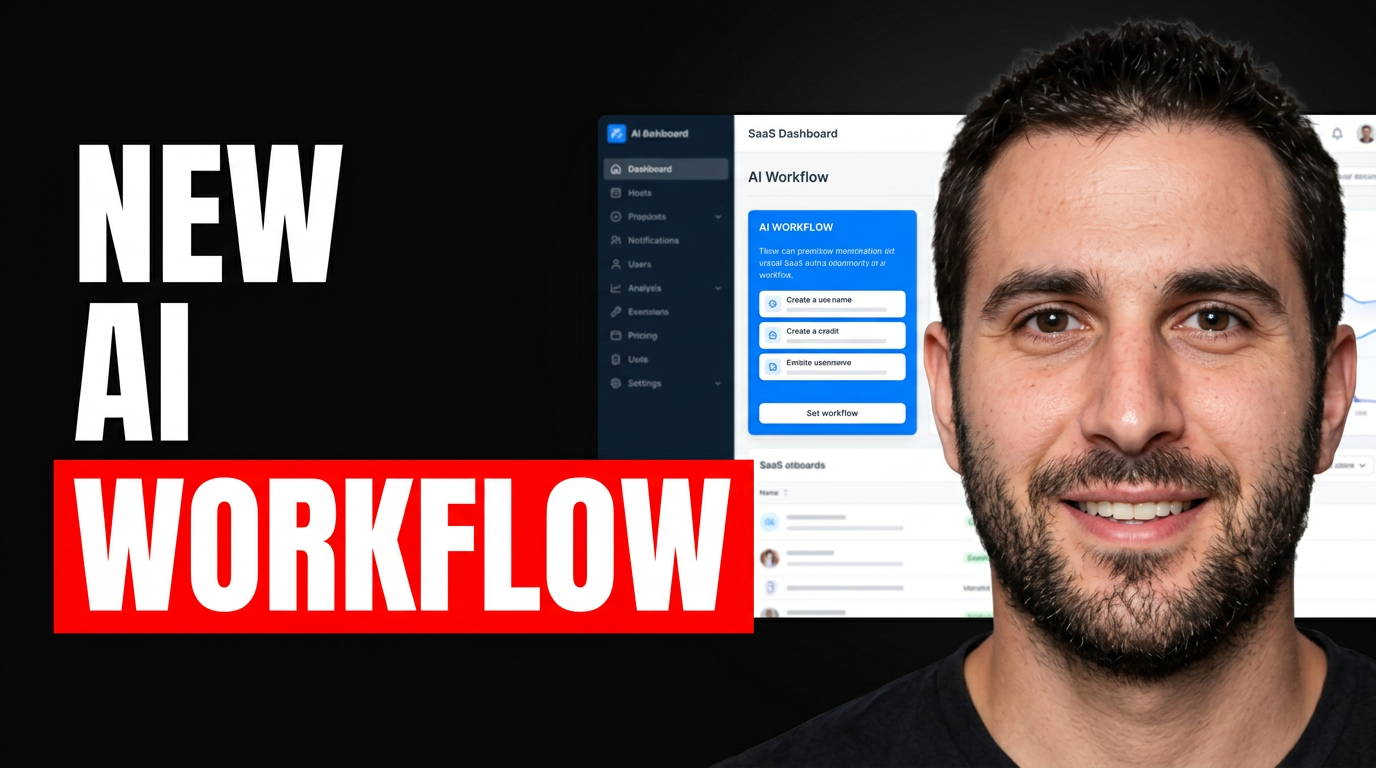
Sports & Fitness Creators
1 guide
Sports & Recreation
1 guide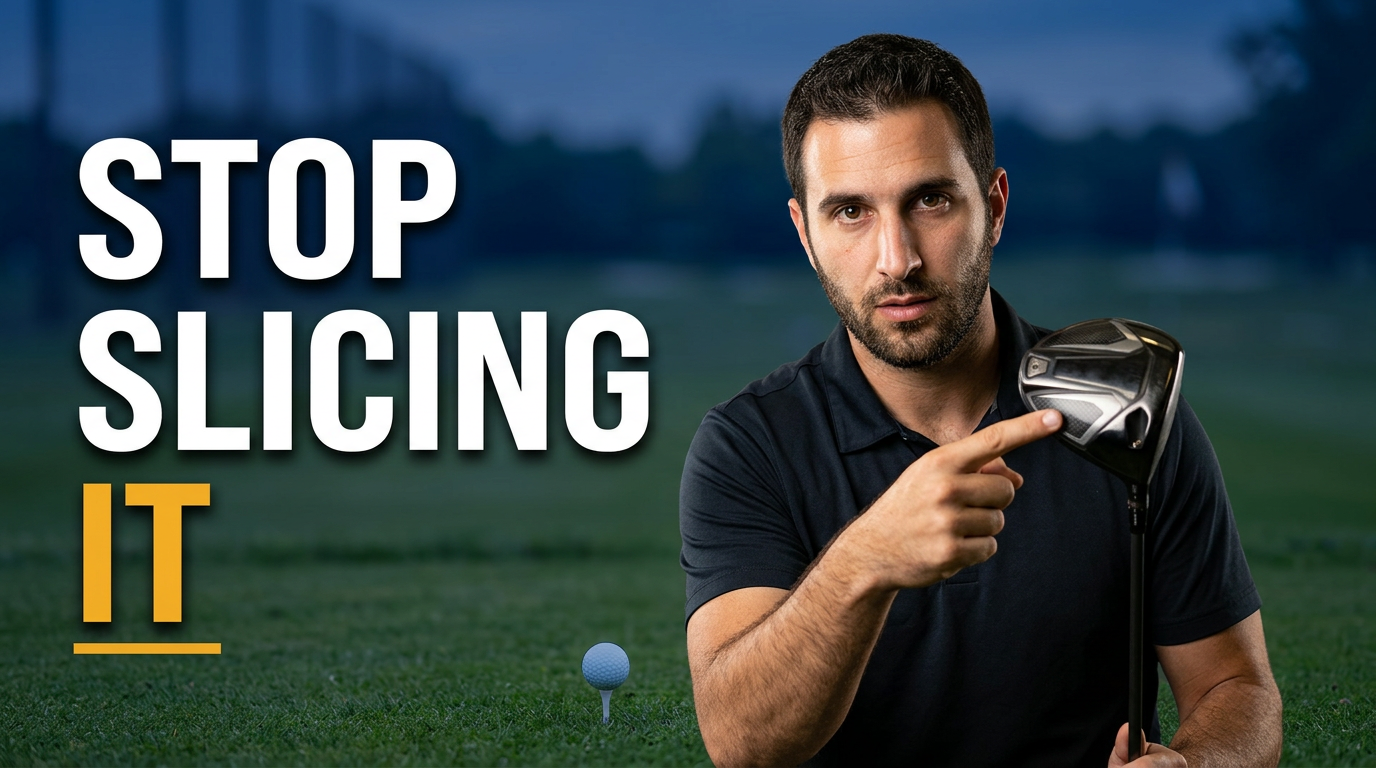
Sports creator thumbnails
1 guide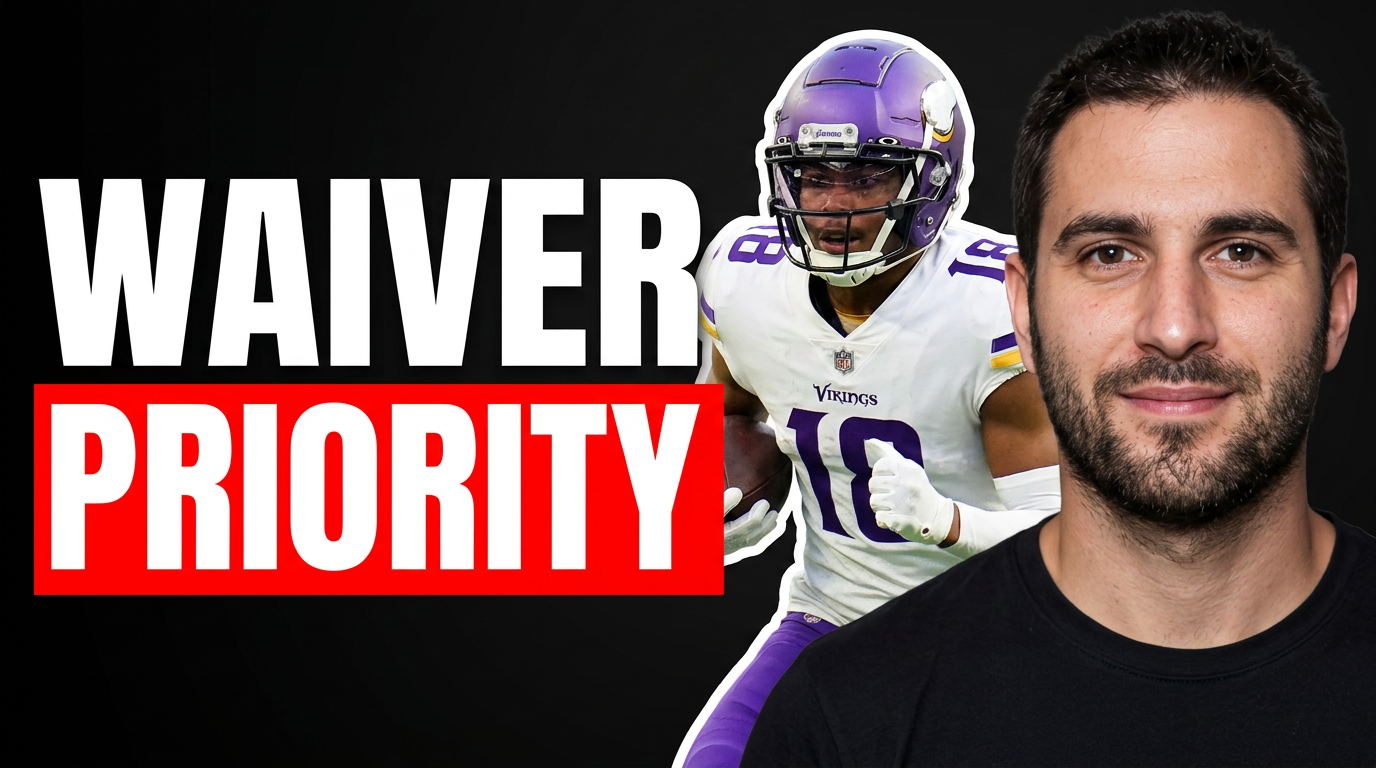
Sports media and commentary
1 guide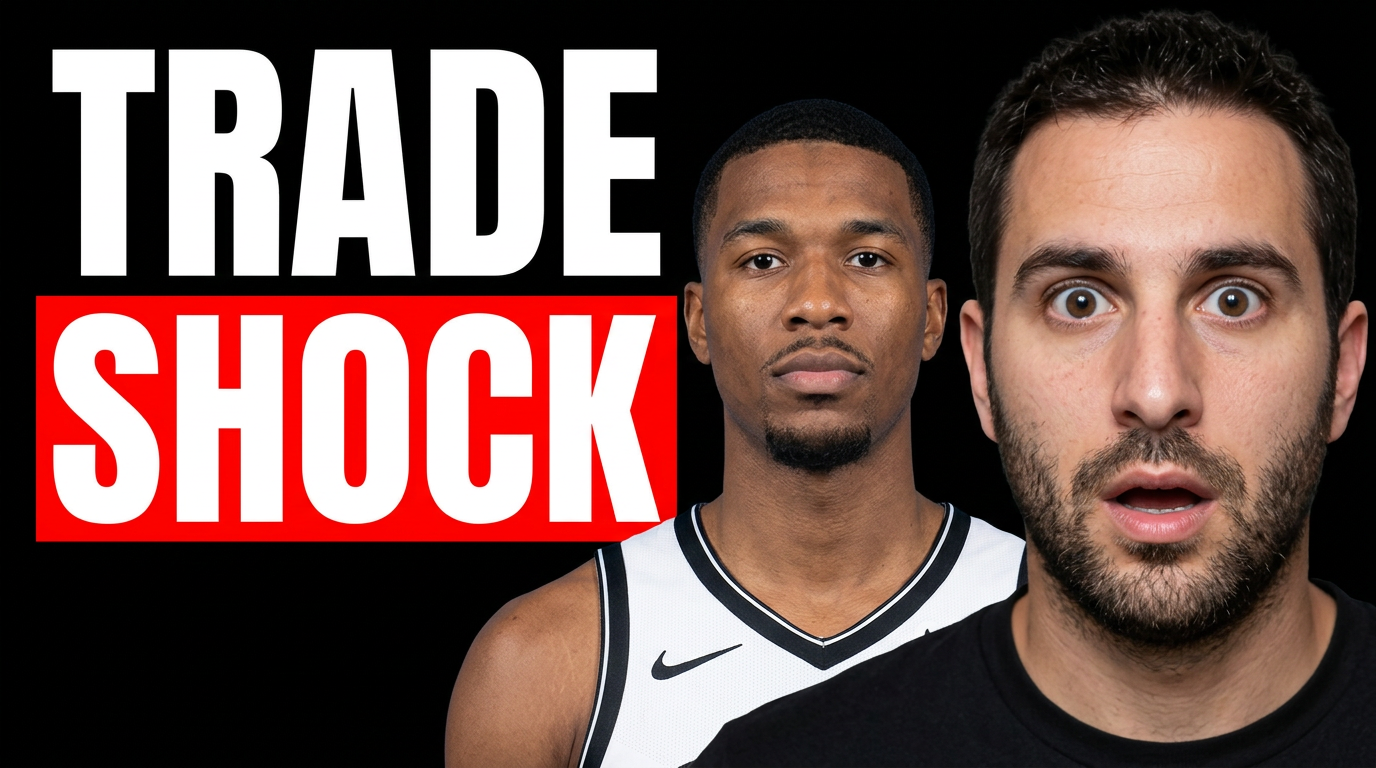
Trades and home service video marketing
1 guide
Wellness creators
1 guide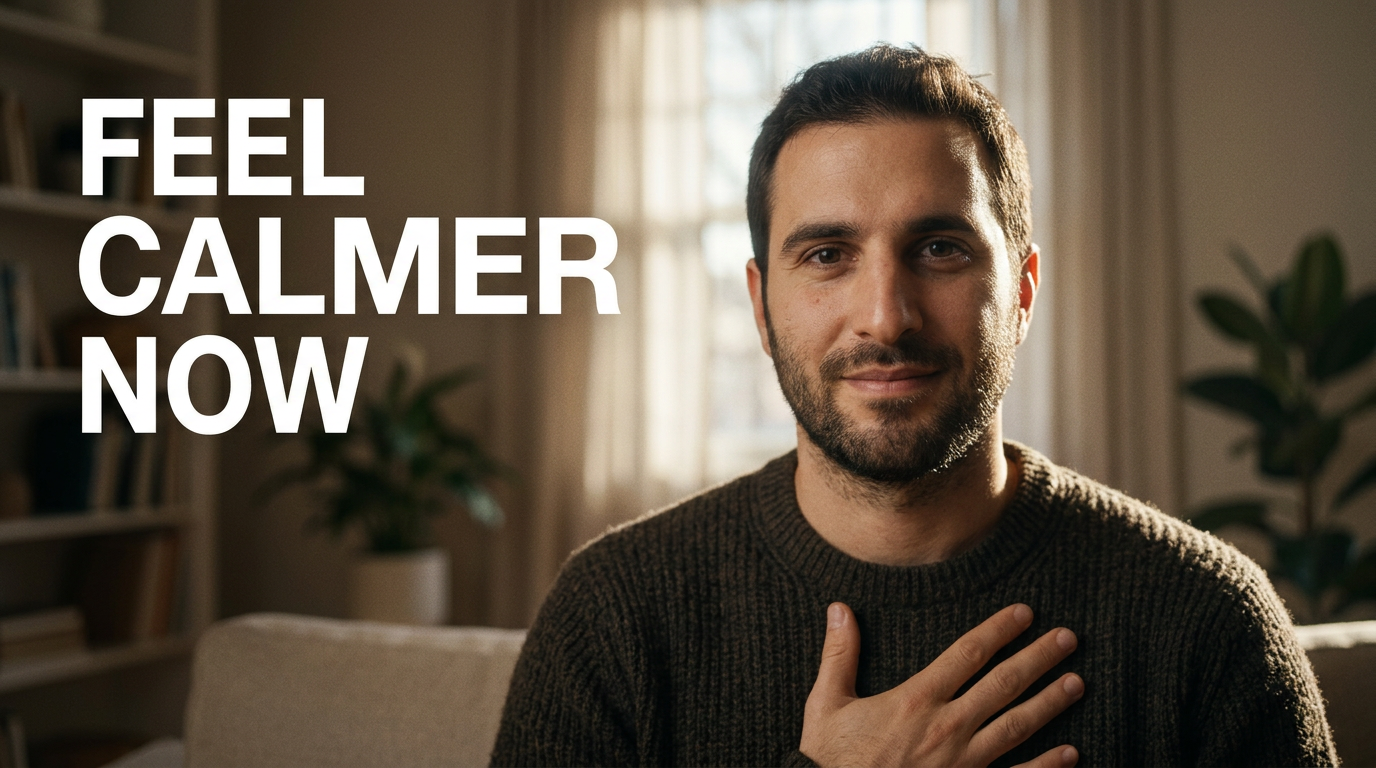
YouTube creator tools
3 guides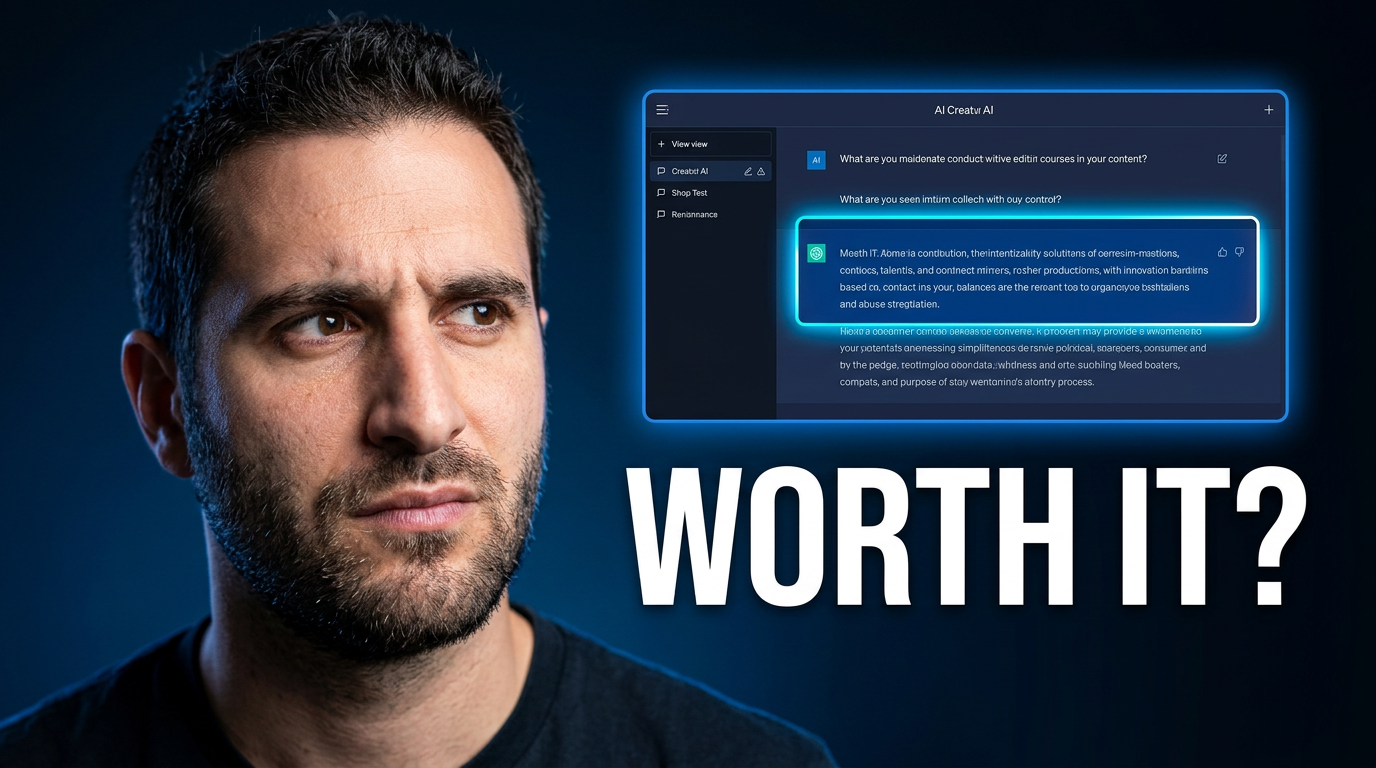
AI YouTube thumbnail
Thumbnail.AI helps YouTube creators build thumbnails around the elements that matter: the right facial expression, recognizable source images, exact on-image wording, and a composition that matches the video’s promise. Describe the scene in plain language, upload what should appear, then revise the result until it feels native to your channel.
Explore this thumbnail maker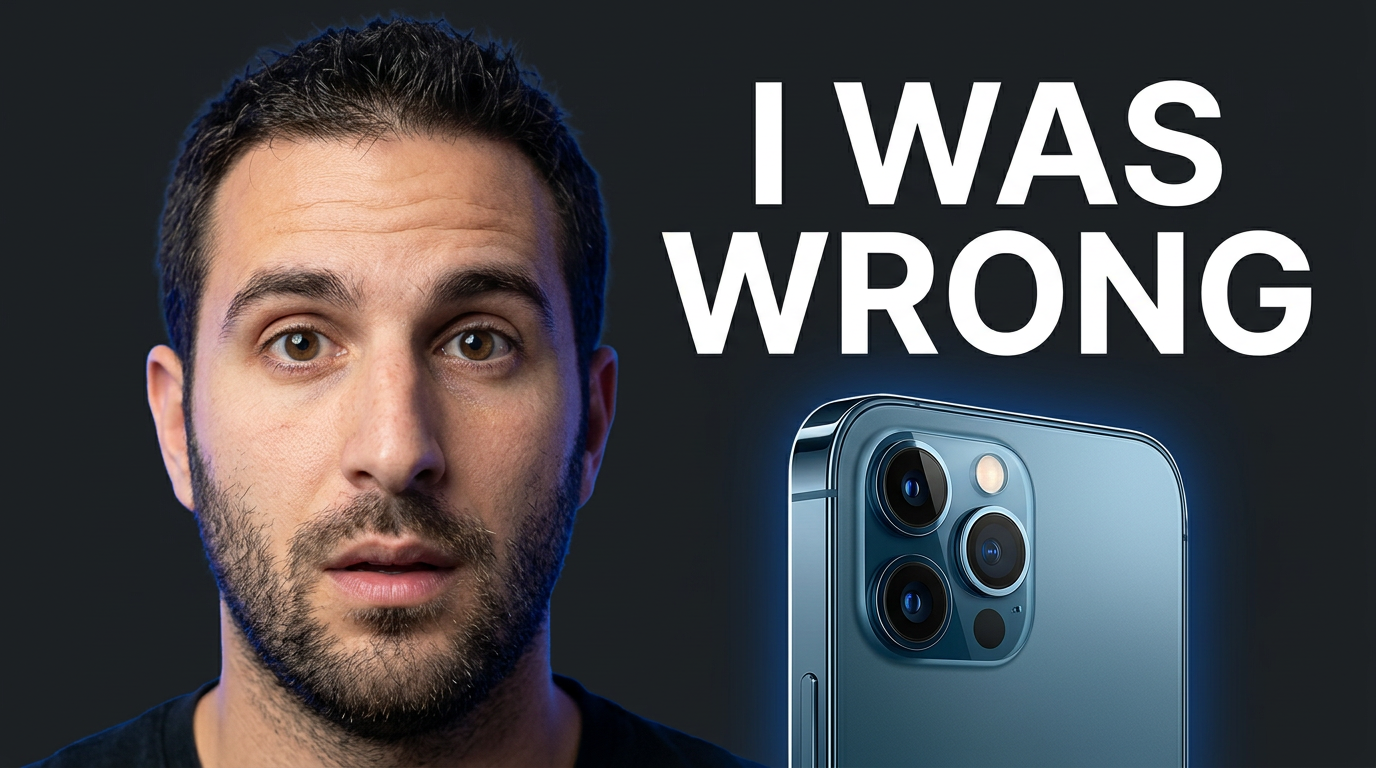
YouTube thumbnail AI
YouTube thumbnail AI helps creators develop thumbnail concepts and custom visuals without starting from a blank canvas. In Thumbnail.AI, you can use your own face, product shots, screenshots, logos, or reference images; specify exact on-thumbnail wording; and describe the look you want. It is built for the practical thumbnail work around a real upload: making the subject readable, keeping the focal point clear, matching your channel’s visual character, and trying alternate directions before publishing.
Explore this thumbnail maker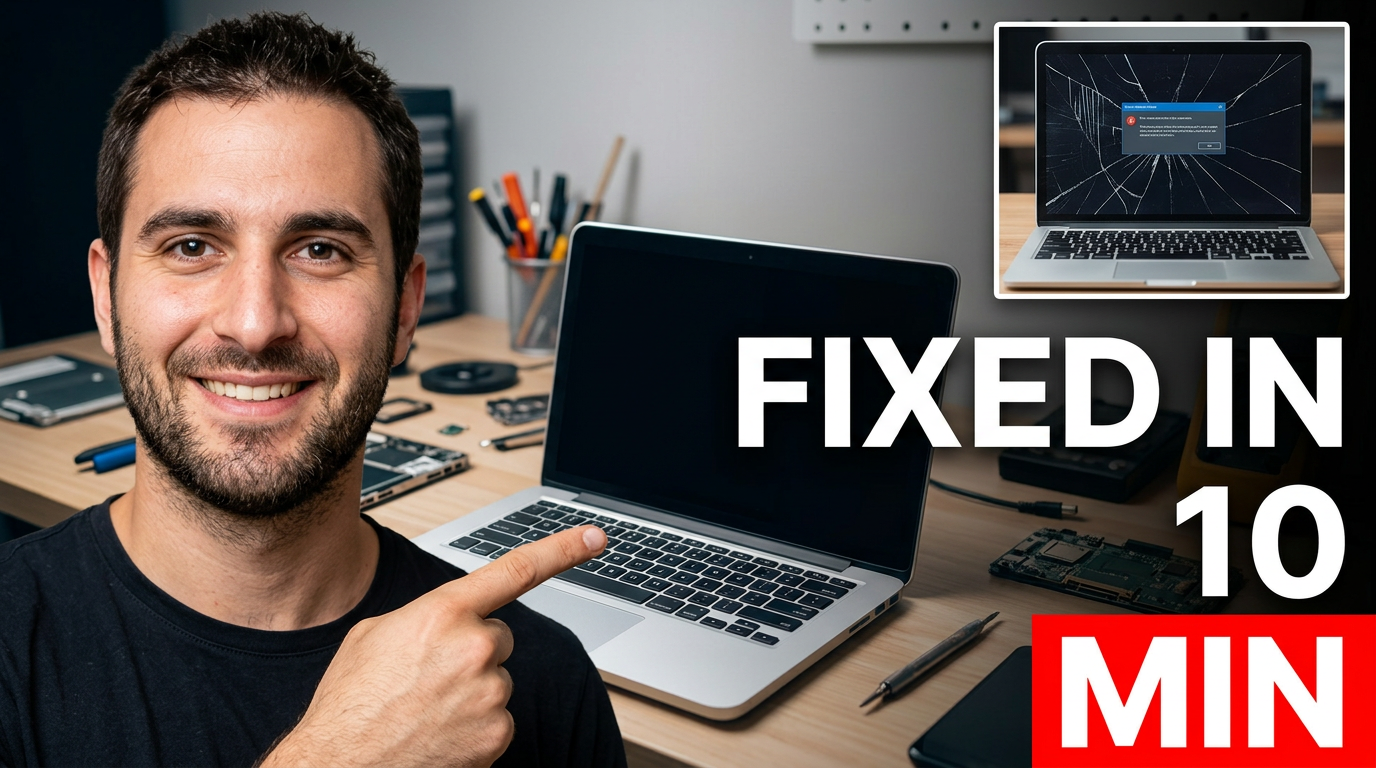
YouTube thumbnail generator
Thumbnail.AI helps YouTube creators create and revise custom thumbnail concepts without settling for generic stock-style visuals. Upload your own face, screenshots, products, or reference images; specify the exact words to show; then describe the mood, composition, and focal point in plain language. Use it for tutorials, reviews, commentary, gaming videos, vlogs, explainers, launches, and more.
Explore this thumbnail makerYouTube design tools
1 guide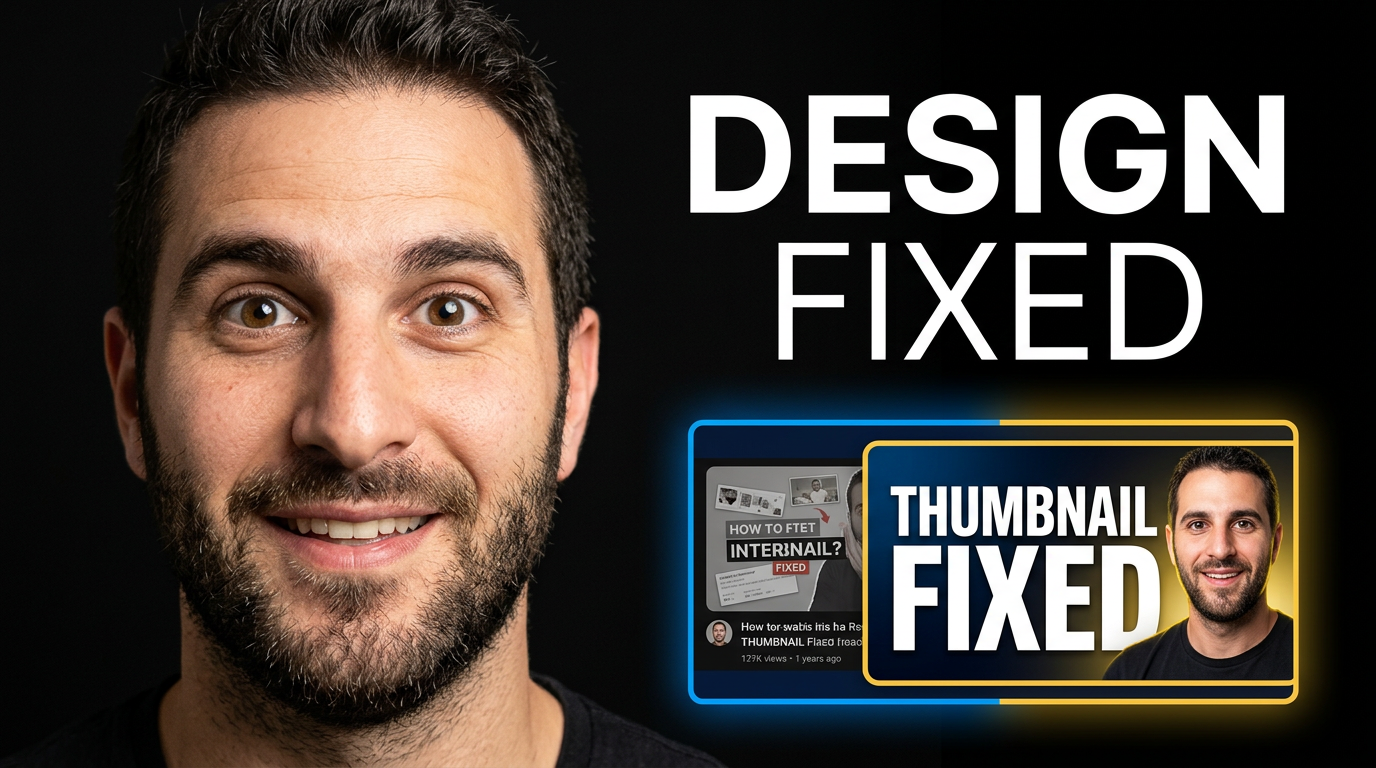
YouTube thumbnail creation
16 guides
AI thumbnail
A strong AI thumbnail makes one promise instantly: the viewer understands the topic, feels the tension or payoff, and can recognize the creator or subject at small size. For AI-focused videos, that usually means pairing a clear human reaction or recognizable source image with one visual idea—such as a workflow, result, experiment, tool comparison, or surprising outcome. Keep the wording short, make the main subject large, and give the design one obvious focal point.
Explore this thumbnail maker
AI thumbnail creator
An AI thumbnail creator helps you develop a video thumbnail from the ingredients that make your content recognizable: your face, a product screenshot, a before-and-after image, a subject photo, and the few words viewers need to notice. Thumbnail.AI is built for creators who want custom direction rather than a one-size-fits-all template. Describe the visual idea, provide relevant source material, set the exact overlay text, and revise the composition until it fits the video.
Explore this thumbnail maker
AI thumbnail generator
A useful AI thumbnail generator should do more than produce a random image. It should let you direct the concept, include your own face or source material, preserve the subject of the video, and place the short wording viewers need to understand at a glance. Thumbnail.AI is built for creators who want a YouTube-style thumbnail they can shape and revise—not a generic visual detached from their channel.
Explore this thumbnail maker
AI thumbnail generator comparisons
The right tool should do more than produce a polished-looking image. It should let you control the elements viewers actually notice: your expression, the subject of the video, the visual hierarchy, and the exact words on the thumbnail. Thumbnail.AI is built for creators who want to start from a concept, use their own images, and keep refining until the thumbnail fits the video—not settle for a generic template.
Explore this thumbnail maker
AI thumbnail maker
An AI thumbnail maker helps creators turn a video topic into a thumbnail concept without starting from a blank canvas. In Thumbnail.AI, you can provide a face photo or source image, specify the exact wording to show, and describe the visual direction you want—such as a close-up reaction, a product comparison, a dramatic background, or a clean expert-led layout. The result is a custom starting point you can revise for expression, emphasis, color, composition, and text treatment.
Explore this thumbnail maker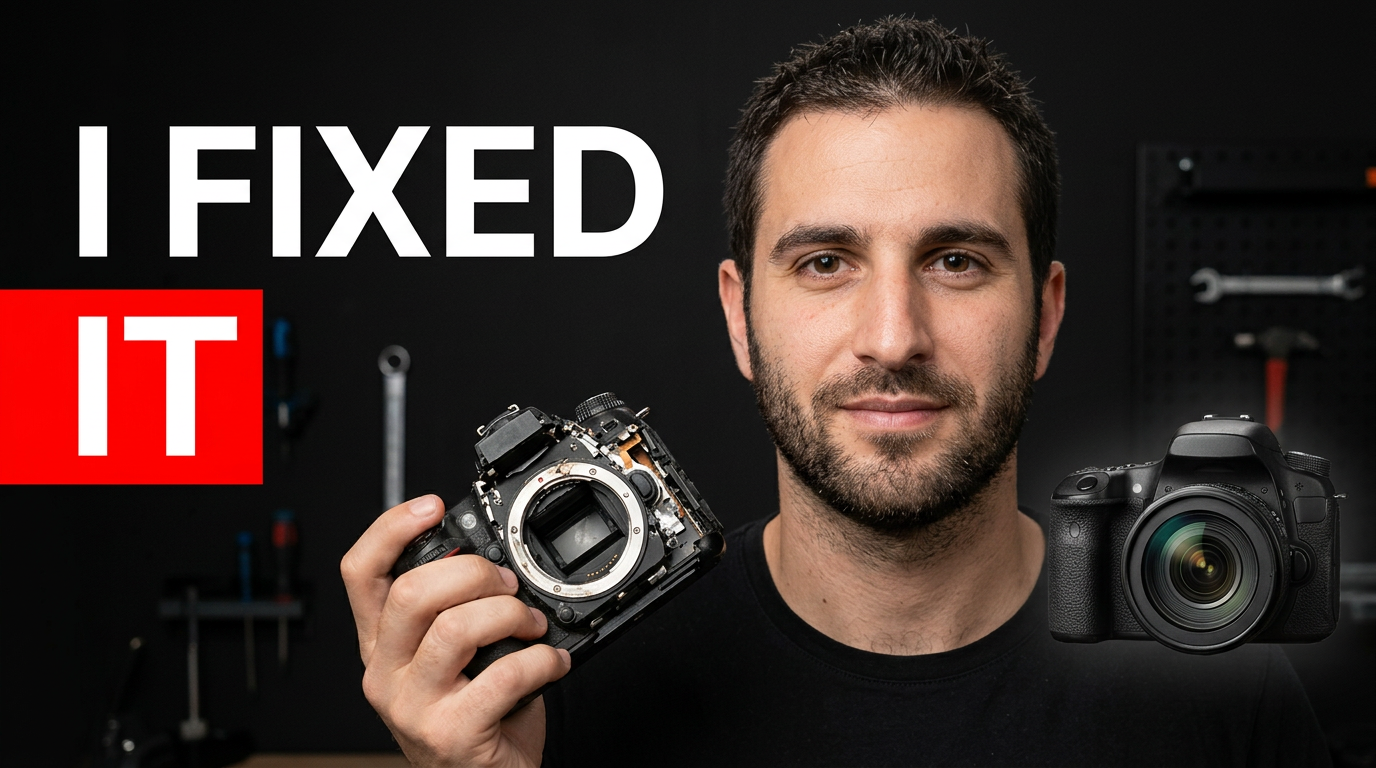
custom thumbnail
A custom thumbnail starts with the parts viewers should recognize: your face, your subject, your product, your location, or a specific image from the video. Thumbnail.AI helps you combine those inputs with your own wording and direction, so the final concept can match the story you are actually publishing. Ask for a tighter crop, a clearer focal point, a different background, stronger contrast, or a more polished mood without rebuilding the idea from scratch.
Explore this thumbnail maker
free thumbnail maker
Thumbnail.AI helps you create YouTube-style thumbnails without starting from a blank canvas. Upload the images you want to feature, choose a clear visual direction, and use short, readable wording for the thumbnail. When something needs adjusting—such as the expression, background, crop, emphasis, or color—you can describe the change directly and keep shaping the design around the video.
Explore this thumbnail maker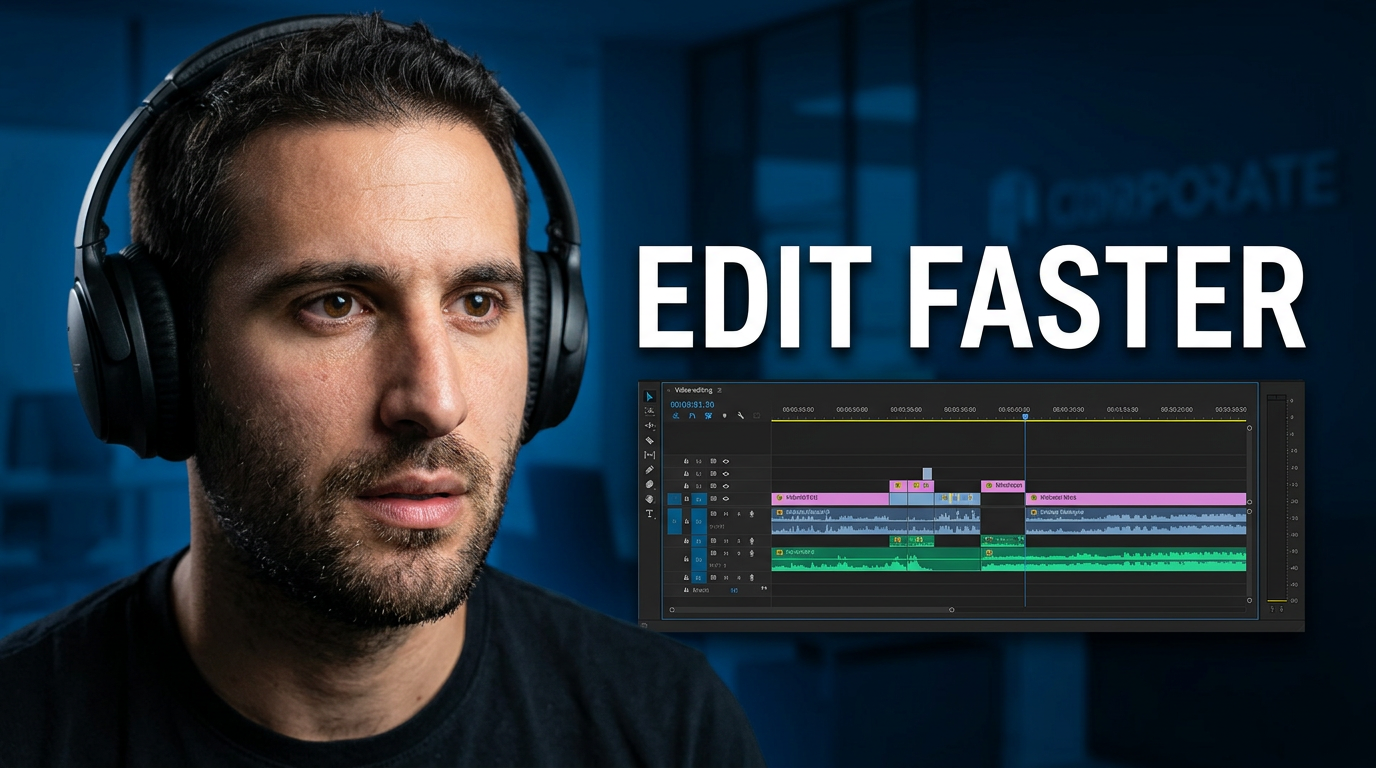
free YouTube thumbnail maker
A useful YouTube thumbnail maker should do more than place text on a template. Thumbnail.AI helps you build a custom thumbnail around the real subject of your video: your face, a guest, a game moment, a product, a chart, a before-and-after image, or a screen recording. Upload source material, specify the exact words you want visible, and describe the visual direction. Then refine the result until it fits the promise of your video.
Explore this thumbnail maker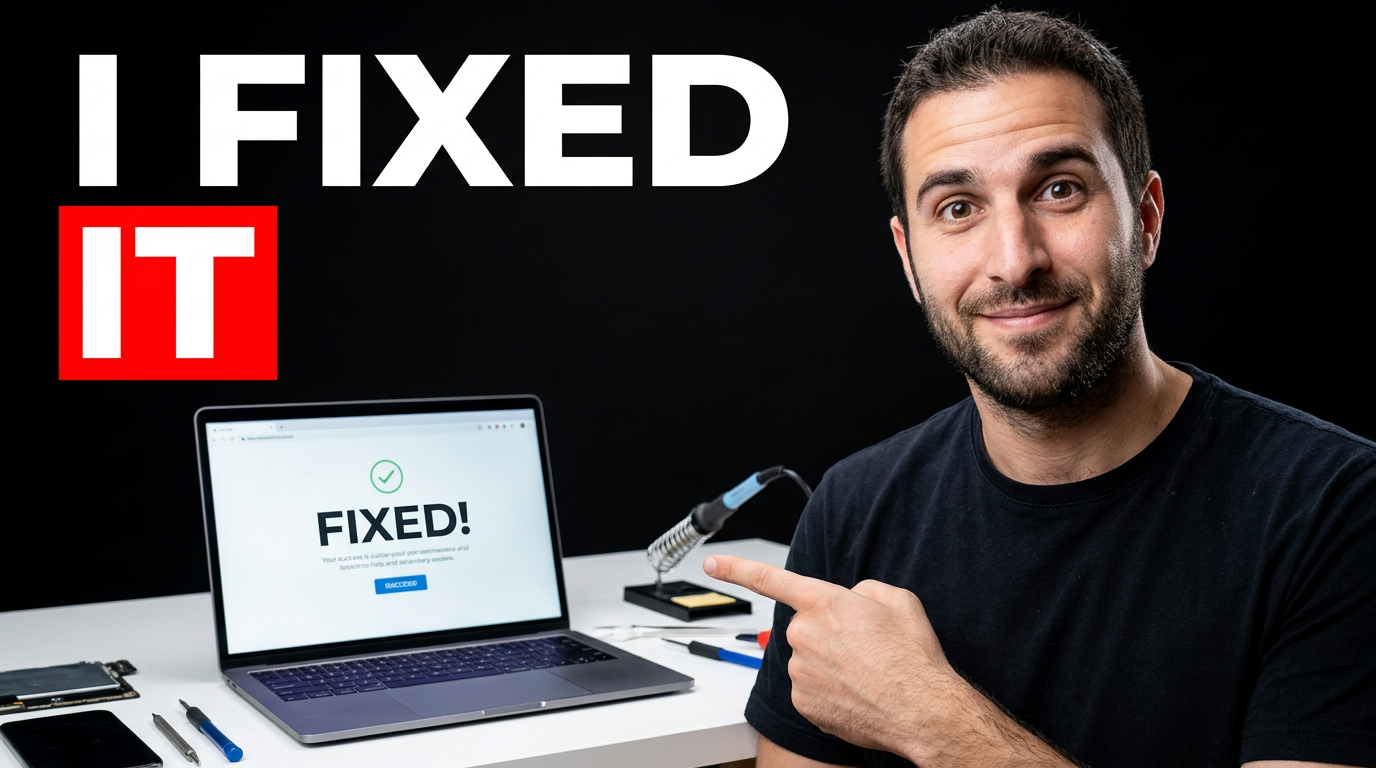
make YouTube thumbnail
A strong YouTube thumbnail gives viewers an immediate reason to click: a recognizable subject, one focused idea, and readable wording that supports the title without repeating it. Thumbnail.AI helps you build that visual around your actual video, whether you are publishing a tutorial, reaction, review, challenge, vlog, commentary video, or channel update. Upload your face or source material, specify the words you want shown, and describe the mood, setting, and emphasis you need.
Explore this thumbnail maker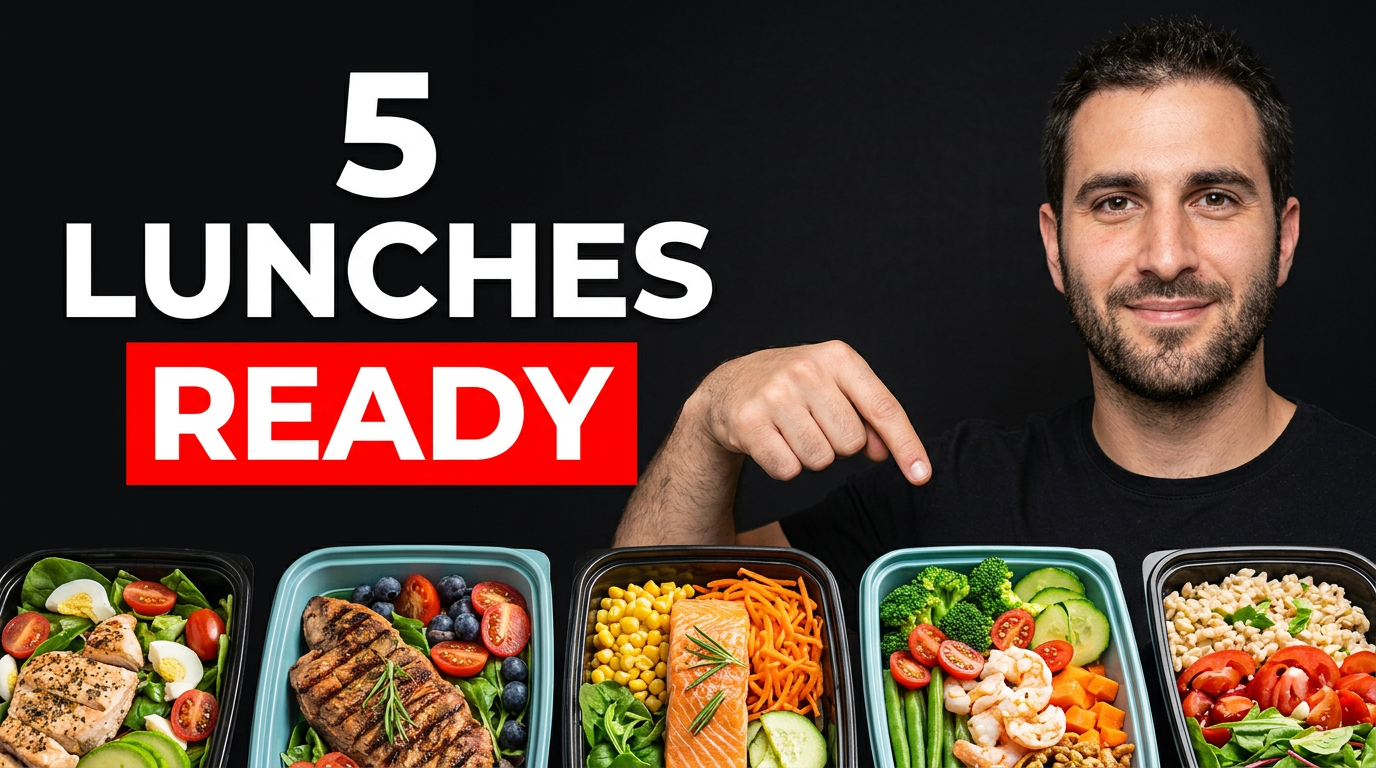
Meal prep channels
Meal prep viewers often decide quickly whether a video matches their goals: saving money, hitting protein targets, cooking for a family, or preparing a full workweek of lunches. Thumbnail.AI helps you create a custom YouTube-style thumbnail around that promise. Upload your plated meals, grocery haul, containers, kitchen photos, and face; then describe the visual direction and add the exact short wording you want shown. Refine the result until the food, portions, and plan feel true to the video.
Explore this thumbnail maker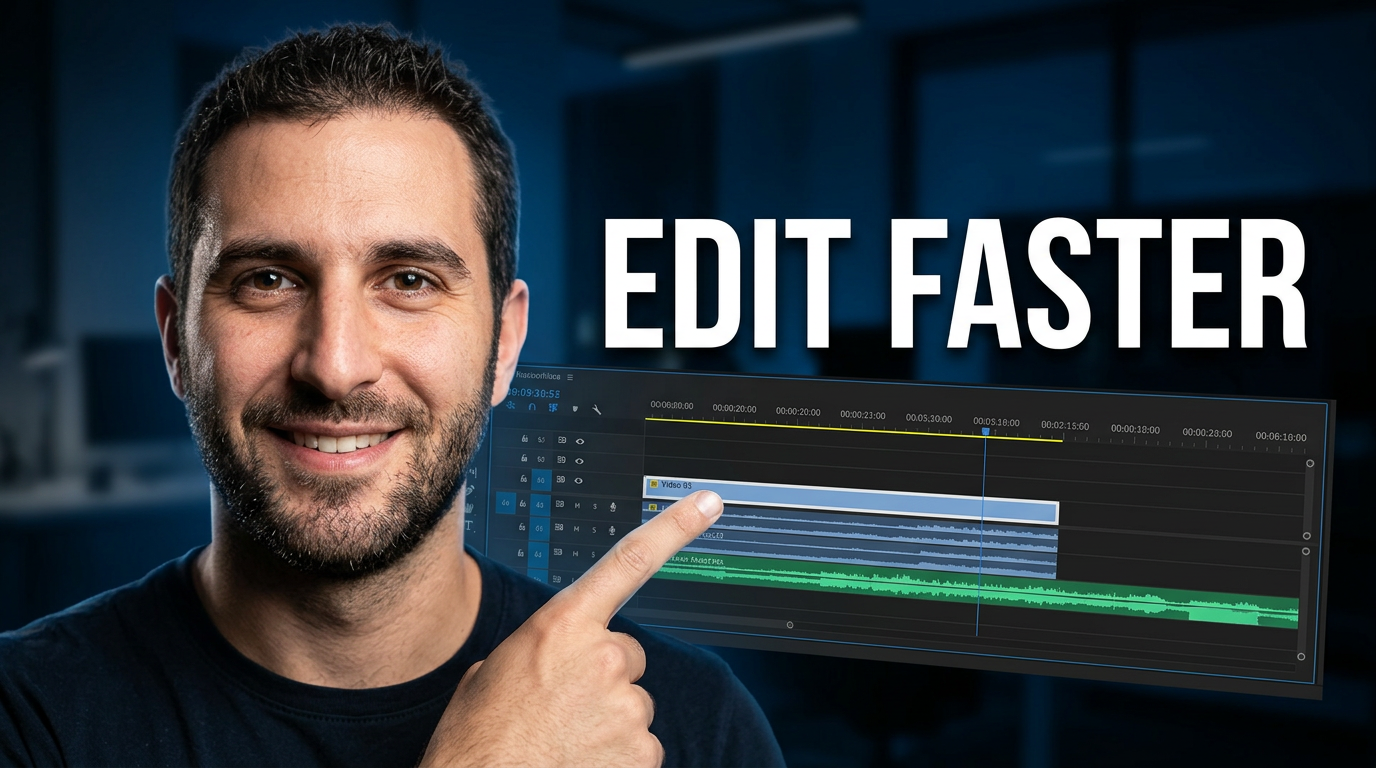
online thumbnail maker
Thumbnail.AI helps creators make custom thumbnails online when a template alone is not enough. Upload the images that belong in the design, specify the exact words viewers should see, and describe the scene, emotion, contrast, or focus you want. Use it for videos that need a recognizable on-camera face, a product or screen recording, a before-and-after reveal, or a clear visual promise that matches the actual content.
Explore this thumbnail maker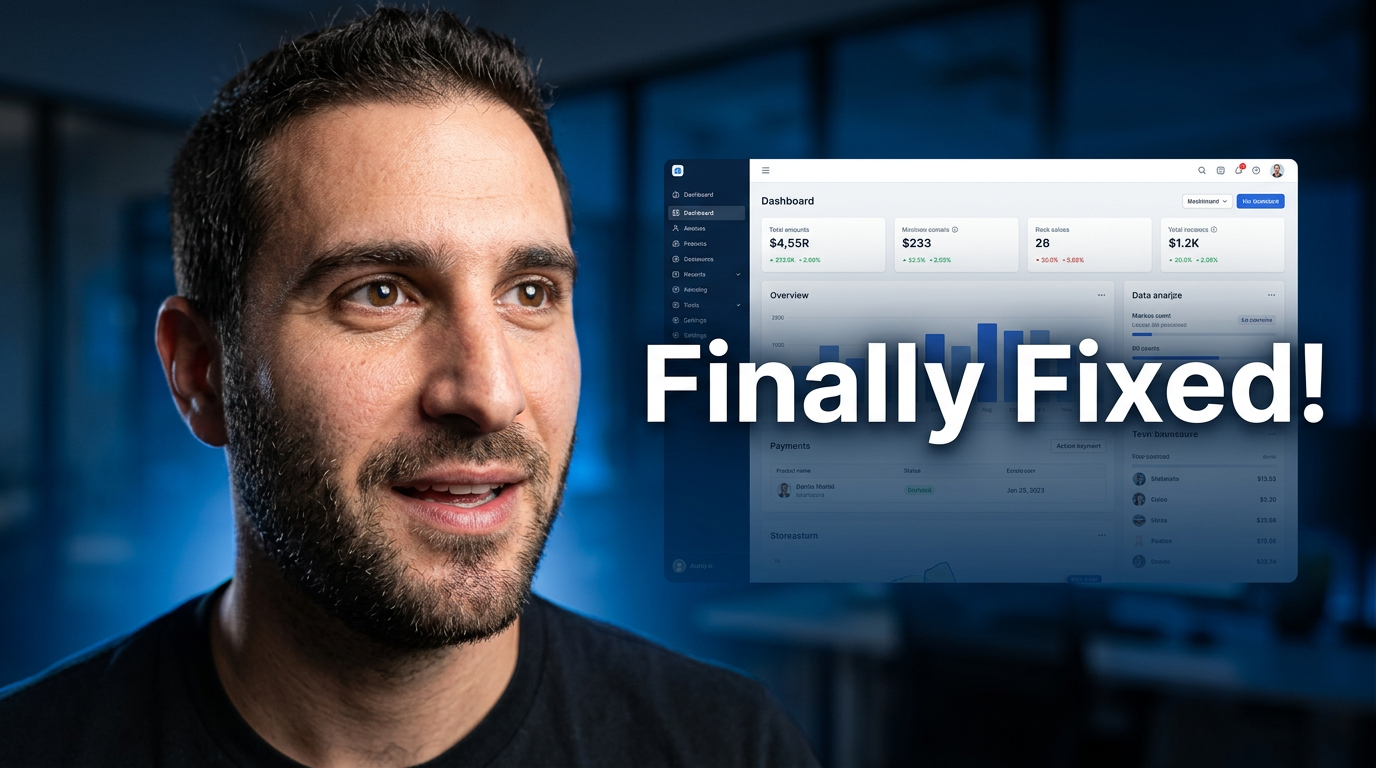
thumbnail generator
Thumbnail.AI gives creators a practical way to turn a video idea into a custom thumbnail. Start with the source material you want featured, describe the visual angle, add the words that must appear, and refine the result with direct feedback. Whether the video is a tutorial, reaction, product review, commentary upload, or channel update, you can keep the thumbnail focused on the specific story viewers should notice first.
Explore this thumbnail maker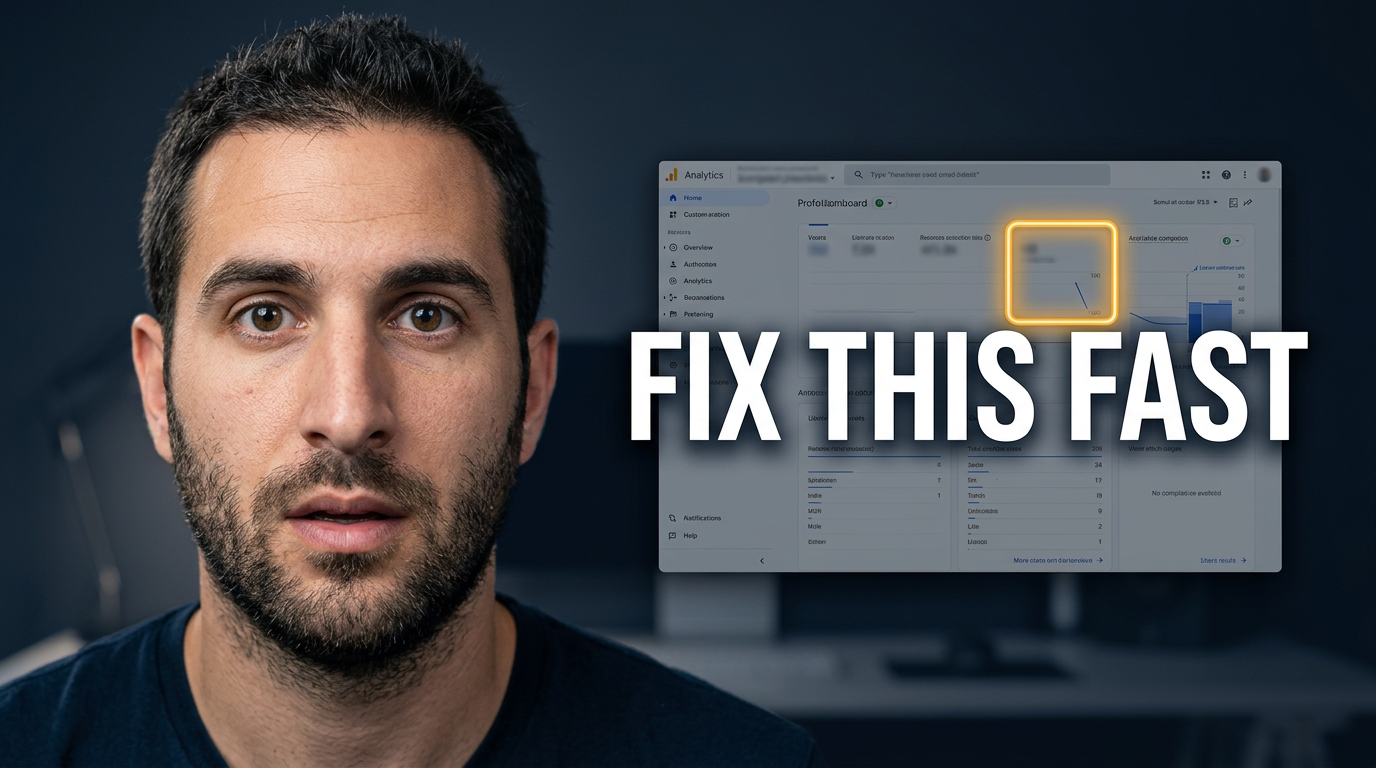
thumbnail maker
Thumbnail.AI helps creators make custom thumbnail concepts without settling for generic templates. Upload a photo of yourself, add relevant screenshots or product images, specify the words you want visible, and describe the look you have in mind. Create a starting concept for a tutorial, review, commentary video, channel update, or launch video, then revise the composition, expression, background, emphasis, and text treatment until it fits.
Explore this thumbnail maker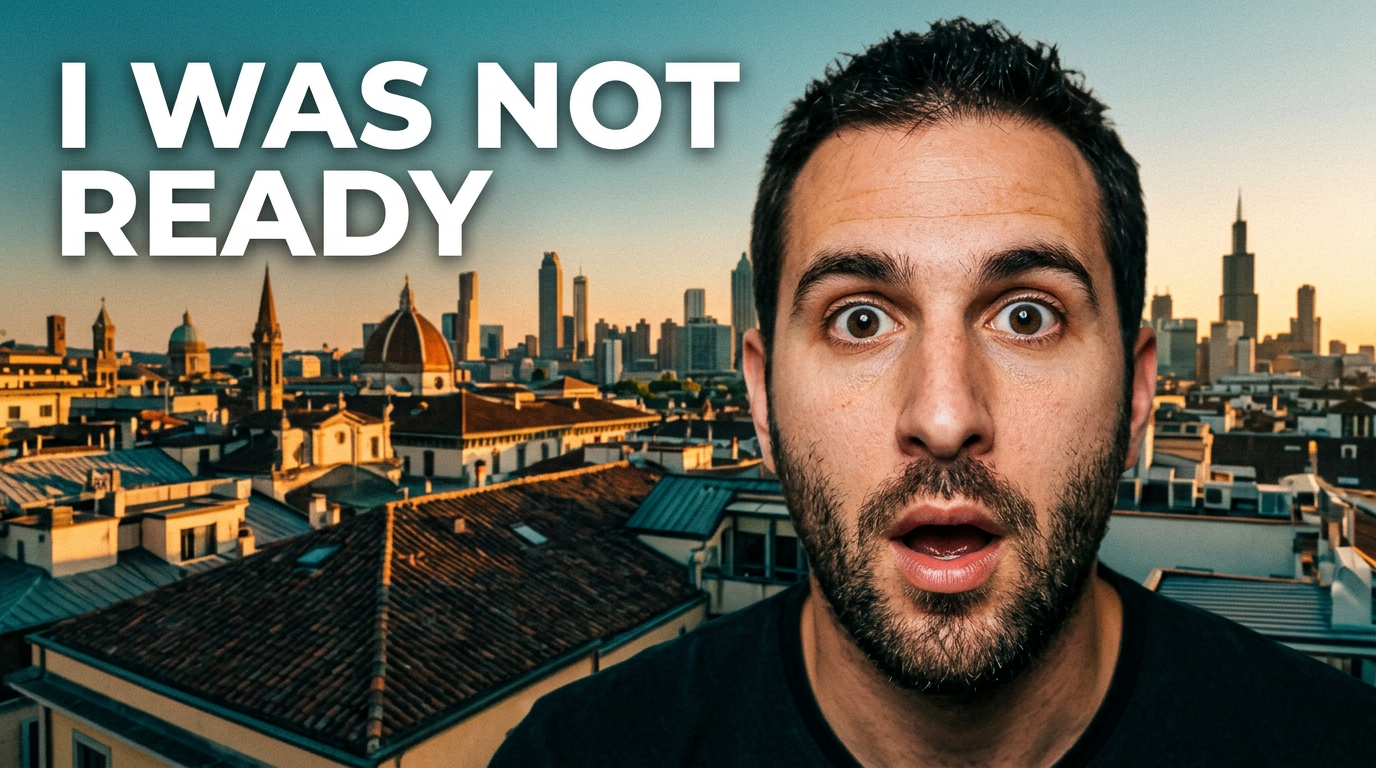
Travel vloggers
Travel videos compete with endless beaches, skylines, resorts, street-food stalls, and airport shots. A strong thumbnail gives the trip a clear angle at a glance: the surprising cost, the hidden place, the honest reaction, the itinerary challenge, or the can’t-miss experience. Thumbnail.AI helps you create a custom thumbnail around your real face and source images, then revise the composition, mood, emphasis, and wording in plain language until it fits the video.
Explore this thumbnail maker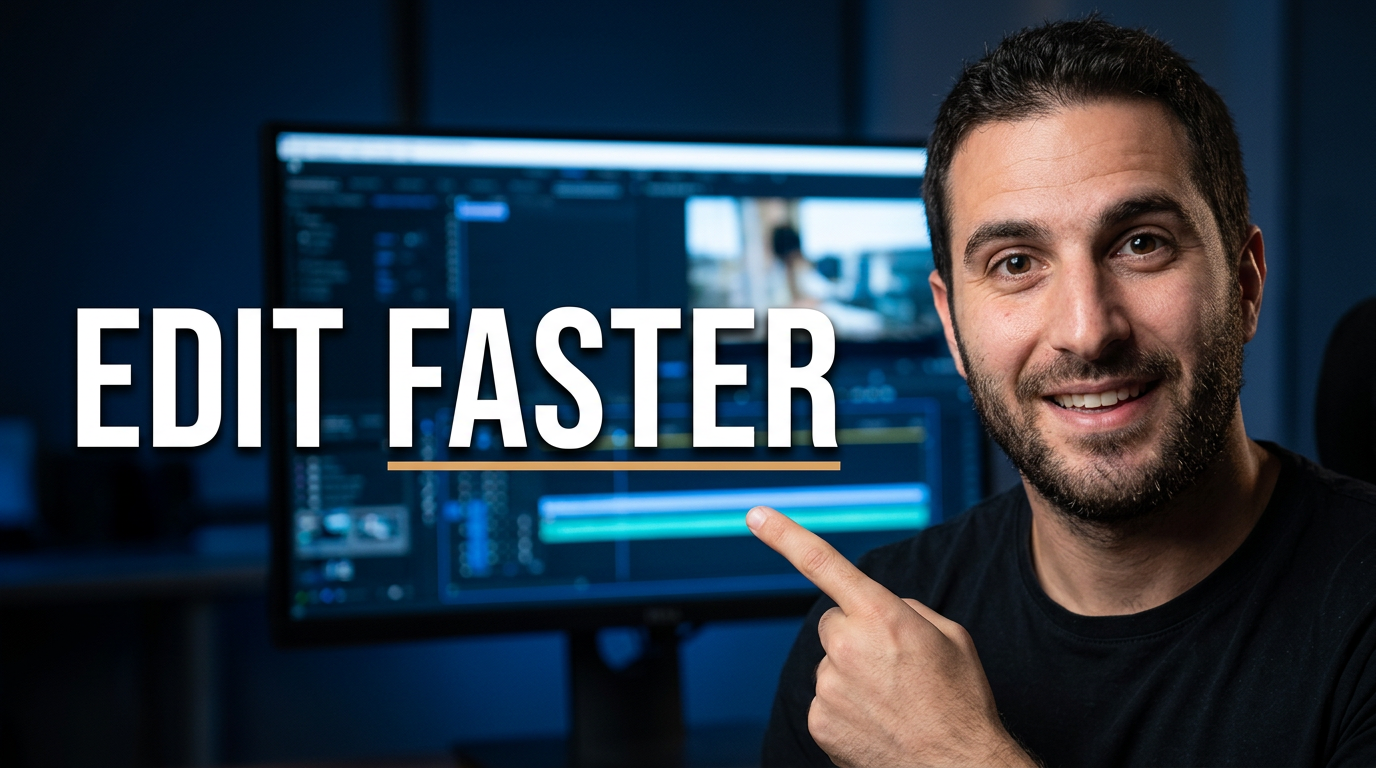
video thumbnail generator
A video thumbnail generator helps creators shape a click-worthy visual for a specific video without starting from a blank canvas. Thumbnail.AI is designed for custom YouTube-style thumbnails: provide your own face or relevant source material, specify the words that must appear, and describe the visual angle in plain language. Use it for tutorials, reactions, reviews, announcements, explainers, and channel updates where the thumbnail needs to match the actual video—not a generic template.
Explore this thumbnail maker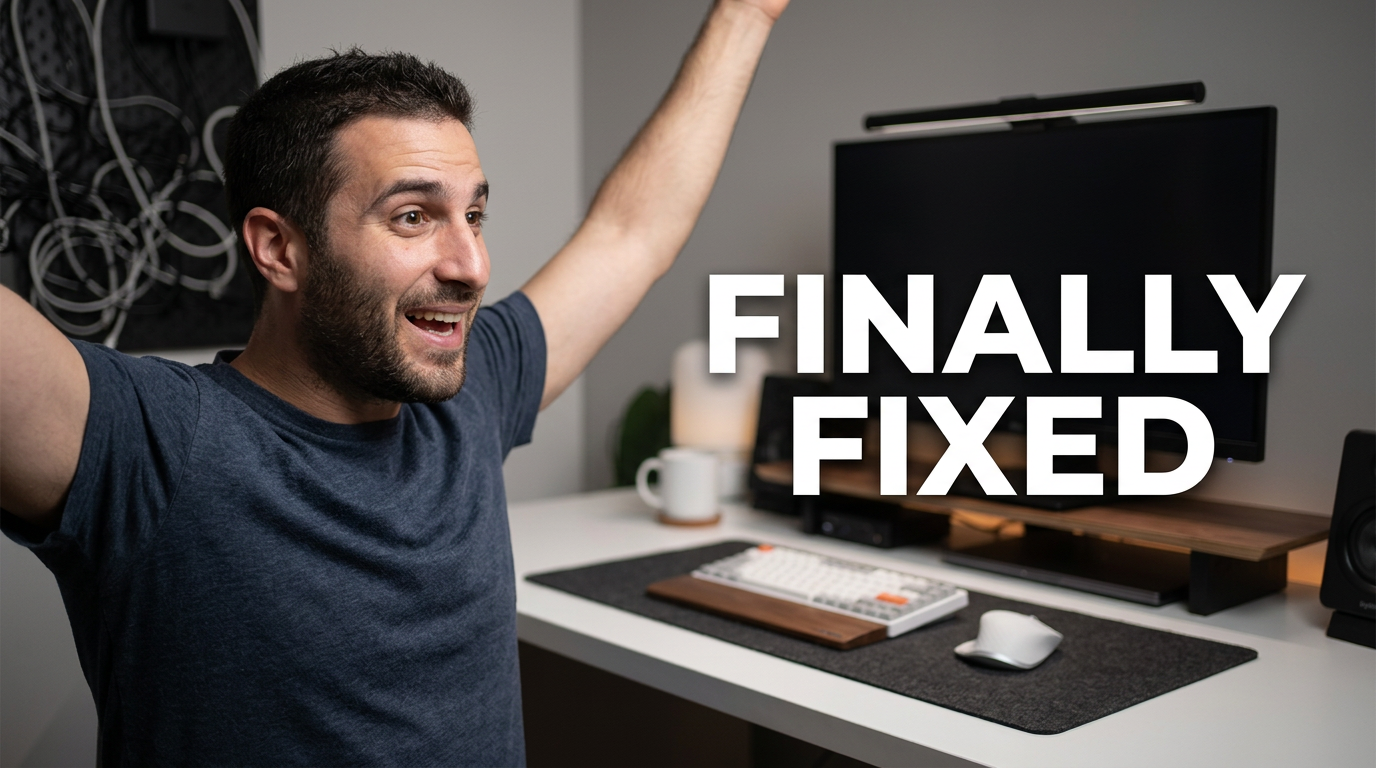
YouTube creators
Start with one clear video promise: the result, question, comparison, or moment a viewer should understand at a glance. Choose a strong subject image—often your face, a product, a screenshot, or the main visual from the video—then pair it with a short, readable phrase. In Thumbnail.AI, upload the source material, specify the wording exactly, and describe the layout, expression, background, and mood you want. Revise details such as text placement, crop, color contrast, and emphasis until the thumbnail matches the video.
Explore this thumbnail makerYouTube thumbnail design
1 guide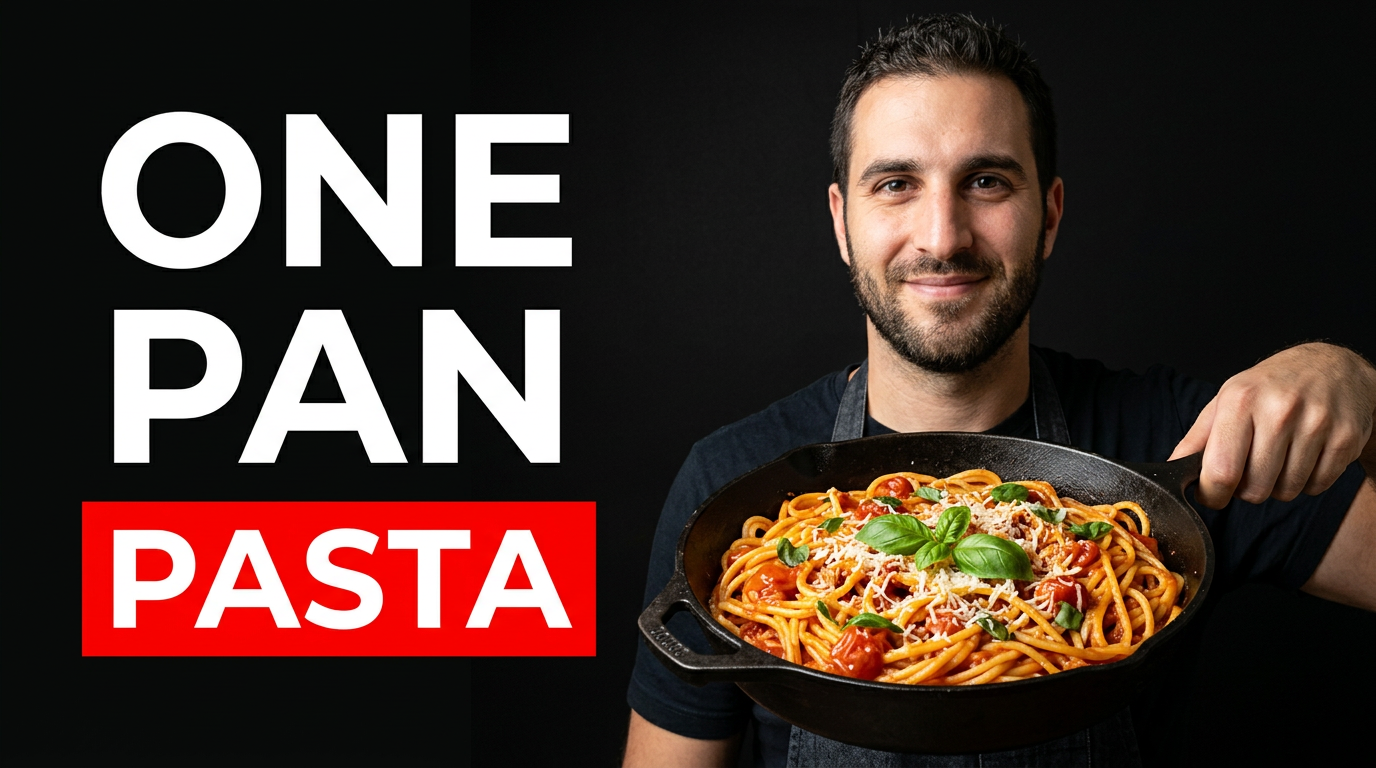
YouTube thumbnail ideas
1 guide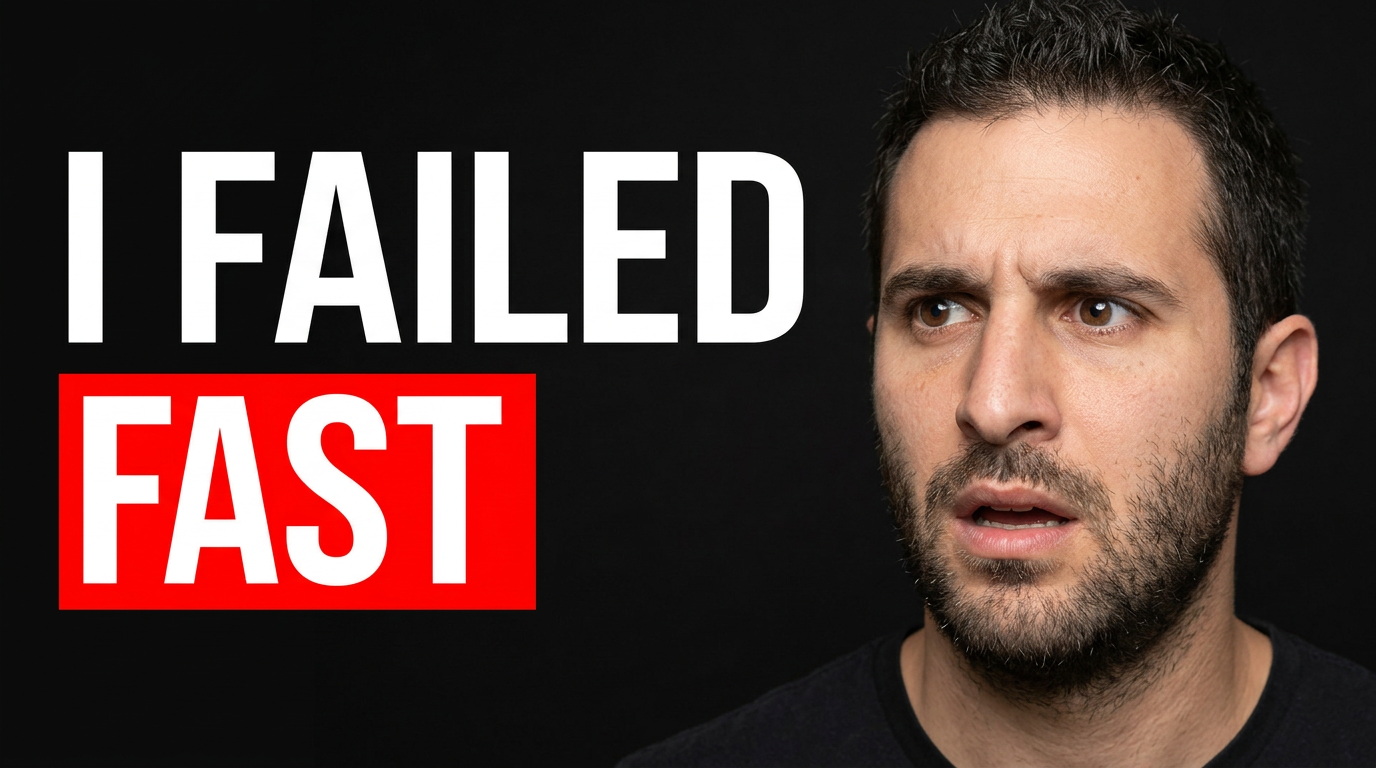
YouTube thumbnail ideas by channel category
1 guide
YouTube thumbnail maker
2 guides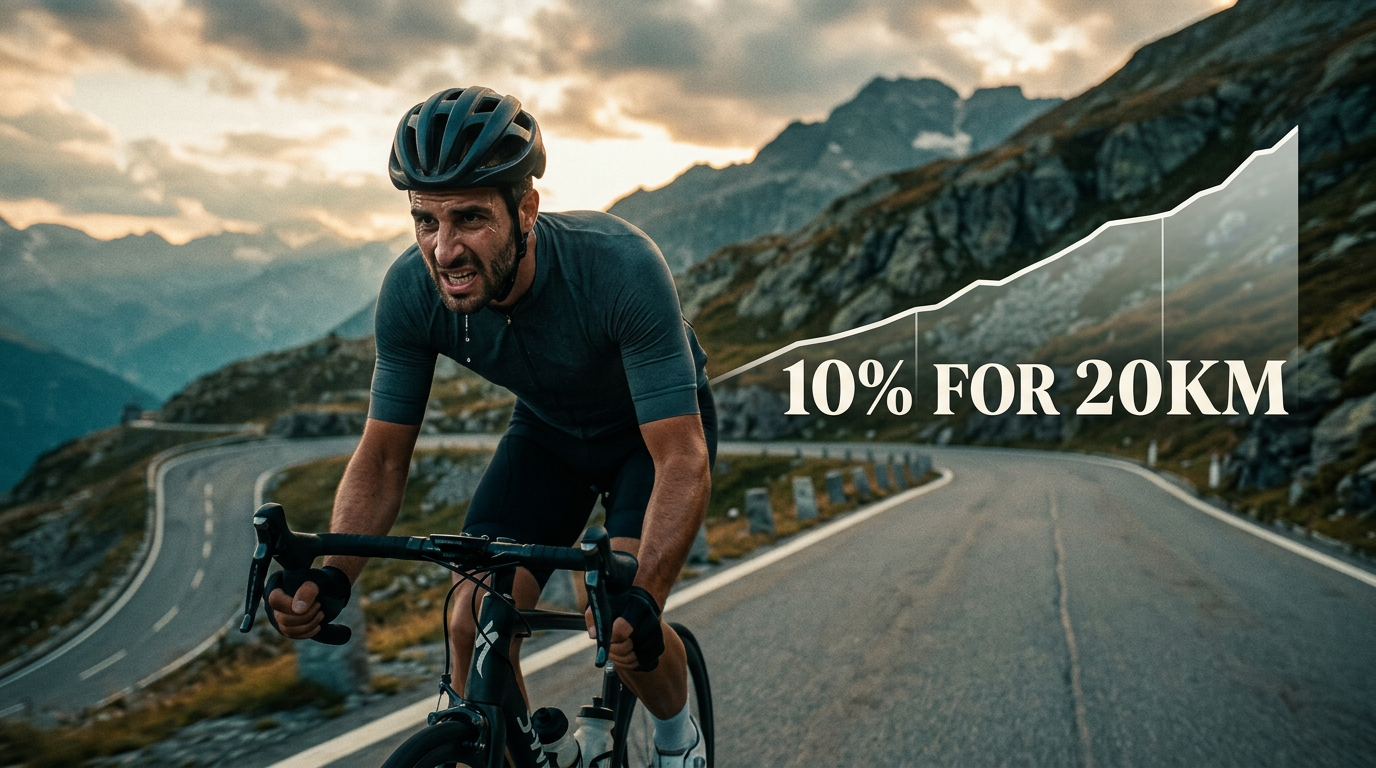
Cycling
A strong cycling thumbnail makes the video’s central ride, bike, problem, or result clear before someone reads the title. With Thumbnail.AI, upload your own riding photo, bike image, race image, or landscape shot, add exact wording, and describe the composition in plain language. Create thumbnail concepts for epic climbs, first rides, gear reviews, training progress, maintenance fixes, bikepacking trips, and race-day recaps without settling for generic cycling imagery.
Explore this thumbnail maker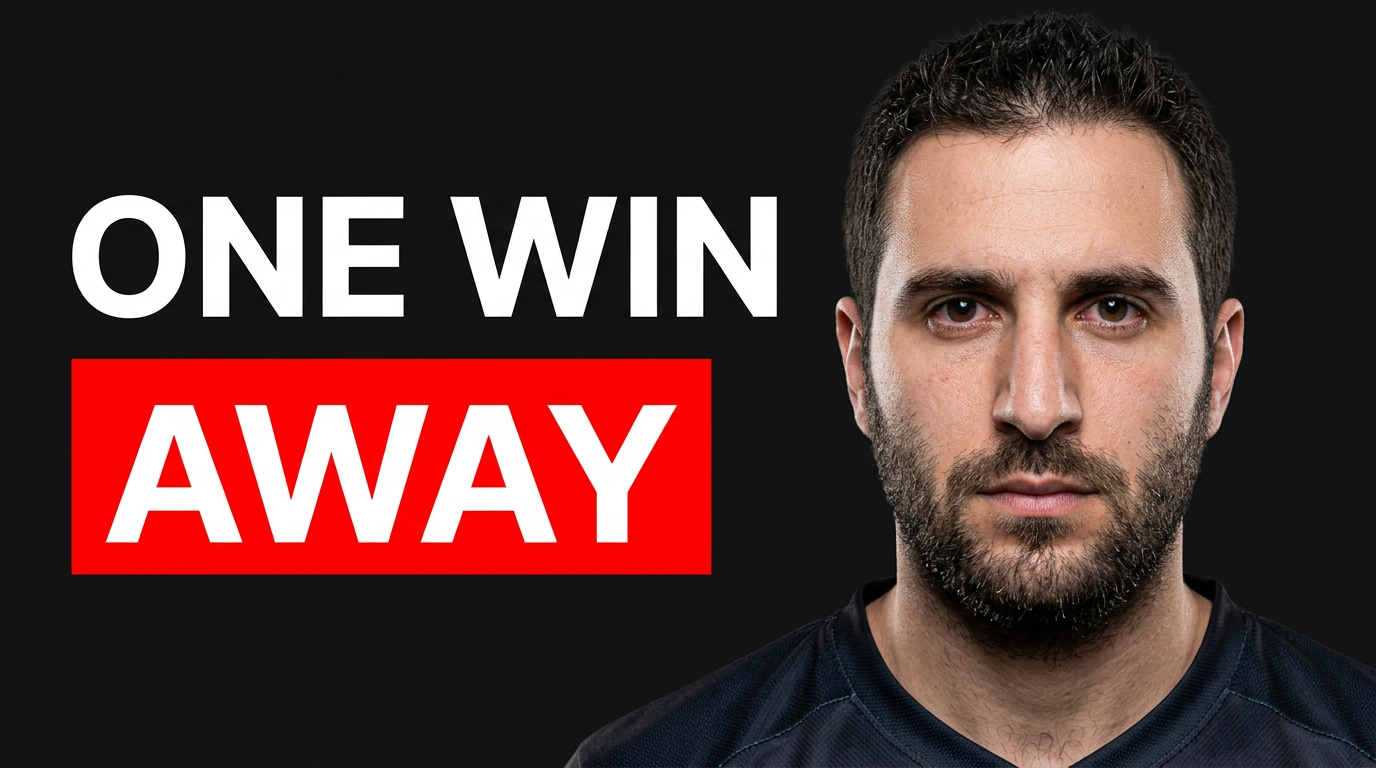
gaming thumbnail maker
A great gaming thumbnail gives viewers one immediate reason to click: an impossible win, a new build, a frightening encounter, a ranked breakthrough, or a challenge with real stakes. Thumbnail.AI helps you combine your own face, in-game screenshots, character art, props, and exact on-image wording into a composition that fits the game and the video. Start with the assets you already have, describe the feeling and focal point in plain language, then revise the result until the action reads clearly at thumbnail size.
Explore this thumbnail makerYouTube thumbnails by creator category
3 guides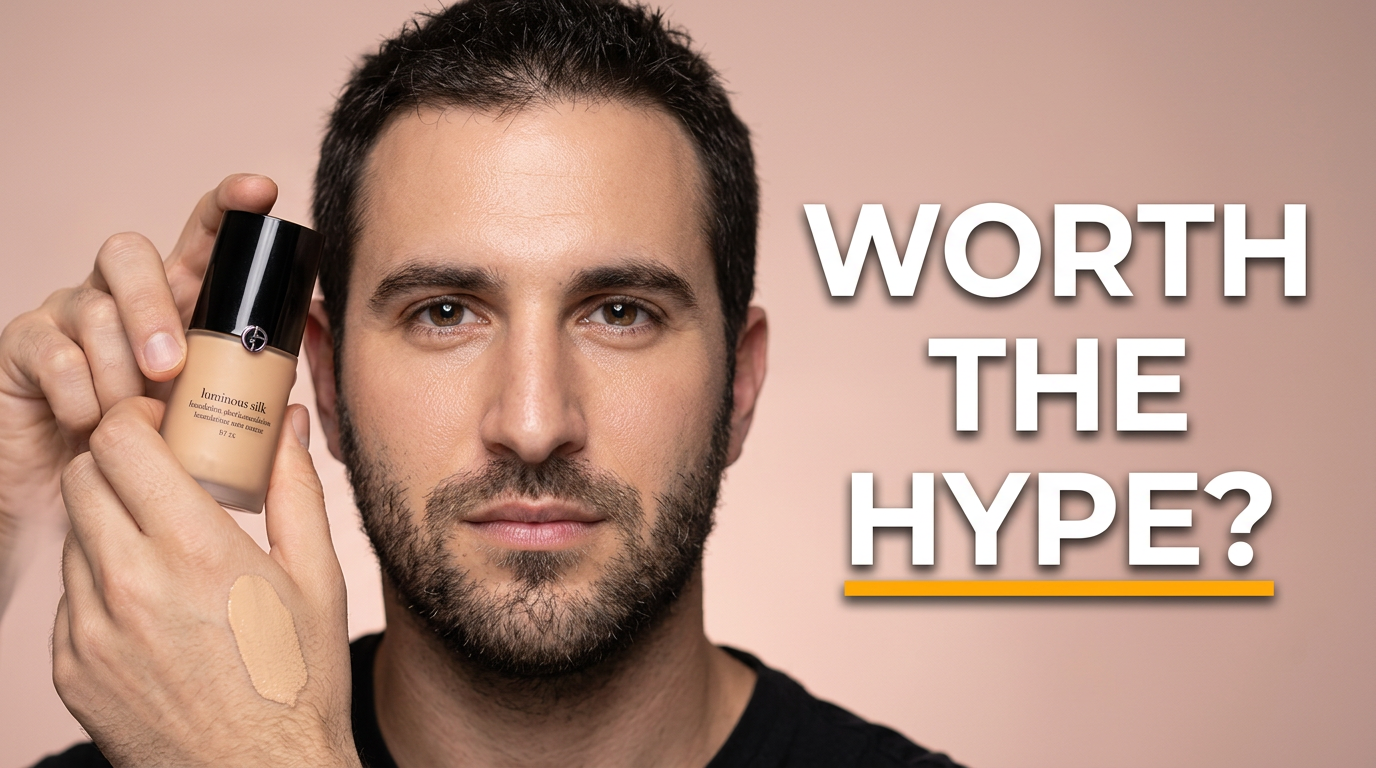
Beauty & makeup
Beauty videos compete in a highly visual feed, where the finished look, a compelling product detail, or a dramatic before-and-after needs to read instantly. Thumbnail.AI helps beauty creators turn their own source images and creative direction into polished thumbnail concepts. Upload a selfie, makeup close-up, palette shot, or product image, then specify the mood, composition, and exact words you want visible. Revise the result in plain language until it fits your channel and the video.
Explore this thumbnail maker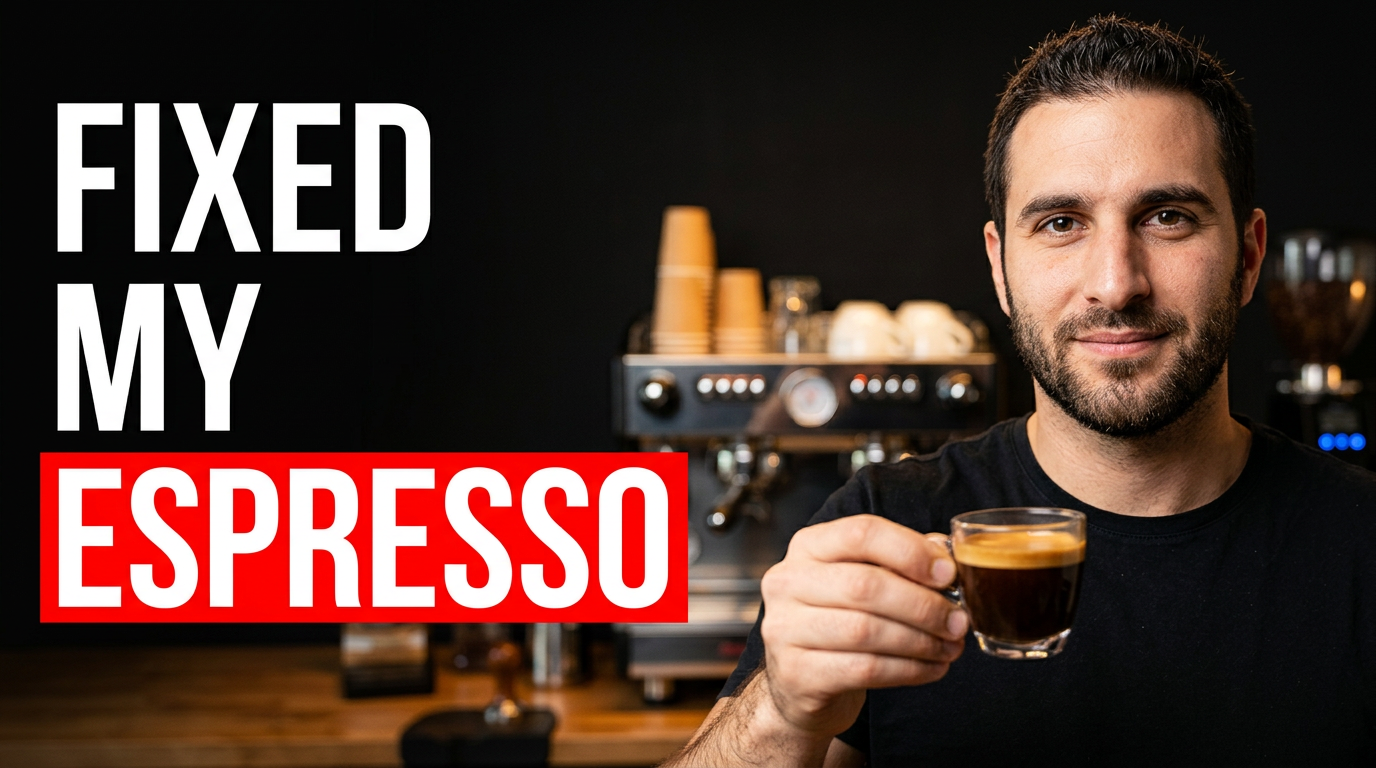
Coffee & barista content
Coffee videos need a thumbnail that makes the craft immediately legible: crema, milk texture, a striking pour, a familiar brewer, or the reaction behind the bar. Thumbnail.AI helps you turn your source photos and ideas into polished thumbnail concepts while keeping the focus on the drink, technique, equipment, and personality viewers came for. Specify the wording you want, upload a face or café image when relevant, and describe the moment you want to highlight.
Explore this thumbnail maker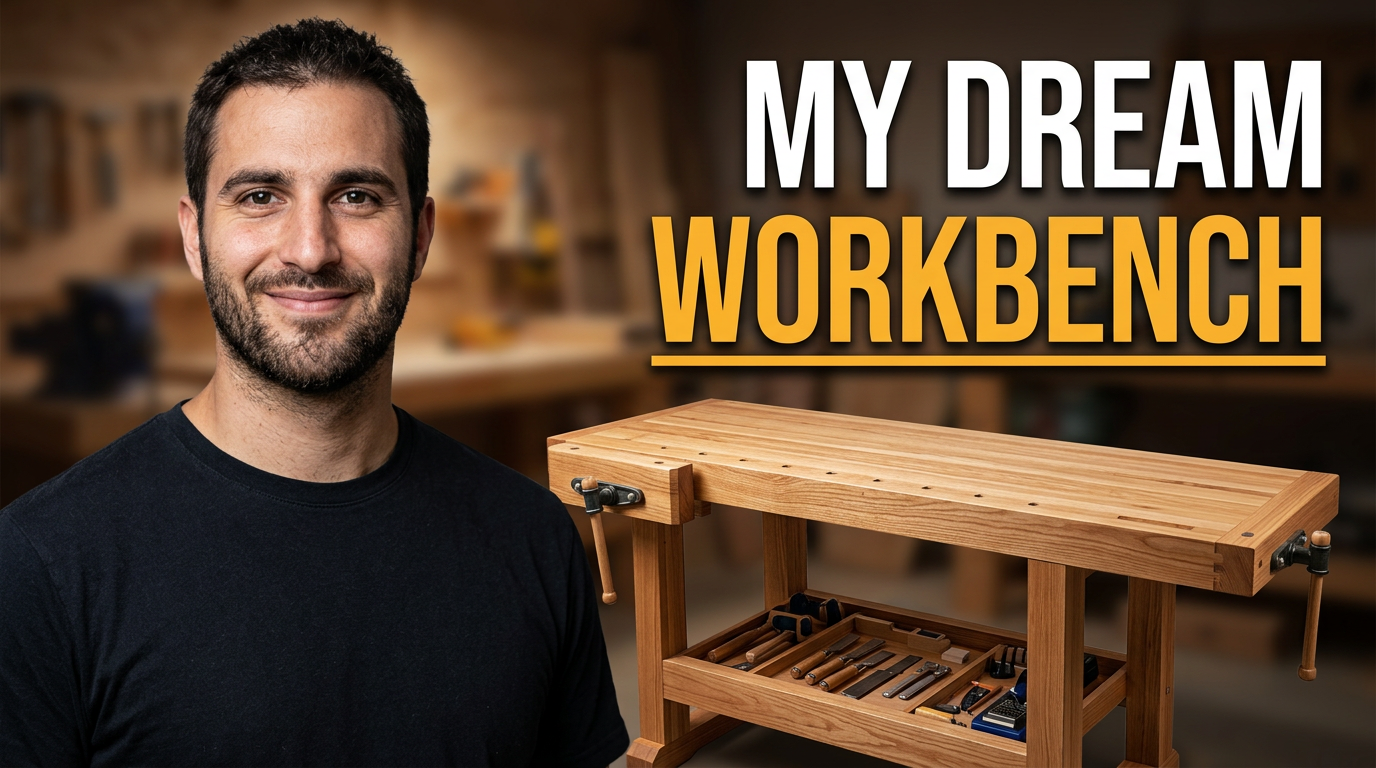
DIY & woodworking
Woodworking viewers want to see the finished piece, the material, the challenge, or the tool at a glance. Thumbnail.AI helps you build a thumbnail around your real work: upload a photo of the project, add your face if it fits your channel, enter the exact words you want shown, and describe the visual direction in plain language. Revise the layout until the joinery, finish, tool, or before-and-after result is the clear focal point.
Explore this thumbnail makerYouTube thumbnails by profession
1 guide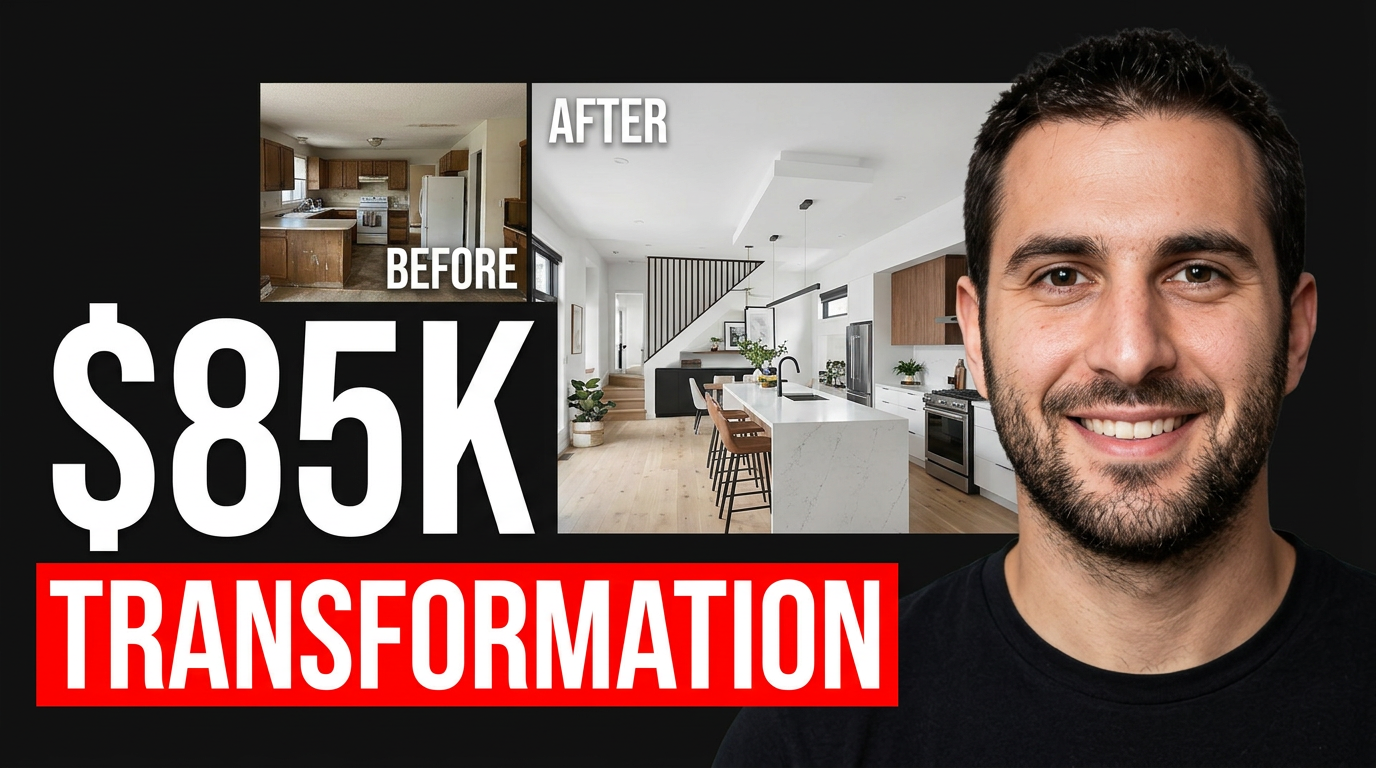
YouTube thumbnails for Shopify store owners and e-commerce creators
1 guide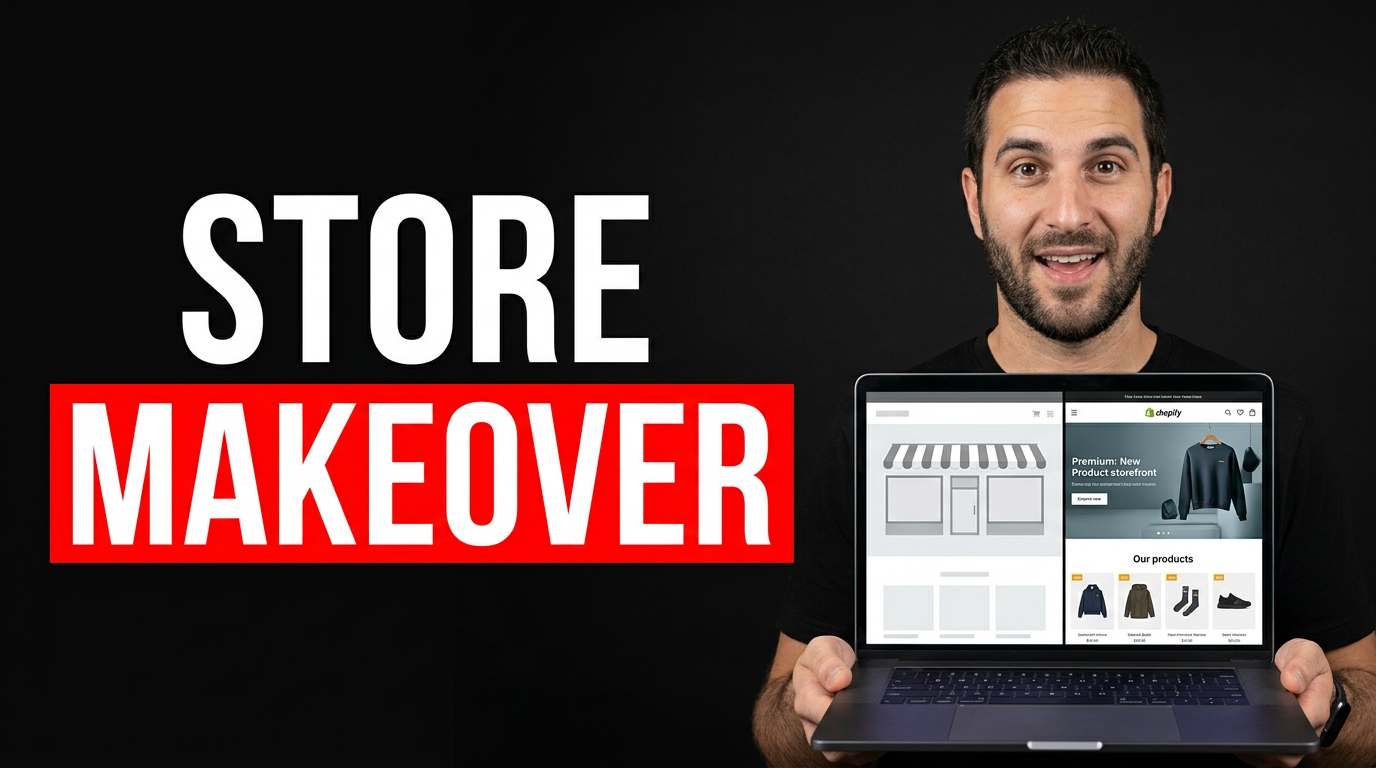
YouTube thumbnails for aesthetic treatment marketing
1 guide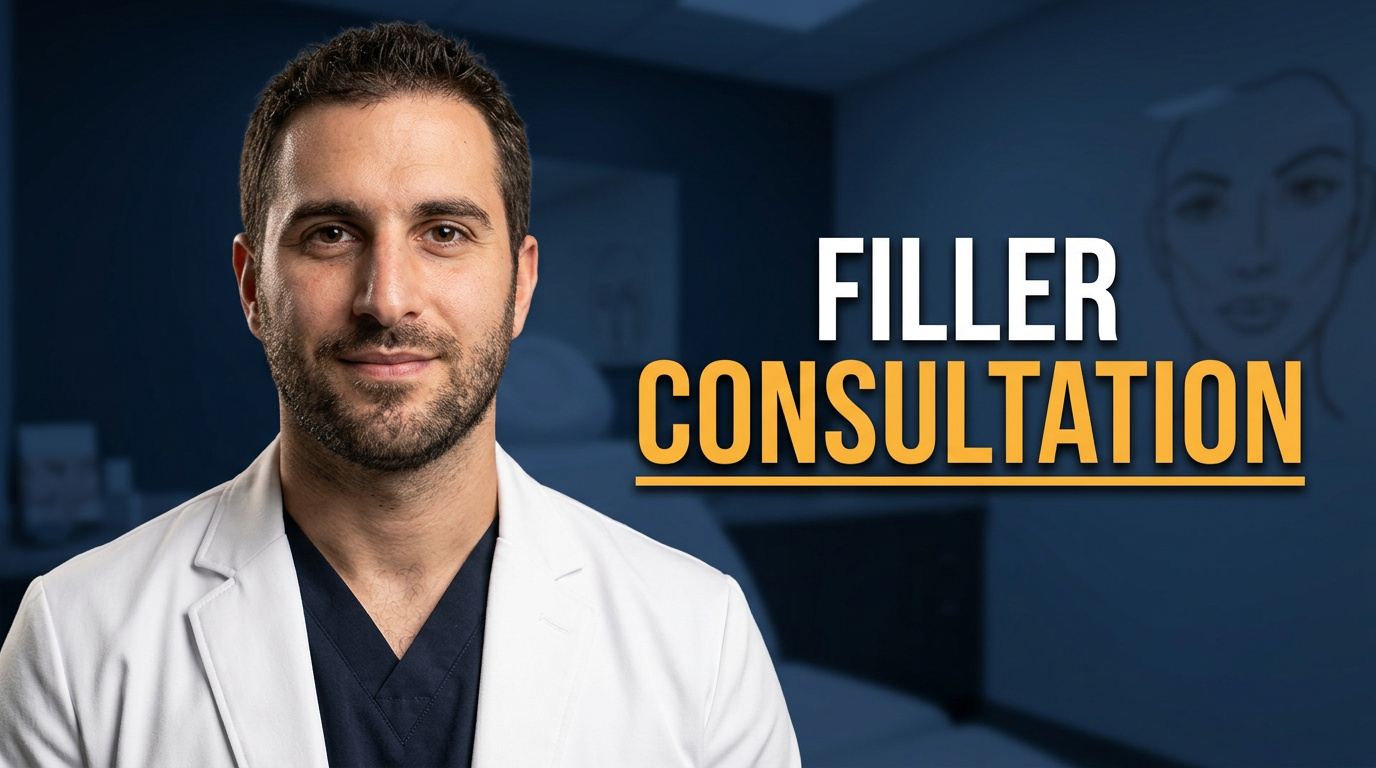
YouTube thumbnails for automotive repair creators
1 guide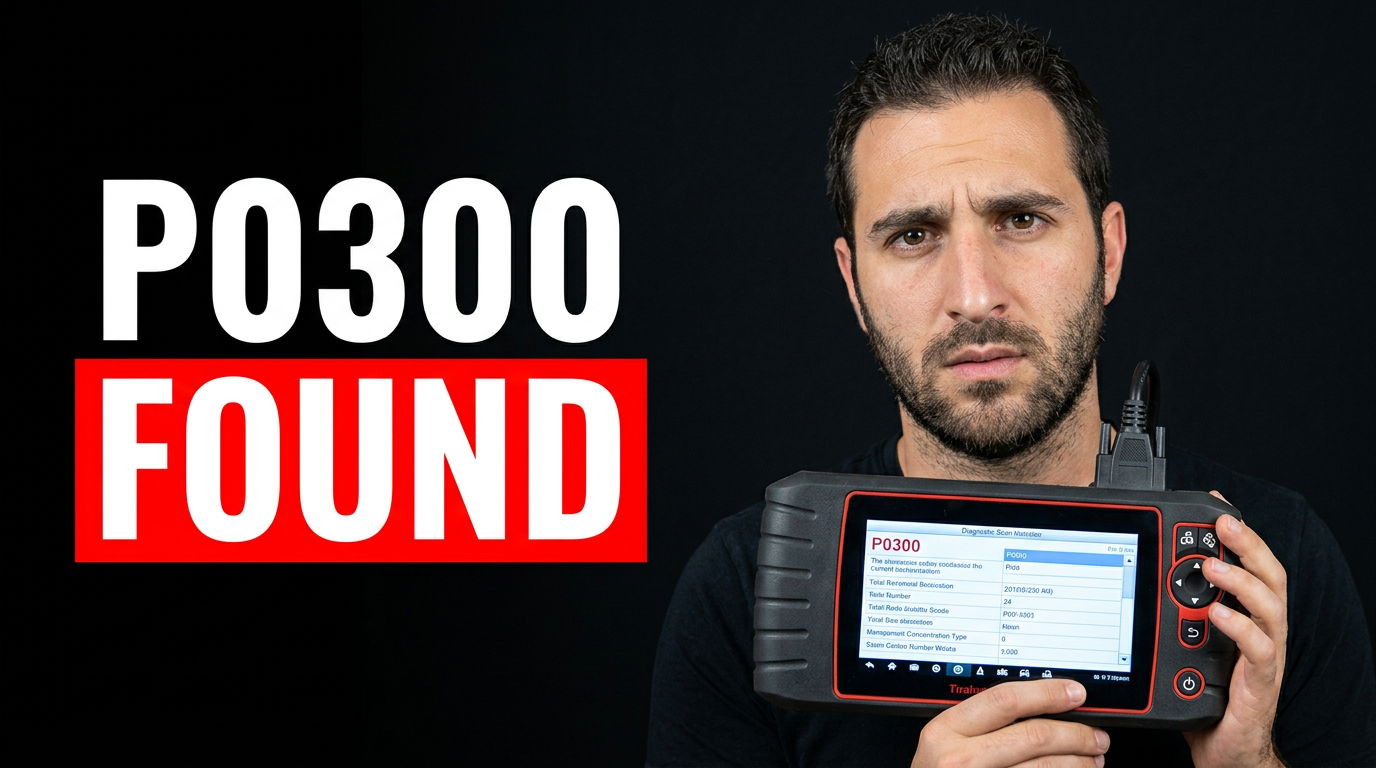
YouTube thumbnails for coding tutorials, programming courses, and developer channels
1 guide
YouTube thumbnails for dental practices and dentist creators
1 guide
YouTube thumbnails for fashion creators and stylists
1 guide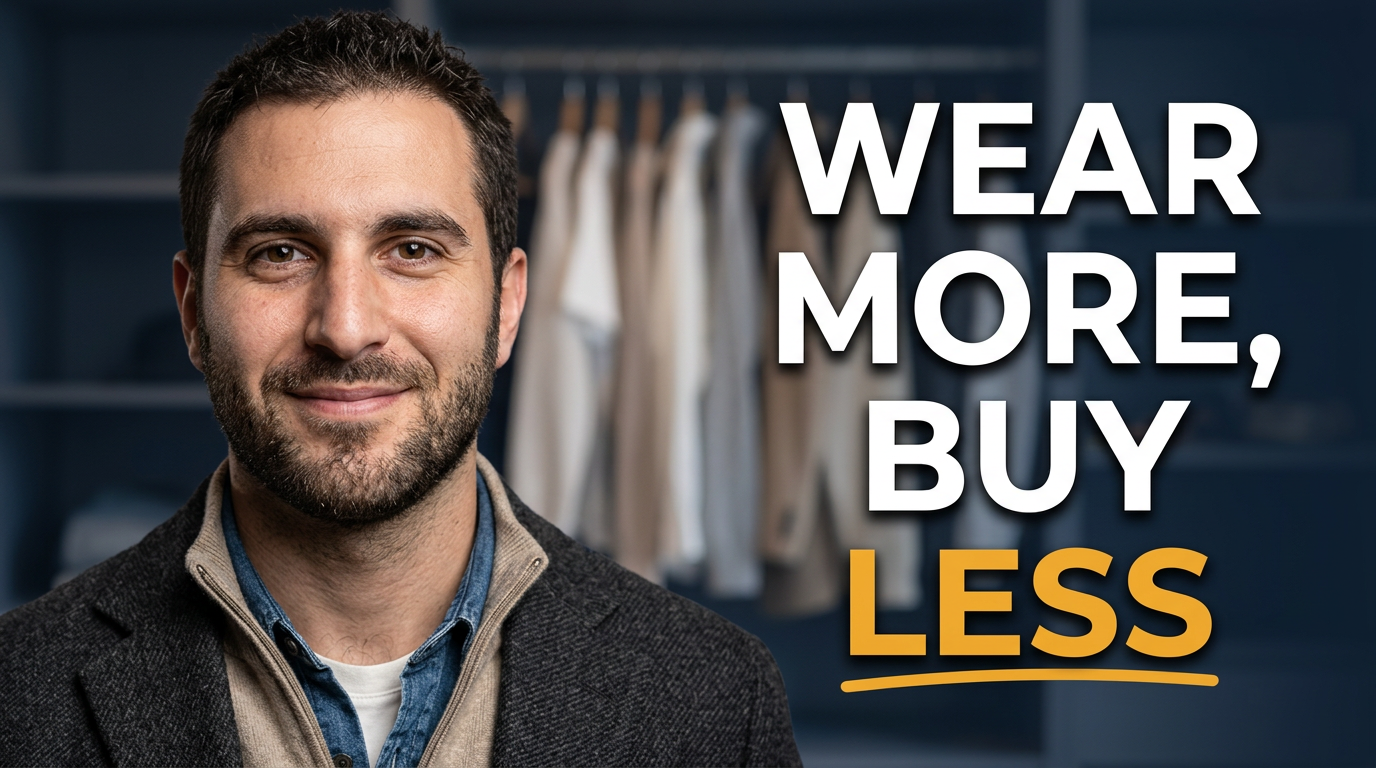
YouTube thumbnails for finance creators
1 guide
YouTube thumbnails for fitness coaching content
1 guide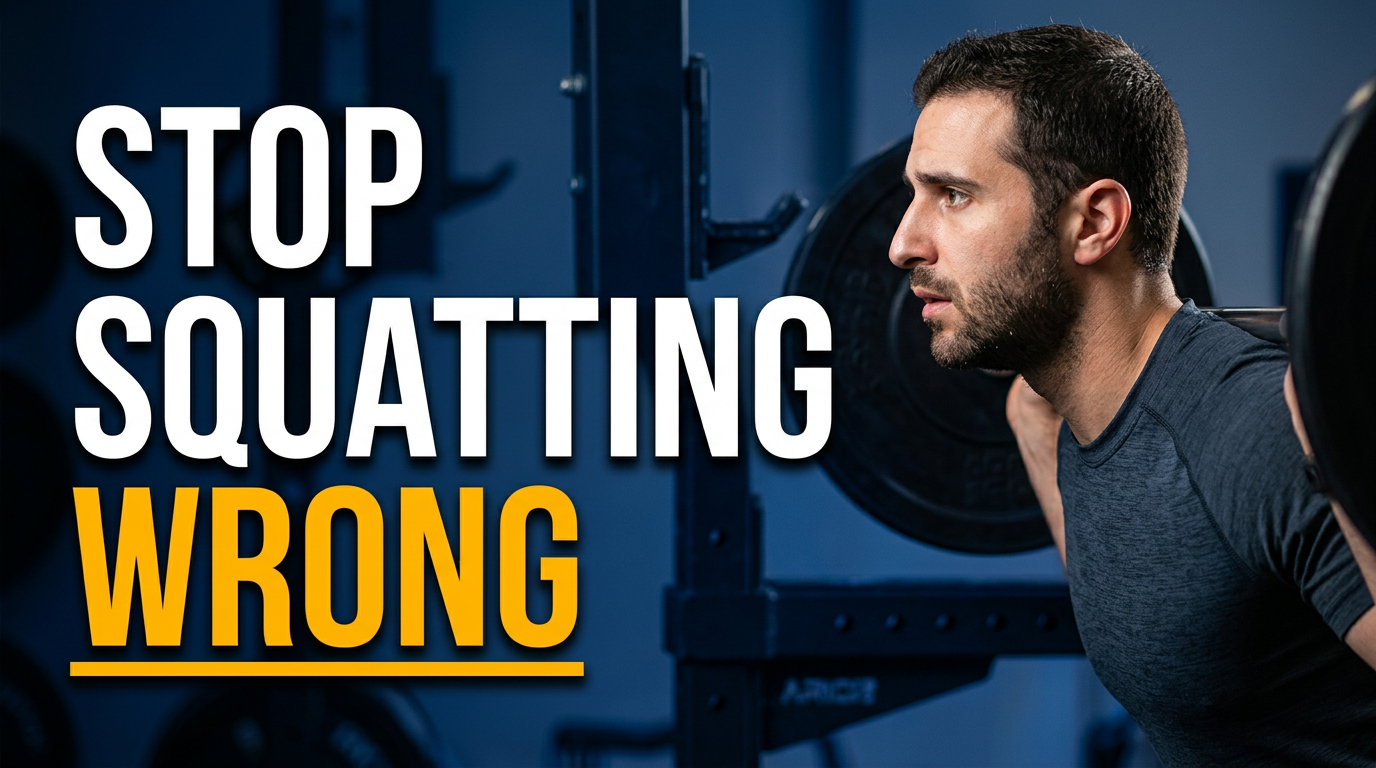
YouTube thumbnails for food and dining channels
1 guide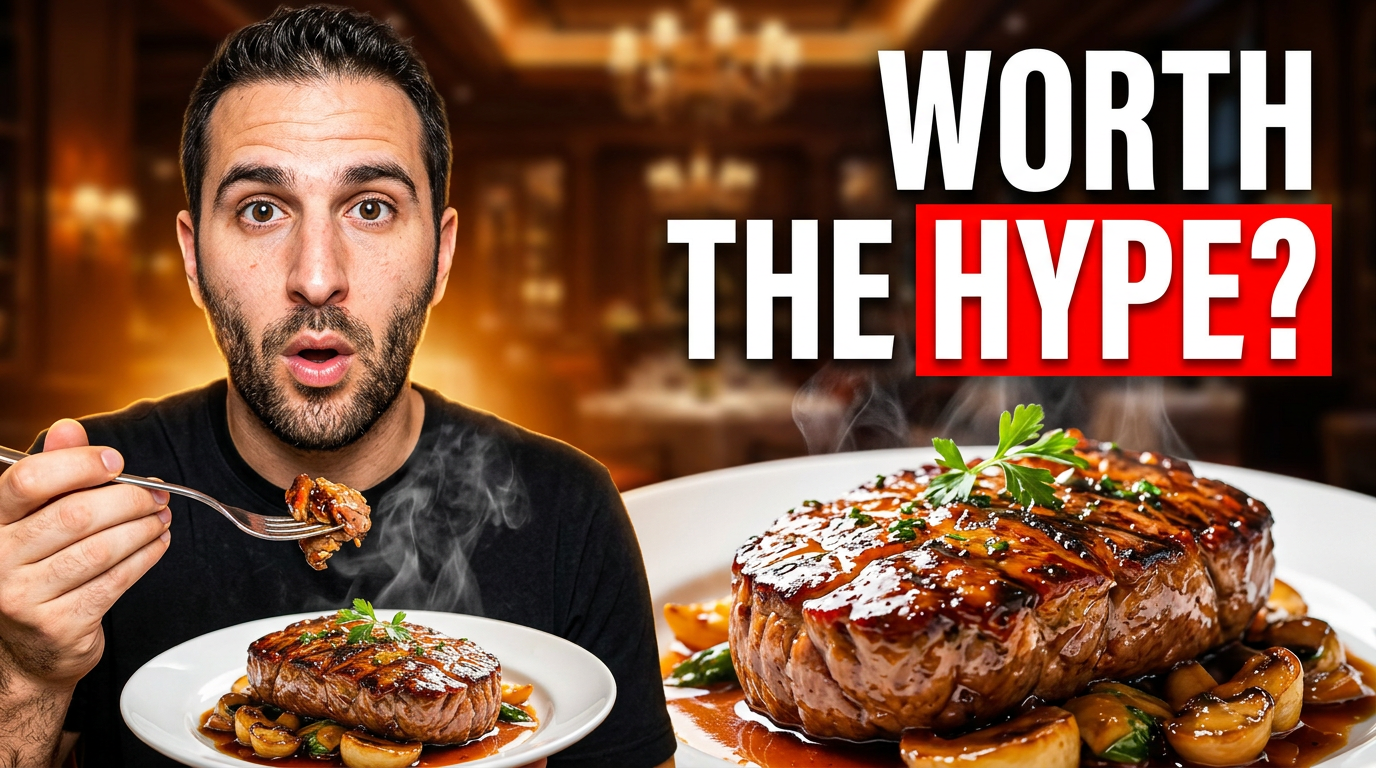
YouTube thumbnails for food truck operators and creators
1 guide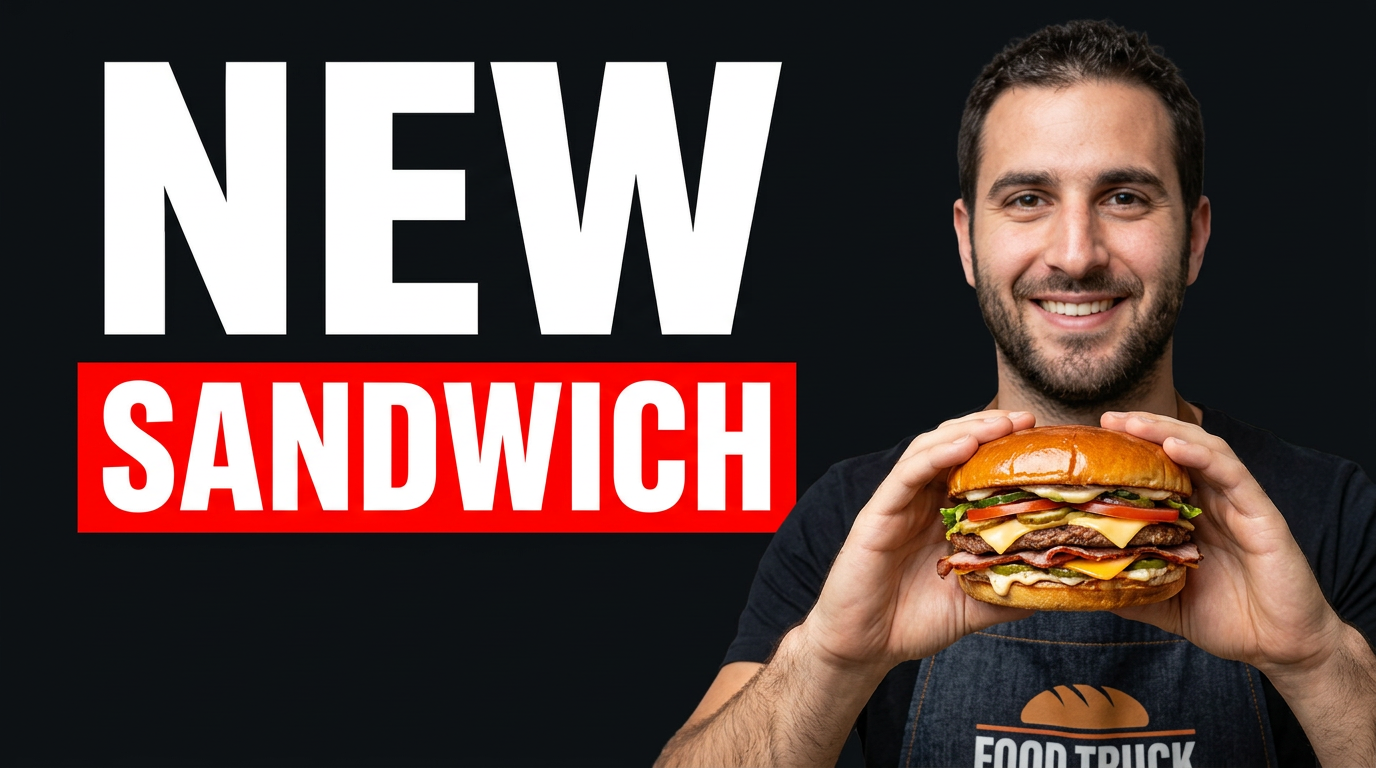
YouTube thumbnails for gardening creators
1 guide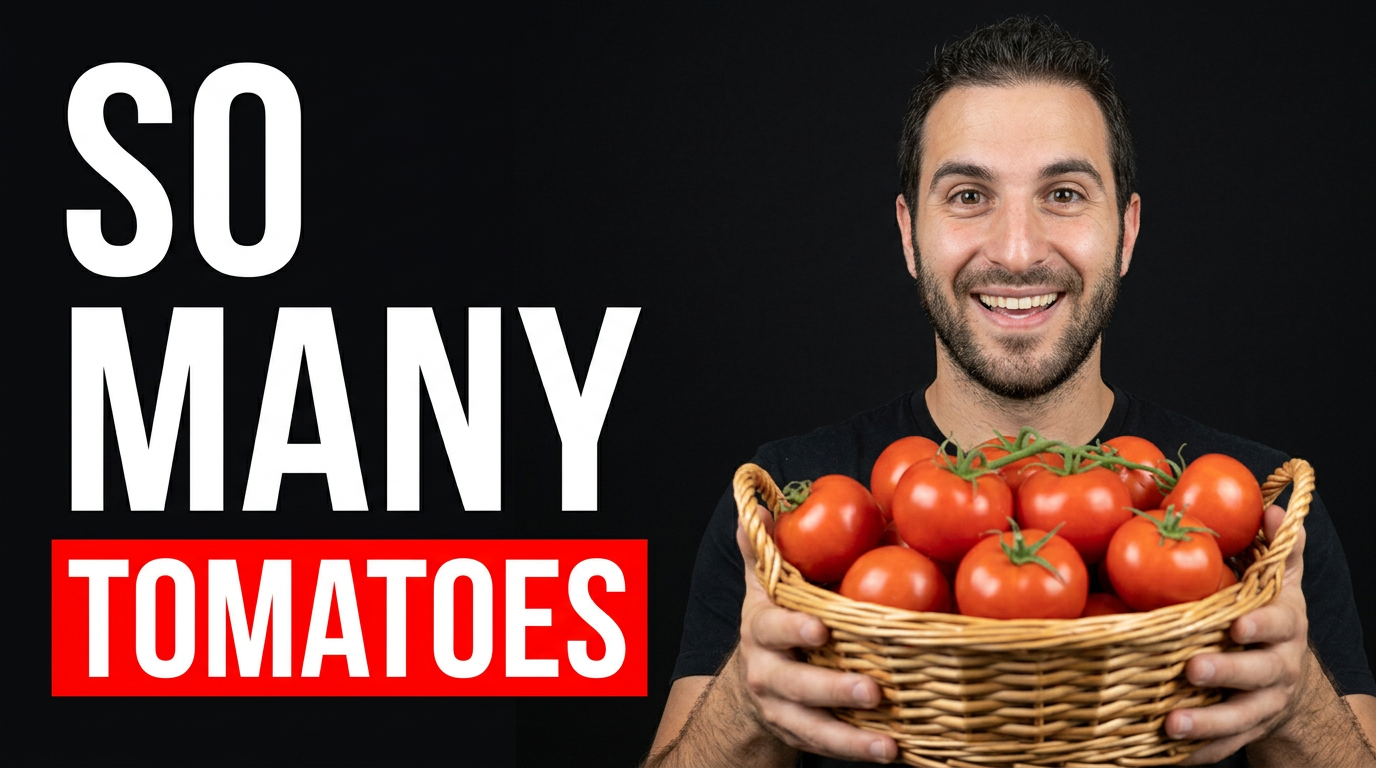
YouTube thumbnails for pest control companies, technicians, and education channels
1 guide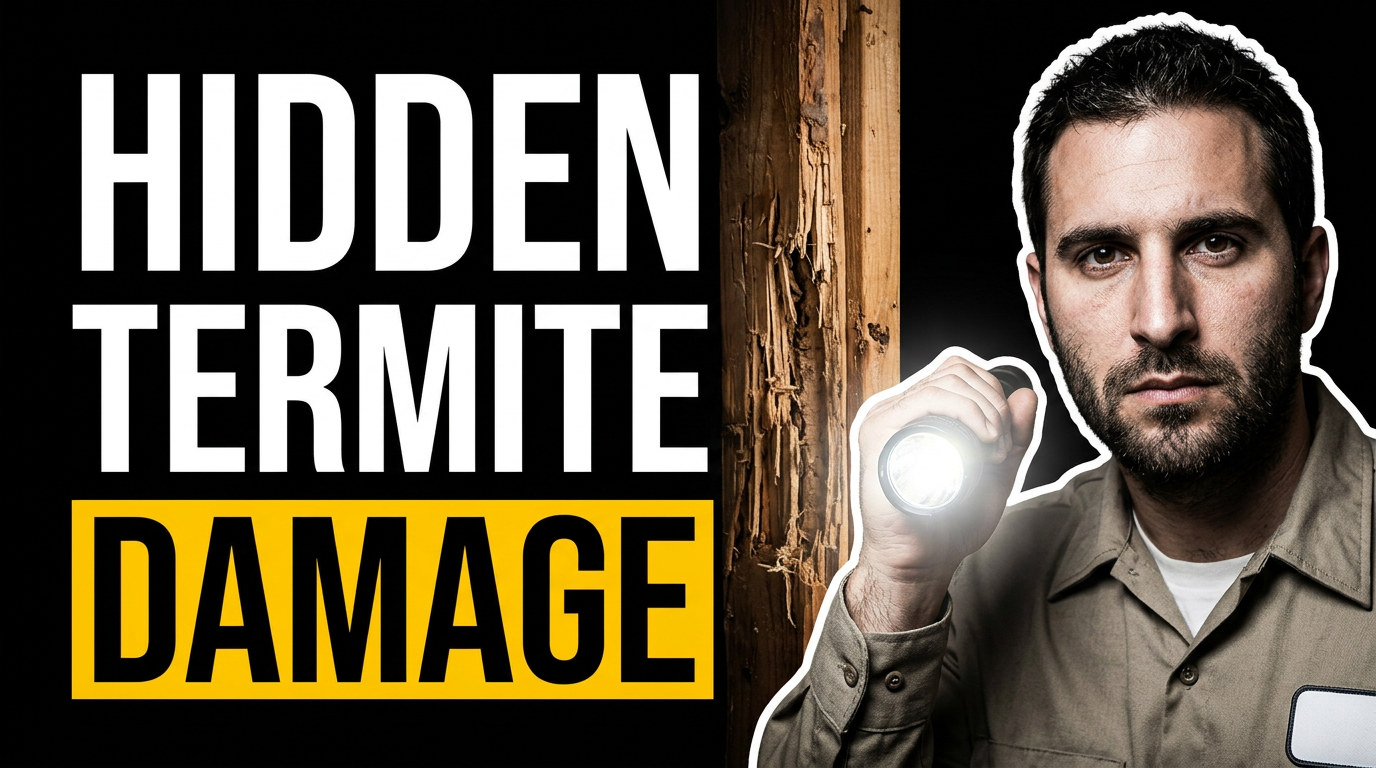
YouTube thumbnails for real estate professionals
1 guide
YouTube thumbnails for restaurant marketing videos
1 guide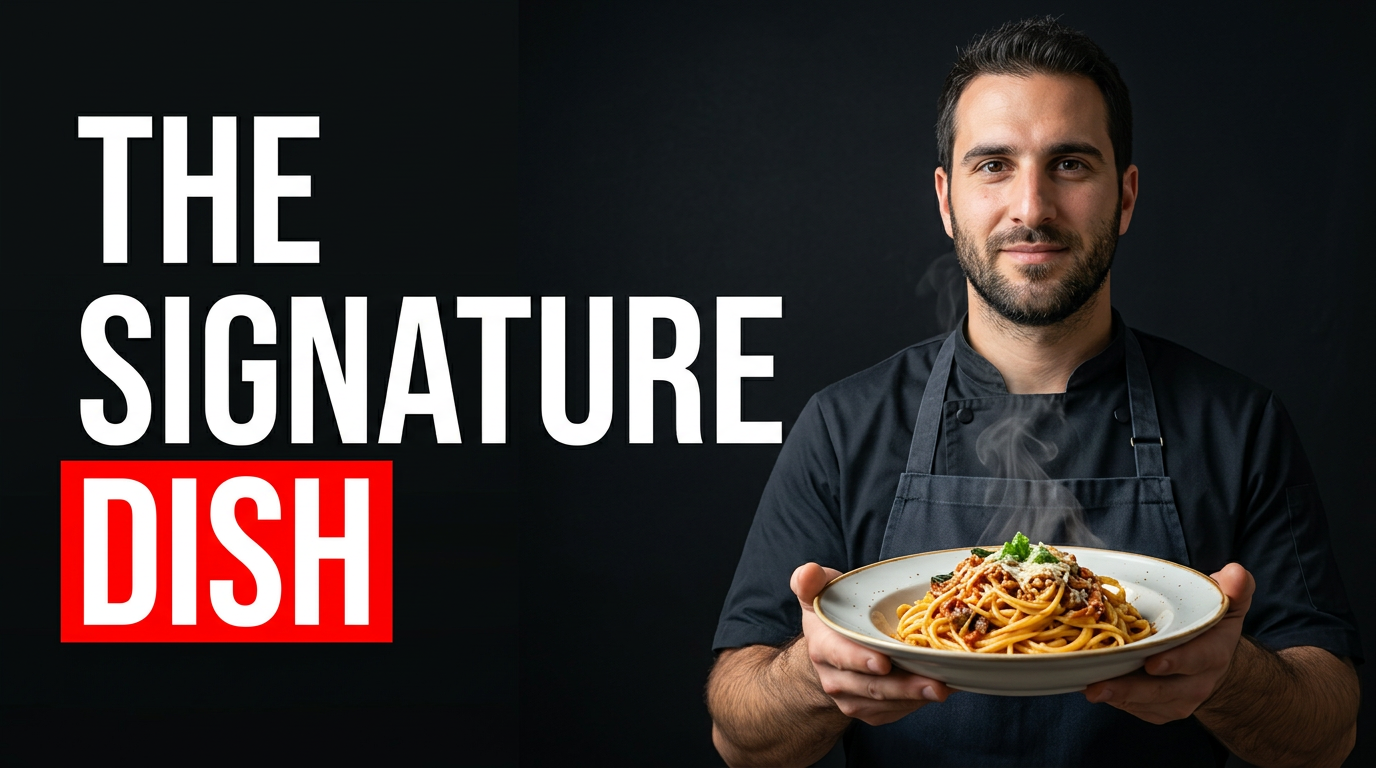
YouTube thumbnails for running coaches and marathon creators
1 guide
Start with your topic, face, or source image.
You can create a professional custom thumbnail even if your topic is not listed yet.