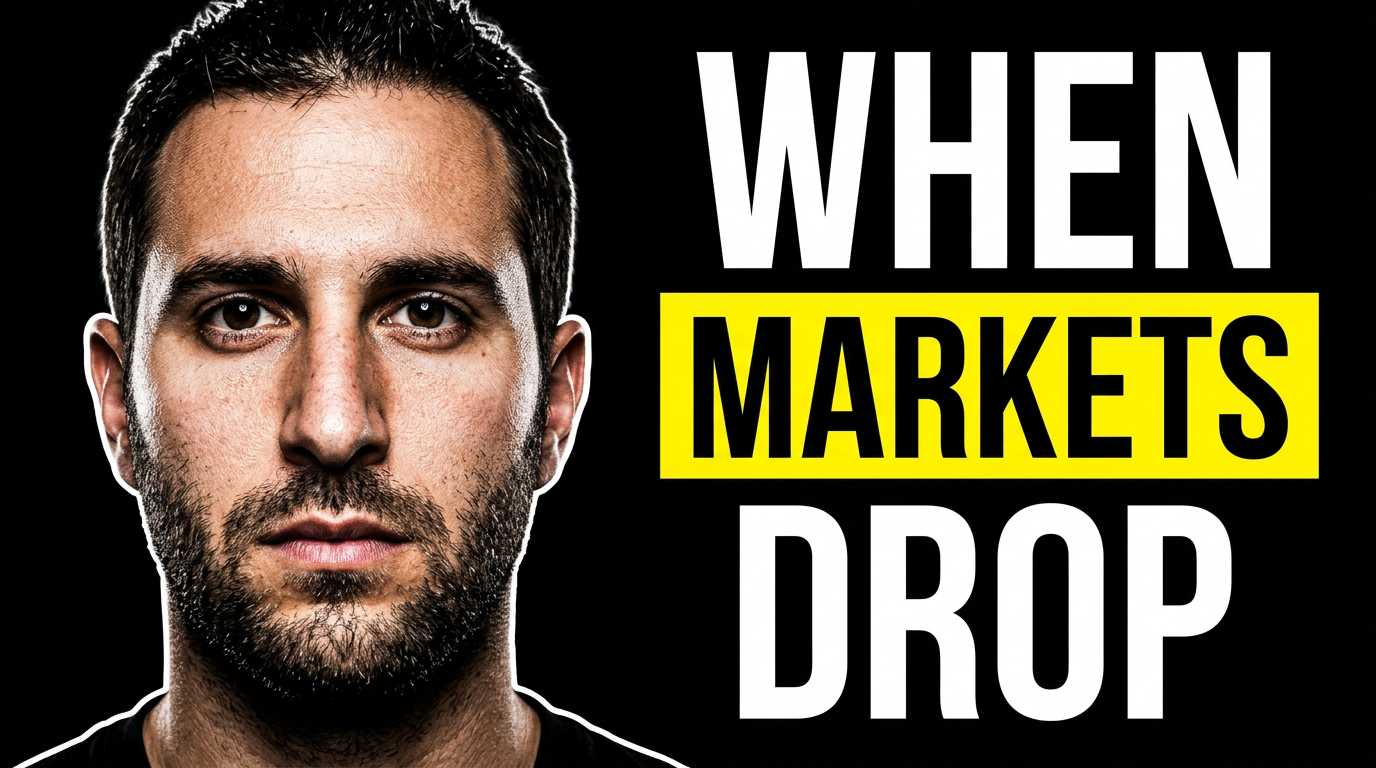
What should a financial advisor put on a YouTube thumbnail?
add
Use one client-relevant topic, a recognizable advisor photo or relevant source image, and a short phrase that accurately frames the video. Retirement, taxes, market context, planning checklists, and business-owner decisions usually benefit from a clear visual cue rather than a dense list of details.
Can I use my own headshot and firm branding?
add
Yes. Upload your own photo, logo, office imagery, or approved brand assets and direct Thumbnail.AI on how prominently each should appear. This helps keep videos recognizable across your channel.
How do I keep thumbnail wording compliant?
add
Provide the exact wording your team wants displayed, then use the output as part of your normal compliance and brand review workflow. Keep the phrase short and factual, and make sure the video itself supplies any required context or disclosures.
Are thumbnails useful for market-update videos?
add
Yes. A market-update thumbnail can pair your face with a restrained chart, calendar, or market-related visual and a concise timeframe or topic. This makes the update easy to identify without making the design feel alarmist.
Can I make a thumbnail for retirement planning content without using generic stock imagery?
add
Yes. Use your own headshot alongside planning materials, a retirement timeline, a desk conversation, or an approved client-neutral office scene. Source images give the design more connection to your firm and the actual subject of the video.
Can I revise a thumbnail after my compliance team reviews it?
add
Yes. Give Thumbnail.AI plain-language revision direction, such as changing the displayed phrase, simplifying the background, reducing emphasis on a chart, or making your logo more subtle, then continue refining the concept.