What should a car repair thumbnail show?
add
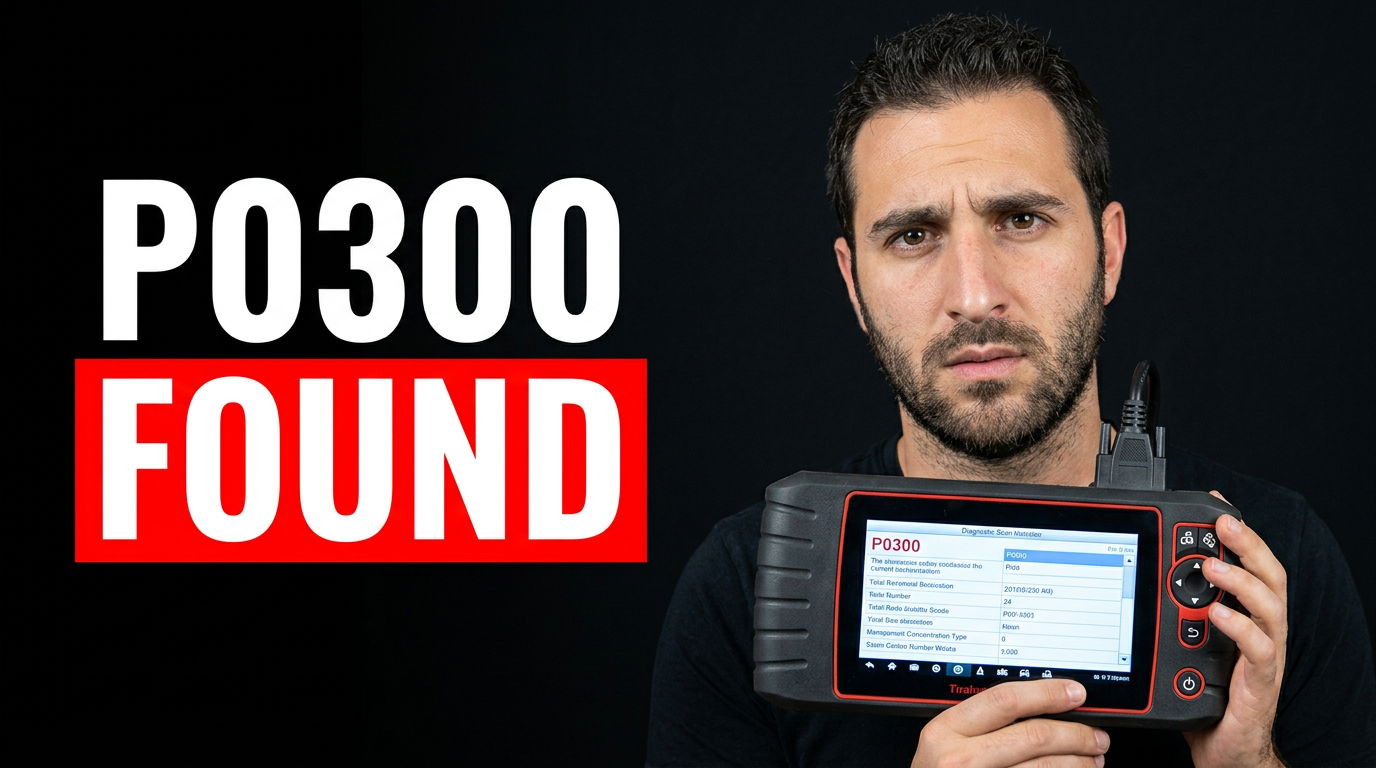
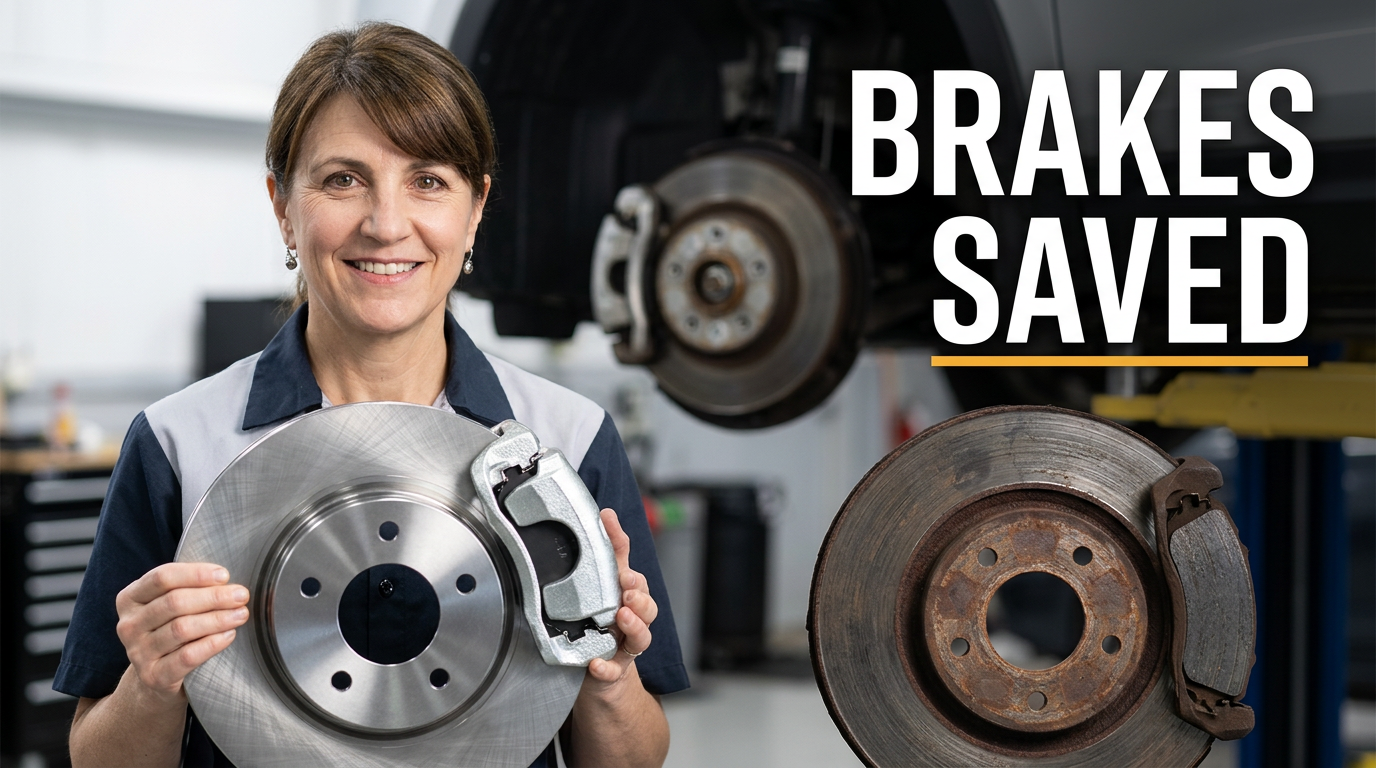
Show one primary visual clue: the failed component, dash warning, scan-tool result, damaged area, or finished repair. If the video is vehicle-specific, include a recognizable view of the car or an engine-bay detail. Avoid trying to show every step of a long repair in one image.
Should I put the repair name on the thumbnail?
add
Usually, use a short outcome or problem phrase rather than the full repair title. Viewers can get the exact part number, year range, and procedure from the video title. Keep the visible wording to a few readable words and let the image carry the technical context.
Can I use photos from my own shop and customer vehicles?
add
Yes. Upload images you have permission to use, such as your shop photos, your own vehicles, and customer vehicles where you have approval. Consider obscuring license plates, customer paperwork, addresses, or other identifying information before using a photo.
How do I make diagnostic videos look interesting without exaggerating the problem?
add
Center the thumbnail on real evidence: a trouble code, warning light, meter reading, leaking part, or the moment of discovery. Pair it with your reaction or a close view of the relevant system. Clear contrast and focused composition can create interest without implying a repair result the video does not deliver.
Are face thumbnails useful for mechanic channels?
add
They are especially useful when viewers come for your judgment, such as an inspection, diagnosis, tool review, repair-cost discussion, or reaction to a previous repair. For a close-up procedural video, the vehicle or component can be the main subject while your face supports the story.