What should a recruiter put on a YouTube thumbnail?
add
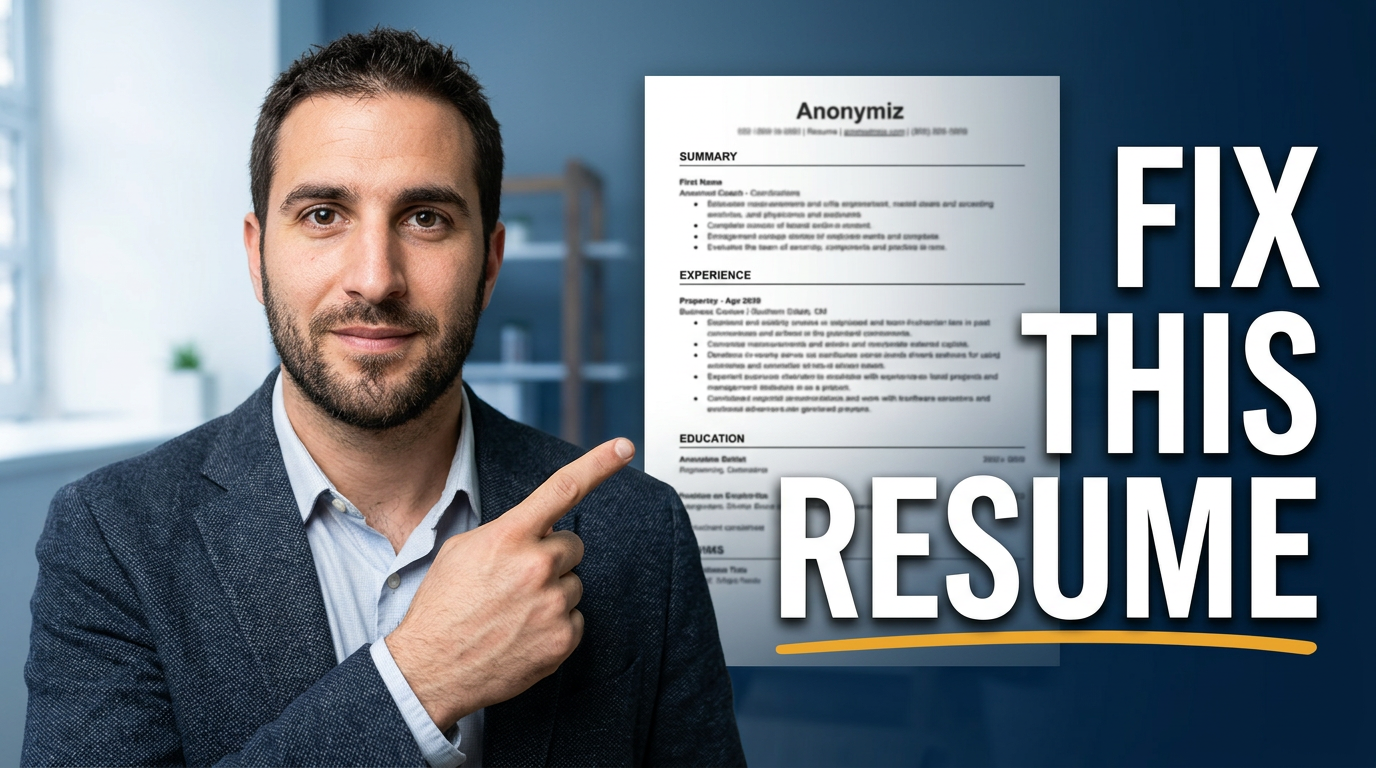
Lead with one specific hiring or candidate problem: a resume red flag, interview answer, job-posting issue, sourcing lesson, or hiring-market change. Pair it with a recognizable face or relevant document detail, not a crowded list of tips.
Can career coaches use their own headshots and client materials?
add
Yes. You can use your own headshots and source images you have permission to use. For client resumes, LinkedIn profiles, messages, and job-search documents, remove or obscure identifying information unless you have explicit consent.
How much text works on a career advice thumbnail?
add
A short phrase is usually easiest to scan. Aim for roughly two to six words that capture the central outcome or tension, such as a resume fix or interview mistake. Let the video title handle the specifics.
How can I make salary and layoff content feel professional rather than sensational?
add
Use a calm expression, clean hierarchy, and a restrained visual focal point such as a compensation figure, offer-letter detail, or career-transition scene. Avoid alarming imagery when the video is meant to provide practical support.
Can I make different thumbnails for job seekers and hiring managers?
add
Yes. Job-seeker content can center on resumes, interviews, confidence, and career decisions. Hiring-manager content can foreground candidate evaluation, job descriptions, team growth, and recruiting workflow. Tailor the subject, document, and wording to the intended viewer.