What should a budgeting thumbnail show?
add
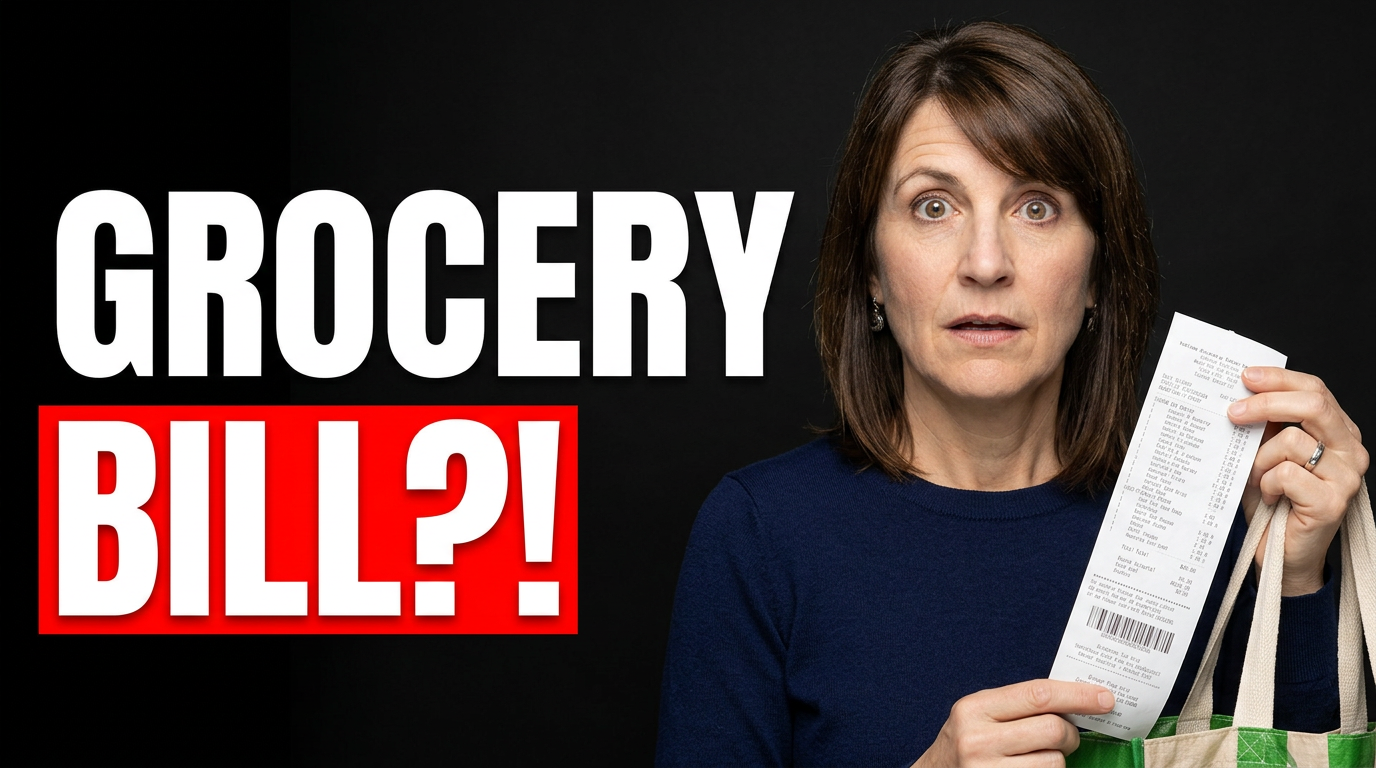
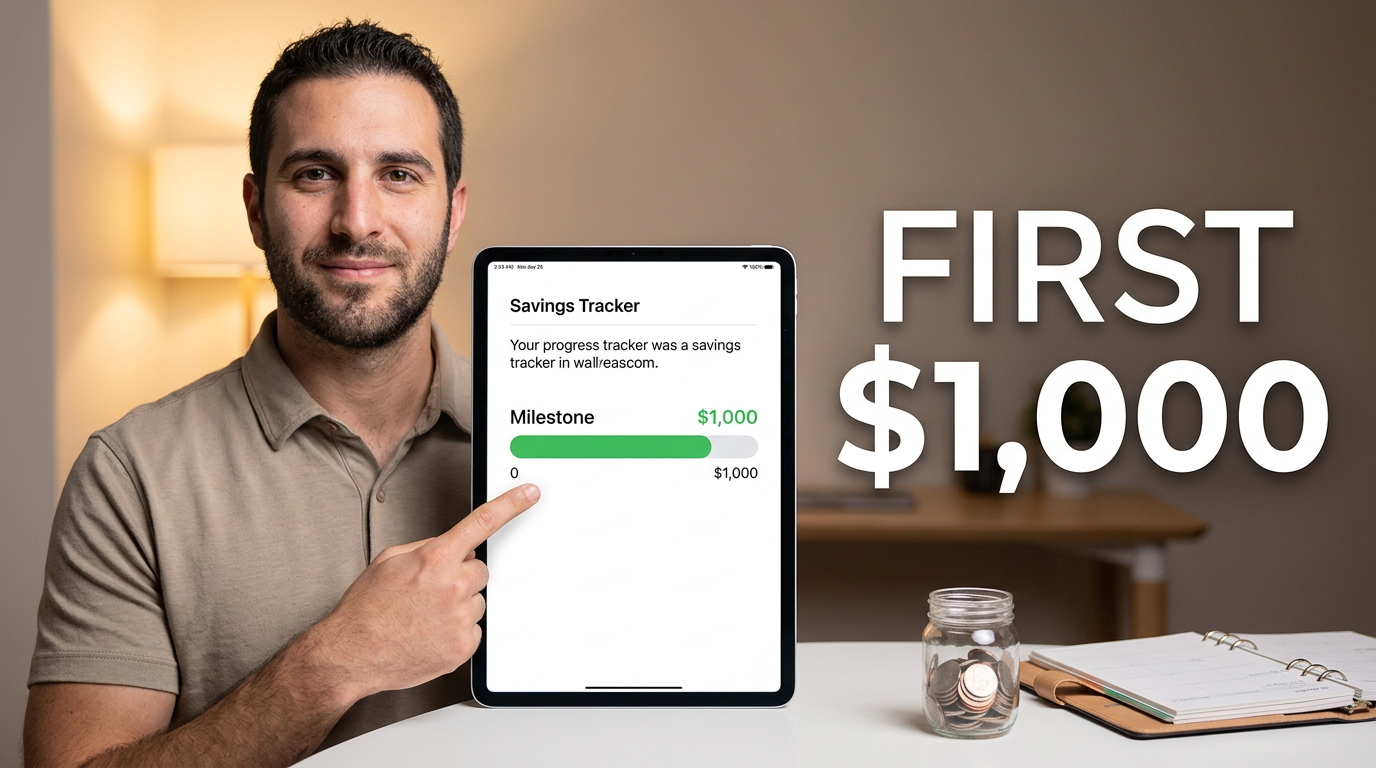
Show one recognizable budgeting cue and one clear human reaction or point of view. A planner, spreadsheet, grocery receipt, cash envelope, or savings tracker can establish the topic quickly; your face can convey relief, concern, focus, or confidence without making the layout feel crowded.
Can I use my own budget spreadsheet or receipt in the thumbnail?
add
Yes. Upload a source image and ask Thumbnail.AI to build the composition around it. Before uploading, crop, blur, or cover account numbers, addresses, transaction IDs, and any other private information.
How much text works on a personal finance thumbnail?
add
Usually a short phrase works best. Focus on the specific tension or outcome in the video, such as a reset, spending limit, payoff milestone, or savings target. The title can carry the full explanation while the thumbnail delivers the immediate hook.
How can I make debt payoff content feel motivating without being misleading?
add
Use your actual progress, plan, or lesson as the focal point. Choose wording and visuals that reflect the real video—such as a payoff tracker, bill stack, or budget meeting—rather than implying guaranteed financial outcomes.
Can Thumbnail.AI keep my face in the design?
add
Yes. Add a portrait and specify how you want it used, such as a close-up beside a budget sheet, a surprised expression near a grocery receipt, or a focused pose looking toward a savings tracker.
What images work for a no-spend or grocery-budget video?
add
Use source material connected to the decision: a shopping cart, pantry shelves, a store receipt, a meal plan, cash envelopes, or a spending tracker. One or two relevant objects are usually more legible than a collage of many purchases.