Roofing Thumbnails That Make Homeowners Stop Scrolling
Turn roof inspections, repair explainers, storm-damage updates, and replacement projects into custom YouTube-style thumbnails with your face, jobsite photos, and the wording you want.
- personYour face
- add_photo_alternateYour source images
- edit_notePlain-language edits
Custom thumbnails for roofing videos
Roofing videos need to communicate urgency and trust in a single glance. Thumbnail.AI helps roofing contractors create custom thumbnail concepts around real jobsite photos, before-and-after roof work, inspection findings, storm damage, material comparisons, and on-camera expertise. Upload your photos, choose the message homeowners should see, and direct the visual in plain language.
Built for roofing contractors, roofing company owners, estimators, inspectors, and content teams publishing homeowner-focused video.
Three thumbnail ideas for roofers
Each example explores a different visual direction and can be adapted with your own face, images, wording, and brand.
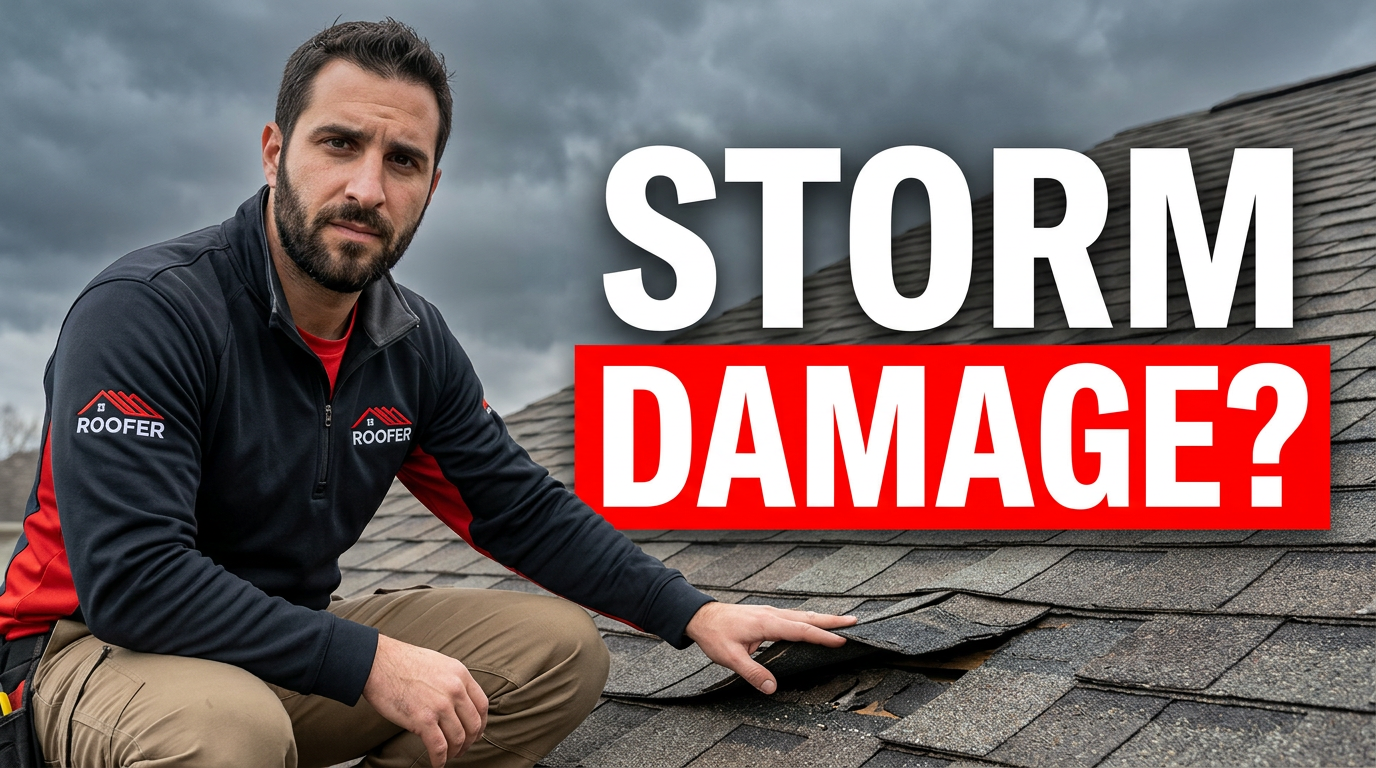
Storm damage inspection
A direct inspection-focused concept for weather-related roofing videos.
See the visual approach
Male roofer in branded workwear on a residential roof, leaning near a visible section of lifted and missing asphalt shingles, one hand indicating the damage. Close perspective with a stormy gray sky, damaged roof area prominent, serious but helpful expression, crisp high-contrast jobsite composition using a real inspection photo as source material.
Make a thumbnail like this →
Repair versus replacement
A clear comparison layout for homeowners weighing their next step.
See the visual approach
Female roofing professional centered between two contrasting residential roof surfaces: an aged, weathered shingle roof on one side and a clean newly installed shingle roof on the other. She gestures toward both options with a confident, approachable expression. Bright daylight, balanced split composition, strong emphasis on the material contrast, use supplied project photos and her headshot.
Make a thumbnail like this →
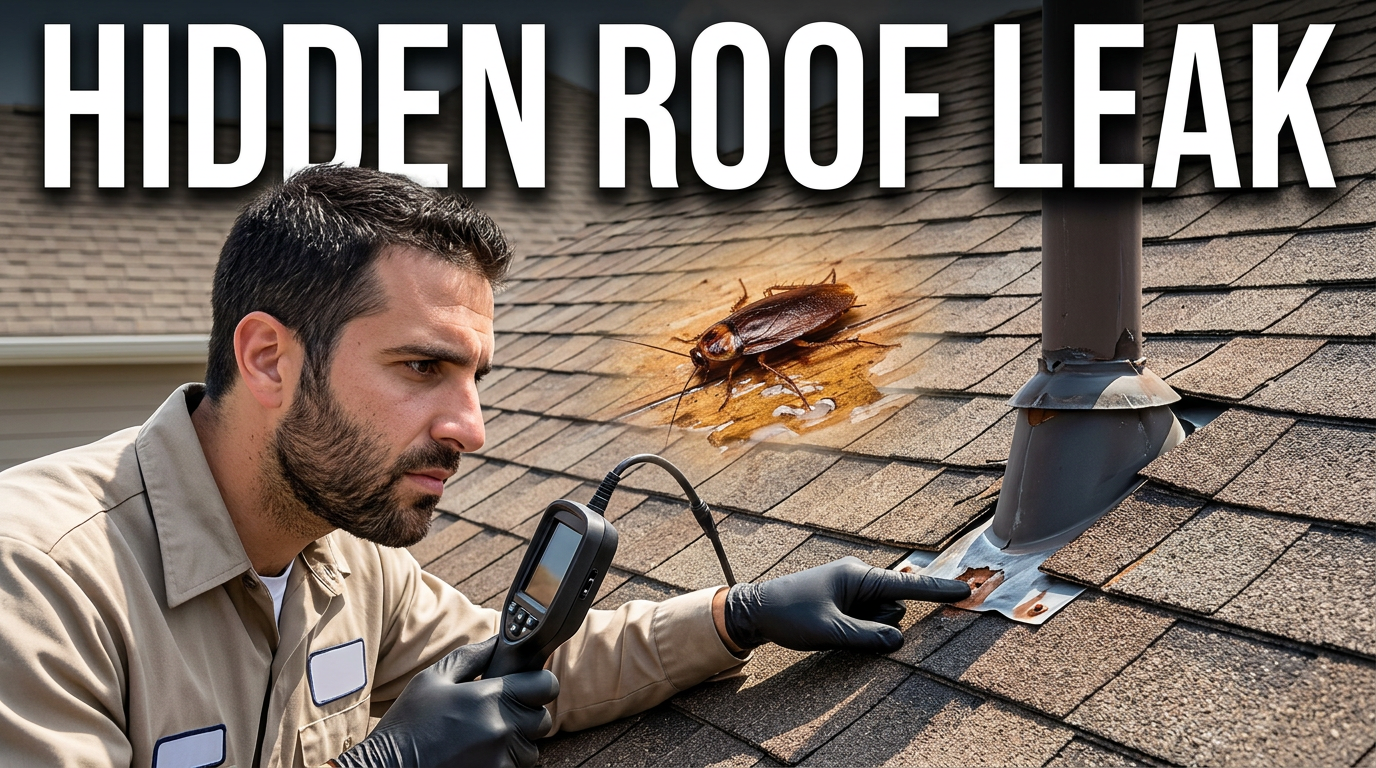
Roof leak warning signs
An expert-led concept for leak diagnosis and maintenance content.
See the visual approach
Male roofer on a sloped roof pointing closely at compromised flashing around a vent penetration, with a subtle view of stained sheathing or moisture evidence in an inset source image. Focused instructional expression, tight crop, realistic residential jobsite, directional framing toward the problem area, clean authoritative visual treatment using supplied inspection images.
Make a thumbnail like this →
These examples are starting points. Results vary based on your images, wording, and creative direction.
Thumbnail ideas for roofing content
Create a consistent visual system across the videos homeowners watch before choosing a roofer or deciding what to do next.
- Storm-damage assessments and insurance-related updates
- Roof leak symptoms and repair walkthroughs
- Roof replacement before-and-after projects
- Shingle, metal, tile, and flat-roof comparisons
- Roof inspection findings and maintenance checklists
- Local weather alerts and seasonal roofing advice
- Pricing and financing conversations
- Team introductions, jobsite updates, and customer project stories
A simple workflow you can reuse
-
1
Start with the homeowner question
Choose one clear promise for the thumbnail, such as identifying storm damage, explaining a leak, or showing the difference a replacement made.
-
2
Add real roofing source material
Use your headshot, crew photo, roof inspection image, drone shot, damaged shingles, or finished project photo to keep the visual grounded in your work.
-
3
Set the visual direction in plain language
Describe the composition you need: point toward damaged flashing, emphasize a missing-shingle area, frame a dramatic before-and-after, or place your spokesperson beside the roof photo.
Frequently asked questions
Answers for building a useful, repeatable thumbnail workflow—not just generating one image.
Browse all thumbnail makers →
What should a roofing video thumbnail say?
add
Keep it focused on the homeowner's immediate concern or outcome. Short phrases such as “Storm Damage?”, “Repair or Replace?” or “Hidden Roof Leak” are easier to read than a full video title. Pair the wording with a relevant roof image and a clear focal point.
Can I use photos from my own roofing jobs?
add
Yes. Use project photos, drone images, inspection photos, crew images, and your own headshots as source material. For customer homes, make sure you have permission to use identifiable property details before publishing.
How do I make storm-damage thumbnails look urgent without looking misleading?
add
Use an actual damage photo or inspection image, limit the message to the specific issue covered in the video, and avoid implying that every roof has the same problem. Strong contrast, a close crop, and a visible damaged area can create clarity without exaggeration.
What works for before-and-after roof replacement thumbnails?
add
Use a clearly divided composition with matching angles where possible. Make the old roof and completed roof easy to distinguish, then add a short outcome-focused phrase. A contractor pointing toward the finished result can reinforce the transformation.
Can Thumbnail.AI help with revisions when my wording changes?
add
Yes. You can revise the visible wording and give new direction for the layout, image emphasis, mood, or placement of your source photos without starting the concept over.
Create your next roofing thumbnail
Bring your inspection photos, project images, and on-camera expertise together in a thumbnail built for the homeowner question behind your video.
Create a thumbnail in Thumbnail.AI