What kinds of gym videos need custom thumbnails?
add
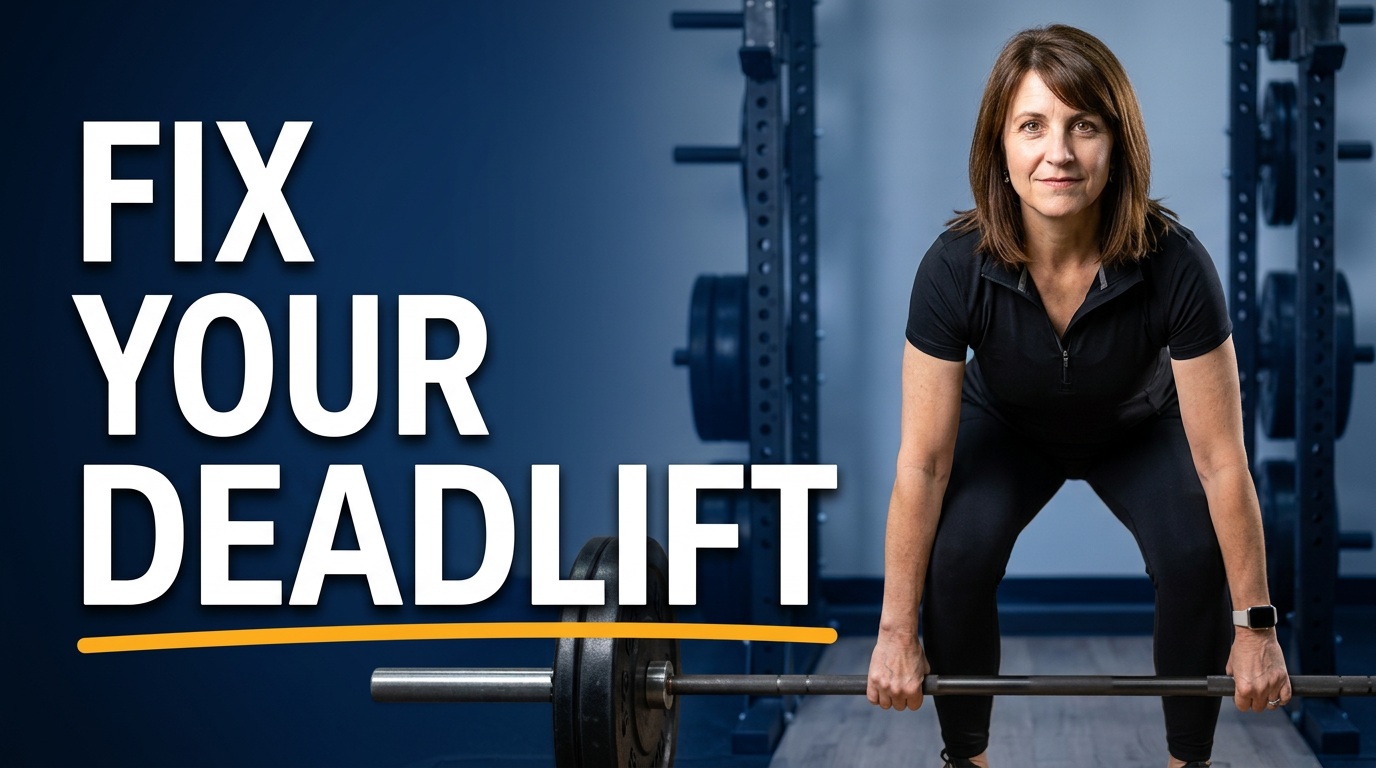
Custom thumbnails work well for workout demonstrations, CrossFit WOD recaps, movement tutorials, coach Q&As, gym tours, challenge updates, competition coverage, and member-story videos. The best concept depends on the specific promise of the video.
Can I use photos of my own coaches and members?
add
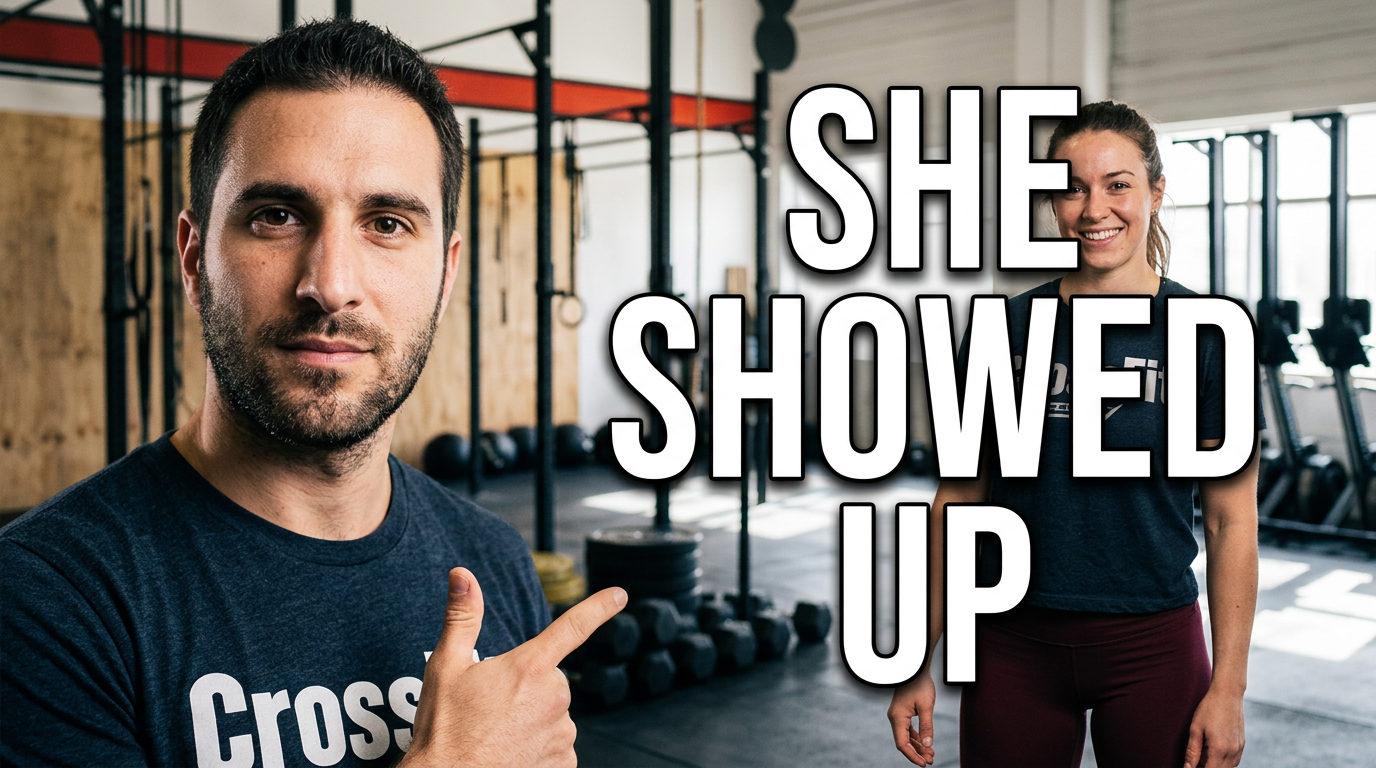
Yes. Upload the source photos you have permission to use and build the thumbnail around the actual people in your gym. This is especially useful for coach-led instruction, community updates, and member spotlights.
How much text should a CrossFit workout thumbnail use?
add
Keep it short—usually a workout name, a question, or a sharp outcome in two to six words. Let the athlete, movement, or piece of equipment do the rest of the communication.
How do I make a technique video look different from a workout recap?
add
For technique content, emphasize the coach, the movement position, and one key point of attention. For a workout recap, prioritize exertion, action, the workout environment, and a more immediate high-energy mood.
Can Thumbnail.AI help match our gym’s existing branding?
add
Yes. Use your facility photos, coach images, recognizable colors, and clear direction about the tone you want. You can revise the thumbnail to make the visual feel consistent with your channel and gym identity.