Crypto thumbnails built for fast-moving market stories
Turn your market take, chart screenshot, token artwork, and on-camera reaction into a custom YouTube-style thumbnail with wording and visual direction you control.
- personYour face
- add_photo_alternateYour source images
- edit_notePlain-language edits
Make crypto video thumbnails that clarify the stakes
Crypto viewers often decide in a second whether a video is a price update, a token breakdown, a security warning, or a long-term thesis. Thumbnail.AI helps you combine the right signals: your own face, a supplied chart or coin image, a specific market moment, and a short headline that frames the question. Start with the actual subject of the video—not a generic bull-market look—then direct the composition in plain language and revise until the thumbnail matches your channel’s point of view.
Built for crypto educators, market commentators, traders, researchers, founders, and podcast hosts publishing analysis for viewers who want context as quickly as they want price action.
Three thumbnail ideas for crypto channels
Each example explores a different visual direction and can be adapted with your own face, images, wording, and brand.
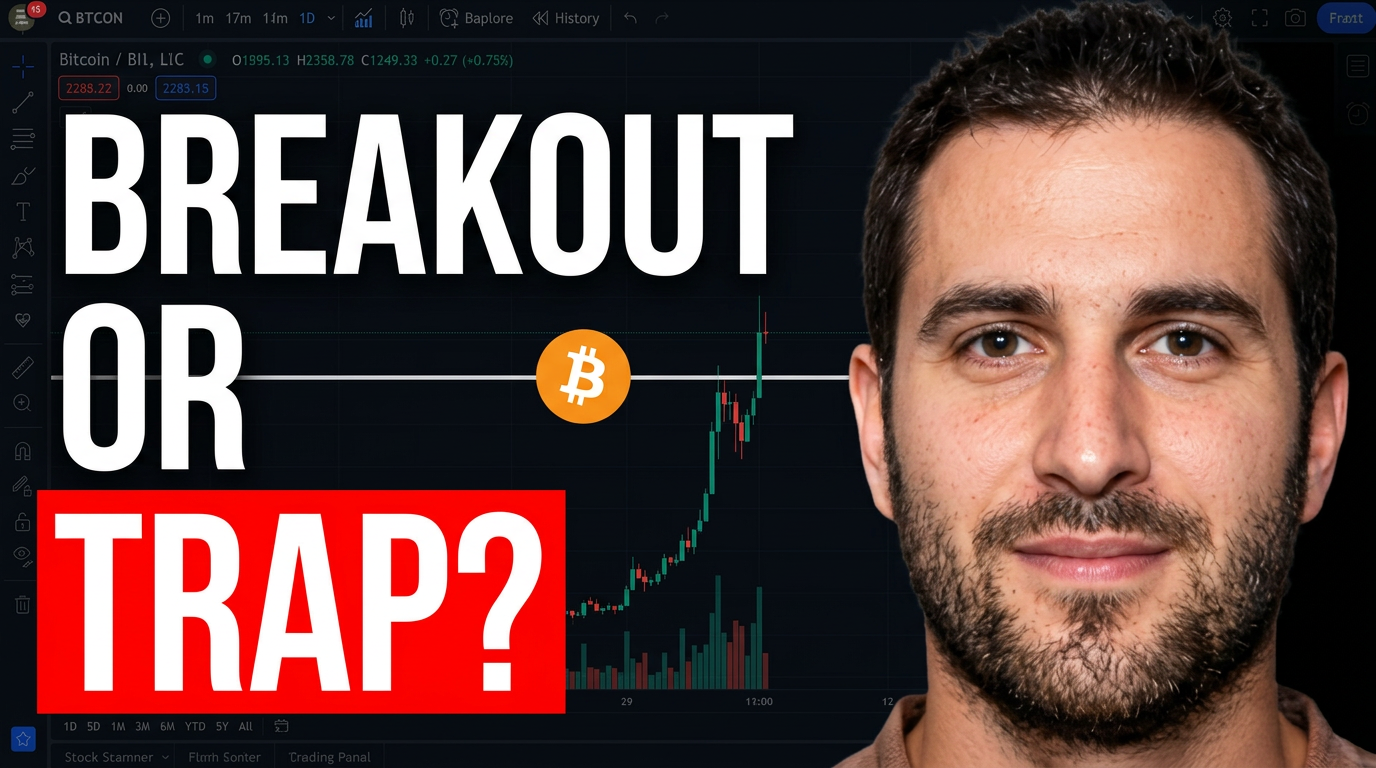
Bitcoin market-breakdown thumbnail
Use a recognizable chart moment and a decisive reaction for a market-structure video.
See the visual approach
Close-up of the male crypto creator on the left with an alert, analytical expression, positioned beside a supplied Bitcoin price chart showing a dramatic upward move and a clear resistance area. Dark trading-terminal background, orange Bitcoin accent, high contrast, clean mobile-readable composition, emphasis on the chart decision point and the creator's reaction.
Make a thumbnail like this →
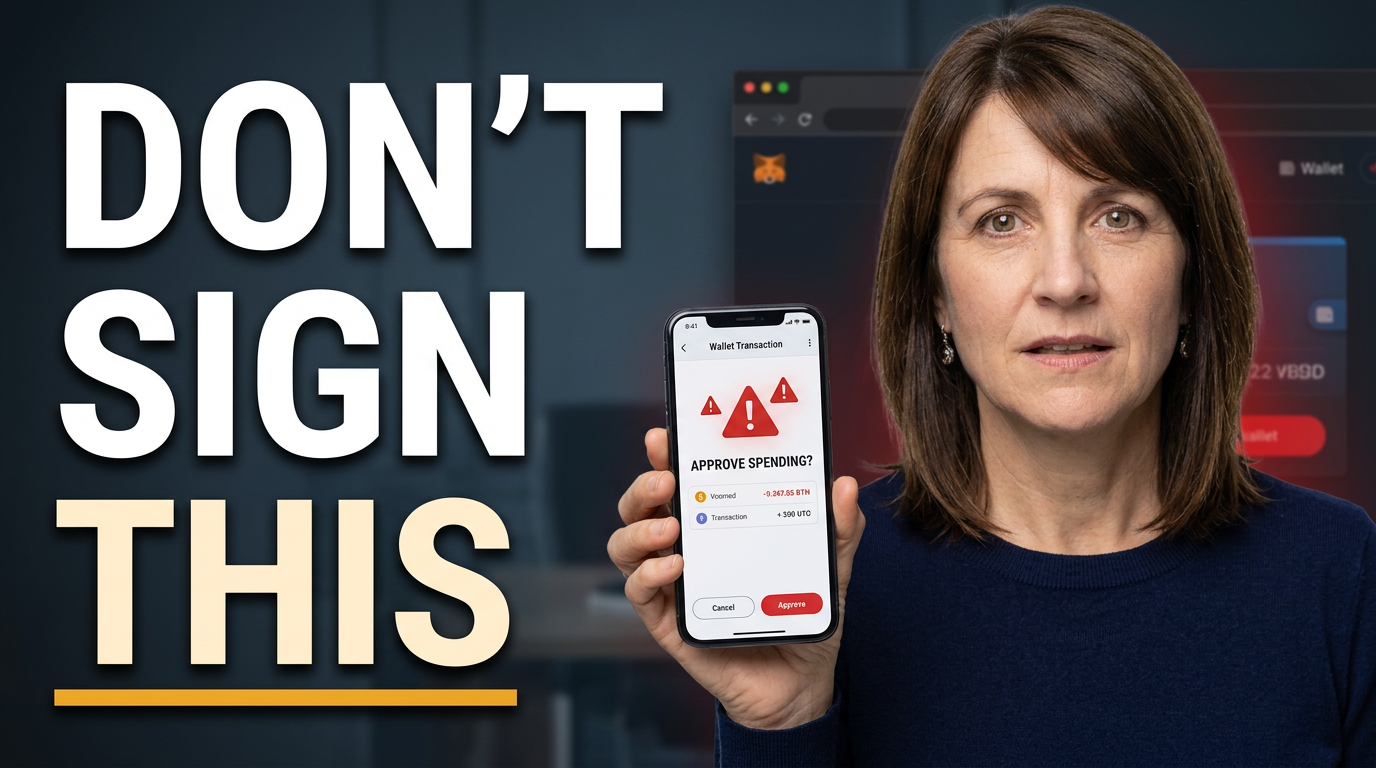
Wallet-security warning thumbnail
Center the real risk signal for a practical wallet-safety video.
See the visual approach
Female crypto educator in the foreground holding a phone that displays a supplied suspicious wallet approval or transaction screen, with a concerned but instructive expression. Shadowy browser and wallet interface elements behind her, restrained red warning accents, focused lighting, clear emphasis on the phone screen and the security concern, credible educational mood.
Make a thumbnail like this →
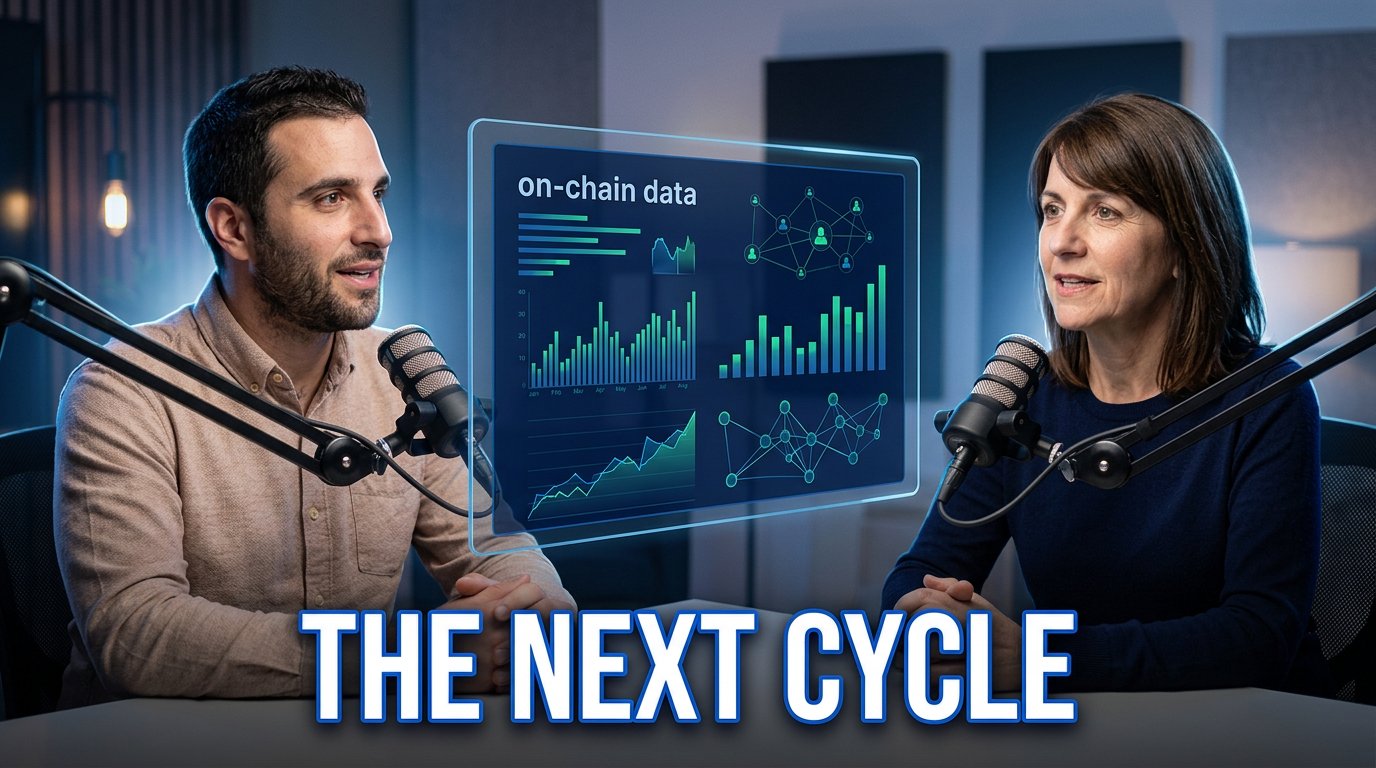
Crypto founder interview thumbnail
Give both speakers equal presence when the conversation itself is the draw.
See the visual approach
Two people, a crypto podcast host and a protocol founder, seated facing slightly toward each other in a modern studio setting. Include a supplied protocol dashboard or on-chain data visual between them as a subtle central element. Confident conversational expressions, cinematic rim lighting, deep blue and digital green atmosphere, balanced composition that makes both people and the research topic feel important.
Make a thumbnail like this →
These examples are starting points. Results vary based on your images, wording, and creative direction.
Thumbnail directions for crypto content
Use the visual focus that fits the promise of your video, whether you are explaining a protocol, reacting to volatility, or helping viewers avoid a costly mistake.
- Bitcoin and Ethereum market updates with a readable chart moment
- Altcoin and token research that centers the protocol or catalyst
- Wallet, phishing, and exchange-security warnings with clear risk cues
- On-chain analysis featuring transaction flows, holders, or liquidity data
- DeFi explainers for staking, lending, bridges, and yield mechanics
- Regulation and ETF commentary with a serious newsroom-style treatment
- Founder interviews and crypto podcast conversations with both speakers visible
- Portfolio framework videos that emphasize allocation, risk, and time horizon
A simple workflow you can reuse
-
1
Choose the one question your video answers
Frame the thumbnail around the decision or tension: whether a breakout holds, what caused a move, how a protocol works, or what a security risk means for holders.
-
2
Provide recognizable source material
Upload your headshot or video still, plus any chart screenshot, token logo, wallet interface, protocol visual, or guest photo that viewers need to recognize.
-
3
Set a short, precise headline
Use a few words that add context to the visual. Let the chart, coin, or reaction carry the rest instead of cramming in price targets and disclaimers.
Frequently asked questions
Answers for building a useful, repeatable thumbnail workflow—not just generating one image.
Browse all thumbnail makers →
Can I use my own TradingView or exchange chart screenshot?
add
Yes. Upload the chart you want to reference and direct Thumbnail.AI to make it the focal point, supporting it with your face, a token visual, or a restrained background.
How should a crypto security-warning thumbnail look?
add
Make the threat immediately legible without turning the design into panic bait. Use the relevant wallet, phishing message, exchange, or transaction visual, a concerned on-camera expression, and brief wording that identifies the risk.
What wording works for token research videos?
add
Use wording that reflects the actual research angle, such as a valuation question, catalyst, unlock, governance decision, or protocol mechanism. Keep it short enough to read on mobile and let the token or data visual supply recognition.
Can I make thumbnails for interviews or crypto podcasts?
add
Yes. Upload images of the host and guest, then describe the conversation’s central disagreement, prediction, or research topic. A two-person composition is especially useful when the guest is the reason viewers will click.
How can I keep a consistent look across market updates?
add
Reuse your preferred face treatment, color family, chart placement, and headline hierarchy while changing the asset, chart movement, and topic-specific visual for each update. This keeps recurring videos recognizable without making every upload look identical.
Create your next crypto thumbnail in Thumbnail.AI
Upload your face and source visuals, add the exact wording you want, and describe the market story or research angle in plain language.
Create a crypto thumbnail