Pest Control Thumbnails That Make the Problem Clear
Turn inspections, treatments, pest sightings, and homeowner advice into custom YouTube-style thumbnails using your technicians, job-site photos, exact wording, and direction.
- personYour face
- add_photo_alternateYour source images
- edit_notePlain-language edits
What makes a strong pest control thumbnail?
A strong pest control thumbnail identifies the pest or property risk immediately, then gives viewers one clear reason to click. Use a close, recognizable subject such as a termite-damaged beam, rodent entry point, bed bug inspection, or technician at work. Pair it with short, specific wording that matches the video’s promise. Keep the image credible: viewers looking for help with an infestation want a clear diagnosis, practical context, and a professional who looks prepared to address the problem.
Built for local pest control companies, exterminators, entomology educators, home-service marketers, and creators publishing homeowner-focused pest advice.
Three thumbnail ideas for pest control
Each example explores a different visual direction and can be adapted with your own face, images, wording, and brand.
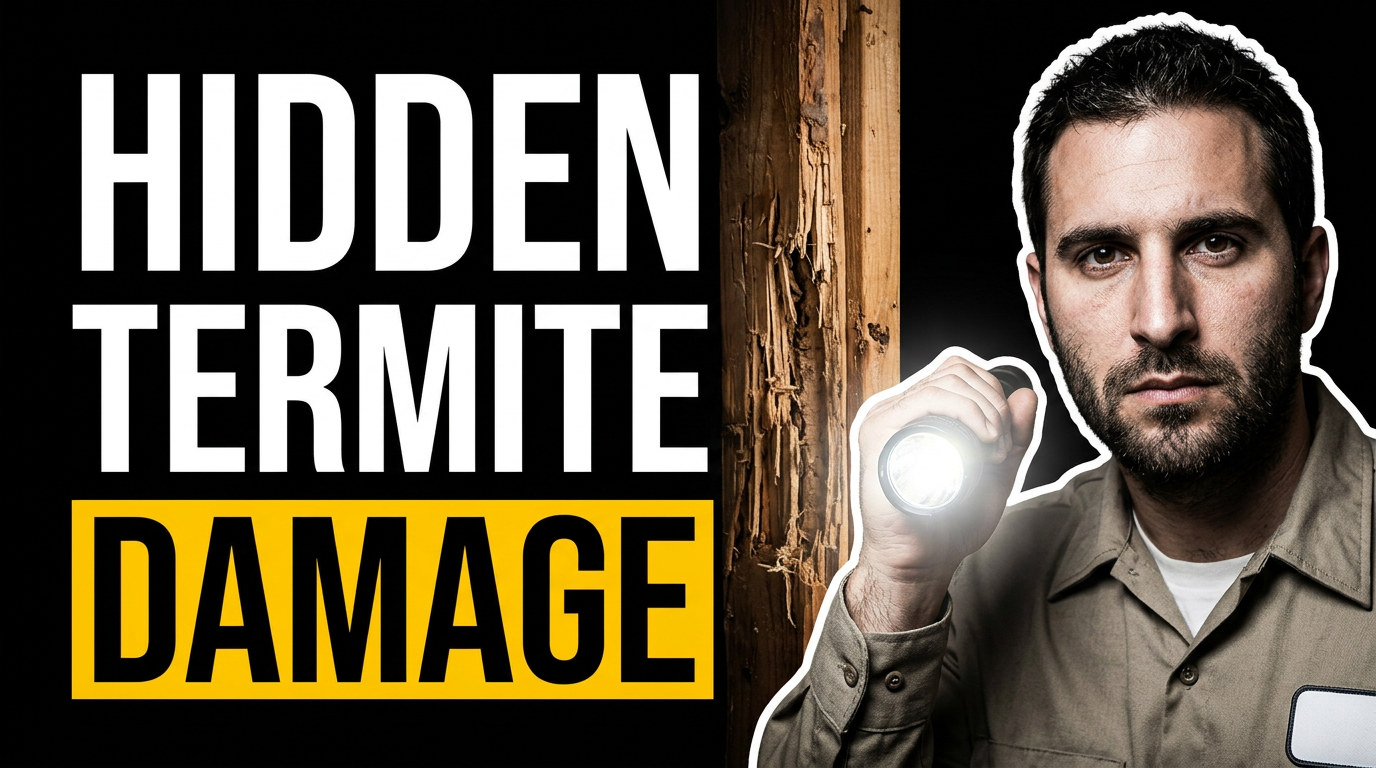
Termite damage warning
Use a real inspection setting to frame a homeowner-focused termite warning.
See the visual approach
Close composition of a uniformed pest control technician holding a flashlight beside visibly damaged wooden framing in a residential crawl space. Emphasize wood texture, inspection detail, and a serious but professional mood. Use a supplied technician photo if available; leave clean space for a short headline.
Make a thumbnail like this →
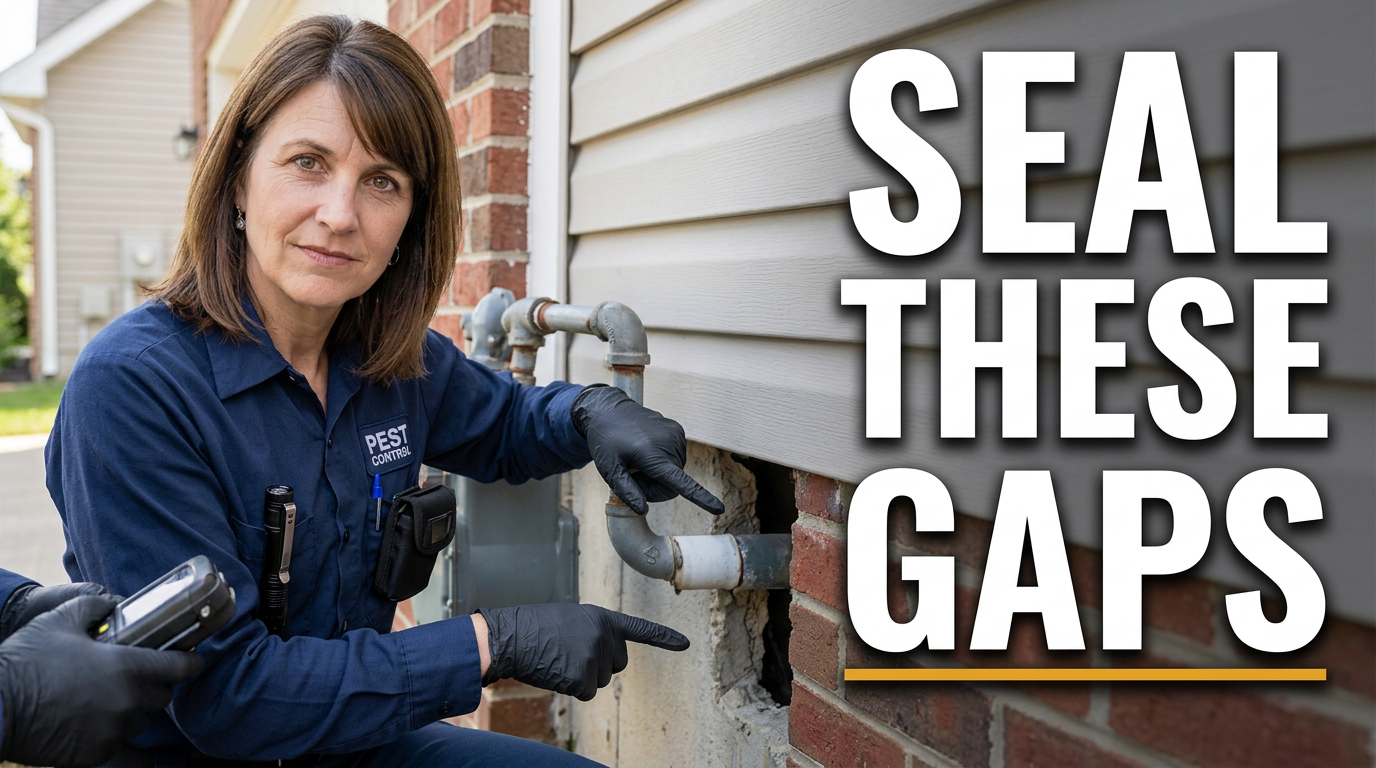
Rodent exclusion walkthrough
Make the entry point and the practical fix easy to understand at a glance.
See the visual approach
Outdoor residential exterior with a pest management professional pointing at a narrow opening around a utility-line penetration near the foundation. Show gloved hands, inspection gear, and the gap as the focal point. Bright practical daylight, trustworthy home-service feel, with room for a concise headline.
Make a thumbnail like this →
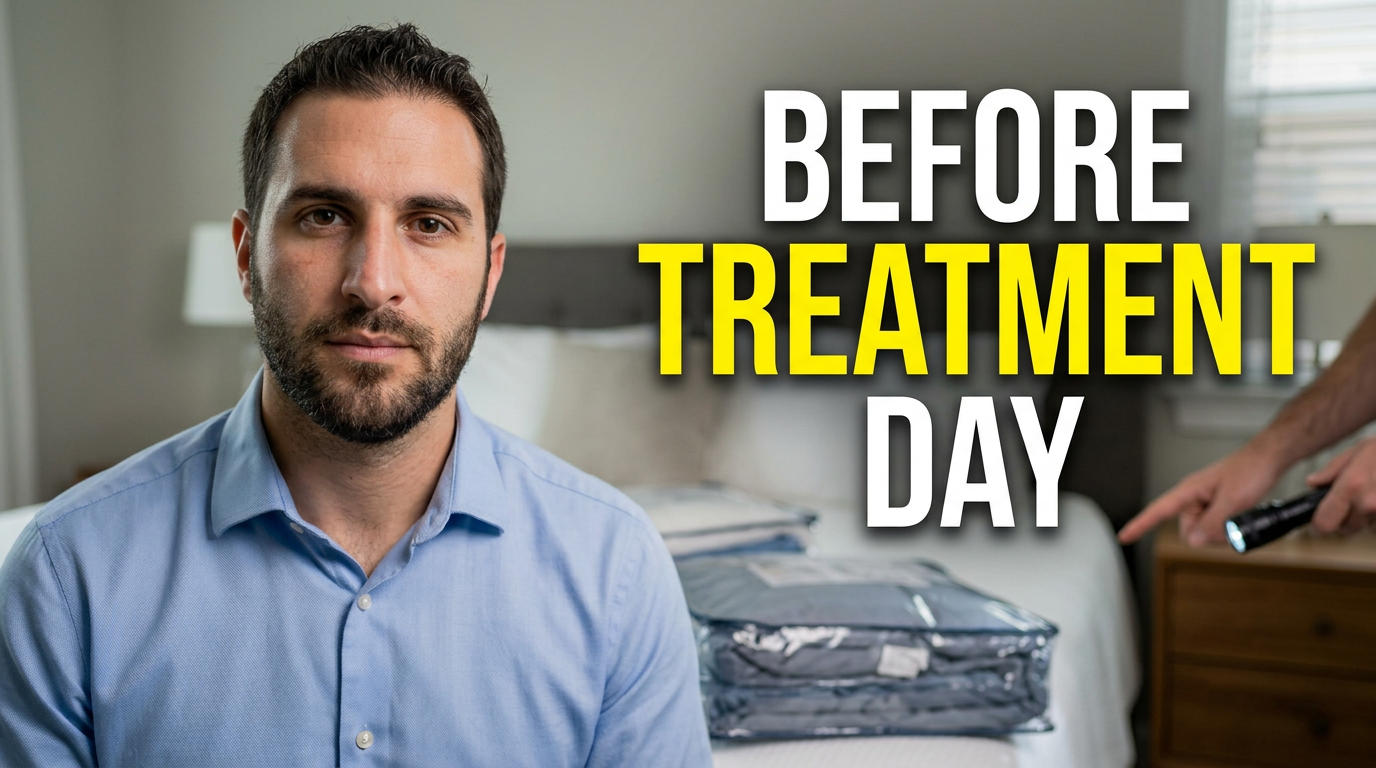
Bed bug preparation video
Set clear expectations for homeowners preparing a room for professional bed bug service.
See the visual approach
Clean bedroom prepared for pest treatment, with linens sealed in clear bags and a professional inspecting the bedside area using a flashlight. Show orderly preparation rather than alarm, with a calm instructional mood and a focused foreground. Include space for a short headline.
Make a thumbnail like this →
These examples are starting points. Results vary based on your images, wording, and creative direction.
Pest control videos that need clear thumbnail coverage
Use a distinct thumbnail angle for the pest, season, service, or property concern featured in the video so viewers can tell whether it answers their situation.
- Termite inspections, damage warnings, and prevention plans
- Rodent exclusion, attic activity, and entry-point walkthroughs
- Bed bug identification, treatment preparation, and follow-up guidance
- Mosquito, ant, cockroach, spider, and seasonal pest advice
- Behind-the-scenes service calls and technician day-in-the-life videos
- Homeowner checklists for preventing pests around kitchens, basements, yards, and crawl spaces
- Commercial pest management topics for restaurants, offices, rentals, and warehouses
- Myth-busting videos about DIY treatments, pest behavior, and signs of activity
A simple workflow you can reuse
-
1
Start with the pest or property clue
Choose the one detail viewers should recognize at a glance: droppings near a wall void, damaged wood, an insect close-up, a trap check, or a vulnerable exterior gap.
-
2
Add your real-world authority
Upload a technician portrait, branded uniform, inspection photo, truck image, or job-site material when it supports the topic. This is especially useful for local service and educational channels.
-
3
State the video promise in a few words
Use concise wording that signals the outcome, such as identification, warning signs, preparation, prevention, or a walkthrough. Keep the thumbnail message aligned with the title rather than trying to summarize the whole video.
Frequently asked questions
Answers for building a useful, repeatable thumbnail workflow—not just generating one image.
Browse all thumbnail makers →
What wording works best for termite inspection thumbnails?
add
Lead with the homeowner concern or inspection finding, such as hidden damage, warning signs, or an inspection result. Use wording that stays faithful to what the video actually covers, especially when discussing structural damage or treatment decisions.
Can I use photos from an actual pest control job?
add
Yes. You can use your own inspection and service photos as source material. Avoid including homeowner addresses, vehicle plates, personal documents, or identifying details unless you have permission to show them.
How should rodent-control thumbnails differ from insect-control thumbnails?
add
Rodent videos often benefit from a property-context image: attic insulation, utility penetrations, roofline gaps, droppings, or exclusion work. Insect videos can use a clearer pest close-up or visible damage pattern, as long as the image accurately represents the topic.
Should a pest control thumbnail show the pest itself?
add
Often, but not always. A recognizable pest can create immediate relevance for identification and behavior videos. For service walkthroughs, a technician, inspection tool, sealed entry point, or affected area may better communicate the video’s practical value.
Can I make thumbnails for seasonal pest campaigns?
add
Yes. Create variations around the seasonal condition and service focus, such as spring ants, summer mosquitoes, fall rodents, or winter indoor pest activity. Use your own local imagery and language where appropriate.
Create Your Next Pest Control Thumbnail
Bring your inspection photos, technician images, brand details, and exact video wording to Thumbnail.AI. Direct the layout in plain language and revise until the thumbnail fits the service and audience.
Create a thumbnail in Thumbnail.AI