Locksmith thumbnails that make the service clear at a glance

Turn your job-site photos, headshots, lock close-ups, and plain-language direction into custom YouTube-style thumbnails for your locksmith channel.

  • Your face
  • Your source images
  • Plain-language edits
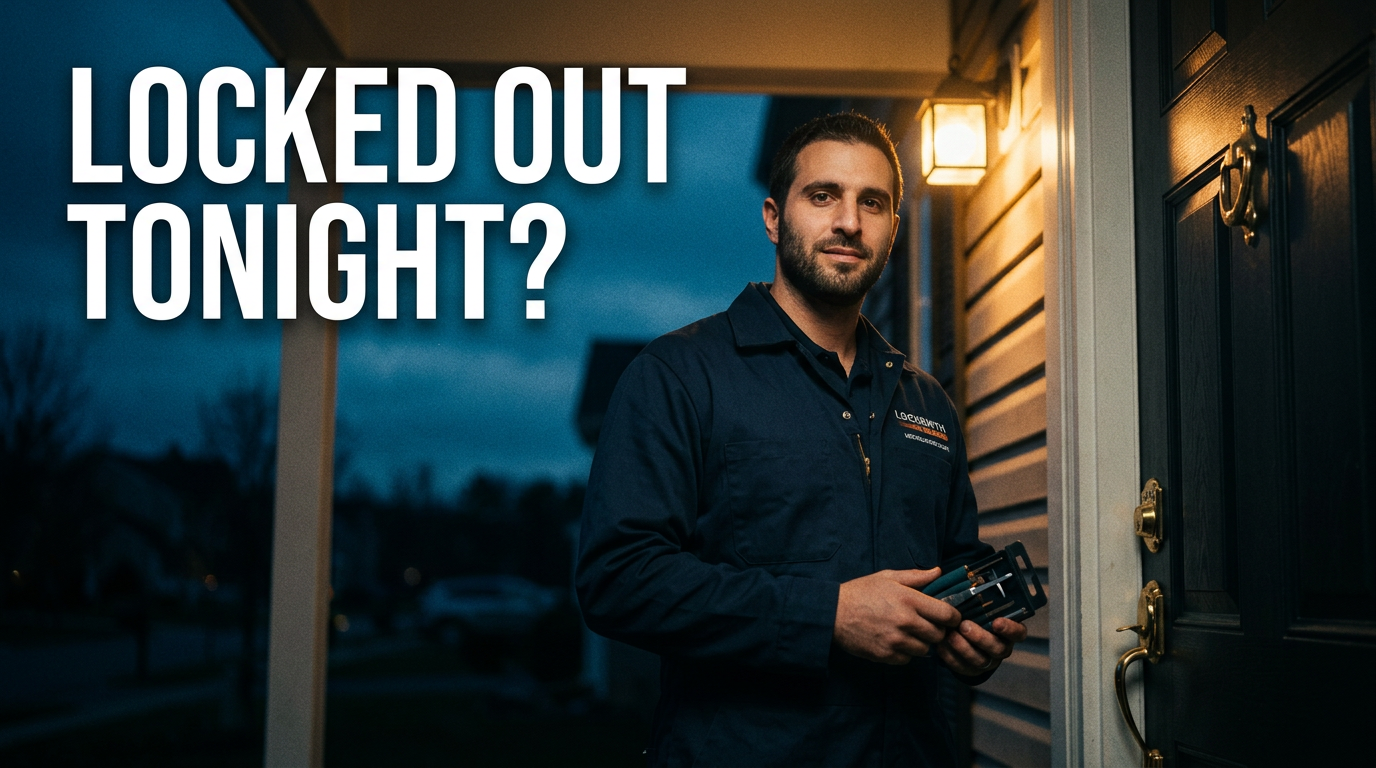
Male locksmith standing beside a residential front door at night with lock tools visible

Make every locksmith video easy to understand before the click

A strong locksmith thumbnail quickly shows the problem, the service, and the professional behind it. Thumbnail.AI helps you build custom visuals around real lockout calls, rekey work, car key programming, safe openings, and smart-lock installs. Upload your own face or source image, specify the wording you need, and direct the look in everyday language—then revise until it matches your business and video.

Built for mobile locksmiths, shop owners, security-focused channels, and local service businesses that want their videos to look trustworthy, practical, and recognizable.

Three thumbnail ideas for locksmiths

Each example explores a different visual direction and can be adapted with your own face, images, wording, and brand.

Male locksmith standing beside a residential front door at night with lock tools visible

Late-night residential service call

A clear after-hours scene that puts the technician and the locked-door problem in one frame.

See the visual approach

A male locksmith in branded workwear standing confidently beside a residential front door at dusk, one hand holding a compact lock tool kit, close-up door hardware visible, warm porch light against a dark blue evening background, trustworthy and urgent local-service mood, strong focus on the locksmith and lock, clean space reserved for short wording.
Make a thumbnail like this
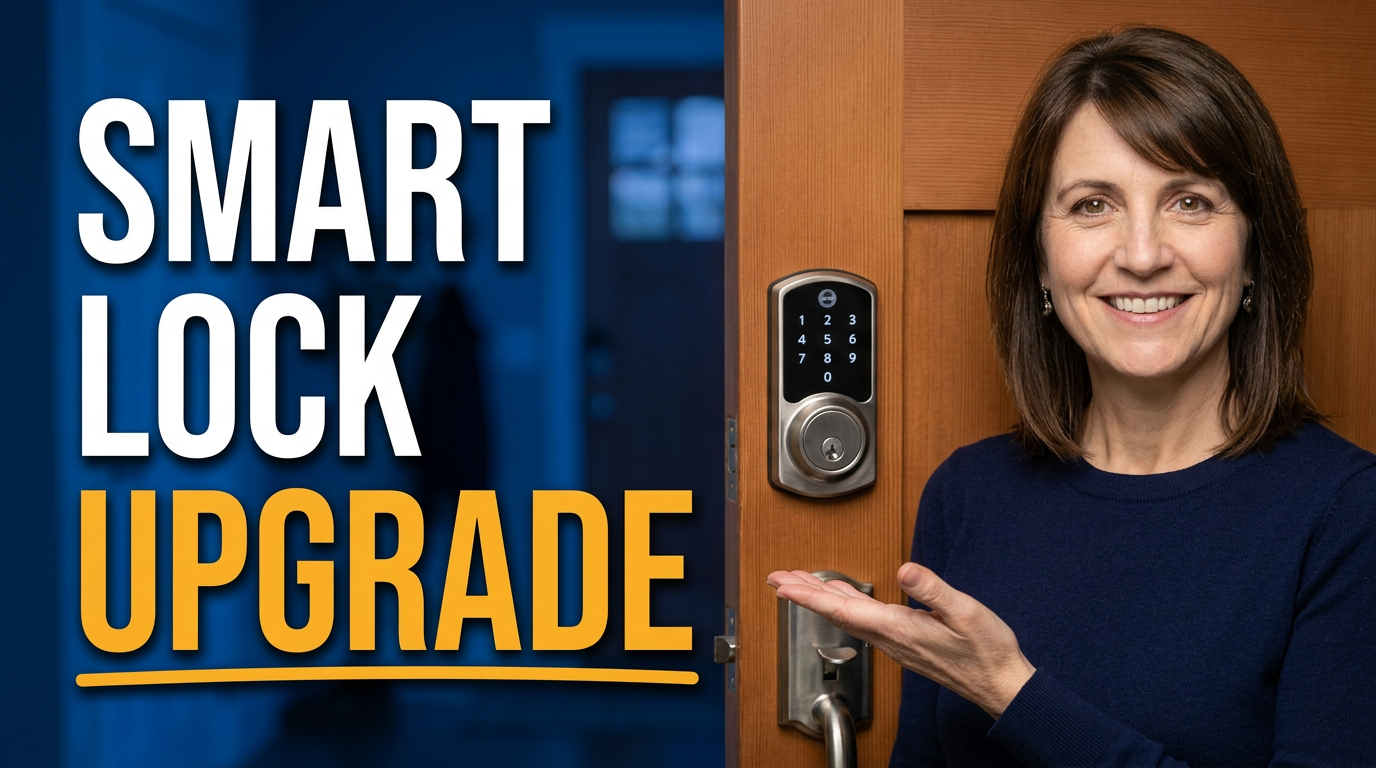
Female locksmith presenting a newly installed keypad deadbolt on a modern front door

Modern home security upgrade

A polished install-focused layout for a video about replacing conventional hardware with keyless entry.

See the visual approach

A female locksmith smiling beside a modern front door, presenting a newly installed keypad deadbolt with an open palm, crisp close-up of the hardware, bright tidy entryway, premium but approachable home-security mood, subject and smart lock sharply emphasized, clean background with room for short wording.

Make a thumbnail like this
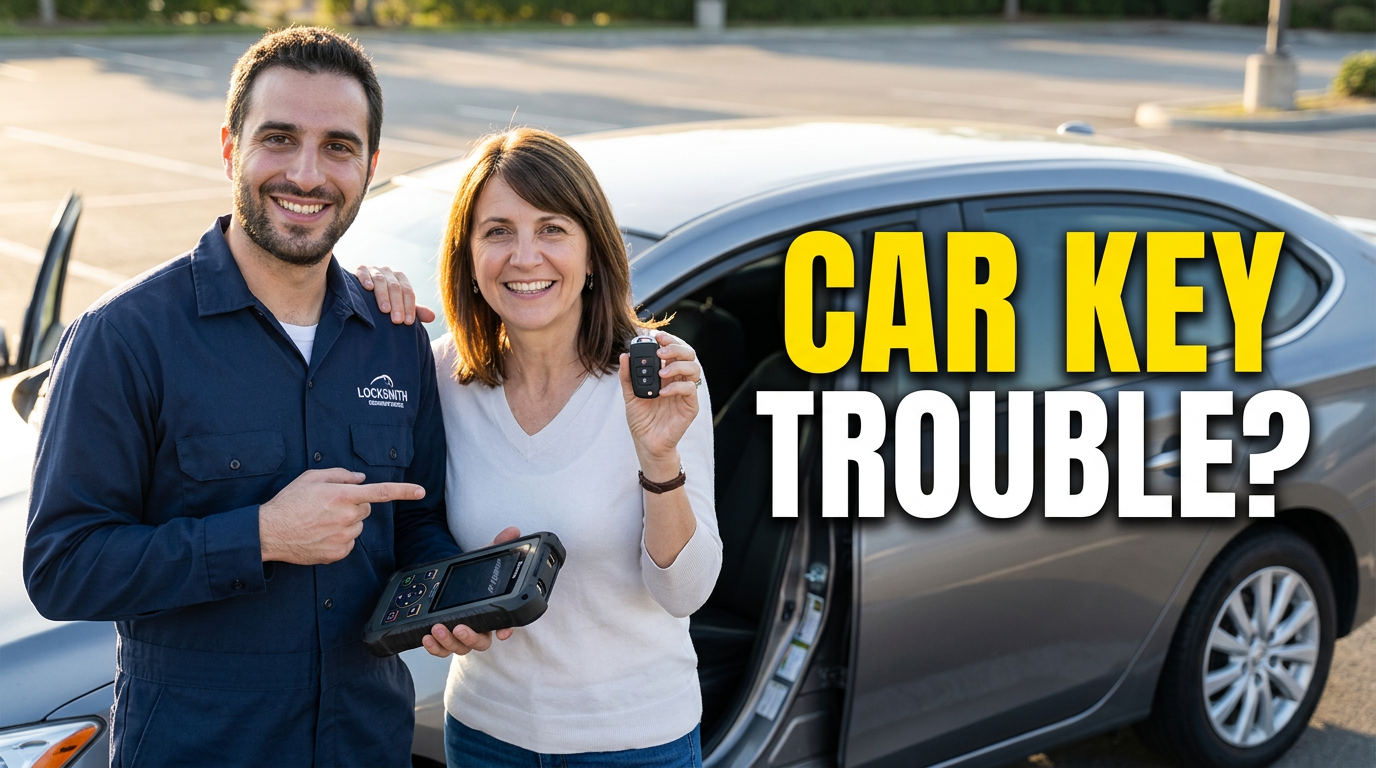
Locksmith and driver near a car in a parking area, focused on vehicle key access

Roadside vehicle access story

A human, problem-and-solution composition for replacement-key or vehicle lockout content.

See the visual approach

A male locksmith and an adult driver beside a parked car in a well-lit parking area, locksmith holding a diagnostic key-programming device while the driver looks relieved, vehicle door and key fob clearly visible, practical roadside service atmosphere, balanced composition emphasizing the interaction and vehicle access problem, room for short wording.

Make a thumbnail like this

These examples are starting points. Results vary based on your images, wording, and creative direction.

Thumbnail ideas for locksmith content

Keep the visual centered on a specific customer problem or security upgrade, with the lock, key, vehicle, door, or technician doing the explanatory work.

  • Emergency home and apartment lockouts
  • Car lockouts, key fobs, and programmed replacement keys
  • Rekeying after a move, tenant turnover, or lost keys
  • Smart-lock installation and access-control upgrades
  • Broken key extraction and damaged lock repair
  • Safe opening, combination changes, and security hardware reviews
  • Behind-the-scenes mobile service calls and locksmith tools
  • Home-security tips that explain when to rekey or replace a lock

A simple workflow you can reuse

  1. 1

    Start with the job customers recognize

    Choose one clear service for each video: an after-hours lockout, a rekey, a car key issue, or a hardware upgrade. A focused subject makes the thumbnail easier to scan on a phone.

  2. 2

    Use real visual proof

    Upload a headshot, van photo, job-site image, key, lock cylinder, smart lock, or vehicle-door photo. Thumbnail.AI can build the composition around the source material you provide.

  3. 3

    Direct the emphasis and refine it

    Ask for a calm professional look, a high-urgency roadside scene, a close-up technical view, or a homeowner conversation. Adjust the wording, face placement, background, and focal point until the result fits the video.

Frequently asked questions

Answers for building a useful, repeatable thumbnail workflow—not just generating one image.

Browse all thumbnail makers
What should a locksmith thumbnail show?

Show the service outcome or the immediate problem: a locked house door, a key fob, a fresh set of keys, a smart deadbolt, or a close-up of a lock cylinder. Adding the locksmith's face can make practical service videos feel more personal and accountable.

Can I use my own locksmith headshot and job photos?

Yes. Upload your own headshot, service-van image, tools, lock photos, vehicle photos, or job-site source material. This helps keep the thumbnail connected to your real business and the work shown in the video.

How much text belongs on a lockout or rekey thumbnail?

Keep it brief—usually two to six words. Let the photo communicate the context and use the wording to clarify the service, urgency, or result.

How can I make emergency locksmith videos look urgent without looking untrustworthy?

Use visible context such as a nighttime exterior, a stranded driver, a locked door, or a concerned homeowner, while keeping the locksmith well lit and composed. Avoid cluttered graphics and exaggerated alarm-style visuals when the video is meant to build local trust.

Can Thumbnail.AI help with smart-lock installation thumbnails?

Yes. Provide a photo of the lock or door and describe the intended emphasis, such as the finished installation, keypad detail, app-enabled access, or a before-and-after security upgrade.

Create your next locksmith thumbnail

Bring your real service photos, your exact wording, and the story behind the call. Make a custom thumbnail in Thumbnail.AI and refine the details before you publish.

Create a thumbnail in Thumbnail.AI