Meal Prep Thumbnails for Weekly Plans Worth Clicking

Turn your batch-cooking videos, budget menus, high-protein plans, and freezer sessions into clear, appetizing YouTube thumbnails built around your real food and your on-camera presence.

  • Your face
  • Your source images
  • Plain-language edits
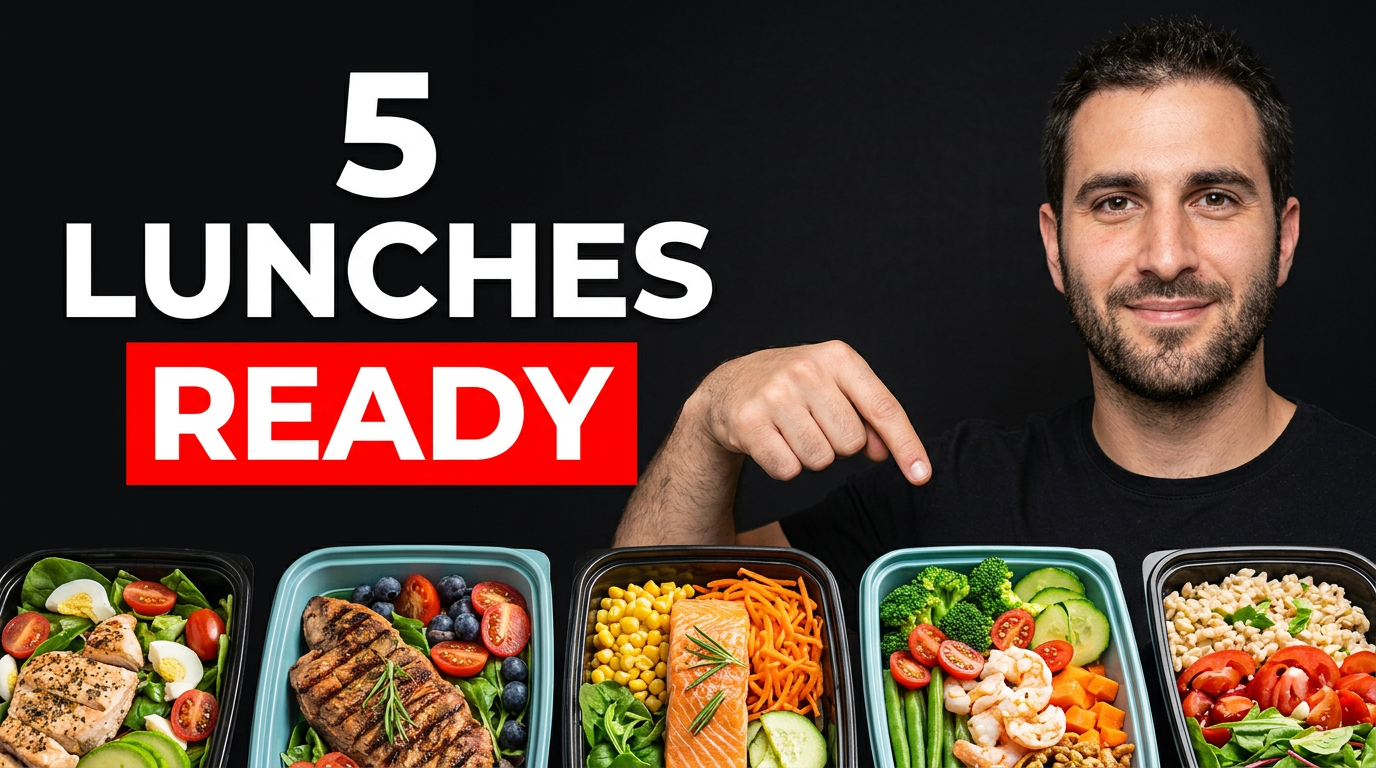
Meal prep creator beside five colorful lunch containers arranged on a kitchen counter

Make your meal prep video easy to understand at a glance

Meal prep viewers often decide quickly whether a video matches their goals: saving money, hitting protein targets, cooking for a family, or preparing a full workweek of lunches. Thumbnail.AI helps you create a custom YouTube-style thumbnail around that promise. Upload your plated meals, grocery haul, containers, kitchen photos, and face; then describe the visual direction and add the exact short wording you want shown. Refine the result until the food, portions, and plan feel true to the video.

Built for meal prep creators sharing practical plans, recipe systems, shopping strategies, nutrition-focused menus, and realistic weeknight cooking routines.

Three thumbnail ideas for meal prep channels

Each example explores a different visual direction and can be adapted with your own face, images, wording, and brand.

Meal prep creator beside five colorful lunch containers arranged on a kitchen counter

Five lunches for the workweek

Make the finished portions the immediate focal point for a workweek lunch video.

See the visual approach

A male meal prep creator standing confidently beside five neatly arranged, colorful lunch containers on a bright kitchen counter, overhead and front-facing food visibility, realistic prepared ingredients, clean organized kitchen background, energetic practical mood, strong emphasis on the complete set of ready-to-go lunches, using the creator's uploaded face and meal photos.

Make a thumbnail like this
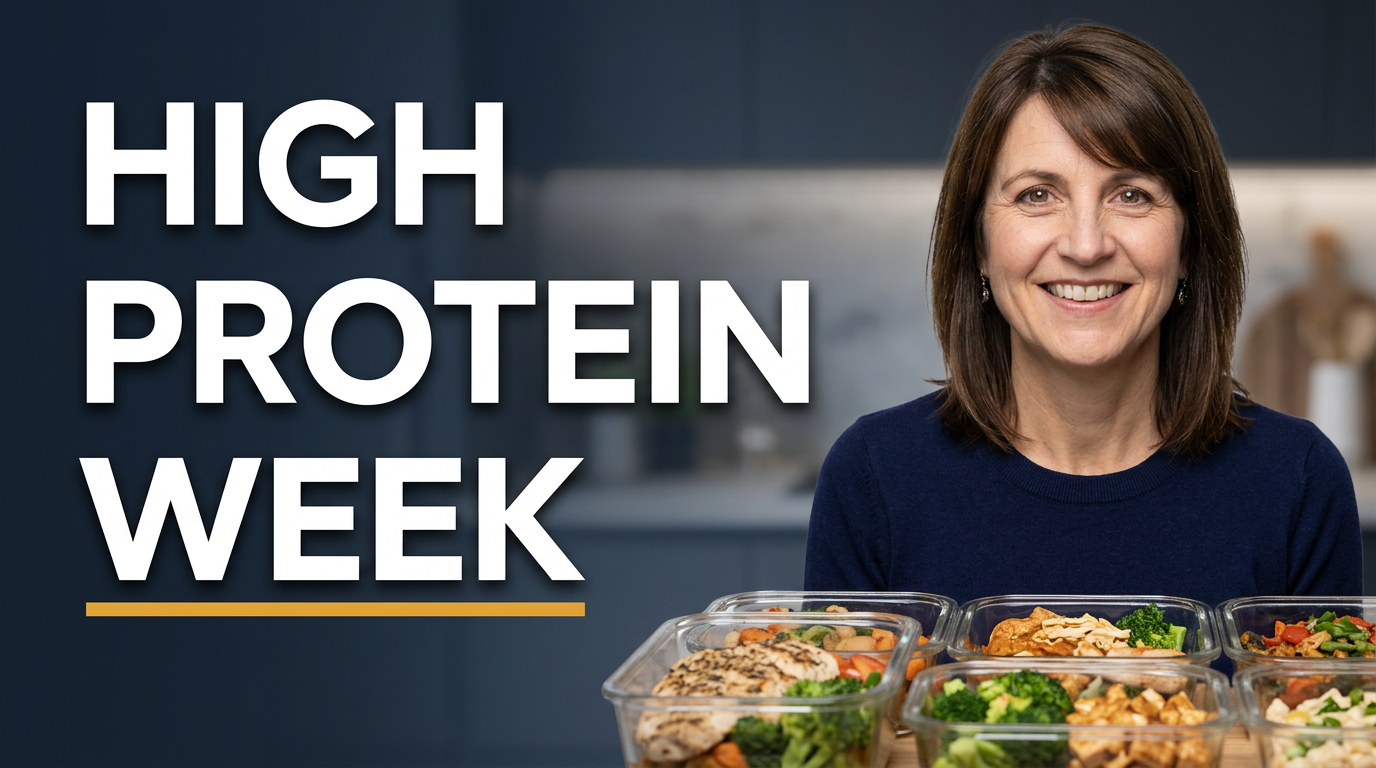
Female creator presenting organized high-protein meal containers with chicken, rice, and vegetables

Protein-focused Sunday prep

Use an organized protein meal spread and a clear creator reaction for a nutrition-focused plan.

See the visual approach

A female meal prep creator in a warm home kitchen presenting an organized spread of high-protein prepared meals in glass containers, visible chicken, rice, vegetables, and balanced portions, direct engaged expression, shallow depth of field, appetizing natural lighting, emphasis on the finished meal variety and the creator's uploaded face and food images.

Make a thumbnail like this
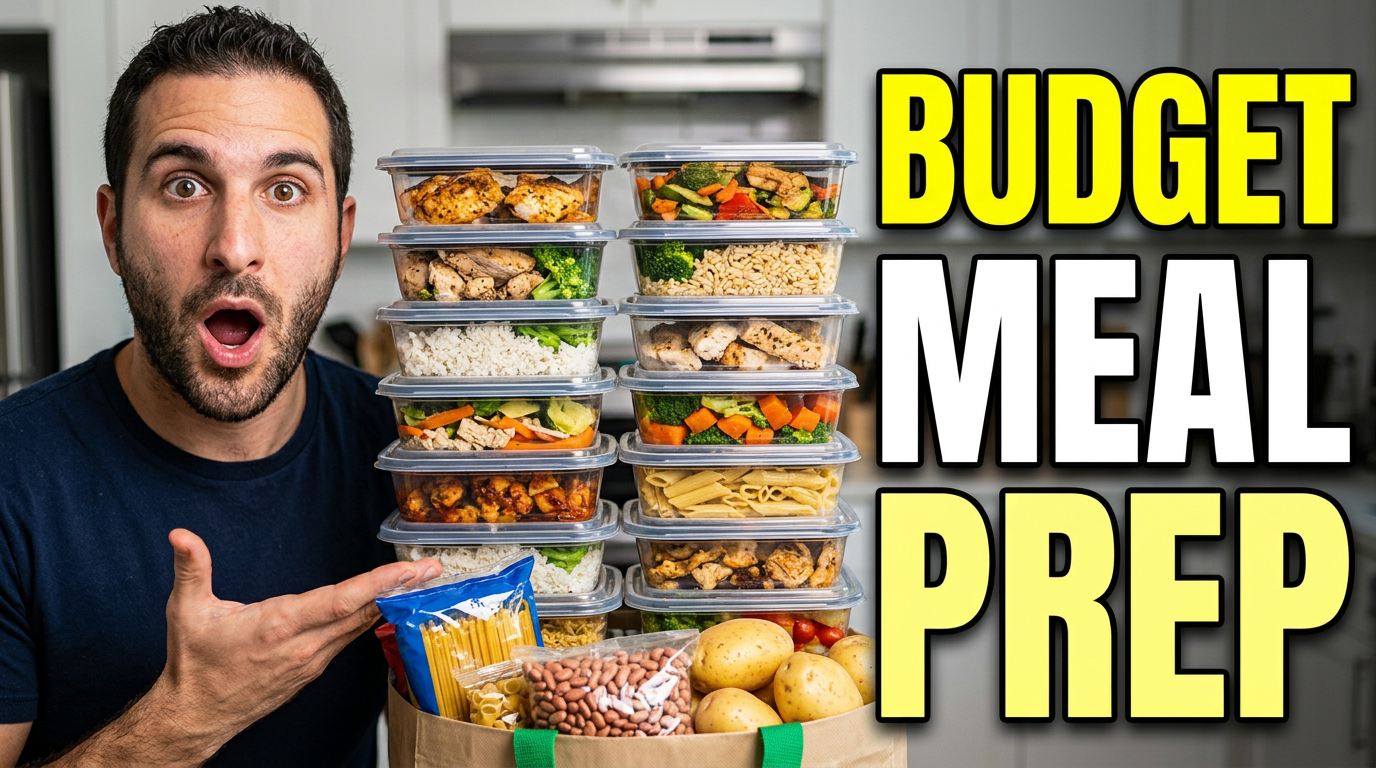
Meal prep creator with affordable grocery items on one side and prepared meals on the other

Low-cost grocery haul to meals

Contrast the shopping haul with completed meals to frame a practical low-cost plan.

See the visual approach

A male meal prep creator in a home kitchen with an affordable grocery haul arranged on one side and multiple finished meal containers arranged on the other, clear visual before-and-after contrast, expressive surprised but credible reaction, bright food-forward lighting, emphasis on the amount of prepared food created from simple ingredients, using the creator's uploaded face, grocery, and meal photos.

Make a thumbnail like this

These examples are starting points. Results vary based on your images, wording, and creative direction.

Thumbnail angles for meal prep content

Match the thumbnail’s central visual to the reason someone would choose your plan over another meal prep video in their feed.

  • Weekly meal plans with a clear number of breakfasts, lunches, or dinners
  • High-protein prep with recognizable portions, ingredients, and finished containers
  • Budget meal prep that contrasts a grocery haul with a full week of food
  • Family-friendly batch cooking with multiple portions ready for the fridge or freezer
  • Calorie-conscious meal plans with organized containers and simple food close-ups
  • Freezer prep sessions that show labeled dishes, trays, or make-ahead components
  • Sunday reset and kitchen routine videos with an inviting, lived-in prep scene
  • Busy-workweek lunch prep with stacked containers, cutlery, and a practical grab-and-go feel

A simple workflow you can reuse

  1. 1

    Choose the promise behind the video

    Identify the one outcome viewers should understand immediately, such as five work lunches, a low-cost weekly menu, freezer dinners, or protein-focused meals.

  2. 2

    Upload the ingredients that make it yours

    Add your face, finished meals, grocery bags, meal containers, recipe ingredients, or kitchen images. Thumbnail.AI can use those source materials in the composition.

  3. 3

    Add short, scannable wording

    Use a concise phrase that supports the visual instead of repeating the whole title. Keep the main plan, constraint, or payoff easy to read on a small screen.

Frequently asked questions

Answers for building a useful, repeatable thumbnail workflow—not just generating one image.

Browse all thumbnail makers
What should a meal prep thumbnail show?

Show the finished outcome first: colorful prepared meals, stacked containers, a tray of portions, or a clear spread of the week’s food. Pair it with your face when your personality or reaction is part of the channel’s appeal. A grocery haul or raw ingredients can work when the video is primarily about cost or shopping.

How much text should I use on a meal prep thumbnail?

Keep it short enough to scan quickly, usually a meal count, budget cue, nutrition focus, or time-saving result. Let the food and containers carry the rest of the story. Exact wording can be added and revised in Thumbnail.AI.

Can I use photos of my actual prepared meals?

Yes. Upload your own meal photos, container shots, kitchen images, and face photos as source material. This is especially useful when you want the portions, dishes, and ingredients in the thumbnail to align with the video.

How can I differentiate high-protein meal prep videos?

Center the thumbnail on substantial, recognizable portions and a clean arrangement of finished meals. Use a brief protein-oriented phrase, then make the visual emphasis the food itself rather than cluttered nutrition details.

What works for budget meal prep videos?

A visual comparison is often effective: a modest grocery haul alongside several completed portions, or a countertop spread that makes the volume of food easy to grasp. Use a short cost-focused phrase only if it reflects what the video actually covers.

Can I revise a thumbnail after I see the first version?

Yes. Use plain-language directions to revise composition, food emphasis, background, facial expression, container visibility, and the exact visible wording until the thumbnail fits the video.
Create a thumbnail for your next meal prep video

Bring your real meals, kitchen photos, and channel personality together in a thumbnail that makes the week’s plan clear before viewers press play.

Create in Thumbnail.AI