Esports thumbnails built for the next big match

Turn player photos, team assets, match moments, and campaign direction into custom YouTube-style thumbnails that look unmistakably like your organization.

  • Your face
  • Your source images
  • Plain-language edits
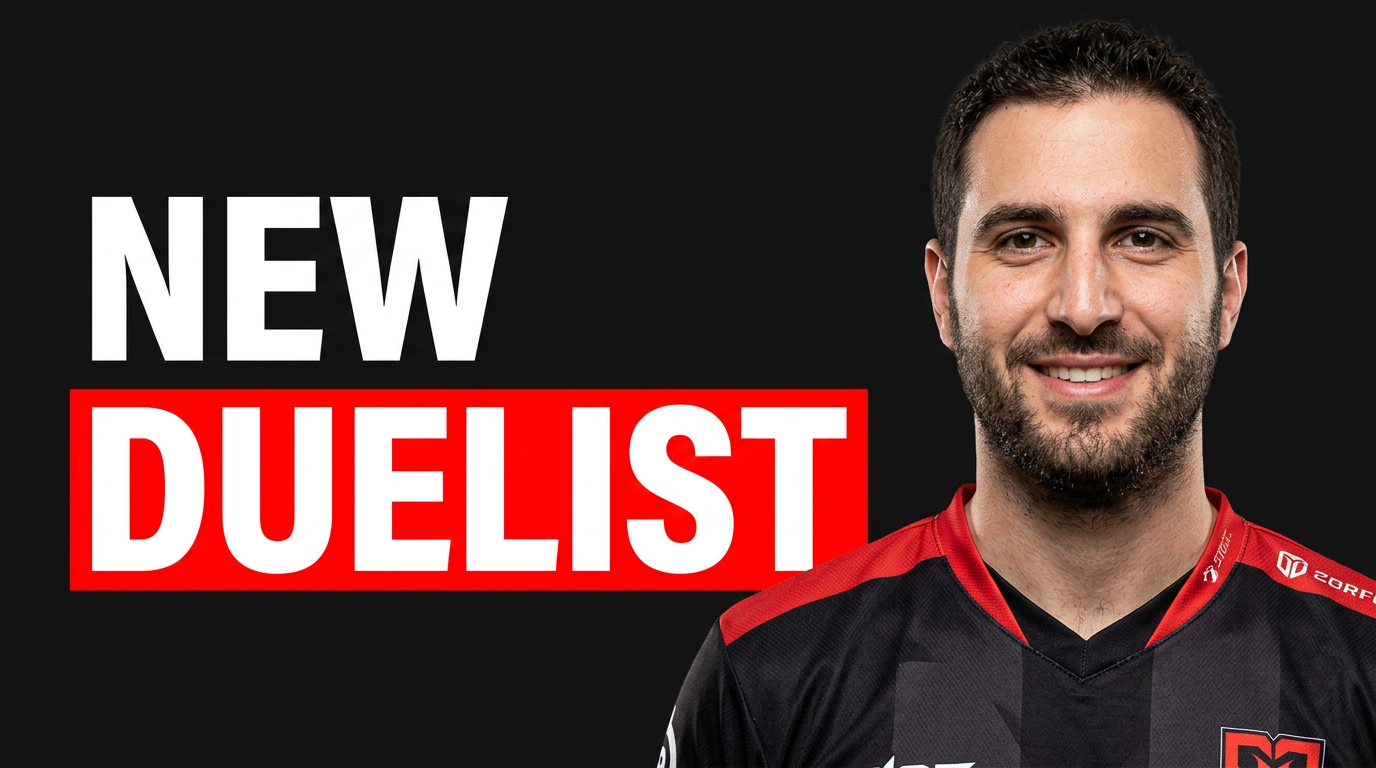
Esports player in team jersey with dramatic arena lighting for a roster announcement thumbnail

Custom thumbnails for esports content that needs a clear story at a glance

Esports channels publish fast-moving content: roster announcements, match recaps, tournament vlogs, player challenges, behind-the-scenes updates, and sponsor-facing highlights. Thumbnail.AI helps your team turn approved player photos, game captures, logos, and brand direction into thumbnail concepts with the exact on-image wording you want. Start from a source image, explain the moment and tone in plain language, then refine the composition until it fits the video and your visual identity.

Built for esports content teams, social leads, editors, creators, and organizations managing players, tournaments, and competitive gaming channels.

Three thumbnail ideas for esports orgs

Each example explores a different visual direction and can be adapted with your own face, images, wording, and brand.

Esports player in team jersey with dramatic arena lighting for a roster announcement thumbnail

Roster announcement

Put the new player and signing energy at the center of the announcement.

See the visual approach

Close-up of an assigned male esports player in an official team jersey, confident expression, positioned slightly left of center; futuristic competitive arena lights and subtle game-inspired angular shapes in the background; team-color lighting, crisp high-energy signing announcement mood; leave clean negative space on the right for headline treatment; incorporate supplied team logo and approved player portrait as source material.
Make a thumbnail like this
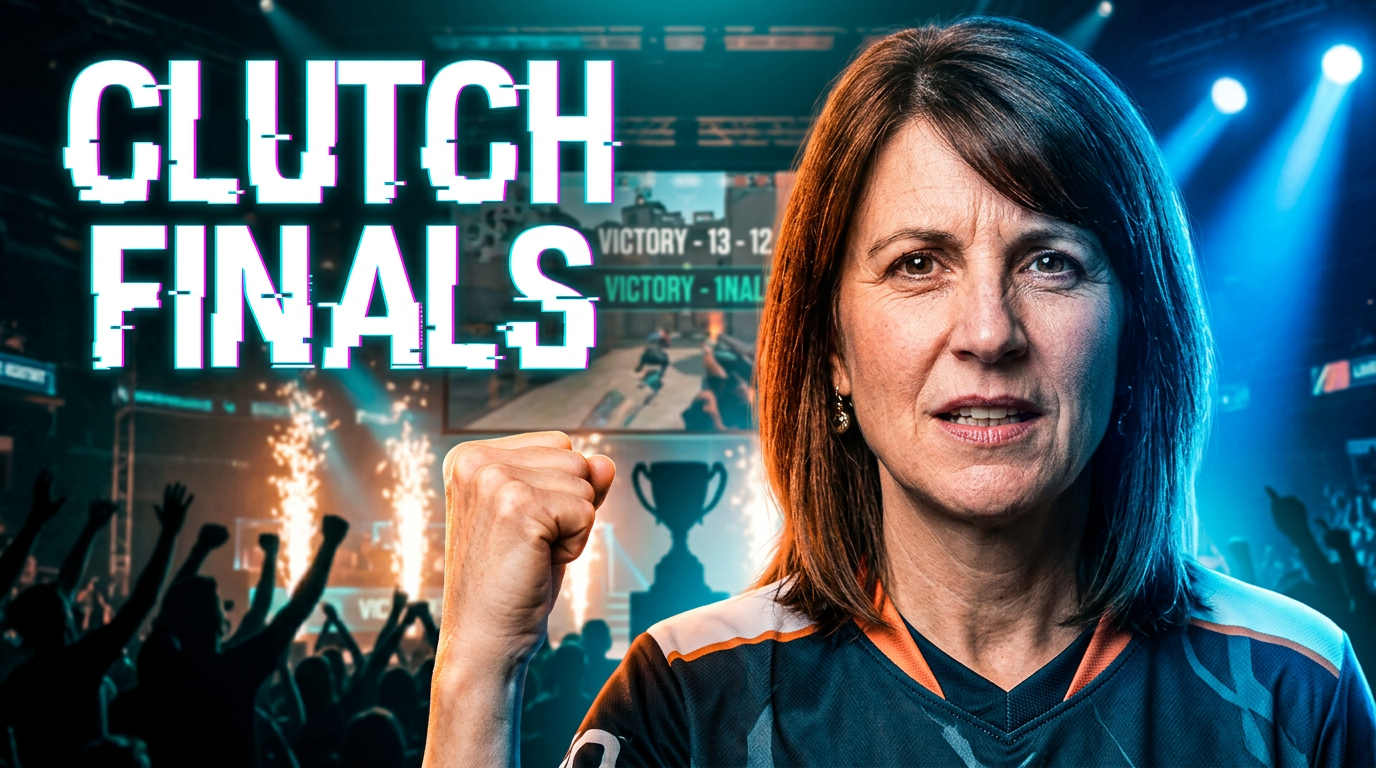
Female esports player celebrating a tournament win with gameplay action and trophy-stage atmosphere

Tournament recap

Frame the emotion and decisive moment behind a tournament recap.

See the visual approach

Assigned female esports player reacting with raised fist after a decisive competitive gaming moment, foreground portrait with an in-game final-round action scene behind her; tournament stage glow, hints of a trophy silhouette, intense victorious mood, dramatic contrast; emphasize her expression and the supplied match screenshot; reserve a clear upper-left area for headline treatment.

Make a thumbnail like this
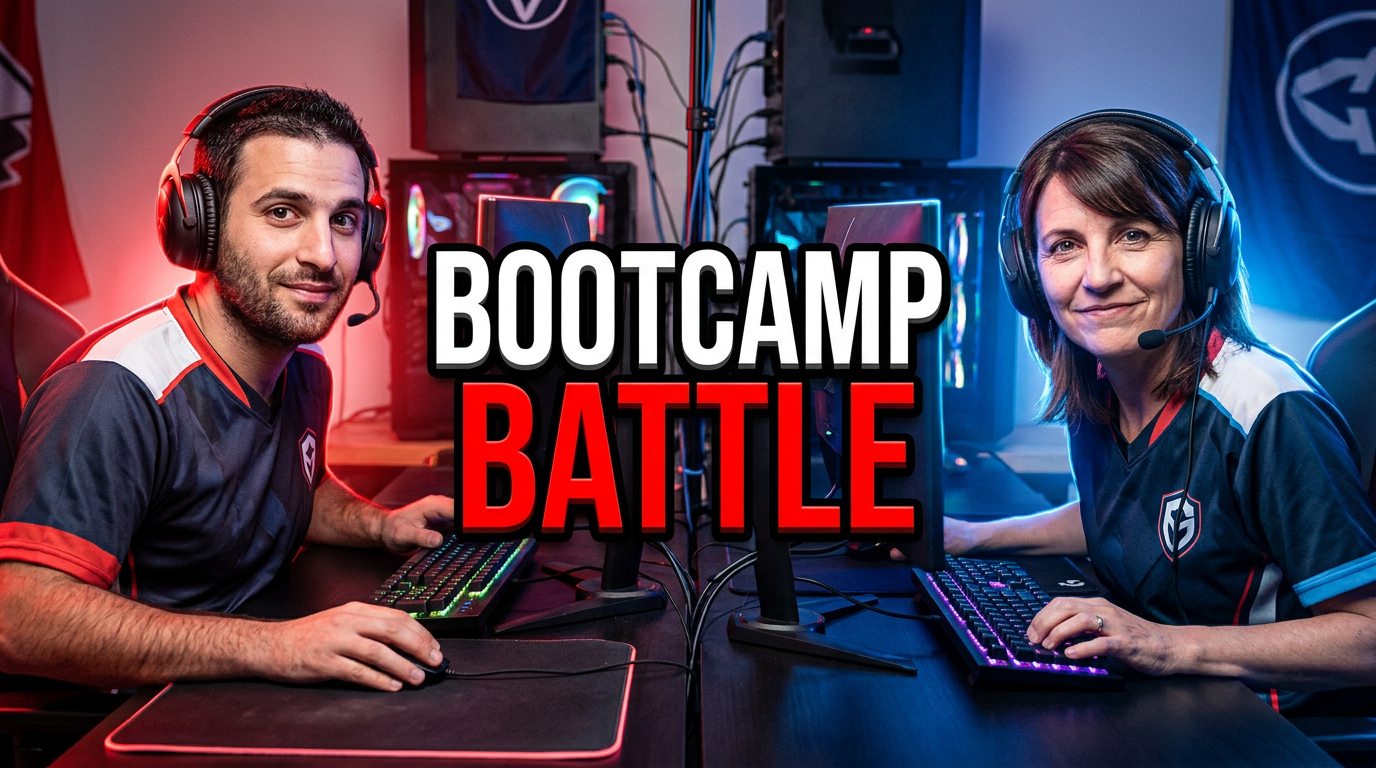
Two esports teammates facing each other across a gaming desk in a playful bootcamp challenge thumbnail

Bootcamp challenge

Use both competitors to make team challenge content instantly readable.

See the visual approach

Two assigned esports teammates, one male and one female, seated on opposite sides of a gaming desk and facing each other with playful competitive expressions; practice-room setting with monitors, headsets, team jerseys, and subtle team-color accents; energetic friendly rivalry mood; use supplied team portraits and approved logo asset, with open central space for headline treatment.

Make a thumbnail like this

These examples are starting points. Results vary based on your images, wording, and creative direction.

Thumbnail ideas for your esports channel

Keep recurring content recognizable while giving each upload a distinct competitive hook.

  • Roster reveals and player signings
  • Match recaps and tournament highlights
  • Player profiles and day-in-the-life videos
  • Bootcamp, travel, and behind-the-scenes content
  • Team challenges and creator collaborations
  • Patch reactions, meta discussions, and strategy breakdowns
  • Tournament predictions and watch-party coverage
  • Sponsor activations and organization announcements

A simple workflow you can reuse

  1. 1

    Bring your approved assets

    Upload player portraits, team photos, game screenshots, logos, jersey shots, event photography, or a frame from the video. Use the people and visual material your organization already has permission to feature.

  2. 2

    Describe the competitive moment

    Write a plain-language direction for the upload: a new signing, a dramatic final-round comeback, a bootcamp reveal, or a player-versus-player challenge. Specify the game, event setting, team colors, and focal point.

  3. 3

    Set the thumbnail wording

    Add the short phrase viewers should see first, such as a roster headline, result, challenge, or debate. Keep the message direct and aligned with the video’s actual subject.

Frequently asked questions

Answers for building a useful, repeatable thumbnail workflow—not just generating one image.

Browse all thumbnail makers
Can we use our players’ real faces in esports thumbnails?

Yes. Upload approved player portraits or team photography and direct the layout around the selected player. This is useful for roster announcements, player-led videos, interviews, and match reactions.

Can Thumbnail.AI work with our team logo, jerseys, and brand colors?

Yes. Provide the relevant logo files, kit photography, color direction, and any visual references your team uses. Include instructions on placement and prominence so the composition supports your established identity.

What source material should we provide for a match recap thumbnail?

A strong starting set is a player reaction or stage photo, a key in-game screenshot, team branding, and the match context. Identify the winning moment, opponent or event if relevant, and the one result viewers should understand immediately.

How do we keep thumbnails consistent across multiple games or rosters?

Use recurring inputs such as your logo treatment, team colors, portrait framing, and preferred text hierarchy. Then vary the match image, player, emotional expression, and headline to make each upload specific without losing channel recognition.

Can we make thumbnails for sponsor or partnership content without making it look like a standard match video?

Yes. Use approved campaign imagery and describe the activation’s setting, product context, talent, and desired brand balance. A clear visual distinction helps partnership videos fit the organization’s channel without confusing viewers about the content.

Make the next upload look match-ready

Create a custom esports thumbnail with your player photos, game footage, team assets, and exact on-image wording in Thumbnail.AI.

Create a thumbnail in Thumbnail.AI