Thumbnails for Home Brewing and Wine Videos

Turn brew-day footage, fermentation photos, bottles, carboys, tasting pours, and your own face into clear, custom thumbnails that make the next batch worth clicking.

  • Your face
  • Your source images
  • Plain-language edits
Homebrewer holding a hazy IPA glass beside a fermentation vessel

Make every batch look like a story worth opening

Home brewing and wine making videos often begin with visually rich material: a bubbling airlock, a fresh grain bill, a hydrometer reading, a corked bottle, or the first pour from a finished batch. Thumbnail.AI helps you shape those details into a focused YouTube-style thumbnail. Upload your source images, include your face when it fits the video, add the exact words you want shown, and describe the look in plain language. Create a design for recipe experiments, beginner lessons, fermentation check-ins, equipment comparisons, tasting videos, and vintage updates without losing the handmade character of your channel.

Built for homebrewers, hobby winemakers, mead makers, brewing educators, recipe testers, and cellar-focused creators publishing practical, process-driven video content.

Three thumbnail ideas for home brewing & wine

Each example explores a different visual direction and can be adapted with your own face, images, wording, and brand.

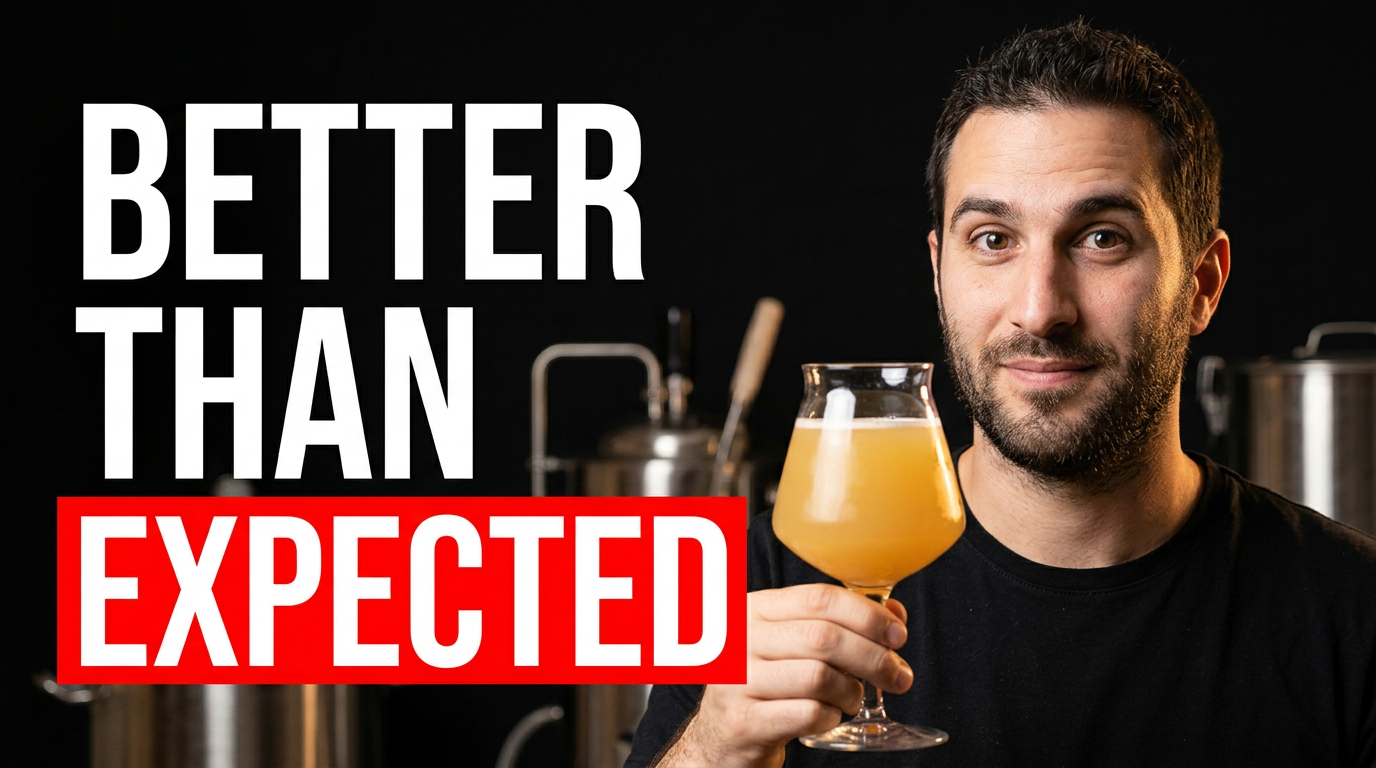
Homebrewer holding a hazy IPA glass beside a fermentation vessel

Unexpected IPA tasting result

A reaction-led concept for a finished IPA tasting or recipe reveal.

See the visual approach

Feature the supplied male homebrewer in the foreground holding a glowing hazy pale beer in a clear tulip glass, with an active stainless fermentation vessel and softly blurred brewing tools behind him. Use a pleasantly surprised expression, warm brewery lighting, strong golden color contrast, and a clean open area for short wording. Emphasize the beer and the brewer's reaction.

Make a thumbnail like this
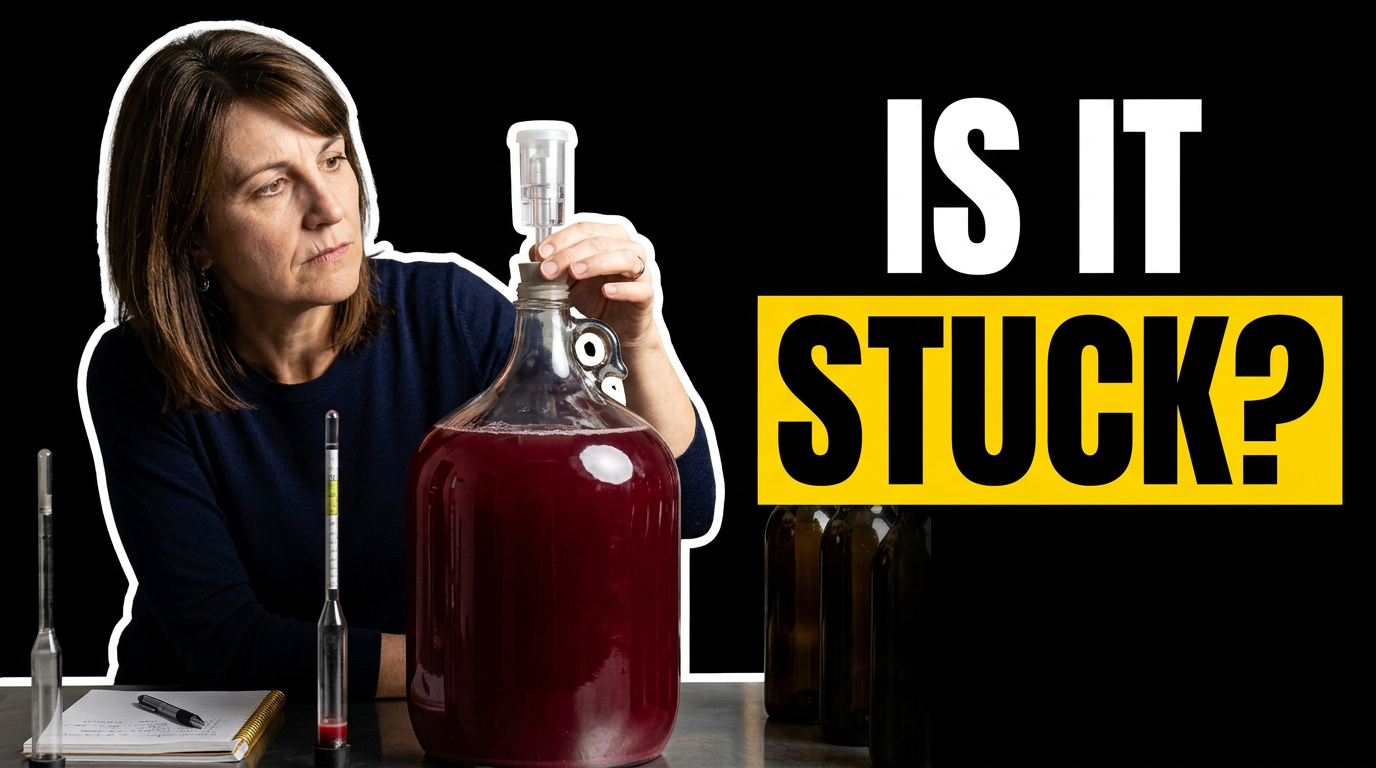
Winemaker examining a glass carboy of red wine fermentation

Wine fermentation check

A focused diagnostic look for a fermentation troubleshooting video.

See the visual approach

Use the supplied female winemaker leaning toward a large glass carboy filled with deep ruby liquid, inspecting the airlock with a concerned but composed expression. Set the scene on a tidy home winery workbench with a hydrometer, notebook, and a few out-of-focus bottles. Create dramatic cellar-like side lighting, rich red tones, and clear emphasis on the carboy and her face.

Make a thumbnail like this
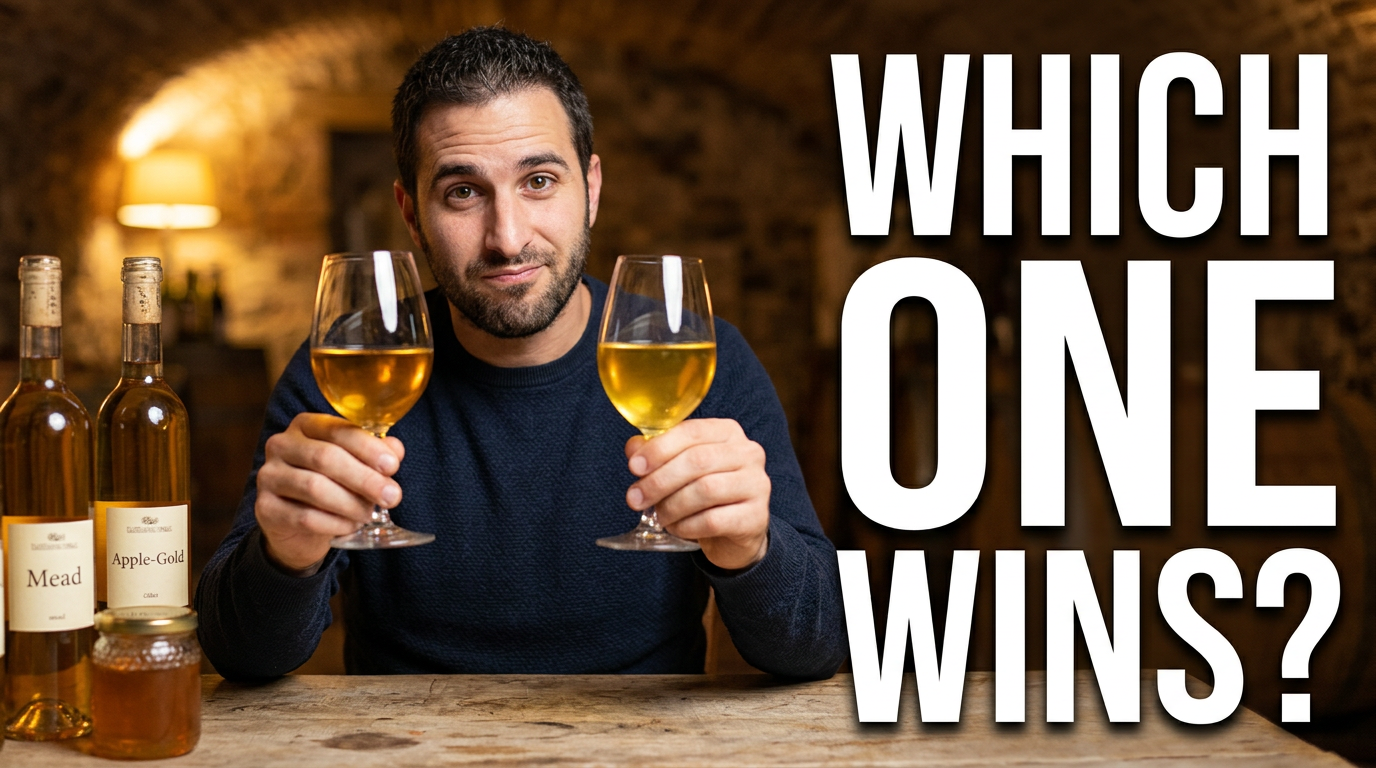
Homebrewer comparing a mead and cider glass at a tasting table

Mead versus cider tasting

A side-by-side tasting concept for comparing two fermented drinks.

See the visual approach

Show the supplied male creator seated at a rustic tasting table, holding two contrasting glasses toward the camera: one honey-gold and one bright apple-gold. Include labeled bottles and a small honey jar as subtle background context, with a playful evaluative expression and a warmly lit home cellar atmosphere. Compose the two glasses as the visual focal point with room for concise wording.

Make a thumbnail like this

These examples are starting points. Results vary based on your images, wording, and creative direction.

Thumbnail ideas for brewing and wine content

Give viewers an immediate cue about the stage, result, or question behind the video while keeping the frame clean enough to read on a phone.

  • All-grain brew days and extract brewing lessons
  • Fermentation updates, gravity checks, and troubleshooting
  • Wine making from fruit, juice, or kits
  • Mead, cider, and experimental small-batch projects
  • Recipe reveals, clone brews, and ingredient swaps
  • Tasting notes, bottle reveals, and side-by-side comparisons
  • Yeast, hops, oak, and equipment reviews
  • Cleaning, sanitizing, bottling, and cellar organization

A simple workflow you can reuse

  1. 1

    Choose the moment that carries the video

    Start with a recognizable source image: the brewer beside a mash tun, a close-up of an airlock, a vivid pour, a hydrometer sample, a carboy, or a finished bottle lineup. Use the image that best communicates the batch's question or payoff.

  2. 2

    Add a short, specific message

    Use a few words that clarify the hook, such as a recipe result, a fermentation problem, a comparison, or a milestone. Keep the wording distinct from the video title so the thumbnail adds context instead of repeating it.

  3. 3

    Direct the composition in your own words

    Tell Thumbnail.AI what should dominate the frame: your reaction, the beer color, the wine bottle, a reading on an instrument, or the contrast between two batches. Ask for a rustic brewery bench, clean tasting-table scene, or dramatic cellar mood to match the content.

Frequently asked questions

Answers for building a useful, repeatable thumbnail workflow—not just generating one image.

Browse all thumbnail makers
What images work best for a home brewing thumbnail?

Use a sharp photo of a meaningful brewing moment: pouring grain, checking a hydrometer, opening a fermenter, holding a finished bottle, or presenting a glass with strong color and foam. A face with a clear reaction can work especially well for a surprise result, tasting, or troubleshooting video.

Can I use photos of my actual beer, wine, bottles, and equipment?

Yes. Upload your own source images so the thumbnail can reflect the real batch, label, bottle shape, carboy, brew system, or tasting setup featured in the video. This is especially helpful for recipe follow-ups and before-and-after fermentation updates.

How much text should a brewing or wine thumbnail include?

Usually two to six words is enough. Prioritize the central question or outcome, such as whether a batch worked, what changed, or what is being compared. Let the glass, fermenter, bottle, or your expression carry the rest of the message.

How can I make a fermentation update look interesting?

Focus on visible evidence of change: a cloudy-to-clear contrast, an active airlock, a gravity sample, a color-rich carboy, or a side-by-side bottle comparison. Pair it with a concise phrase that frames the update as a result, concern, or reveal.

Can Thumbnail.AI help with wine-making content as well as beer brewing?

Yes. Use it for crush and pressing videos, juice or fruit fermentation, racking, oak-aging experiments, bottling days, tasting notes, and cellar updates. Describe the desired setting and mood, then use your own wine, bottle, vineyard, or workspace images as source material.
Create your next brewing thumbnail

Bring in your real batch photos, your face, and the exact wording you want viewers to see. Thumbnail.AI helps you turn a brew day, tasting, or cellar update into a custom thumbnail direction.

Create a thumbnail in Thumbnail.AI