Personal Trainer Thumbnails That Make the Workout Clear
Create custom YouTube-style thumbnails for training videos with your face, your gym photos, your exact wording, and a direction that fits your coaching brand.
- personYour face
- add_photo_alternateYour source images
- edit_notePlain-language edits
Make fitness coaching videos easier to choose
A strong personal trainer thumbnail shows viewers what they will get before they press play: a workout focus, a practical result, a common mistake, or a clear training challenge. Thumbnail.AI helps you turn your own photos and plain-language creative direction into polished thumbnail concepts you can revise until the visual, wording, and energy match your channel.
Built for independent trainers, online coaches, gym-based professionals, strength coaches, and fitness educators publishing workout, nutrition, mobility, and client-support content.
Three thumbnail ideas for personal trainers
Each example explores a different visual direction and can be adapted with your own face, images, wording, and brand.
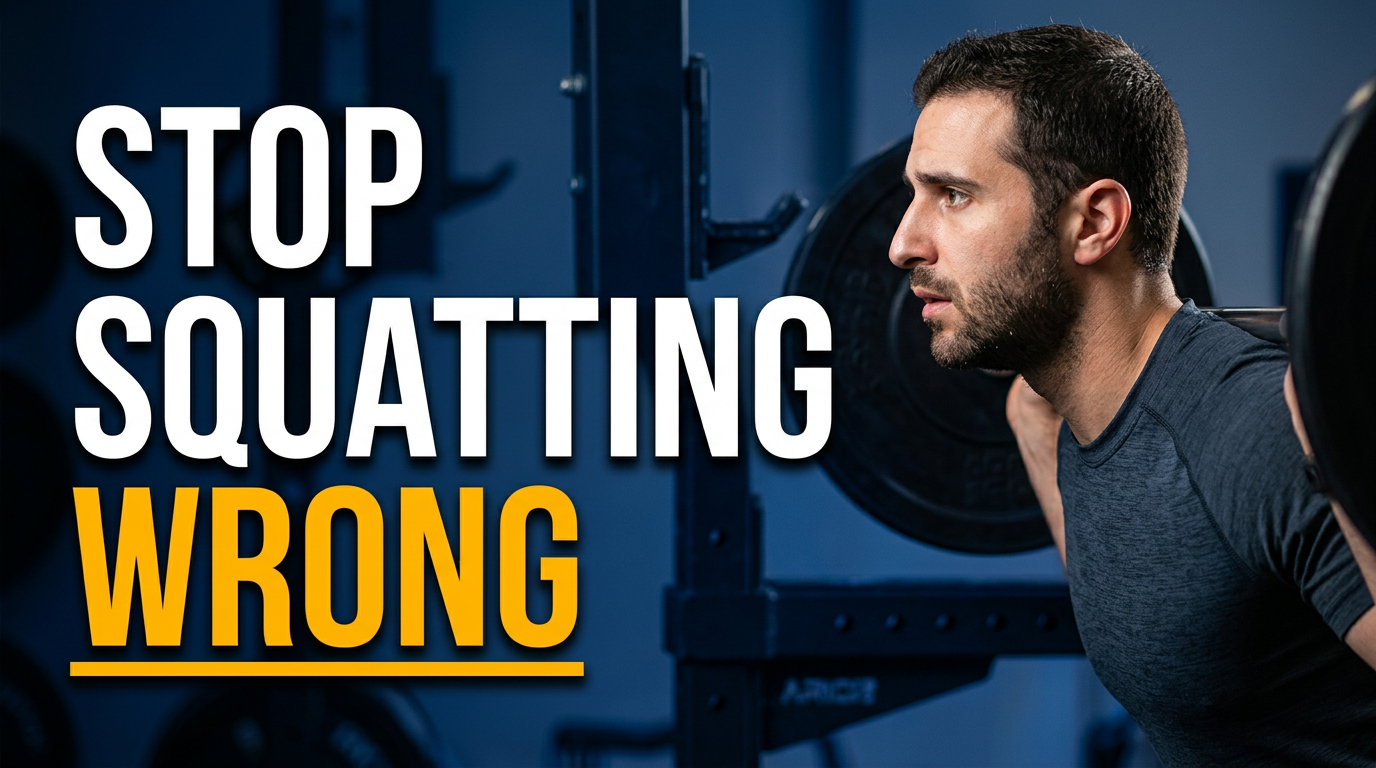
Beginner squat form lesson
Make a form correction immediately recognizable.
See the visual approach
Male personal trainer in the foreground demonstrating a bodyweight squat with clear side-profile posture in a bright modern gym; subtle comparison cue through his concerned coaching expression and emphasis on knee and hip alignment; squat rack and plates softly blurred behind him; crisp high-contrast fitness education composition; use the trainer's supplied source photo.
Make a thumbnail like this →
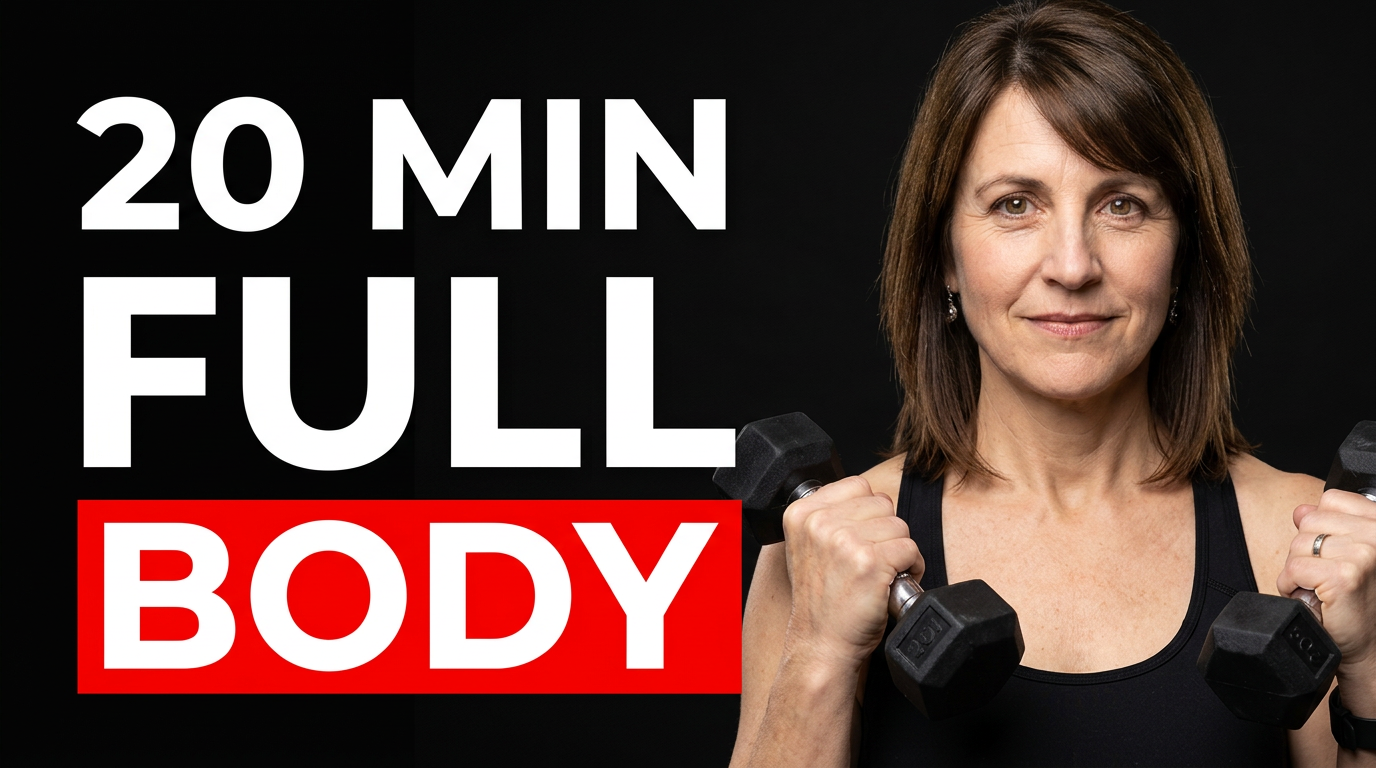
Quick full-body workout
Set a clear time-and-workout expectation at a glance.
See the visual approach
Female personal trainer centered in an energetic athletic stance holding dumbbells, with a clean home training studio environment and open space around her; upbeat, approachable intensity; visual emphasis on full-body movement and accessible equipment; use the trainer's supplied source photo.
Make a thumbnail like this →
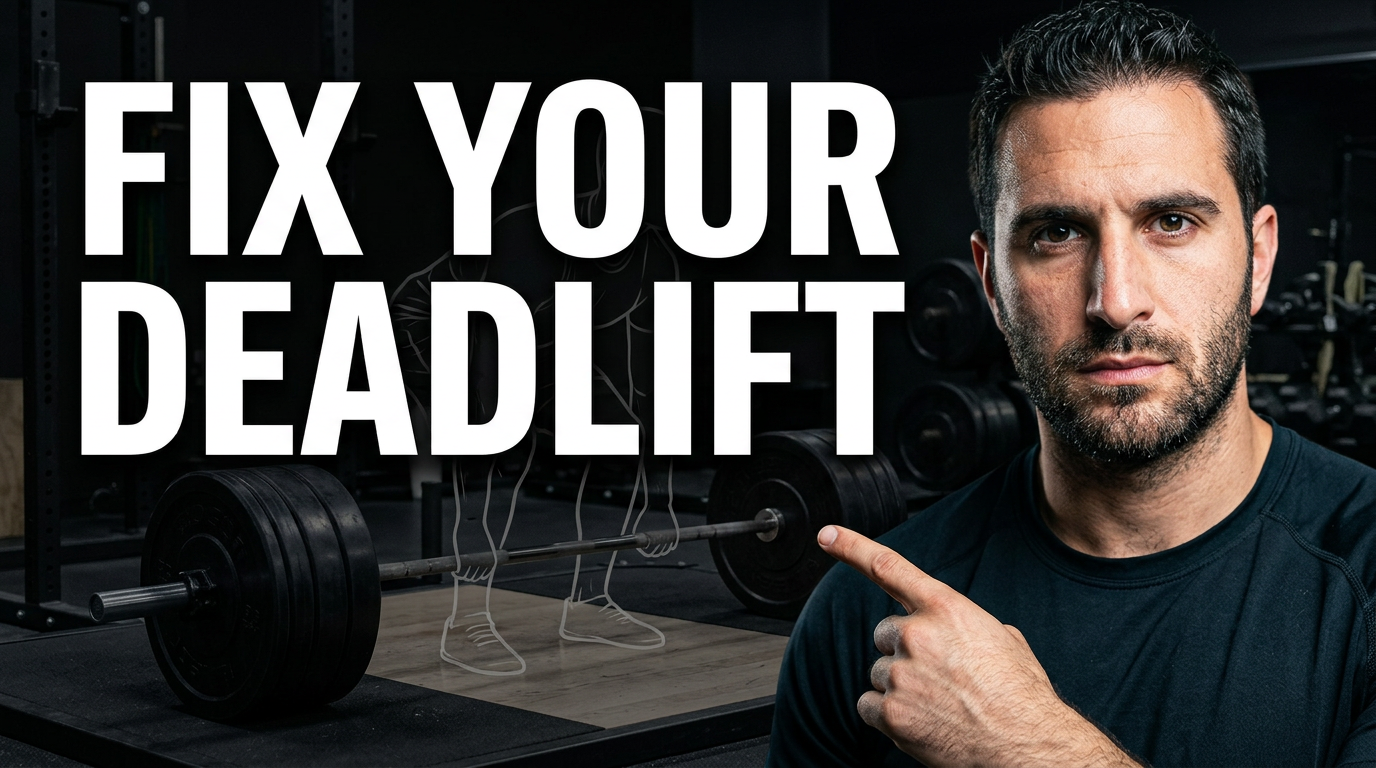
Deadlift mistake breakdown
Frame a technical lesson around one high-value lift.
See the visual approach
Male strength coach beside a loaded barbell, pointing toward the setup position while facing the viewer with an authoritative expression; dark strength gym, dramatic directional lighting, visible plates and lifting platform; composition emphasizes the barbell and the coach's instructional gesture; use the trainer's supplied source photo.
Make a thumbnail like this →
These examples are starting points. Results vary based on your images, wording, and creative direction.
Thumbnail ideas for personal training content
Use focused visuals and short, specific wording for the training questions your audience is already trying to solve.
- At-home and gym workout routines
- Strength-building and muscle-gain training
- Fat-loss education and realistic habit coaching
- Form demonstrations and exercise mistakes
- Mobility, warm-up, and recovery sessions
- Beginner fitness plans and confidence-building videos
- Nutrition basics and meal-prep content
- Training challenges, progress updates, and coaching Q&As
A simple workflow you can reuse
-
1
Add your strongest source photos
Upload a clear photo of yourself demonstrating an exercise, coaching in the gym, holding relevant equipment, or reacting to a training result. Use images you have permission to use.
-
2
Describe the video’s main promise
Tell Thumbnail.AI the workout goal, audience level, setting, and mood you want. For example: a no-nonsense beginner deadlift lesson filmed in a bright strength gym.
-
3
Set the exact thumbnail wording
Keep the visible message brief and useful, such as a training outcome, a time commitment, or a mistake to avoid. You control the wording rather than settling for generic fitness text.
Frequently asked questions
Answers for building a useful, repeatable thumbnail workflow—not just generating one image.
Browse all thumbnail makers →
What should a personal trainer put on a YouTube thumbnail?
add
Lead with one clear idea: the body area or movement, intended result, audience level, or key obstacle. Pair short wording with a photo that visibly supports it, such as you demonstrating a squat, holding a kettlebell, or coaching a mobility position.
Can I use my own gym and workout photos?
add
Yes. Upload your own photos so the thumbnail reflects your face, coaching environment, equipment, and brand. Make sure you have permission to use any client, gym, or photographer imagery you provide.
How much text works on a fitness thumbnail?
add
Aim for roughly two to six words. A viewer should understand the topic quickly on a small screen. Put fuller details, exercise lists, and disclaimers in the video title and description instead.
Can I make thumbnails for beginner and advanced training videos?
add
Yes. Describe the intended viewer in your direction, then use imagery and wording that make the level obvious. A beginner video may emphasize simple form and reassurance, while an advanced session can spotlight load, intensity, or a specific performance goal.
Can Thumbnail.AI help me revise an existing thumbnail idea?
add
Yes. Start from your source image and direction, then refine the composition, expression, setting, emphasis, and exact visible wording until it better matches the video you are publishing.
Create your next fitness thumbnail
Bring your training expertise to the first frame viewers see. Upload your photos, set the message, and direct the look in Thumbnail.AI.
Create a thumbnail in Thumbnail.AI