Thumbnails That Make Your Cakes Look Unmissable
Create polished YouTube-style thumbnails for baking tutorials, cake reveals, decorating transformations, and bakery content—using your real face, finished bakes, and the words you want viewers to notice.
- personYour face
- add_photo_alternateYour source images
- edit_notePlain-language edits
Custom thumbnails for baking channels and cake decorating videos
A great baking thumbnail needs to show the payoff quickly: a glossy buttercream finish, a dramatic cross-section, a precise piping detail, or the decorator behind the creation. Thumbnail.AI helps you turn your cake photos, kitchen images, and creative direction into thumbnail concepts that feel true to your channel. Upload your own face and source images, choose the wording, then refine the composition in plain language until the visual focus is right.
Built for home bakers, professional cake decorators, pastry chefs, bakery owners, and baking creators who want their videos to look as carefully finished as their desserts.
Three thumbnail ideas for bakers & cake decorators
Each example explores a different visual direction and can be adapted with your own face, images, wording, and brand.
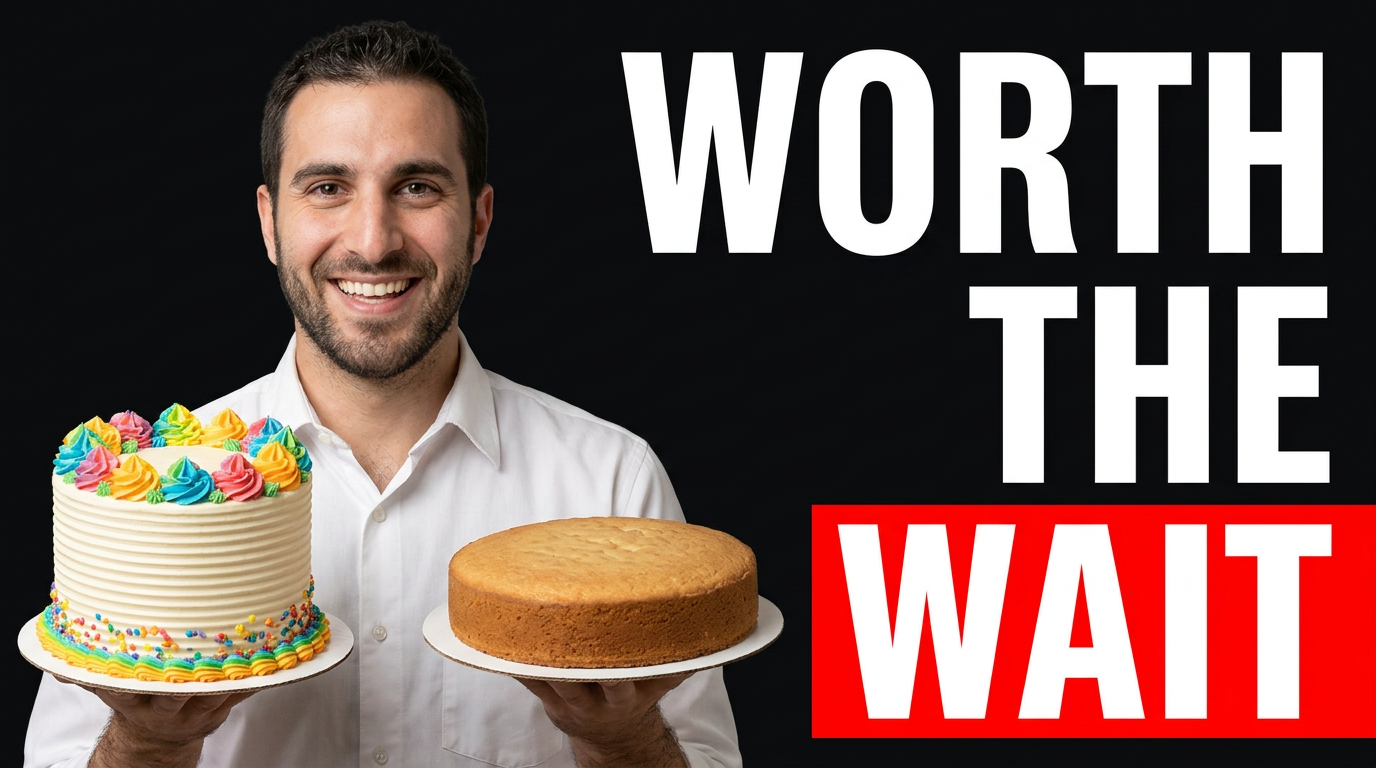
Cake transformation reveal
Show the dramatic payoff of a decorating transformation.
See the visual approach
Split composition featuring a male cake decorator in a clean pastel bakery kitchen, holding a polished tall buttercream celebration cake on one side and an understated undecorated cake base on the other. Emphasize the contrast in finish, crisp piped texture, bright frosting color, and an excited proud expression. Use supplied cake photos and portrait as source material. Bright editorial lighting, clear visual separation, celebratory mood.
Make a thumbnail like this →
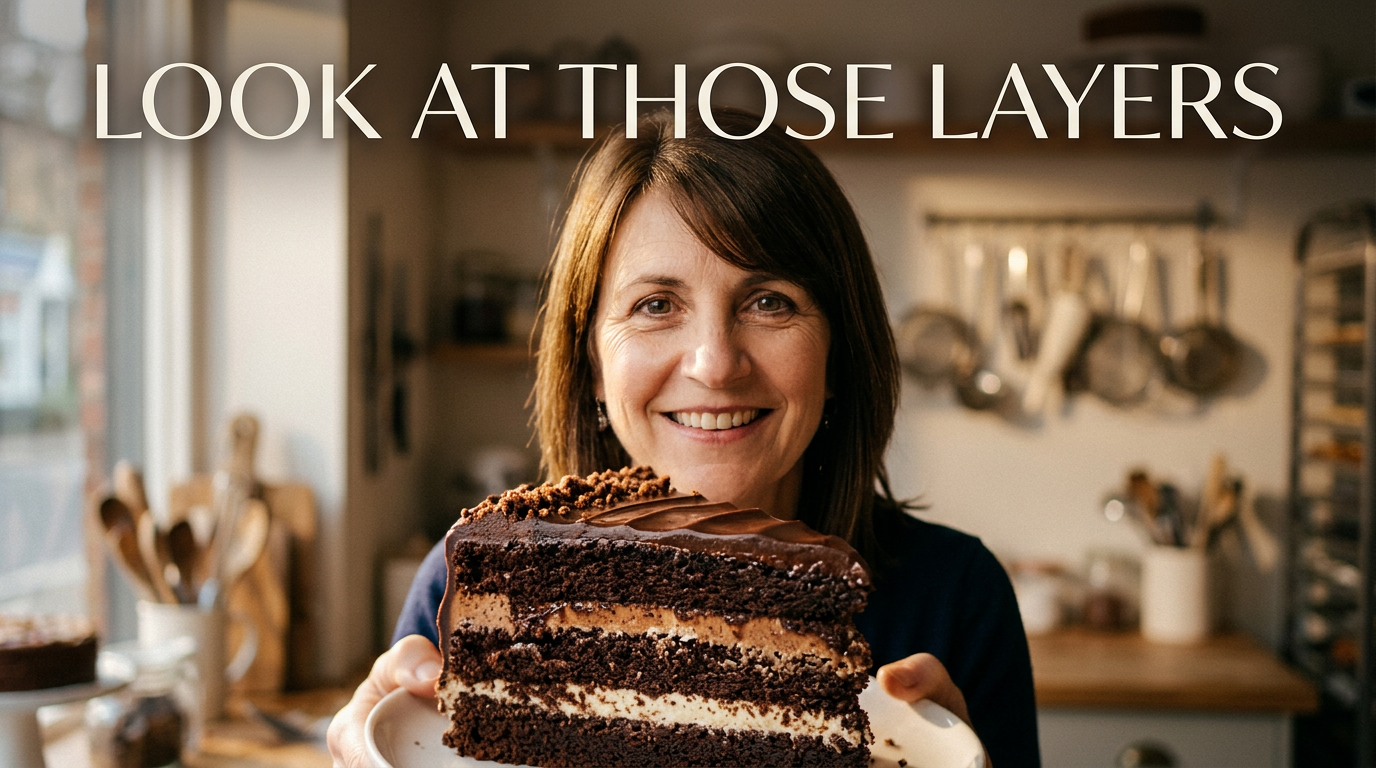
Perfect cake slice
Put the crumb, filling, and cut reveal at the center of a recipe video.
See the visual approach
Close, appetizing composition with a female baker smiling in a softly blurred bakery setting while presenting a large slice of chocolate layer cake toward the camera. Emphasize distinct sponge layers, smooth cream filling, glossy frosting, crumbs, and a perfectly clean cut edge. Use supplied portrait and cake slice photo as source material. Warm natural window light, indulgent and inviting mood.
Make a thumbnail like this →
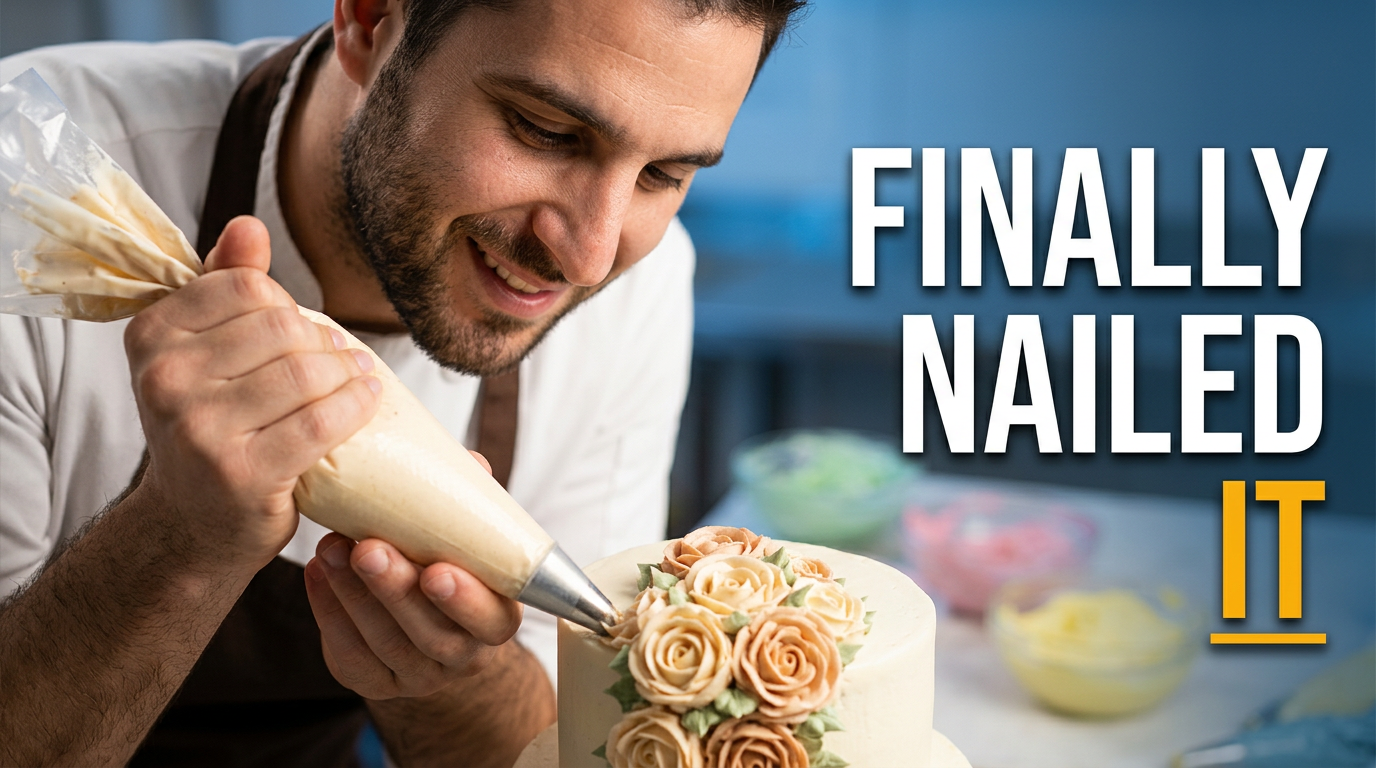
Piping technique challenge
Make a difficult decorating technique feel immediate and worth clicking.
See the visual approach
Dynamic over-the-shoulder bakery workstation scene with a male cake decorator concentrating on a detailed buttercream floral design. Include his face clearly in the upper composition and a large piping bag, precise hand position, and the cake surface in sharp foreground focus. Use supplied portrait and cake photo as source material. Clean worktable, soft colorful frosting accents, focused instructional mood, strong emphasis on intricate piping detail.
Make a thumbnail like this →
These examples are starting points. Results vary based on your images, wording, and creative direction.
Thumbnail ideas for baking content
Make each video’s visual promise clear before a viewer reads the title. Thumbnail.AI can help you shape concepts around the baking moments people want to see.
- Cake decorating transformations and final reveals
- Buttercream piping, fondant work, and detailed sugar flowers
- Birthday, wedding, holiday, and themed cake projects
- Recipe tutorials, bake-alongs, and ingredient comparisons
- Cake cutting shots that reveal layers, fillings, and textures
- Bakery day-in-the-life, order prep, and kitchen behind-the-scenes videos
- Baking mistakes, fixes, and decorating challenges
- Cookie, cupcake, bread, pastry, and dessert showcase videos
A simple workflow you can reuse
-
1
Start with your strongest cake image
Upload a photo of the finished cake, a close-up of the decorating detail, or a satisfying slice shot. Include your own portrait when you want your channel personality front and center.
-
2
Describe the moment viewers should care about
Tell Thumbnail.AI whether the video is about a dramatic before-and-after, a difficult decorating technique, a recipe result, or a bakery challenge. Mention the mood, cake colors, and what should stand out first.
-
3
Add short, intentional thumbnail wording
Use a few clear words that support the visual, such as a challenge, result, or special occasion. Keep the message easy to scan on a phone.
Frequently asked questions
Answers for building a useful, repeatable thumbnail workflow—not just generating one image.
Browse all thumbnail makers →
Can I use photos of my own cakes and bakes?
add
Yes. Upload your finished cake, slice, piping detail, cupcake display, or work-in-progress photo as source material so the thumbnail reflects the actual bake featured in your video.
Can I include my face in a cake decorating thumbnail?
add
Yes. You can provide a portrait and ask for a composition that pairs you with the finished cake, a decorating tool, or a reveal shot. This is useful for building a recognizable creator-led baking channel.
What makes a cake decorating thumbnail easy to understand?
add
Prioritize one visual payoff: the completed cake, an extreme close-up of texture, a visible transformation, or a striking cut slice. Use a clean background and short wording rather than trying to show every step at once.
How should I thumbnail a wedding cake or custom client order?
add
Feature the most distinctive tier, detail, or full finished design, with elegant lighting and enough negative space for concise wording. Avoid showing private order information, client addresses, or personal details in the image.
Can I revise a thumbnail after I see the first direction?
add
Yes. You can give plain-language feedback such as asking for a tighter crop on the cake, more emphasis on the piping, a brighter kitchen feel, a larger portrait, or a simpler background.
Make your next bake the visual centerpiece
Bring your cake photos, portrait, and video idea to Thumbnail.AI, then create a thumbnail direction that highlights the detail, effort, and final reveal behind your work.
Create a thumbnail in Thumbnail.AI