YouTube Thumbnails for Social Media Managers
Turn strategy, campaign results, platform changes, and content ideas into polished thumbnails that match the people, brands, and message behind each video.
- personYour face
- add_photo_alternateYour source images
- edit_notePlain-language edits
Make social media marketing videos easier to recognize at a glance
Social media managers often cover fast-moving topics: a new platform feature, a campaign postmortem, a content planning workflow, or a client update. Thumbnail.AI helps you build a custom YouTube-style thumbnail around the actual subject of that video. Upload your headshot, creator photo, brand asset, dashboard screenshot, or campaign imagery; specify the exact wording; then describe the look you want in plain language. Revise the composition until it feels clear, on-brand, and suited to the audience you manage.
Built for in-house social teams, agency managers, freelance strategists, and creators who teach social media marketing.
Three thumbnail ideas for social media managers
Each example explores a different visual direction and can be adapted with your own face, images, wording, and brand.
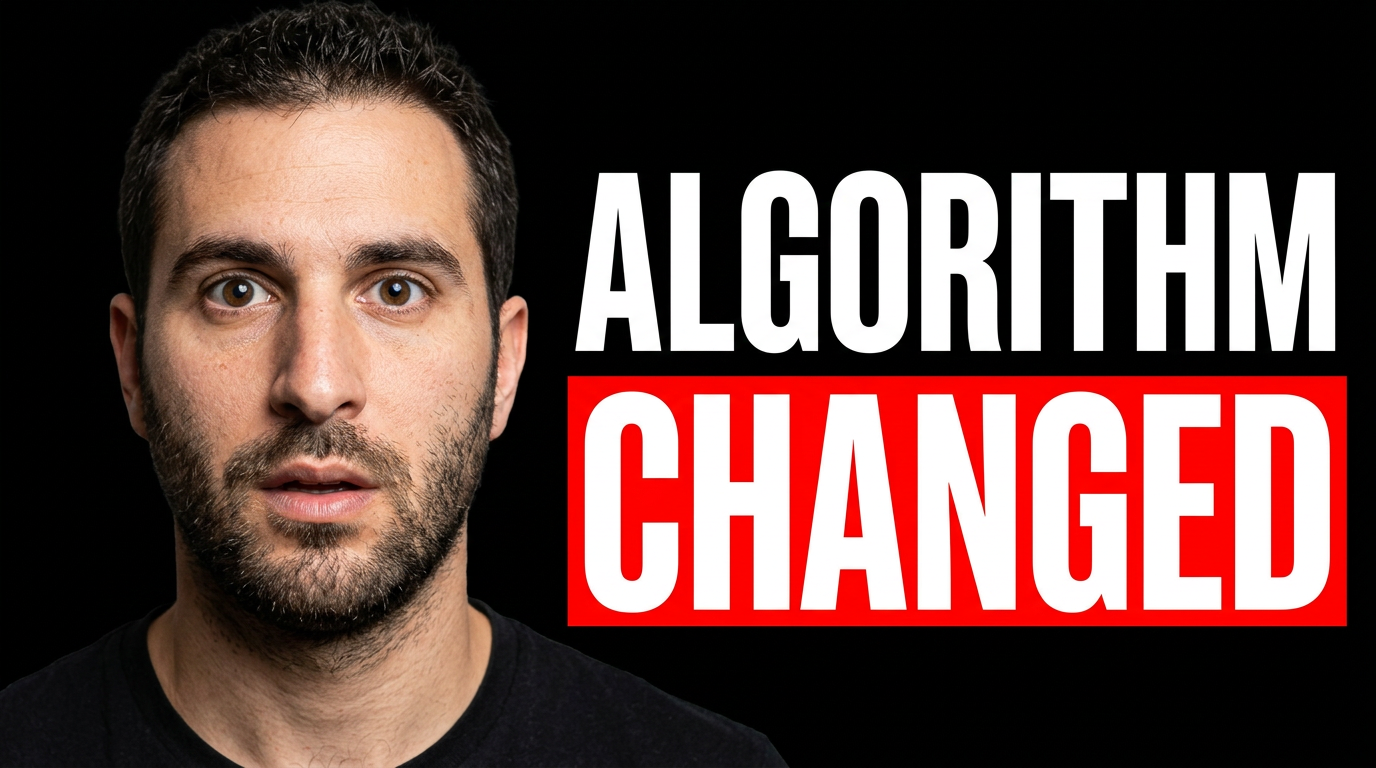
Platform algorithm update
A timely platform-update thumbnail centered on a clear reaction and one visual signal of change.
See the visual approach
Close-up of a male social media manager with a surprised, analytical expression, looking toward a sharply rising and falling social analytics chart. Clean studio composition with abstract vertical-video interface shapes and a subtle warm-to-cool gradient background. Large face on the left, chart and platform-inspired visual cues on the right, energetic urgent mood, strong contrast, minimal clutter. Use the supplied headshot as the featured person.
Make a thumbnail like this →
Monthly content planning
A practical planning concept for a workflow or content-calendar video.
See the visual approach
Female social media manager at a bright modern desk, confidently arranging colorful content cards around a large monthly calendar. Overhead-and-forward composition with her face clearly visible, laptop and phone used as supporting props, organized editorial workspace, optimistic productive mood. Emphasize a clear calendar grid and visual order. Use the supplied photo as the featured person.
Make a thumbnail like this →
Campaign results breakdown
A campaign postmortem layout that pairs a human reaction with the creative and results under review.
See the visual approach
Male social media strategist in a focused three-quarter pose, gesturing toward a large clean display showing an abstract campaign creative tile beside simplified upward performance metrics. Modern agency meeting-room environment, controlled blue and coral lighting, premium analytical mood, face and display both prominent, leave clean space for short wording. Use the supplied headshot and approved campaign creative as source material.
Make a thumbnail like this →
These examples are starting points. Results vary based on your images, wording, and creative direction.
Thumbnail ideas for social media content
Use focused visual directions that make the video's practical takeaway immediately clear without crowding the design.
- Platform update explainers for Instagram, TikTok, LinkedIn, YouTube, and emerging channels
- Content calendar, workflow, and approval-process videos
- Campaign recaps, launch breakdowns, and creative postmortems
- Analytics, reporting, and social listening tutorials
- Client education videos and agency thought-leadership content
- Personal brand videos for social media consultants and strategists
- Community management, creator partnership, and UGC discussions
- AI tools and productivity systems for social teams
A simple workflow you can reuse
-
1
Choose the video's single strongest angle
Start with the decision, update, result, or lesson the viewer should understand before they click. A platform change, reporting insight, or campaign review works best when the visual has one clear focal point.
-
2
Add people and assets that make the topic credible
Use your own headshot, a client-approved team photo, product creative, campaign image, or relevant dashboard capture. Thumbnail.AI can work from the materials that belong in your content.
-
3
Set short, exact thumbnail wording
Keep the visible message brief and specific, such as a platform update or a campaign lesson. Provide the wording exactly as it should appear.
Frequently asked questions
Answers for building a useful, repeatable thumbnail workflow—not just generating one image.
Browse all thumbnail makers →
Can I use a client logo or campaign creative in a thumbnail?
add
Yes. Upload assets you have permission to use and direct the layout around them. For client work, use approved logos, imagery, and brand colors, and keep any confidential reporting details out of dashboard screenshots.
What should a thumbnail say for a social media strategy video?
add
Use a short phrase that captures the video's main promise or change. Strong options name the platform, outcome, or decision rather than repeating a long video title. Keep the detailed context for the title and description.
Can Thumbnail.AI use my own face rather than a stock-style person?
add
Yes. Upload a clear photo of yourself or the featured speaker and ask for a specific expression, crop, pose, and layout. This is useful for consultant channels, agency leaders, and recurring educational content.
How do I make thumbnails consistent across a client or agency channel?
add
Reuse a recognizable visual system: a limited color palette, consistent face crop, stable text placement, and repeatable background treatment. Give Thumbnail.AI those directions each time while changing the topic-specific visual emphasis.
Can I create thumbnails for platform update videos quickly?
add
Yes. Start with the key update, your source image or headshot, and the exact short wording. You can then refine the emphasis, background, colors, and layout for a timely video without rebuilding the concept from scratch.
Create your next social media thumbnail
Bring your strategy video, campaign recap, or platform update into focus with a custom thumbnail built from your people, assets, and exact message.
Create a thumbnail in Thumbnail.AI