Running & Marathon Training Thumbnails That Set the Pace

Turn your training insights, race-day photos, route screenshots, and real running expressions into custom YouTube-style thumbnails built around your exact video angle.

  • Your face
  • Your source images
  • Plain-language edits
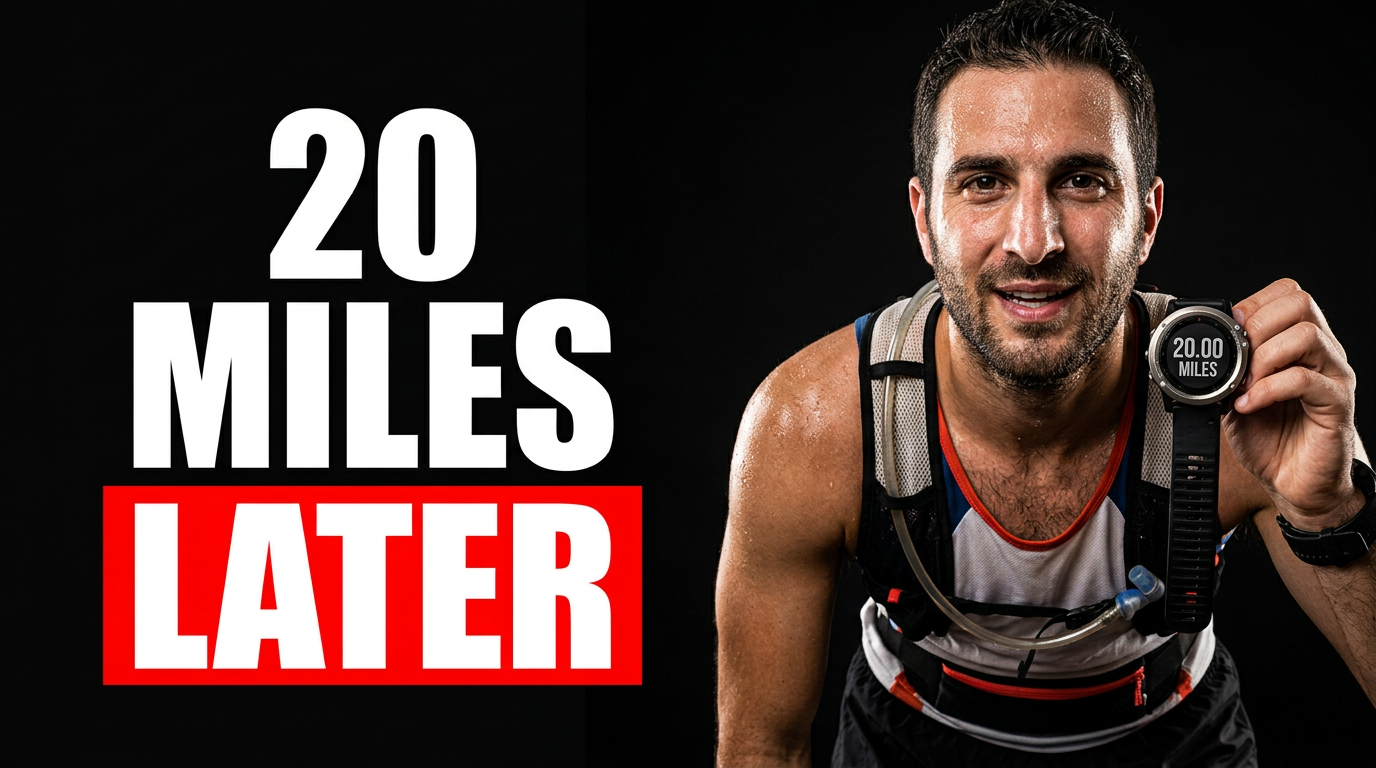
Tired male marathon runner in a bright running shirt holding a GPS watch after a long run

Make running videos easy to spot before the first mile

Running viewers scan for a clear promise: a smarter workout, an honest race recap, a pacing fix, or gear advice worth hearing. Thumbnail.AI helps coaches, marathon runners, running clubs, and endurance creators shape those ideas into bold thumbnails using their own face, race photos, bibs, watches, shoes, route maps, and plain-language direction. Keep the message focused, make the effort visible, and revise details until the thumbnail matches the run.

Built for marathon training channels, running coaches, trail runners, club organizers, and creators documenting their path to a goal race.

Three thumbnail ideas for running & marathon training

Each example explores a different visual direction and can be adapted with your own face, images, wording, and brand.

Tired male marathon runner in a bright running shirt holding a GPS watch after a long run

Marathon long-run reality check

A candid post-long-run concept for a marathon training update.

See the visual approach

Include the assigned male runner prominently in the foreground with a visibly tired but proud expression, holding up his GPS watch. Place him on a quiet early-morning road beside a long stretch of pavement, with subtle marathon-training cues such as water bottle and running belt. Use crisp daylight, strong subject separation, and an honest endurance mood. Use the runner's supplied face and running photo as source material.

Make a thumbnail like this
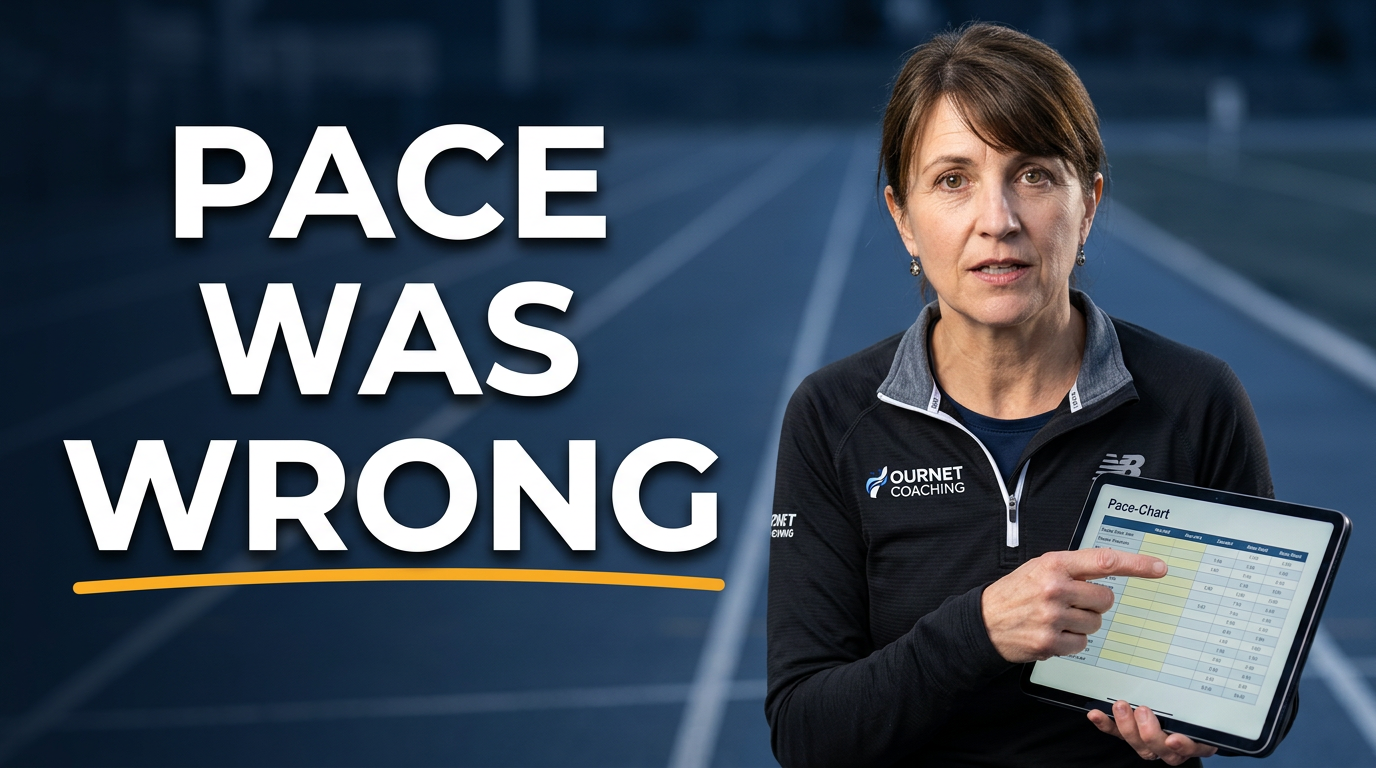
Female running coach pointing at a pace chart beside a track

Marathon pacing lesson

A coaching-focused concept for a pacing or workout explanation.

See the visual approach

Include the assigned female coach as the main subject, pointing toward a simple pace-chart visual while standing near a running track. Give her a focused, instructive expression and athletic coaching attire. Frame the track lanes and a watch-like pace display as supporting elements, with clean contrast and a practical, confidence-building mood. Use her supplied face and any supplied pace or workout screenshot as source material.

Make a thumbnail like this
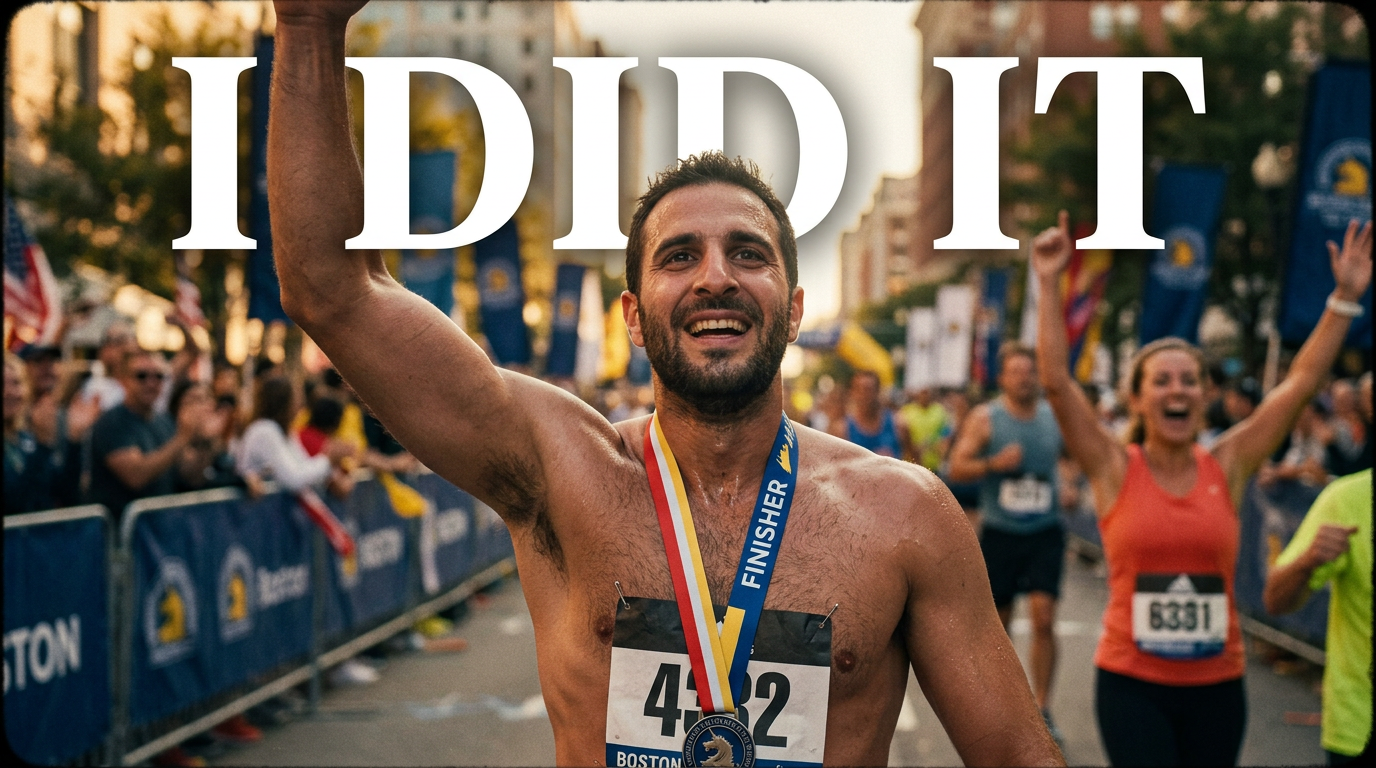
Male runner celebrating at a marathon finish line with medal and race bib

First marathon finish-line recap

A personal finish-line concept for a first-marathon recap.

See the visual approach

Include the assigned male runner at the center, celebrating just beyond a marathon finish line with a medal and race bib visible. Show a believable event backdrop with blurred crowd barriers and finish-area energy, while keeping his joyful, exhausted reaction as the visual focus. Use warm celebratory light, dynamic framing, and the runner's supplied race photo and face as source material.

Make a thumbnail like this

These examples are starting points. Results vary based on your images, wording, and creative direction.

Thumbnail ideas for running content

Create a distinct visual angle for the training questions and race-day stories runners care about.

  • Marathon training plan breakdowns
  • Long-run lessons and weekly training updates
  • Race recaps, finish-line reactions, and personal best attempts
  • Pacing, fueling, hydration, and recovery advice
  • Beginner runner and first-marathon content
  • Trail running, ultramarathon, and elevation-training videos
  • Running shoe, watch, vest, and gear reviews
  • Workout explainers for intervals, tempo runs, and easy days

A simple workflow you can reuse

  1. 1

    Choose the run behind the video

    Start with the specific story or takeaway: surviving a 20-mile long run, adjusting a marathon pace, reviewing a carbon shoe, or recapping race morning.

  2. 2

    Add your real running material

    Use a finish-line photo, training selfie, race bib, shoe image, route map, watch screen, or source image that makes the video feel unmistakably yours.

  3. 3

    State the visual direction plainly

    Describe the expression, setting, emphasis, and mood you want. Ask for a gritty rainy-run look, a clean coaching setup, or an energized finish-line moment.

Frequently asked questions

Answers for building a useful, repeatable thumbnail workflow—not just generating one image.

Browse all thumbnail makers
What should a marathon training thumbnail include?

Center one clear training promise and pair it with a recognizable running cue, such as a race bib, watch, route map, shoes, track, or finish-line image. A real expression of fatigue, focus, relief, or excitement can make the moment immediately readable.

Can I use my own race photos and running gear images?

Yes. Upload your own face photos and source images, including race-day pictures, shoe shots, route screenshots, training logs, bibs, or product images, then direct how they should be featured.

How do I make a weekly training update look different from a race recap?

A training update can emphasize routine and progress with a watch, route, workout setting, or tired post-run expression. A race recap can lean into the event itself: bib, finish line, medal, crowd, course backdrop, and a stronger emotional reaction.

What wording works for running and marathon thumbnails?

Use a short, specific phrase that creates a clear reason to watch, such as a pacing realization, workout result, race outcome, or gear verdict. Keep the visible wording brief so it can be read quickly on a phone.

Can Thumbnail.AI help with shoe review thumbnails?

Yes. Provide a photo of the shoe and your face, then describe the review angle—daily trainer, race shoe, trail grip, durability concern, or comparison. The thumbnail can give the product visual priority while keeping you present as the reviewer.

Can I revise the thumbnail after I see a draft?

Yes. Refine the direction in plain language to change the mood, source-image emphasis, composition, or visible wording until it better fits the video.
Put your next run on the thumbnail

Create a custom thumbnail around your training story, race-day moment, coaching insight, or gear opinion—using the photos and wording that belong to your channel.

Create a thumbnail in Thumbnail.AI