Pool service thumbnails that make the before-and-after obvious
Create custom YouTube-style thumbnails for pool cleaning, repairs, equipment work, and seasonal maintenance. Use your own technician photos, job-site images, and precise wording in Thumbnail.AI.
- personYour face
- add_photo_alternateYour source images
- edit_notePlain-language edits
Make pool service videos look as reliable as the work behind them
Pool owners often decide whether to click in a second: Is this a real technician? Is that pool problem like mine? Will the video show a practical fix? Thumbnail.AI helps pool service businesses turn job photos and team images into focused thumbnails that spotlight water clarity, equipment issues, transformations, and the person doing the work. Start with your source material, specify the result you want, and revise the layout or wording in plain language.
Built for pool cleaners, repair technicians, maintenance companies, installers, and local service channels sharing practical pool care content.
Three thumbnail ideas for pool service
Each example explores a different visual direction and can be adapted with your own face, images, wording, and brand.
Water recovery transformation
Make a dramatic cleanup result immediately recognizable.
See the visual approach
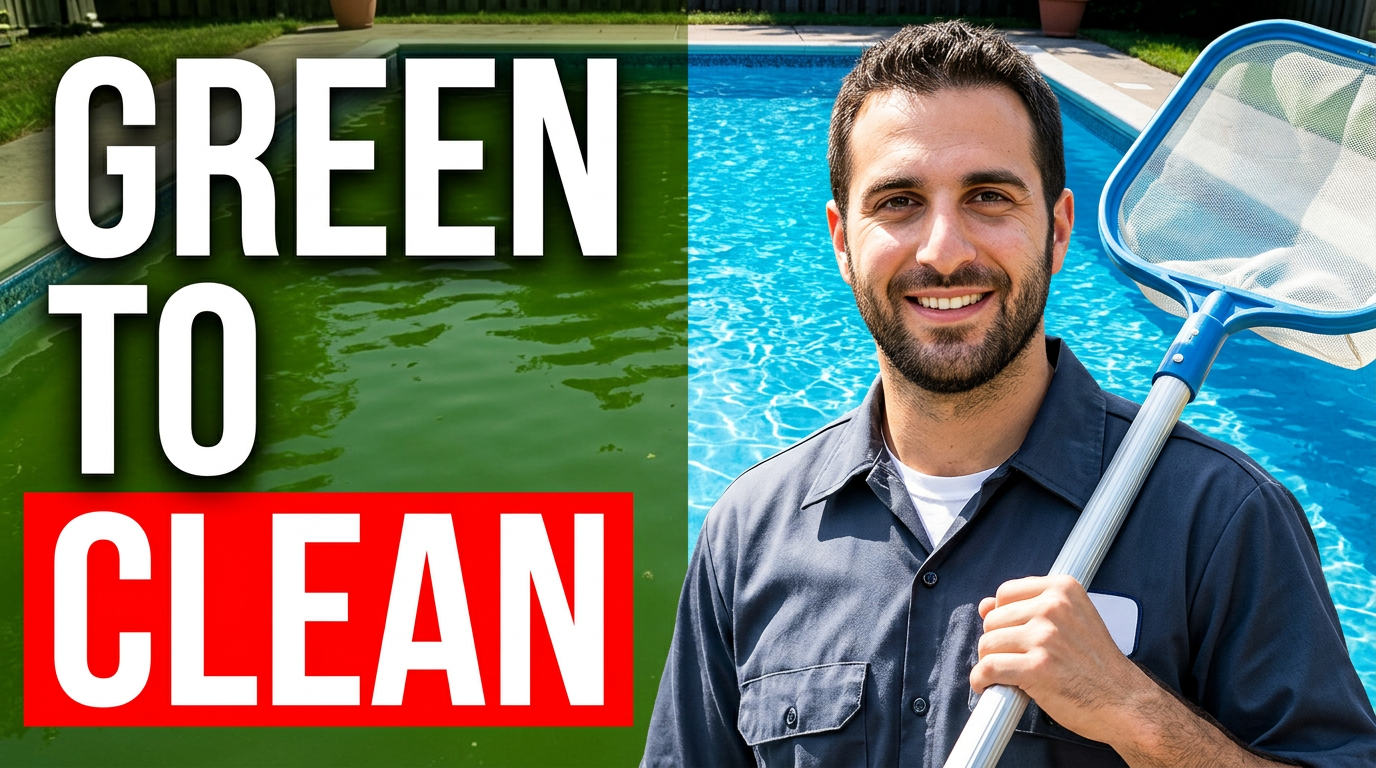
Use the supplied male pool technician as the foreground subject, wearing practical service attire and holding a pool skimmer. Place him beside a strong split-scene transformation: visibly algae-filled green water on one side and sparkling clear blue water on the other. Use a bright residential backyard pool setting, a confident helpful expression, crisp high-contrast lighting, and leave clean space for short headline text.
Make a thumbnail like this →
Equipment troubleshooting video
Center the thumbnail on a repair issue pool owners recognize.
See the visual approach
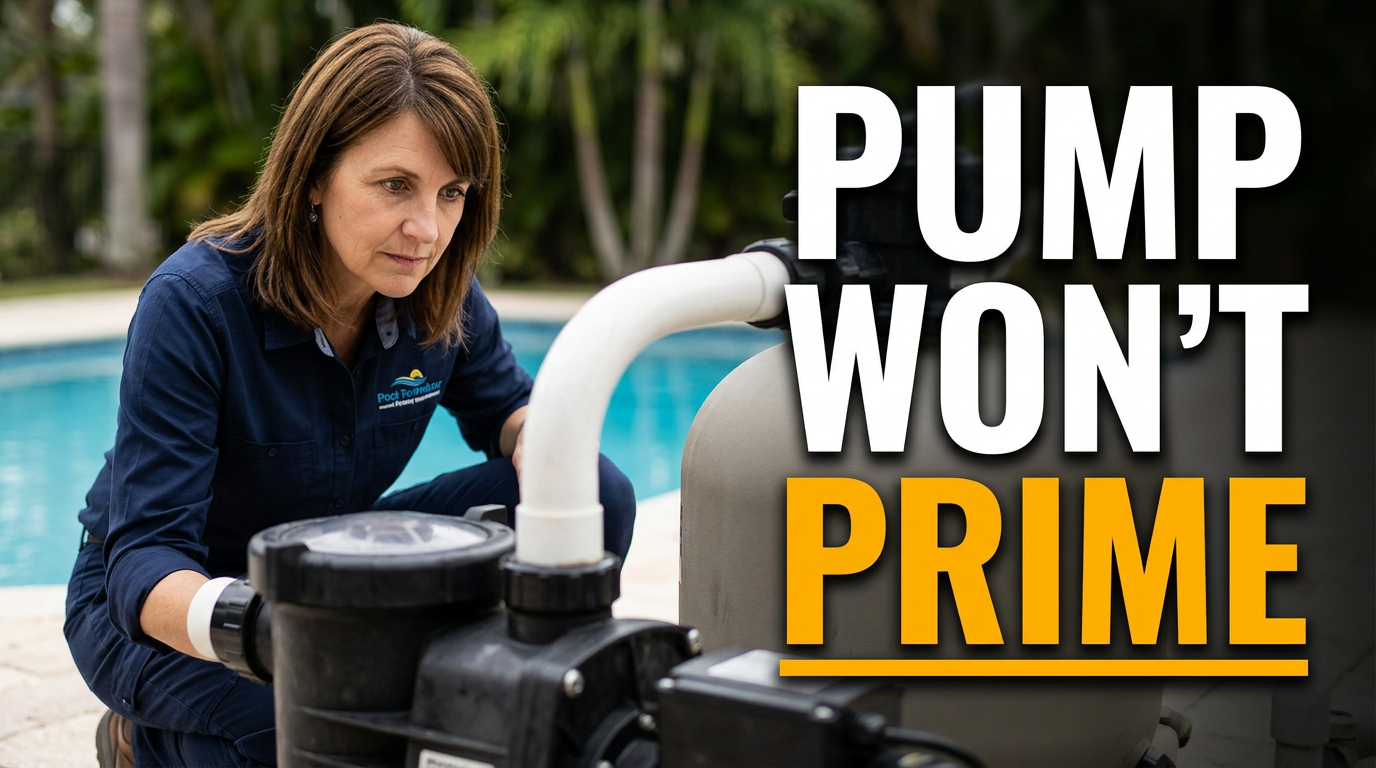
Feature the supplied female pool technician crouched beside a pool pump and filter system, inspecting the pump basket or fittings with a focused expression. Frame the equipment large in the foreground, with a softly blurred pool edge in the background. Use a clean professional service setting, directional lighting, and a precise problem-solving mood with space reserved for short headline text.
Make a thumbnail like this →
Service call conversation
Pair a relatable homeowner question with an expert on site.
See the visual approach
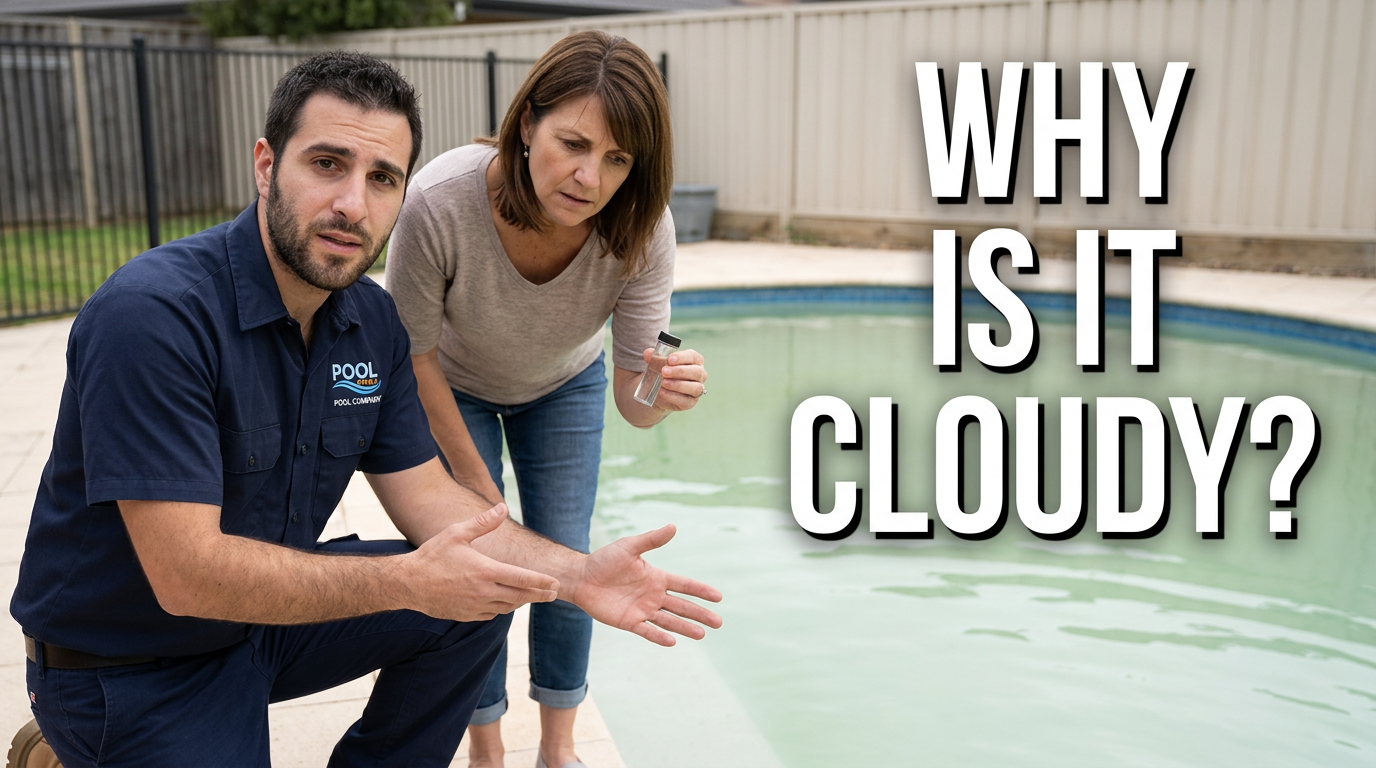
Show the supplied male pool technician and female homeowner standing beside a residential pool with noticeably cloudy water. The technician gestures toward the water while the homeowner listens with concern. Use a natural candid service-call composition, keep both faces clear, show the pool surface prominently, and create a trustworthy explanatory mood with open space for short headline text.
Make a thumbnail like this →
These examples are starting points. Results vary based on your images, wording, and creative direction.
Thumbnail ideas for pool service content
Keep the visual centered on one clear pool-owner concern, then support it with a recognizable technician, pool surface, or piece of equipment.
- Green pool cleanups and water recovery
- Weekly pool cleaning and maintenance routines
- Pump, filter, heater, and salt-system repairs
- Pool opening, closing, and seasonal preparation
- Cloudy water, algae, leaks, and chemistry troubleshooting
- Before-and-after service transformations
- Equipment upgrades and installation walkthroughs
- Answers to common pool owner questions
A simple workflow you can reuse
-
1
Choose the job story
Start with a specific service moment: a green pool recovery, a clogged filter, a pump repair, or a freshly cleaned pool. A single, visible problem or outcome gives the thumbnail a clear focus.
-
2
Add real team and job-site images
Upload a technician headshot, a photo from the service call, or both. Familiar faces and real pool environments help the image feel connected to the work viewers expect to see.
-
3
State the visual direction plainly
Tell Thumbnail.AI what should stand out, such as murky water versus clear water, a close-up of damaged equipment, or a technician pointing to the issue. Request the mood, framing, and emphasis you need.
Frequently asked questions
Answers for building a useful, repeatable thumbnail workflow—not just generating one image.
Browse all thumbnail makers →
What should a pool cleaning thumbnail show?
add
Show a recognizable outcome or problem first. Green water beside a clean blue result, a technician skimming debris, or a clear view of a neglected pool can quickly establish what the video covers. Keep the background uncluttered enough that the pool condition is easy to read.
Can I use photos from actual pool service calls?
add
Yes. Upload your own job-site photos and ask Thumbnail.AI to build the composition around them. Before using a customer's property or identifiable people, make sure you have the permission needed for your channel and local privacy requirements.
How much text works on a pool repair thumbnail?
add
A short phrase is usually easiest to scan. Use wording that names the central concern or outcome, such as a water issue, equipment problem, or service result. Let the image carry the rest of the explanation.
Can I make thumbnails for seasonal pool opening and closing videos?
add
Yes. Use source images that signal the season and the task: covers, winterized equipment, leaves, a clean opening-day pool, or the technician preparing the system. Ask for the pool and seasonal detail to remain visually prominent.
Can Thumbnail.AI help revise an existing pool service thumbnail?
add
Yes. Bring in the existing image or your source photos, then describe the change you want. You can ask for larger wording, a stronger before-and-after contrast, a different technician photo, more equipment emphasis, or a cleaner composition.
Create your next pool service thumbnail
Bring your team photo, pool image, or service-call footage stills to Thumbnail.AI and shape a thumbnail around the work homeowners want to understand.
Create a thumbnail in Thumbnail.AI