DIY & Woodworking Thumbnails That Show the Build Fast

Turn project photos, workshop shots, and your own face into custom YouTube-style thumbnails for builds, tool tests, furniture reveals, and restoration videos.

  • Your face
  • Your source images
  • Plain-language edits
Woodworker beside a completed hardwood workbench in a bright workshop

Make every project easy to recognize before the click

Woodworking viewers want to see the finished piece, the material, the challenge, or the tool at a glance. Thumbnail.AI helps you build a thumbnail around your real work: upload a photo of the project, add your face if it fits your channel, enter the exact words you want shown, and describe the visual direction in plain language. Revise the layout until the joinery, finish, tool, or before-and-after result is the clear focal point.

Built for woodworkers, makers, DIY renovators, furniture builders, and workshop channels that need visuals matching the project actually shown in the video.

Three thumbnail ideas for diy & woodworking

Each example explores a different visual direction and can be adapted with your own face, images, wording, and brand.

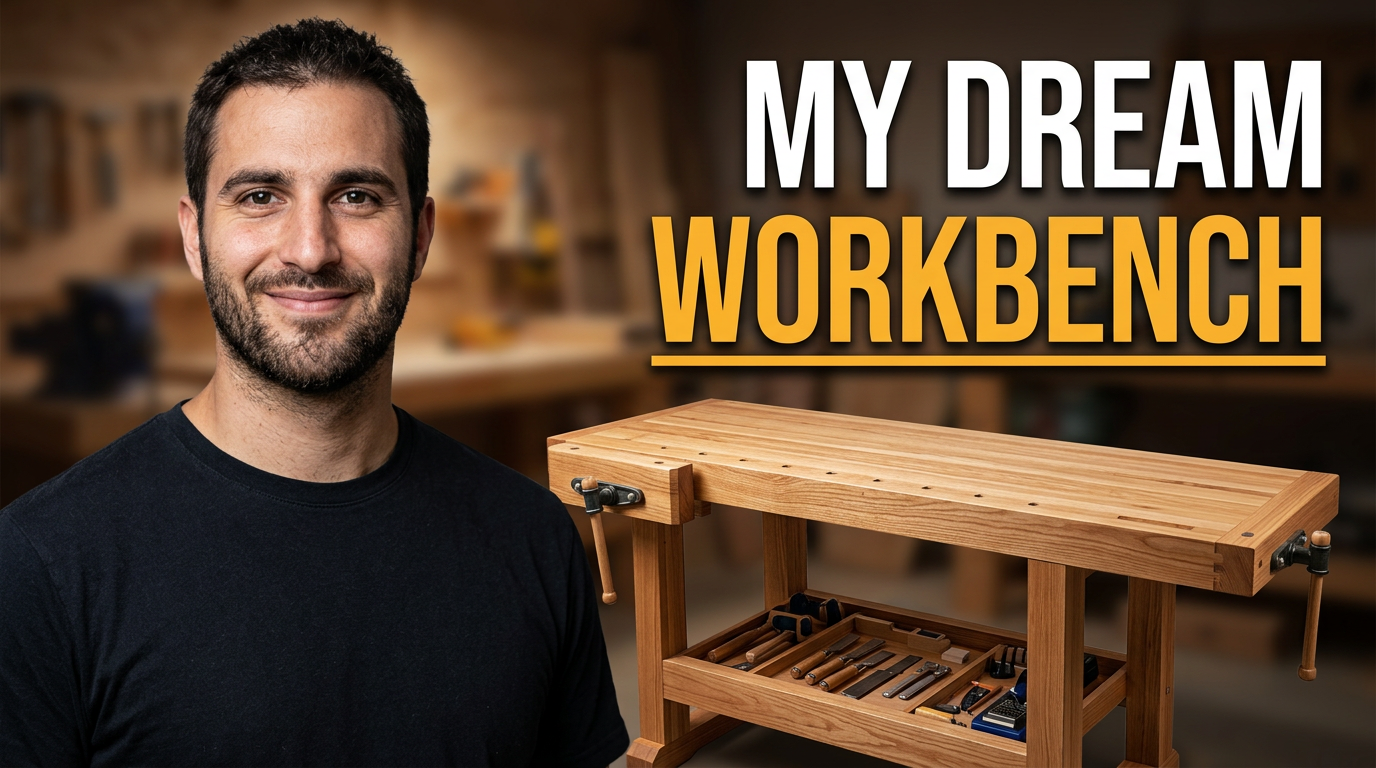
Woodworker beside a completed hardwood workbench in a bright workshop

Workbench build reveal

Put the finished build and the maker’s pride in the same frame.

See the visual approach

A male woodworker standing beside a newly completed hardwood workbench, three-quarter angle showing the bench top, vise, and lower shelf, warm organized workshop background, confident proud expression, crisp natural wood grain, the finished workbench as the dominant focal point, source photo of the actual workbench incorporated, clean high-contrast composition
Make a thumbnail like this
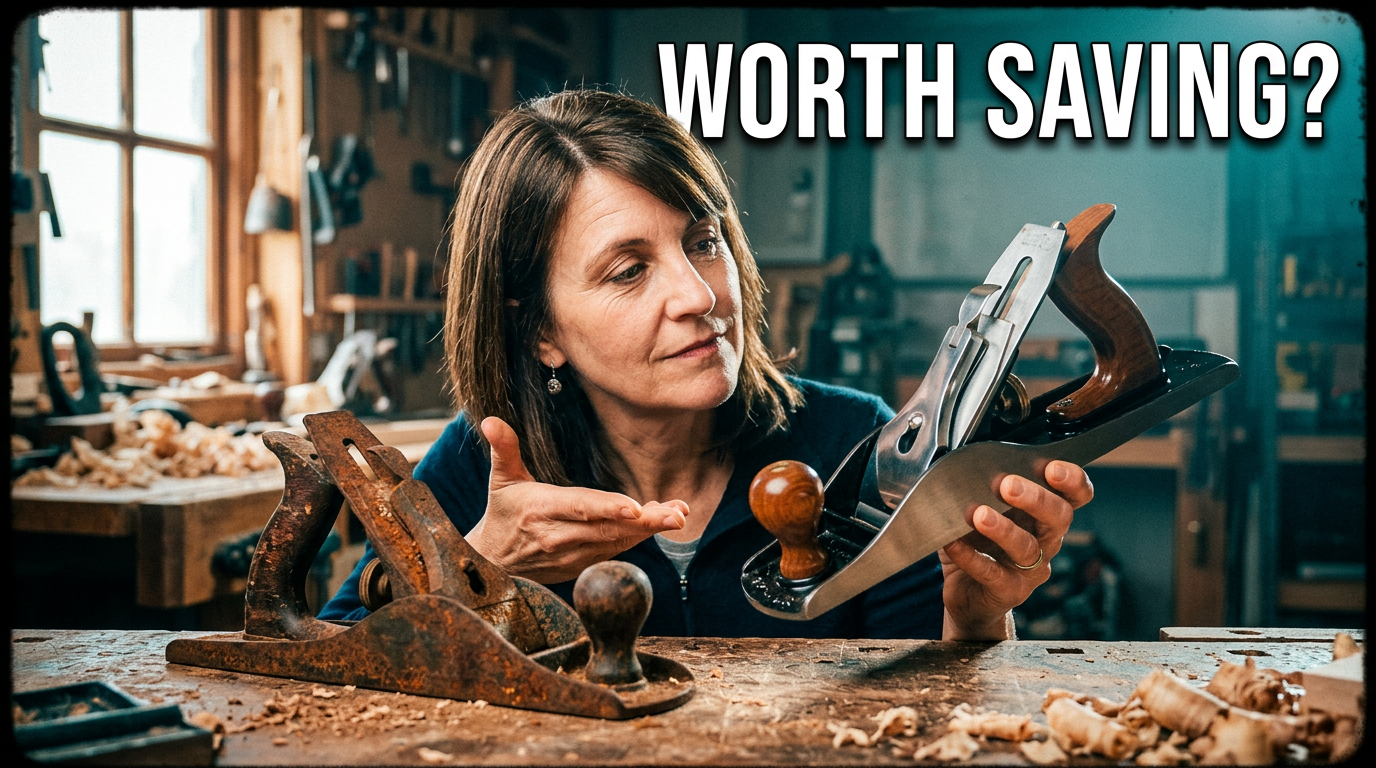
Maker holding a restored hand plane beside its worn original condition

Vintage tool restoration

Make the restoration contrast visible before viewers read the title.

See the visual approach

A female DIY maker in a workshop holding a polished restored vintage hand plane, a visibly worn and rusty version positioned on the opposite side for comparison, close waist-up framing, dramatic side lighting, sawdust and workbench texture, curious evaluative expression, clear emphasis on the before-and-after transformation, source images of the actual tools incorporated

Make a thumbnail like this
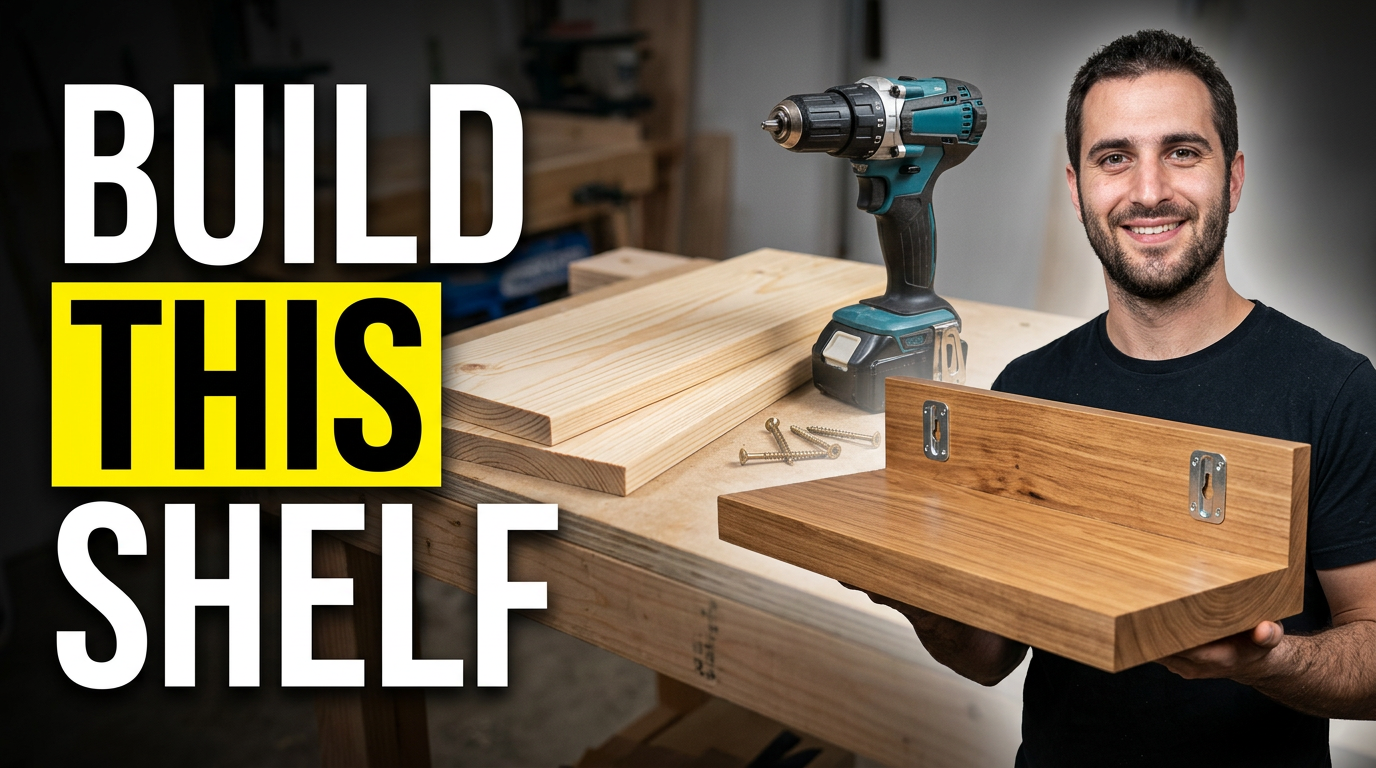
Woodworker presenting a finished floating shelf with basic lumber and tools nearby

Simple shelf project

Pair an approachable material setup with the finished result.

See the visual approach

A male beginner-friendly woodworking creator presenting a finished floating wooden shelf, simple lumber boards and a drill arranged nearby on a clean bench, bright home workshop setting, welcoming upbeat expression, shelf angled toward camera with mounting detail visible, clear visual path from raw material to finished project, source photo of the actual shelf incorporated

Make a thumbnail like this

These examples are starting points. Results vary based on your images, wording, and creative direction.

Thumbnail ideas for workshop content

Use a visual angle that makes the project and its payoff instantly legible on a small screen.

  • Furniture build reveals that spotlight the finished table, cabinet, shelf, or workbench
  • Tool reviews that put the tested saw, router, planer, or jig front and center
  • Restoration videos with a clear worn-versus-refinished transformation
  • Beginner builds that emphasize a simple result and approachable materials
  • Joinery and technique videos that zoom in on the critical cut, joint, or setup
  • Shop upgrades featuring a cleaner workflow, storage solution, or new station
  • Budget build videos that contrast low-cost materials with a polished final piece
  • Fix and repair videos that make the damage and solution easy to understand

A simple workflow you can reuse

  1. 1

    Start with the real project

    Upload a finished-build photo, in-progress workshop image, tool photo, or reference image that shows the wood grain, finish, hardware, and construction details you want represented.

  2. 2

    Add your channel personality

    Include your face when a reaction, reveal, challenge, or personal recommendation is part of the video. Keep the project visible enough that viewers can identify the build immediately.

  3. 3

    Set the exact wording

    Enter a short, readable phrase for the thumbnail, such as the project name, a build challenge, or the key result. Thumbnail.AI keeps your chosen wording under your control.

Frequently asked questions

Answers for building a useful, repeatable thumbnail workflow—not just generating one image.

Browse all thumbnail makers
What makes a woodworking thumbnail work for a furniture build?

Lead with the finished piece or its most recognizable feature. A dramatic angle of the completed project, visible wood grain, and a clean workshop context usually communicate more than a wide shot full of tools and offcuts.

Should I use a photo of myself in DIY thumbnails?

Use your face when the video is driven by your reaction, a reveal, a challenge, or your personal verdict on a tool. For a detailed technique or a furniture reveal, the project can take priority while you appear smaller in the frame.

Can I make a thumbnail from my own workshop photos?

Yes. Upload your project, tool, material, or workshop images as source material, then describe the crop, focal point, mood, and composition you want. This helps the thumbnail stay tied to the build in your video.

How much text should a woodworking thumbnail have?

Keep it short enough to read on a phone—usually a project label, outcome, or tension point. Let the visible build, tool, or before-and-after image carry the rest of the message.

What should a tool review thumbnail show?

Show the actual tool prominently, ideally in use or beside the result it produced. If the review has a clear verdict or comparison, use a simple visual contrast rather than trying to list specifications in the thumbnail.

Build a thumbnail around your next project

Bring in your shop photos, project images, face, and exact thumbnail wording. Tell Thumbnail.AI what you want viewers to notice first, then refine the direction for your channel.

Create a thumbnail in Thumbnail.AI