Thumbnails for roofing contractors that make the job clear
Turn roof inspections, repair explainers, storm-damage updates, and project videos into custom thumbnails using your own face, source images, exact wording, and simple instructions.
- personYour face
- add_photo_alternateYour source images
- edit_notePlain-language edits
What should a roofing contractor thumbnail show?
A strong roofing contractor thumbnail quickly communicates the roofing problem, the work being performed, or the result viewers can expect to understand. Use a clear roof or damage photo, a recognizable face when appropriate, and a short phrase such as “LEAK FOUND,” “ROOF REPAIR,” or “STORM DAMAGE?” Thumbnail.AI helps you combine those elements while keeping your wording and source images central to the design.
This page is for residential and commercial roofing contractors, roofing company owners, project managers, inspectors, and crews publishing educational, project, or storm-response videos.
Three thumbnail ideas for roofing contractors
Each example explores a different visual direction and can be adapted with your own face, images, wording, and brand.
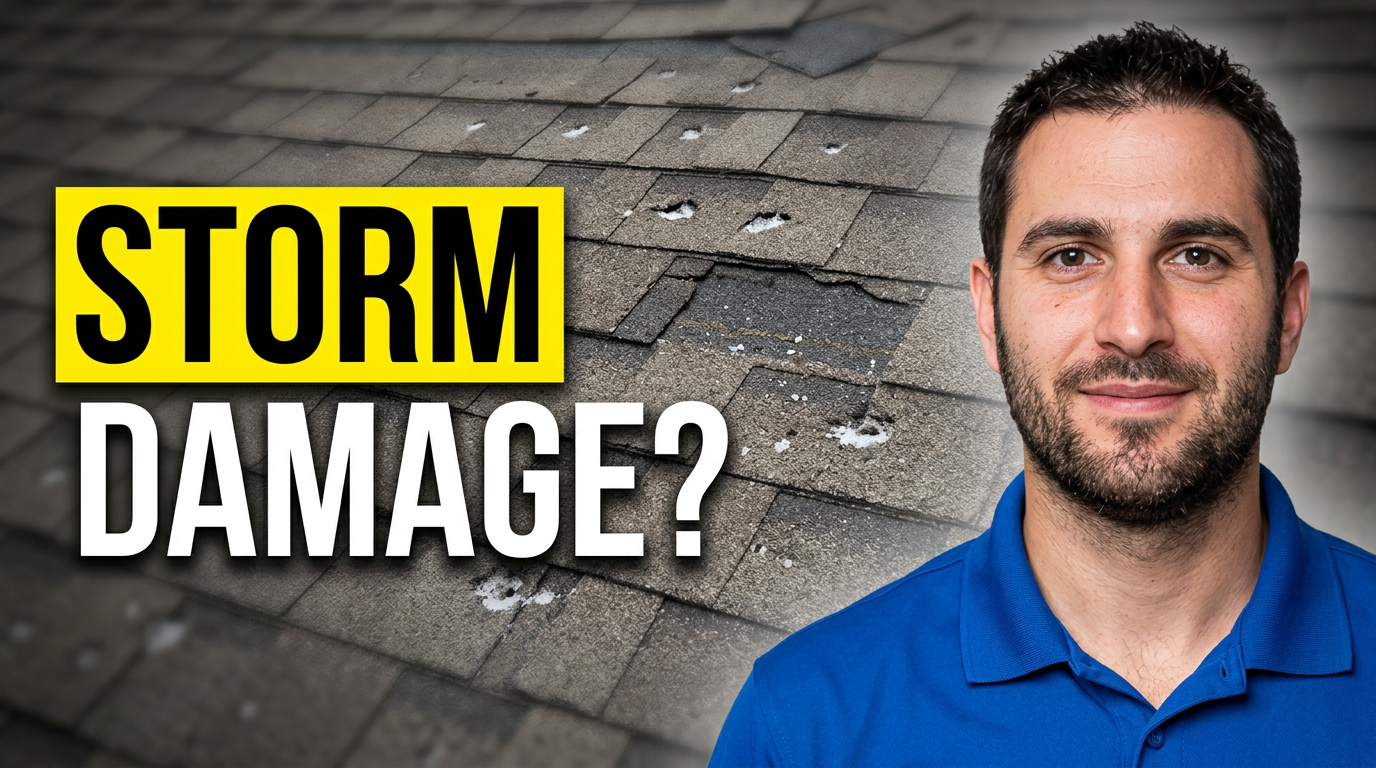
Storm damage inspection
A direct storm-response concept that makes the visible roof problem the subject of the video.
See the visual approach
Use my contractor headshot beside a visibly damaged asphalt-shingle roof. Emphasize missing shingles and hail impact with a clear inspection-focused composition. Keep the damage realistic and the overall design clean.
Make a thumbnail like this →
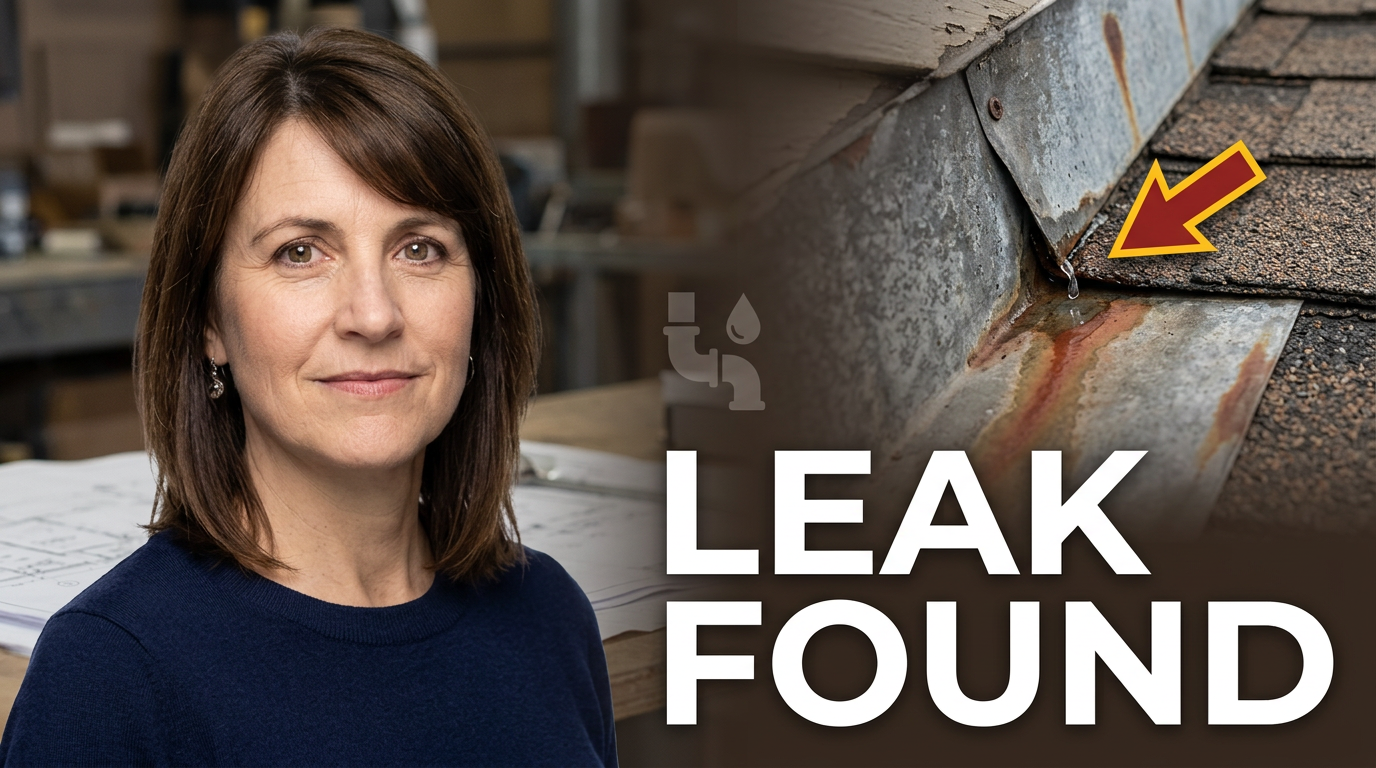
Roof leak diagnosis
A diagnostic thumbnail for a video explaining how a roofing professional locates and addresses a leak.
See the visual approach
Use my contractor photo beside a close roof detail showing the leak area, flashing, or water-entry point. Direct attention to the problem clearly without inventing extra roof features.
Make a thumbnail like this →
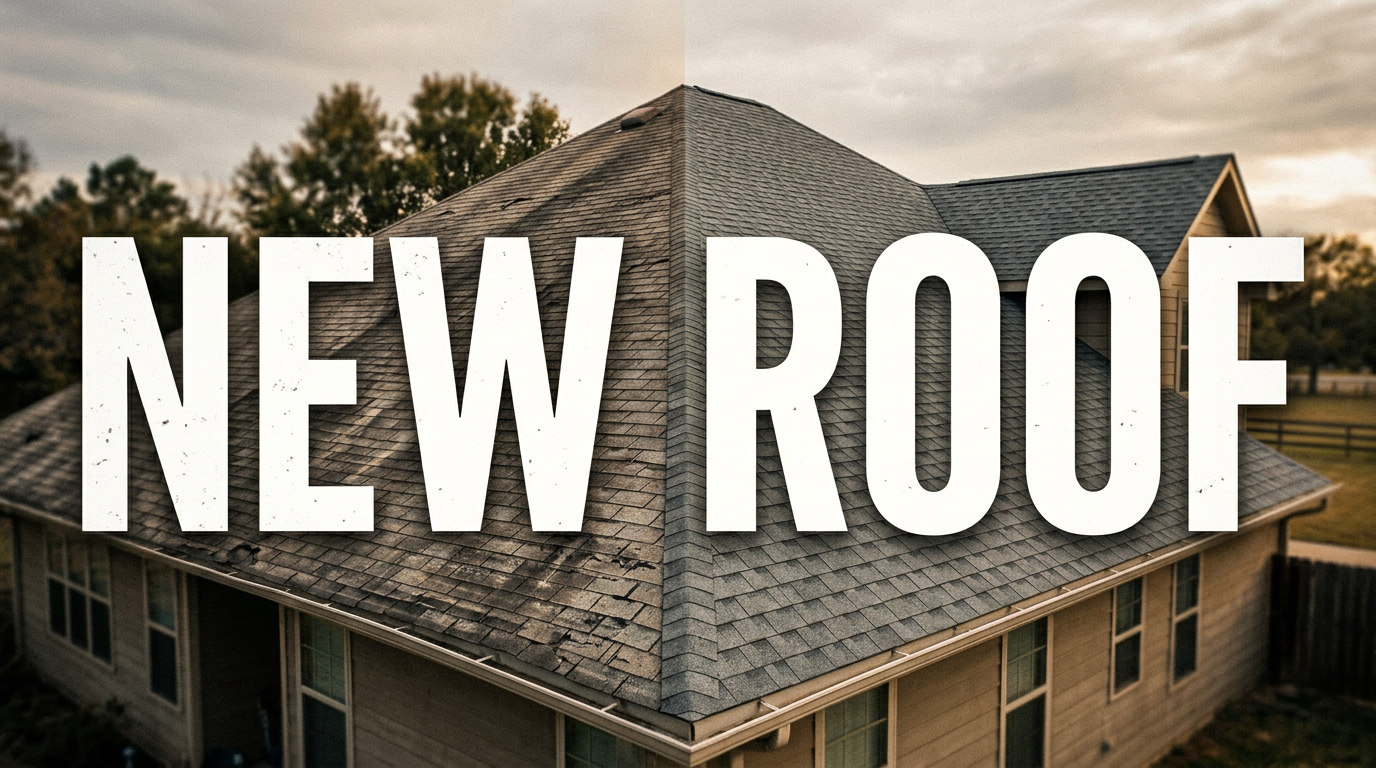
Roof replacement before and after
A project-result concept that clearly contrasts the starting condition with the completed roof.
See the visual approach
Show the same realistic house roof in two clear states: weathered asphalt shingles on one side and a clean completed replacement on the other. Make the transformation immediately obvious without people, logos, arrows, or extra captions.
Make a thumbnail like this →
These examples are starting points. Results vary based on your images, wording, and creative direction.
Thumbnail ideas for roofing contractors
Build a consistent set of thumbnails for the videos homeowners and property managers commonly search for before choosing a roofing professional.
- Roof inspection videos
- Roof leak diagnosis and repair
- Storm and hail damage assessments
- Shingle replacement projects
- Flat roof repair and maintenance
- Metal roofing installations
- Roof replacement cost explanations
- Before-and-after roofing projects
- Skylight and flashing repairs
- Emergency tarp and storm-response videos
- Roofing material comparisons
- Homeowner maintenance checklists
A simple workflow you can reuse
-
1
Choose the roofing story
Decide whether the thumbnail should focus on a leak, storm damage, an installation, a material comparison, or a finished roof. One clear story is easier to understand than several competing details.
-
2
Add your real project assets
Upload a roof photo, jobsite image, material close-up, or a photo of yourself. Real source images can help the thumbnail match the video and the work your company actually performs.
-
3
Give plain-language direction
Tell Thumbnail.AI what to emphasize, such as the damaged shingles, a before-and-after contrast, or your face pointing toward the problem. You can also provide the exact short phrase you want displayed.
Frequently asked questions
Answers for building a useful, repeatable thumbnail workflow—not just generating one image.
Browse all thumbnail makers →
What text works well on a roofing contractor thumbnail?
add
Use a short phrase tied to the main problem or result, such as “LEAK FOUND,” “HAIL DAMAGE,” “NEW ROOF,” “REPAIR OR REPLACE?” or “BEFORE / AFTER.” Keep the wording brief so it remains readable on a phone.
Can I use photos from an actual roofing project?
add
Yes. You can provide source images from your inspections, jobsites, completed projects, materials, or storm-damage assessments and direct Thumbnail.AI on how they should be used.
Can I include my face or a crew member in the thumbnail?
add
Yes. Add a suitable portrait or jobsite photo and explain who should be featured and what the person should draw attention to. A face can help viewers recognize the contractor behind the explanation.
How should I make a thumbnail for a roof inspection video?
add
Focus on the inspection finding rather than the entire roof. A close-up of lifted shingles, exposed flashing, cracked sealant, or a moisture issue paired with a phrase like “CHECK THIS” can make the subject easier to understand.
What thumbnail works for storm-damage videos?
add
Use a clear photo showing hail marks, missing shingles, fallen branches, or another visible issue. Pair it with direct wording such as “STORM DAMAGE?” or “HAIL CLAIM?” and avoid suggesting a conclusion that the video does not explain.
Can I revise a thumbnail if the wording or emphasis is wrong?
add
Yes. Give a follow-up instruction describing the change you want, such as shortening the phrase, making the roof damage more prominent, using a different source photo, or moving attention toward your face.
Create your next roofing thumbnail
Bring your project photo, your face, and the exact message you want homeowners to notice. Thumbnail.AI helps you turn that direction into a custom YouTube-style thumbnail for your roofing content.
Create a thumbnail in Thumbnail.AI