Electrician thumbnails that make the job clear

Turn panel upgrades, troubleshooting calls, safety explainers, and project walkthroughs into custom YouTube-style thumbnails using your own face, job-site photos, and exact wording.

  • Your face
  • Your source images
  • Plain-language edits
Electrician pointing toward a modern breaker panel in a residential utility room

Make electrical work easy to understand before viewers press play

Electrical videos need to look precise, safe, and worth watching at a glance. Thumbnail.AI helps electricians create custom thumbnail concepts around the real subject of the video: a breaker panel, service upgrade, outlet problem, EV charger install, lighting job, or code-related question. Upload a photo of yourself, a finished installation, or the equipment involved, then describe the scene in plain language and set the words you want viewers to see. Revise the emphasis, expression, background, and composition until the thumbnail matches the work.

Built for licensed electricians, electrical contractors, apprentices, trade educators, and home-service channels sharing practical electrical content.

Three thumbnail ideas for electricians

Each example explores a different visual direction and can be adapted with your own face, images, wording, and brand.

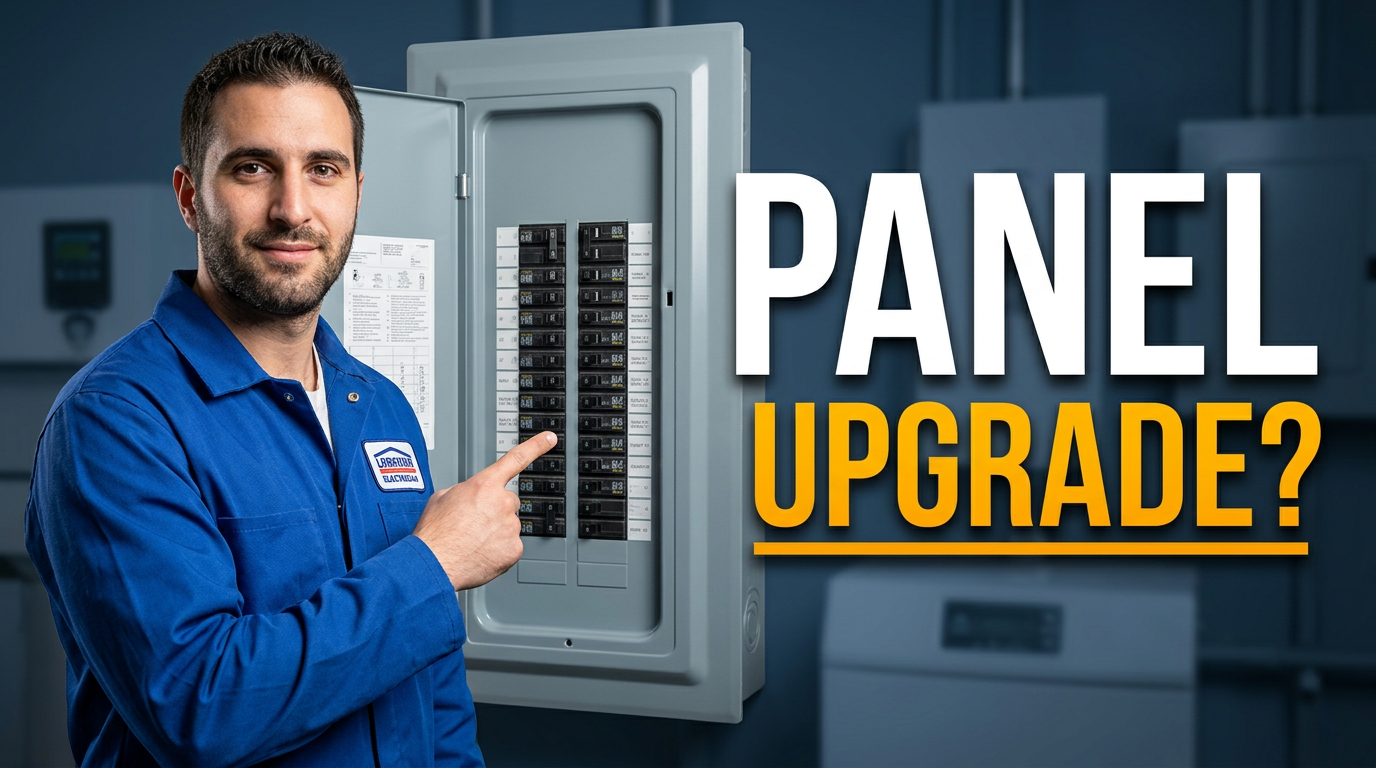
Electrician pointing toward a modern breaker panel in a residential utility room

Panel upgrade reveal

Make the service panel and your professional presence the immediate focus.

See the visual approach

An electrician in clean workwear standing beside an open modern residential breaker panel, pointing toward the organized breakers, realistic utility-room setting, confident instructional expression, crisp lighting, panel dominant in the composition, use the supplied electrician face photo.
Make a thumbnail like this
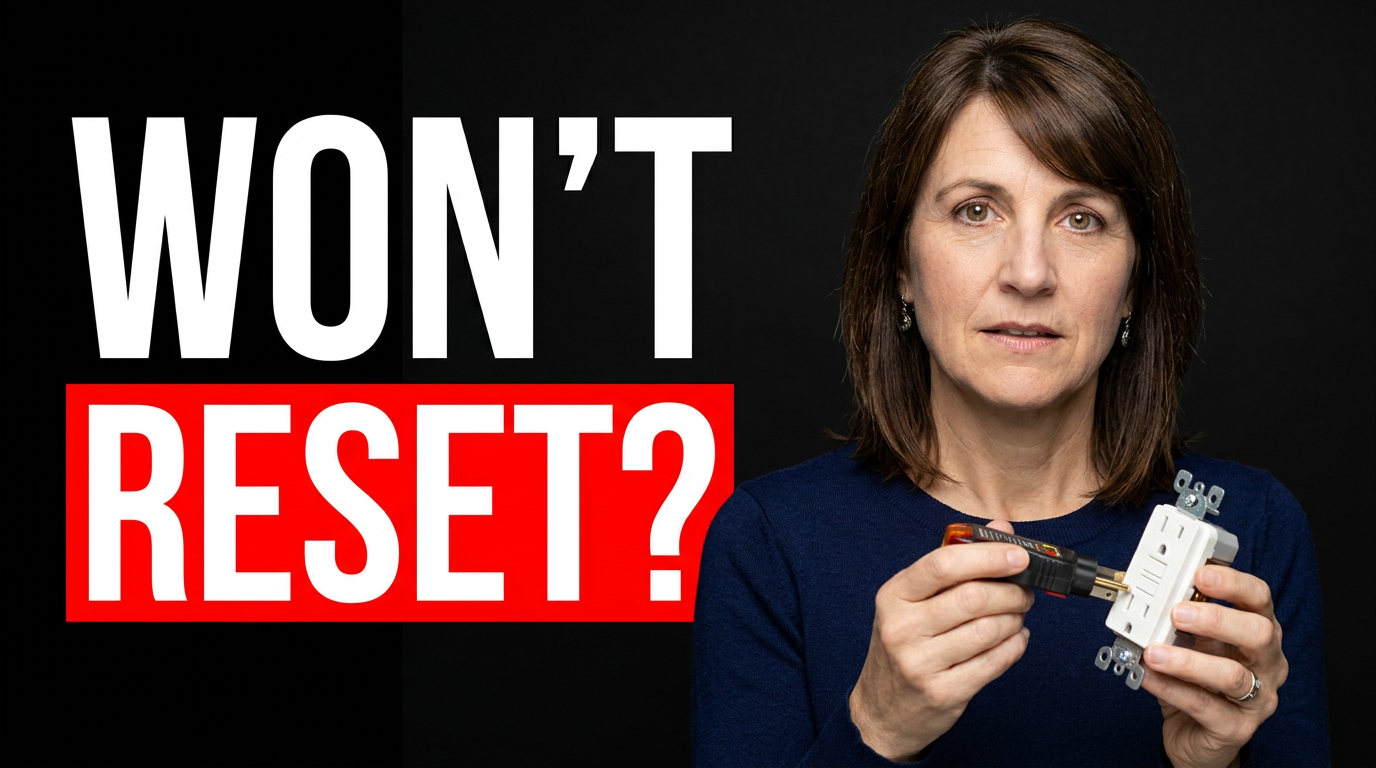
Female electrician examining a GFCI outlet with a tester in a kitchen

GFCI troubleshooting warning

Center the recognizable outlet problem for a repair-focused video.

See the visual approach

A female electrician kneeling beside a kitchen counter outlet, closely examining a GFCI receptacle with an electrical tester, concerned but composed expression, clean residential setting, outlet and tester sharply emphasized, use the supplied electrician face photo.

Make a thumbnail like this
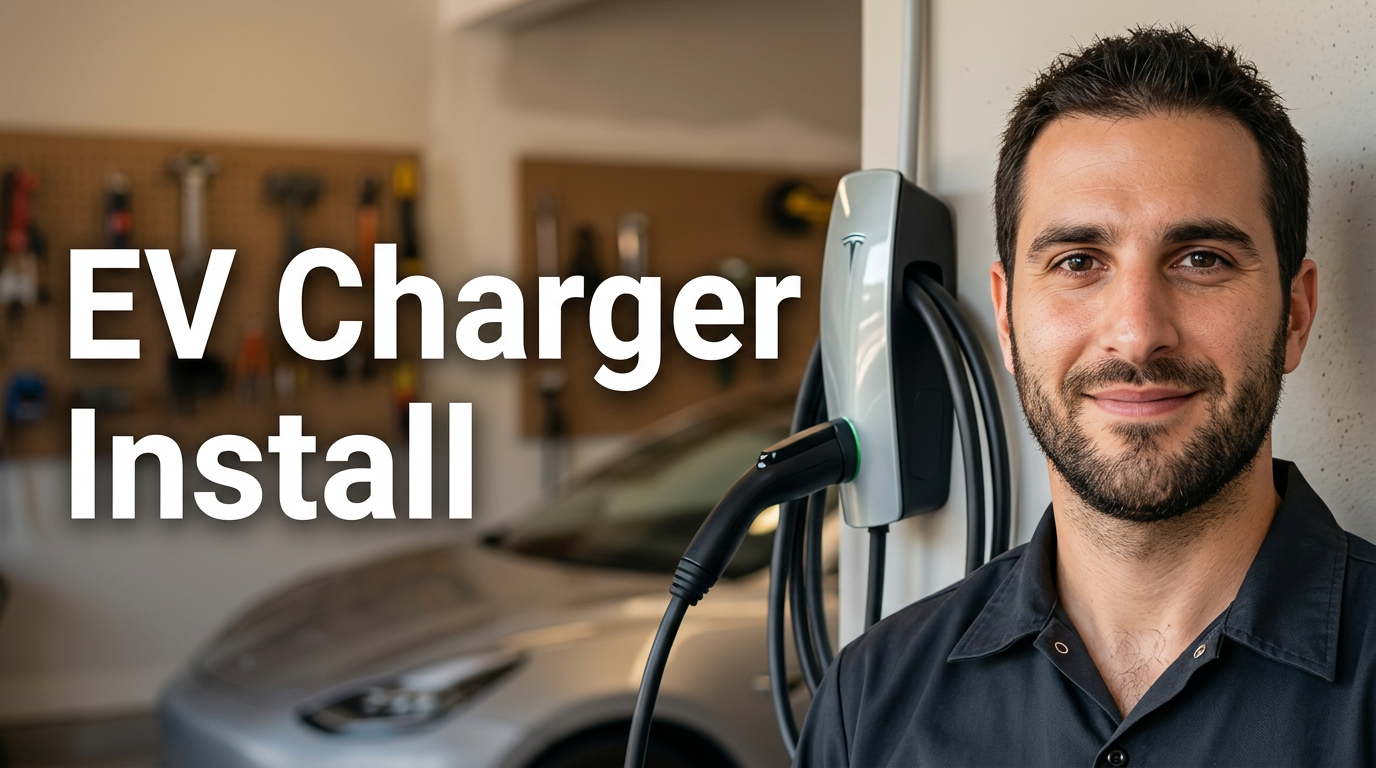
Electrician standing beside a newly installed wall-mounted EV charger in a garage

EV charger installation

Show the finished installation in a clear, aspirational garage setting.

See the visual approach

An electrician standing beside a newly installed wall-mounted EV charger in a tidy home garage, charging cable visible and charger as the focal point, proud finished-project mood, vehicle softly visible in the background, warm clean lighting, use the supplied electrician face photo.

Make a thumbnail like this

These examples are starting points. Results vary based on your images, wording, and creative direction.

Thumbnail ideas for electrical videos

Use the visual hook that best matches the question, risk, result, or piece of equipment featured in your video.

  • Breaker panel upgrades and service changes
  • Electrical troubleshooting and common fault explanations
  • EV charger installations
  • Outlet, switch, and GFCI repairs
  • Lighting upgrades and recessed-light installs
  • Electrical safety and homeowner warning signs
  • Generator interlocks and backup-power setups
  • Tool reviews, job-site walkthroughs, and apprentice training

A simple workflow you can reuse

  1. 1

    Start with the real electrical subject

    Upload your face, a job-site photo, a panel image, a finished fixture, or a relevant diagram. Keep the visual anchored to the specific work covered in the video.

  2. 2

    Set the viewer’s main takeaway

    Use a short, direct phrase that frames the result or problem, such as a safety warning, upgrade decision, repair outcome, or installation reveal.

  3. 3

    Describe the thumbnail direction

    Ask for details in everyday language: point toward the tripped breaker, make the EV charger prominent, show a concerned expression, or simplify a busy background.

Frequently asked questions

Answers for building a useful, repeatable thumbnail workflow—not just generating one image.

Browse all thumbnail makers
What should an electrician put on a YouTube thumbnail?

Show the most recognizable part of the job, such as a breaker panel, burned outlet, EV charger, new light fixture, or service equipment. Pair it with a short phrase that states the problem, decision, or result. The thumbnail should support the video title rather than repeat every detail.

Can I use my own job-site photos in Thumbnail.AI?

Yes. Upload photos of yourself, your crew, equipment, completed work, or approved job-site imagery. Make sure you have permission to use the image and avoid showing client addresses, personal information, or sensitive access details.

How do I make electrical safety content look serious without being alarming?

Use a clean close-up of the relevant hazard or equipment, a focused expression, and restrained visual emphasis. Clear warning colors can help when they support the subject, but the image should remain credible and consistent with safe professional practice.

What thumbnail works for an EV charger installation video?

Feature the installed charger or the vehicle-and-charger connection as the main object, with the electrician visible in the composition. Keep the background recognizable as a garage, driveway, or service area, and use wording focused on the installation question or outcome.

Can Thumbnail.AI help me revise a thumbnail after I see a draft?

Yes. You can give a new instruction to change the composition, make a tool or panel more prominent, adjust the mood, switch the background, use a different source photo, or refine the exact on-image wording.

Create your next electrical video thumbnail

Bring in your face, your equipment, and the job that viewers need to understand. Describe the direction, set the exact words, and refine the result in Thumbnail.AI.

Create a thumbnail