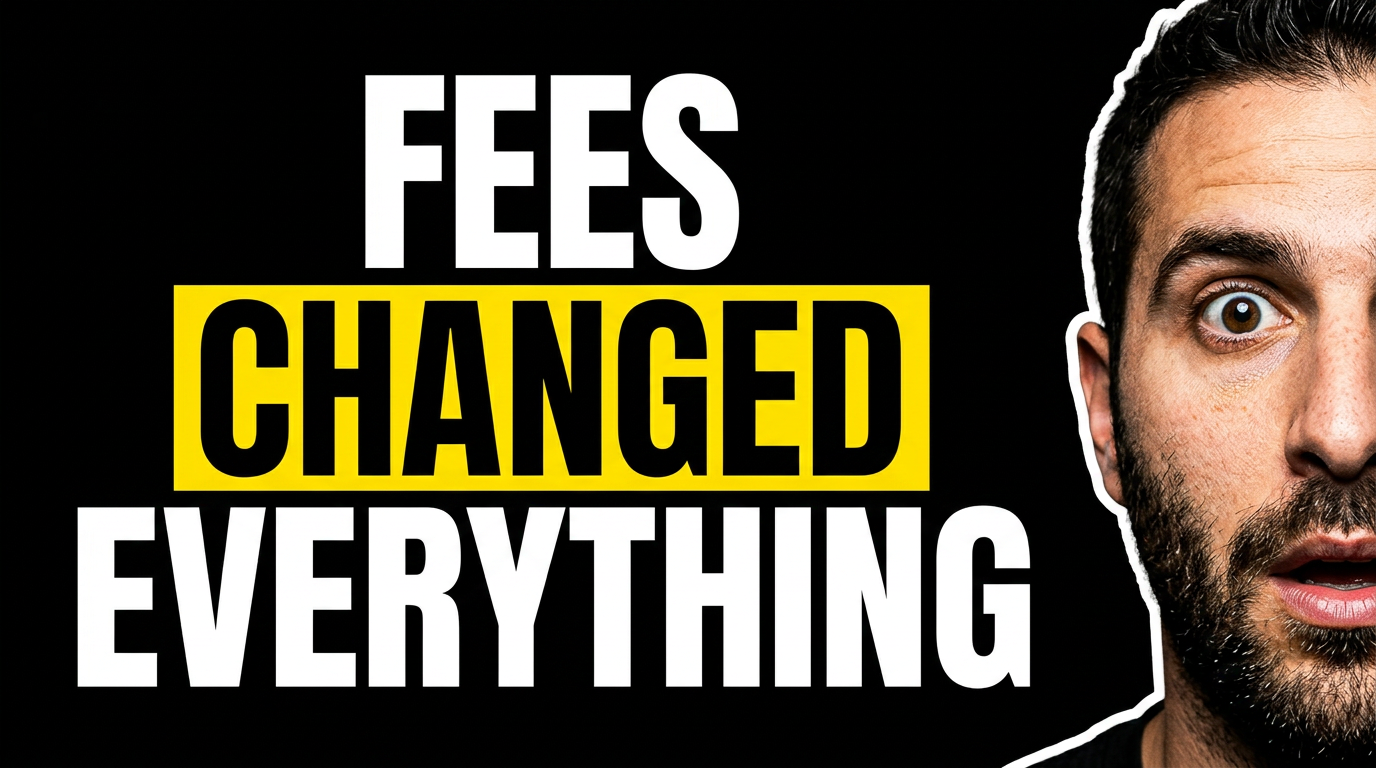
Amazon FBA thumbnails that make the opportunity clear

Turn sourcing finds, product launches, sales updates, and Seller Central lessons into custom YouTube-style thumbnails with your real product images, face, and exact headline wording.

  • Your face
  • Your source images
  • Plain-language edits
Amazon FBA seller holding a boxed retail product beside a store shelf and price tag

Make every Amazon FBA video easier to understand at a glance

Amazon FBA viewers often decide in seconds whether a video is about a product opportunity, a sourcing result, a revenue update, or a problem they need to avoid. Thumbnail.AI helps you build a thumbnail around that single idea. Upload a product photo, storefront screenshot, receipt, inventory image, or your own face; then describe the visual direction and revise the result in plain language. Keep the design focused on one strong outcome, one recognizable item, and a short message that matches the video.

Built for Amazon sellers, FBA educators, product researchers, retail-arbitrage creators, wholesale operators, and ecommerce channels sharing real marketplace experience.

Three thumbnail ideas for amazon fba

Each example explores a different visual direction and can be adapted with your own face, images, wording, and brand.

Amazon FBA seller holding a boxed retail product beside a store shelf and price tag

Retail arbitrage deal reveal

Make the purchase price and resale opportunity instantly legible.

See the visual approach

A confident male Amazon FBA seller holding one boxed consumer product close to the camera, retail shelf softly visible behind him, a clear price-tag element near the product, energetic discovery mood, product and seller face sharply emphasized, clean high-contrast composition using uploaded product and sourcing-photo references.

Make a thumbnail like this
Female Amazon seller reviewing a product sample and laptop data at a desk

Private-label launch lesson

Frame a launch decision as a practical warning backed by product research.

See the visual approach

A focused female Amazon seller at a clean ecommerce workspace, holding a product sample while reviewing a laptop with abstract marketplace research charts, shipping box and packaging materials in the background, thoughtful cautionary mood, face and product sample as the strongest focal points, use uploaded product and workspace images as references.

Make a thumbnail like this
Amazon FBA seller reacting to a shipping box, calculator, and marketplace dashboard

FBA fee breakdown

Give a fee lesson a clear financial consequence without crowding the design.

See the visual approach

A surprised male Amazon FBA seller at a desk with a small shipping carton, calculator, and a simplified ecommerce dashboard visible on a monitor, dramatic directional lighting, organized financial-analysis atmosphere, expressive face emphasized alongside the box and screen, use uploaded seller photo and dashboard reference material.

Make a thumbnail like this

These examples are starting points. Results vary based on your images, wording, and creative direction.

Amazon FBA content that benefits from a focused thumbnail

Use a different visual angle for each type of seller video so viewers can quickly recognize what is being tested, taught, sourced, or reviewed.

  • Retail arbitrage sourcing trips and store hauls
  • Online arbitrage product research
  • Wholesale product and supplier breakdowns
  • Private-label launch updates
  • Seller Central sales and profit recaps
  • Amazon fees, reimbursements, and account-health lessons
  • Inventory mistakes, returns, and stranded-stock fixes
  • Product research tools and deal analysis
  • Prep, packing, shipping, and warehouse workflows
  • Amazon policy changes and seller news

A simple workflow you can reuse

  1. 1

    Choose the one result worth clicking for

    Decide whether the video is primarily about a profitable find, a sourcing mistake, a sales number, a product decision, or a marketplace change. Let that idea lead the thumbnail.

  2. 2

    Add the proof viewers recognize

    Upload your product photo, store shelf image, shipment box, Seller Central screenshot, receipt, or face. Relevant source material makes the thumbnail feel connected to the actual FBA work.

  3. 3

    Use short, specific wording

    Give the thumbnail a compact message such as a price gap, a warning, or a product verdict. Save detailed explanations, SKU data, and calculations for the video itself.

Frequently asked questions

Answers for building a useful, repeatable thumbnail workflow—not just generating one image.

Browse all thumbnail makers
What should an Amazon FBA thumbnail show?

Show the clearest visual proof of the video’s topic: the product, a shelf find, a shipping carton, a sales dashboard, or a recognizable Amazon selling context. Pair it with a short outcome-oriented phrase rather than a long title.

Can I use my own product photos and Seller Central screenshots?

Yes. Upload your own product images, sourcing photos, receipts, packaging shots, and screenshots as source material, then direct Thumbnail.AI on what should be prominent in the composition.

How much text belongs on an FBA thumbnail?

Usually two to six words is enough. A price contrast, a product verdict, or a clear warning is easier to scan than a full explanation of fees, ROI, or sourcing rules.

How can I make a sourcing-trip thumbnail without showing a specific store logo?

Use your shelf photo or product image as the focal point, with a retail-store environment, cart, receipt, or price-tag context. Describe the setting without relying on a logo to communicate the story.

Should I put revenue or profit numbers on the thumbnail?

Use a number only when it is central to the video and you can support it in the content. Keep the presentation simple, and make clear inside the video whether the figure is revenue, profit, sales, or an estimate.

Can Thumbnail.AI help revise a thumbnail after I see the first version?

Yes. You can request changes in plain language, such as making the product larger, reducing background clutter, moving your face, changing the mood, or simplifying the composition.


Create your next Amazon FBA thumbnail

Bring in your product photos, sourcing images, screenshots, and on-camera personality. Tell Thumbnail.AI what the video is about, then refine the visual until the main selling story is unmistakable.

Create a thumbnail in Thumbnail.AI