YouTube Thumbnails for Dentists That Build Confidence Before the Click

Turn your own headshots, patient-approved photos, scans, and practice imagery into polished thumbnails for dental videos—then refine the layout, emphasis, and wording in plain language.

  • Your face
  • Your source images
  • Plain-language edits
Dentist beside a dental implant model in a modern treatment room

Make dental video topics easy to understand at a glance

Patients often decide whether a dental video feels relevant and trustworthy before they read the title. Thumbnail.AI helps dentists create custom YouTube-style thumbnails around the exact concern being addressed: tooth pain, implants, whitening, clear aligners, emergency visits, hygiene, or what to expect after treatment. Start with your own photos and source images, choose concise on-image wording, and direct revisions such as “make the X-ray more visible,” “use a calmer office background,” or “put the dentist on the right.” The result can stay professional, recognizable, and aligned with your practice rather than relying on generic dental visuals.

Built for dental practice owners, associates, specialists, hygienists, and dental educators publishing patient-facing videos.

Three thumbnail ideas for dentists

Each example explores a different visual direction and can be adapted with your own face, images, wording, and brand.

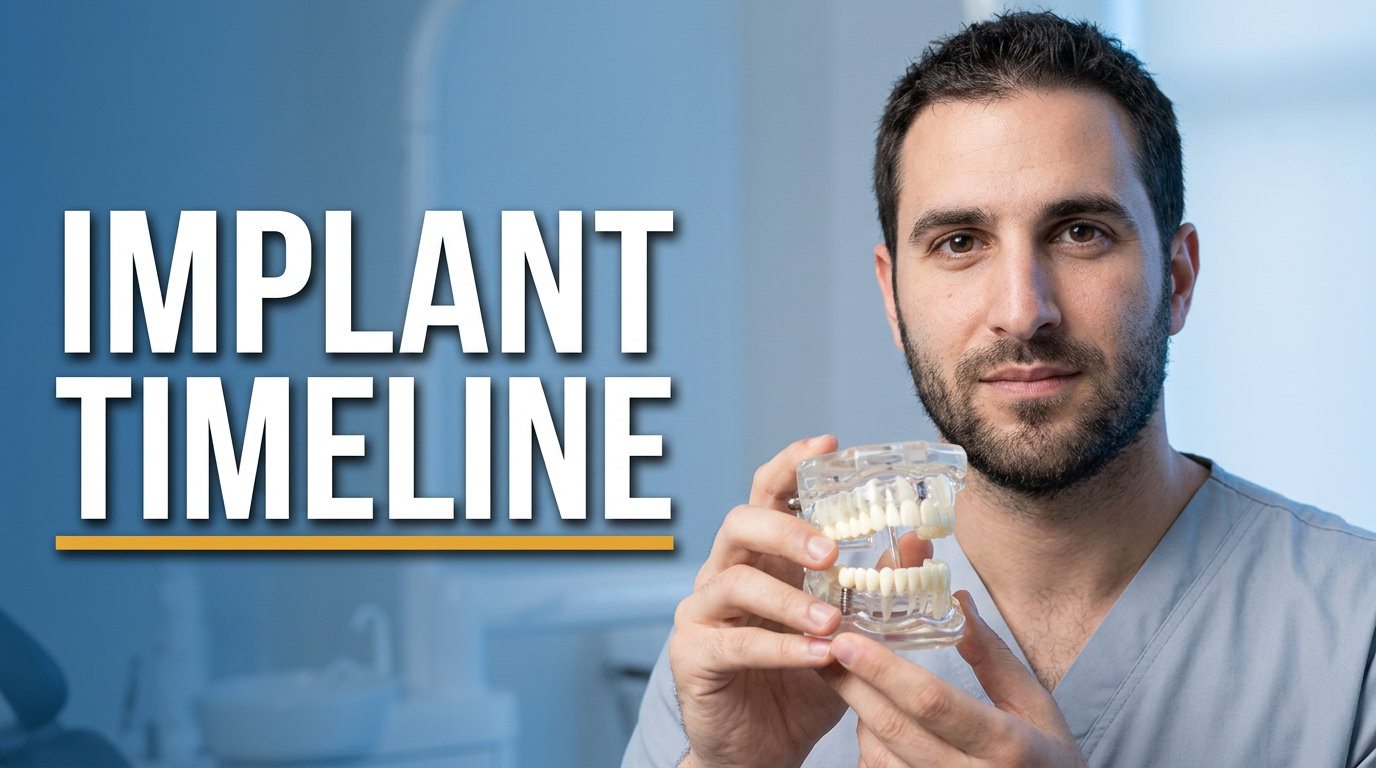
Dentist beside a dental implant model in a modern treatment room

Dental implant timeline explainer

Use a confident clinician portrait and a simple implant visual to make a treatment explainer immediately recognizable.

See the visual approach

Professional male dentist positioned on the right, holding a dental implant model near the foreground; clean modern treatment room with soft neutral lighting; a simplified jaw scan visible on a monitor in the background; reassuring, precise mood; strong emphasis on the implant model and the dentist’s attentive expression; use the supplied dentist headshot as the face reference.
Make a thumbnail like this
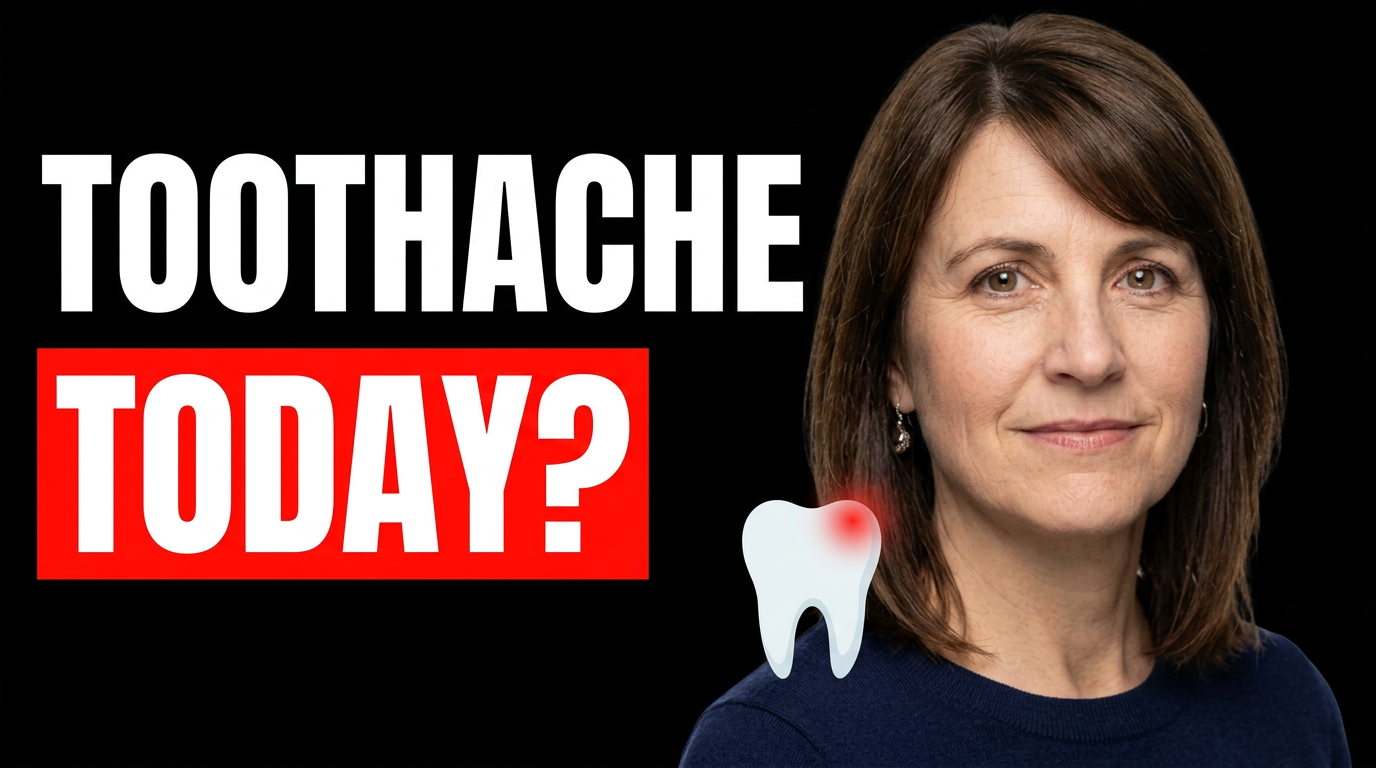
Female dentist in a bright dental office with a subtle toothache illustration

Same-day toothache video

Pair an approachable expression with a clear pain-related visual for an urgent-care topic.

See the visual approach

Female dentist centered in a bright welcoming dental office, calm and empathetic expression; subtle illustrated tooth silhouette with a small red pain glow placed to one side; uncluttered composition with room for large wording; urgent but reassuring mood; emphasize the dentist’s face and the tooth-pain visual; use the supplied dentist headshot as the face reference.

Make a thumbnail like this
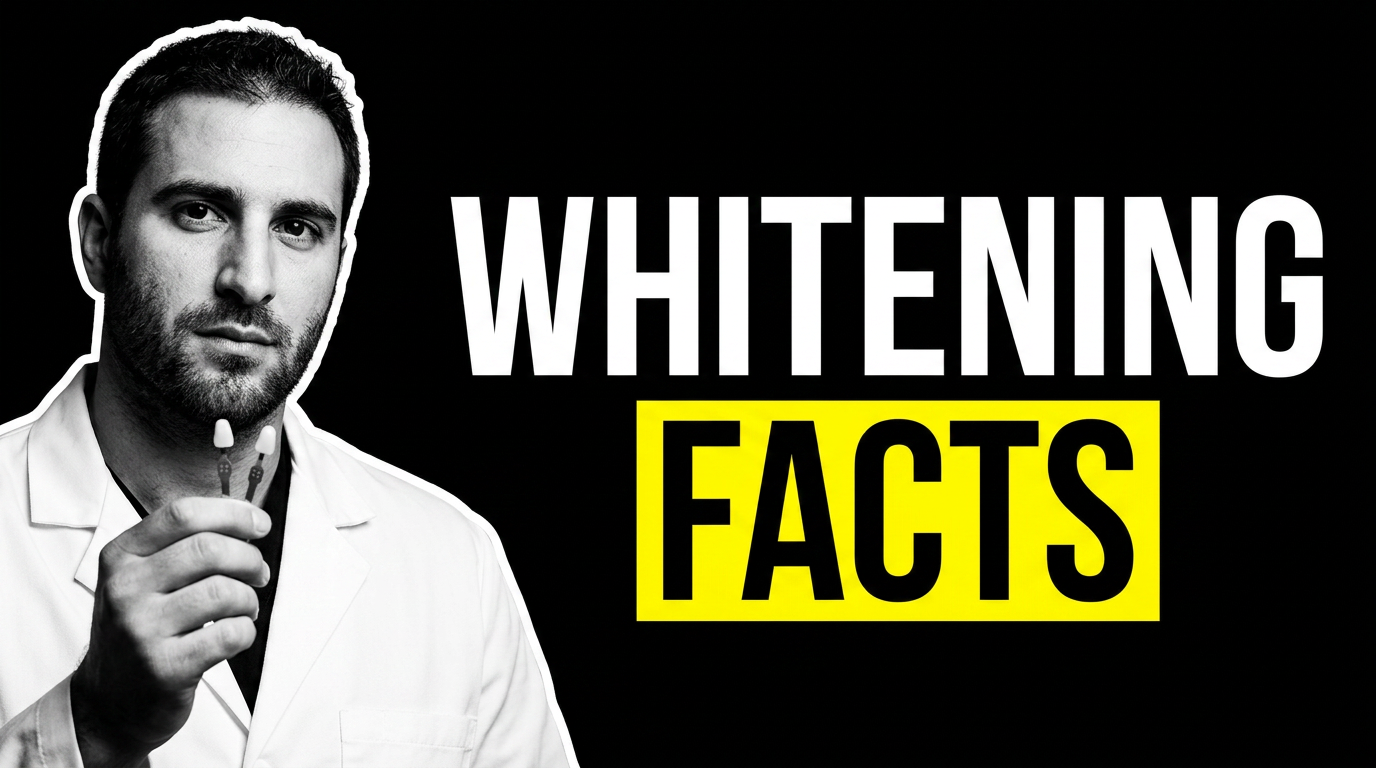
Male dentist comparing two natural tooth shade tabs in a polished clinic setting

Whitening expectations review

A close, credible comparison visual helps frame an educational whitening video without relying on exaggerated results.

See the visual approach

Male cosmetic dentist in a polished clinic setting, holding two natural-looking tooth shade tabs toward the camera; a softly blurred smile consultation area in the background; balanced, evidence-minded mood; close composition with emphasis on the shade comparison and the dentist’s thoughtful expression; use the supplied dentist headshot as the face reference.

Make a thumbnail like this

These examples are starting points. Results vary based on your images, wording, and creative direction.

Dental content that benefits from a stronger thumbnail

Create a distinct visual treatment for the questions and services patients are already searching for.

  • Emergency dental pain and same-day appointment videos
  • Dental implant and implant-restoration explainers
  • Invisalign and clear-aligner treatment updates
  • Teeth whitening expectations and aftercare
  • Root canal, crown, and extraction procedure overviews
  • Smile makeover and cosmetic dentistry consultations
  • Children’s dentistry and first-visit preparation
  • Oral hygiene, flossing, and preventive-care education
  • Patient-approved treatment stories and practice introductions

A simple workflow you can reuse

  1. 1

    Add the materials patients should recognize

    Upload a professional headshot, a photo of your office, patient-approved smile imagery, an X-ray, an intraoral scan, or a relevant treatment photo. Use the assets that make the video feel connected to your real practice.

  2. 2

    Set the message for the video

    Enter short, plain wording that captures the viewer’s concern or outcome, such as a treatment question, a key comparison, or an expectation-setting phrase. Keep it readable on a phone screen.

  3. 3

    Describe the visual direction

    Tell Thumbnail.AI what should lead the composition: your reassuring expression, a close-up smile, a scan, an implant model, or a clean operatory. Ask for adjustments in natural language until the thumbnail fits the video.

Frequently asked questions

Answers for building a useful, repeatable thumbnail workflow—not just generating one image.

Browse all thumbnail makers
What makes a good YouTube thumbnail for a dentist?

A strong dental thumbnail makes one patient concern or treatment topic obvious immediately. Use a clear photo of the dentist or relevant source material, limit visible wording to a short phrase, and avoid cluttered collages or overly graphic clinical imagery.

Can I use my own dentist headshot and practice photos?

Yes. Thumbnail.AI is designed for custom thumbnails using your own face and source images. A current headshot, a recognizable practice setting, and treatment-specific visuals can make your channel look more consistent.

How should I handle before-and-after smile photos?

Use only images you are authorized to use and follow your consent, privacy, advertising, and professional-board requirements. Keep the thumbnail accurate to the video and avoid presenting an individual outcome as a promise of results.

Are dental X-rays and scans useful in thumbnails?

They can be effective for implant, root canal, orthodontic, and diagnostic videos when they support the topic clearly. Use de-identified, authorized imagery and pair it with a simple composition so viewers can understand what they are seeing.

Can a thumbnail be professional without looking overly clinical?

Yes. A warm dentist portrait, a bright but realistic office environment, restrained color, and one clear visual focal point can feel approachable. Reserve close-up clinical imagery for videos where it genuinely helps explain the subject.

What wording should appear on a dental thumbnail?

Choose a short phrase that reflects the main question or outcome, such as “Implant Timeline,” “Toothache Today,” or “Whitening Facts.” Let the video title carry the nuance, qualifications, and full context.

Create your next dental video thumbnail

Bring your face, practice imagery, and exact message together in a thumbnail you can refine with straightforward directions.

Create a thumbnail in Thumbnail.AI