
Tax Thumbnails That Make Important Updates Easy to Notice

Create custom YouTube-style thumbnails for tax advice, filing deadlines, deduction explainers, and client updates—using your face, your source images, exact wording, and simple directions.

  • Your face
  • Your source images
  • Plain-language edits
Tax preparer holding a calendar and tax folder in a professional office

Thumbnails for accountants and tax preparers

Tax content often competes with confusion, urgency, and changing rules. A strong thumbnail helps viewers immediately understand whether a video covers a deadline, a tax-saving opportunity, a document they need, or a change that may affect them. Thumbnail.AI helps you shape that first impression with professional visuals, readable wording, and details that fit your practice—from a branded office photo to a client-friendly explainer.

Built for CPAs, enrolled agents, tax preparers, accounting firms, bookkeeping channels, and financial educators who need a polished, trustworthy look without making every thumbnail from scratch.

Three thumbnail ideas for accountants and tax preparers

Each example explores a different visual direction and can be adapted with your own face, images, wording, and brand.

Tax preparer holding a calendar and tax folder in a professional office

Filing deadline reminder

Make an annual filing deadline immediately recognizable.

See the visual approach

Professional male tax preparer centered in a bright accounting office, holding a calendar beside a neatly organized tax document folder, attentive reassuring expression, clean desk with a calculator in the foreground, strong emphasis on the calendar, crisp trustworthy lighting, use the supplied headshot as the presenter source material.
Make a thumbnail like this
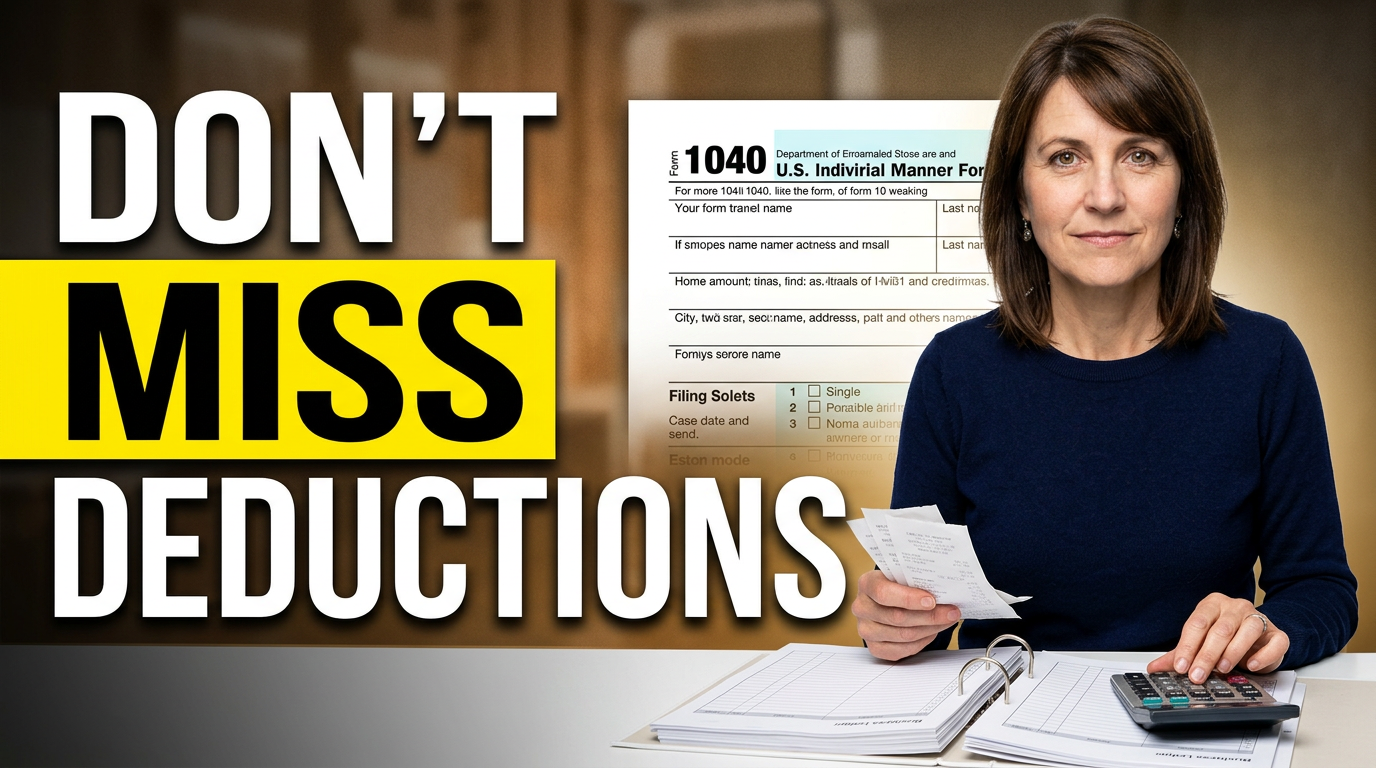
Female accountant reviewing receipts and a calculator at her desk

Small-business deduction explainer

Frame a practical tax-saving topic around the documents business owners recognize.

See the visual approach

Female accountant seated at a tidy desk, reviewing a small stack of receipts beside a calculator and an open business ledger, engaged confident expression, warm modern office environment, visual emphasis on receipts and organized paperwork, use the supplied headshot and any supplied brand-color source material.

Make a thumbnail like this
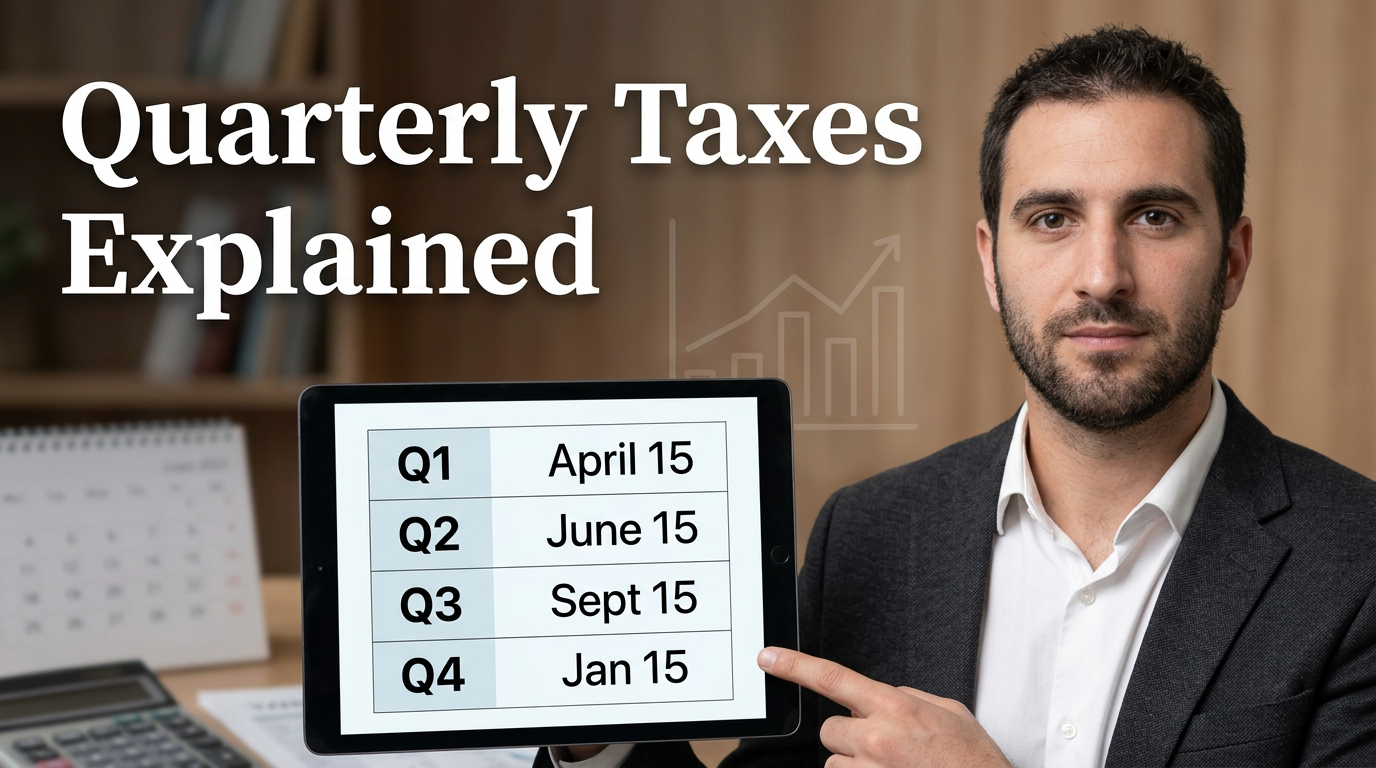
Tax professional pointing to a quarterly payment schedule on a tablet

Quarterly tax payment update

Make a recurring obligation feel clear and manageable.

See the visual approach

Male tax professional standing beside a tablet displaying a simple quarterly payment schedule, pointing toward the screen with a calm explanatory expression, refined office setting, subtle calendar and calculator elements, clean composition with emphasis on the payment schedule, use the supplied presenter photo as source material.

Make a thumbnail like this

These examples are starting points. Results vary based on your images, wording, and creative direction.

Topics that work well for tax video thumbnails

Match the visual focus to the question a client or viewer is already asking.

  • Tax filing deadlines and extension reminders
  • Deduction and tax-credit explainers
  • IRS form walkthroughs and document checklists
  • Small-business tax planning updates
  • Quarterly estimated-tax reminders
  • Year-end preparation and bookkeeping tips
  • Tax law changes and compliance updates
  • Common filing mistakes and audit-prevention education

A simple workflow you can reuse

  1. 1

    Start with the viewer’s immediate question

    Choose the one point that matters most: a deadline, a form, a tax break, a filing mistake, or a planning decision. Keep the thumbnail focused on that single reason to watch.

  2. 2

    Add a credible visual anchor

    Use your own headshot, an office image, a tax document, a calculator, or a relevant source image. A clear expression and a familiar tax-related object can make an update feel more approachable.

  3. 3

    Use short, client-friendly wording

    Add the exact few words viewers should notice first, such as a deadline or a plain-English topic. Reserve the full explanation and qualifications for the video itself.

Frequently asked questions

Answers for building a useful, repeatable thumbnail workflow—not just generating one image.

Browse all thumbnail makers
What should an accountant put on a tax video thumbnail?

Lead with one recognizable tax topic: a filing date, tax form, deduction, credit, estimated payment, or rule change. Pair it with a clear photo of the presenter or a relevant document or office visual. Keep the visible wording short enough to read quickly.

Can I use my own professional headshot and firm branding?

Yes. Upload your headshot, logo, office image, or source materials and direct the composition in plain language. This is useful when you want your tax updates to look consistent with your firm’s existing brand.

How do I make deadline thumbnails feel urgent without looking alarmist?

Use a direct date-focused phrase, a calendar or document visual, and a composed but attentive expression. Avoid clutter, excessive warning symbols, or wording that implies a result you cannot promise.

Are thumbnails useful for tax law change videos?

Yes. For a rule-change update, highlight the affected area—such as deductions, business taxes, or filing requirements—rather than trying to summarize the entire change. The video can provide the needed context and limitations.

Can tax preparers use these for short-form videos too?

Yes. The same visual approach can support short tax reminders and quick explainers. Use fewer visible words and a strong central subject so the design remains understandable at smaller sizes.

Create your next tax thumbnail

Turn your next deadline reminder, client update, or tax explainer into a clear, professional thumbnail with your own images and wording.

Create a thumbnail in Thumbnail.AI