Physical therapy thumbnails that make the movement clear
Create custom YouTube-style thumbnails for exercise demos, recovery education, and clinic content using your face, treatment photos, exact wording, and plain-language direction.
- personYour face
- add_photo_alternateYour source images
- edit_notePlain-language edits
Make physical therapy content easy to recognize at a glance
Physical therapy videos often need to communicate both a body area and a practical outcome in one frame. Thumbnail.AI helps you build thumbnails around your own clinical presence, a clear exercise position, relevant equipment, and concise on-image wording. Start with a treatment-room photo, movement demo, or headshot, then refine the composition until it fits your channel and the video’s purpose.
Built for physical therapists creating educational videos, home-exercise demonstrations, clinic marketing content, recovery explainers, and professional commentary.
Three thumbnail ideas for physical therapists
Each example explores a different visual direction and can be adapted with your own face, images, wording, and brand.
Knee pain exercise demonstration
Pair a familiar lower-body movement with a clear recovery-focused message.
See the visual approach
A male physical therapist demonstrating a supported squat with a resistance band, three-quarter full-body framing, bright modern rehabilitation clinic, knees and band clearly emphasized, confident instructional expression, clean uncluttered background, energetic clinical education mood, use the supplied therapist face and exercise source image.
Make a thumbnail like this →
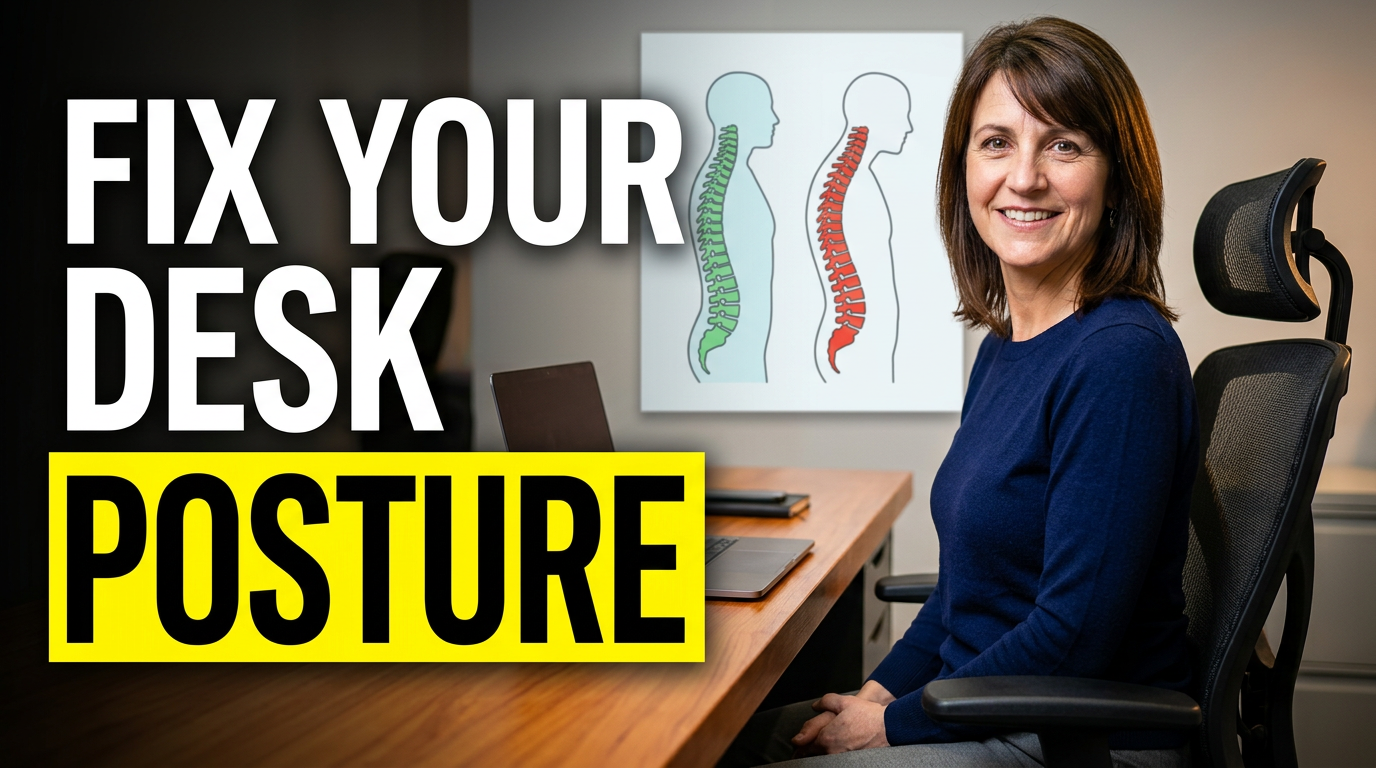
Desk posture education video
Make workplace movement advice immediately recognizable with a practical setting.
See the visual approach
A female physical therapist seated at a desk demonstrating upright workstation posture, medium-wide composition with laptop and chair visible, side-by-side visual contrast between rounded and aligned sitting positions, warm professional office setting, approachable evidence-informed mood, posture alignment emphasized, use the supplied therapist face and desk reference image.
Make a thumbnail like this →
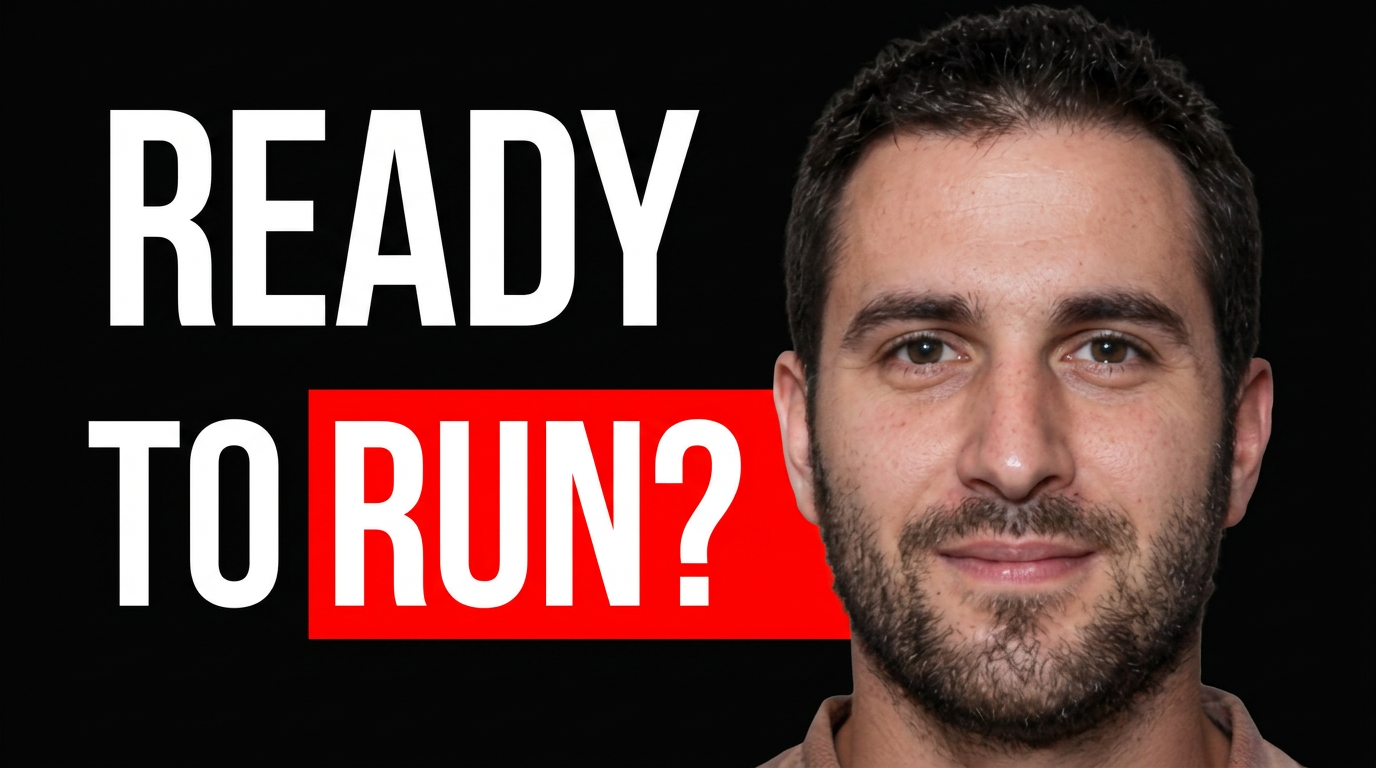
Return-to-running assessment
Use an assessment-focused visual for active patients deciding on their next step.
See the visual approach
A male physical therapist standing beside a treadmill and holding a running shoe, medium shot in a sports rehabilitation clinic, attentive evaluative expression, treadmill deck and shoe prominently visible, subtle motion-oriented composition, premium practical sports-medicine mood, use the supplied therapist face and clinic source photo.
Make a thumbnail like this →
These examples are starting points. Results vary based on your images, wording, and creative direction.
Thumbnail ideas for physical therapy content
Use a consistent visual system while giving each video a specific reason to click. Thumbnail.AI can help shape concepts for topics such as:
- Home exercises for back, neck, shoulder, hip, knee, ankle, and pelvic health
- Post-operative rehabilitation milestones and movement precautions
- Mobility, balance, strength, and injury-prevention education
- Runner, athlete, desk-worker, and active-adult movement advice
- What to expect at an evaluation, treatment session, or return-to-sport assessment
- Clinical myth-busting, posture education, and pain-science discussions
- Clinic announcements, therapist introductions, and community workshops
- Professional conversations about referrals, documentation, and practice operations
A simple workflow you can reuse
-
1
Choose the video’s main movement or message
Start with one clear focal point: a shoulder exercise, gait drill, post-op milestone, or clinician explanation. This keeps the thumbnail from trying to teach the entire treatment plan at once.
-
2
Add your real source material
Upload a headshot, exercise-demo image, clinic photo, or equipment image. Use your own face and environment when credibility and continuity with your practice matter.
-
3
Specify the visual direction in plain language
Describe who should be visible, the body position, treatment setting, key prop, mood, and what should receive emphasis. Thumbnail.AI can revise the direction as you narrow the concept.
Frequently asked questions
Answers for building a useful, repeatable thumbnail workflow—not just generating one image.
Browse all thumbnail makers →
What should a physical therapy thumbnail show?
add
Prioritize one recognizable subject: the therapist demonstrating a movement, a patient-safe exercise position, or a clear body-area cue. A resistance band, step, treatment table, or simple clinic background can add context without making the frame busy.
How much text belongs on a therapy video thumbnail?
add
Keep it short enough to scan on a phone—usually a brief outcome, question, or movement cue. Save exercise instructions, dosage, contraindications, and clinical detail for the video itself.
Can I use my own clinic photos and headshots?
add
Yes. Thumbnail.AI is designed for custom source images, so you can build around your own headshot, treatment environment, exercise demonstration, branding cues, and approved imagery.
How can I make exercise thumbnails clearer without oversimplifying care?
add
Show the relevant movement or body region and use outcome-focused wording, but avoid presenting a thumbnail as a diagnosis or universal prescription. Make the video clarify who the exercise may suit, how to perform it, and when individualized assessment is appropriate.
Should I show a patient in my thumbnail?
add
Only use patient imagery when you have the appropriate permission and it serves the video’s message. Many therapists can create effective visuals with a self-demonstration, anatomical prop, equipment, or their own clinical portrait.
Create your next physical therapy thumbnail
Bring your exercise demo, clinic photo, or professional headshot to Thumbnail.AI and turn it into a focused visual for your next video.
Create a thumbnail