Nutrition Thumbnails That Make Healthy Advice Easier to Choose
Create custom YouTube-style thumbnails for meal planning, evidence-based nutrition, client education, and food myth videos—using your own photo, source images, and exact on-image wording.
- personYour face
- add_photo_alternateYour source images
- edit_notePlain-language edits
Custom thumbnails for nutrition professionals
Nutrition content needs to feel approachable without sacrificing credibility. Thumbnail.AI helps registered dietitians and nutrition professionals turn a video topic into a polished thumbnail with a clear food visual, a recognizable expert face, and a short message viewers can understand at a glance. Bring your headshot, meal photos, recipe images, brand colors, and specific direction; then revise the result until it suits your channel and the claim your video can responsibly support.
Built for dietitians, nutritionists, private-practice educators, wellness communicators, and food-focused creators who need visuals that are accurate, welcoming, and recognizably theirs.
Three thumbnail ideas for nutritionists & dietitians
Each example explores a different visual direction and can be adapted with your own face, images, wording, and brand.
Balanced breakfast education
Pair a welcoming expert portrait with a practical breakfast visual.
See the visual approach
A male dietitian standing on the left with a warm, confident expression, beside a bright overhead arrangement of Greek yogurt, berries, whole-grain toast, eggs, and nuts on the right; clean light kitchen setting, fresh natural light, organized composition, food vivid and prominent, credible approachable wellness mood, space reserved for a short headline in the upper area.
Make a thumbnail like this →
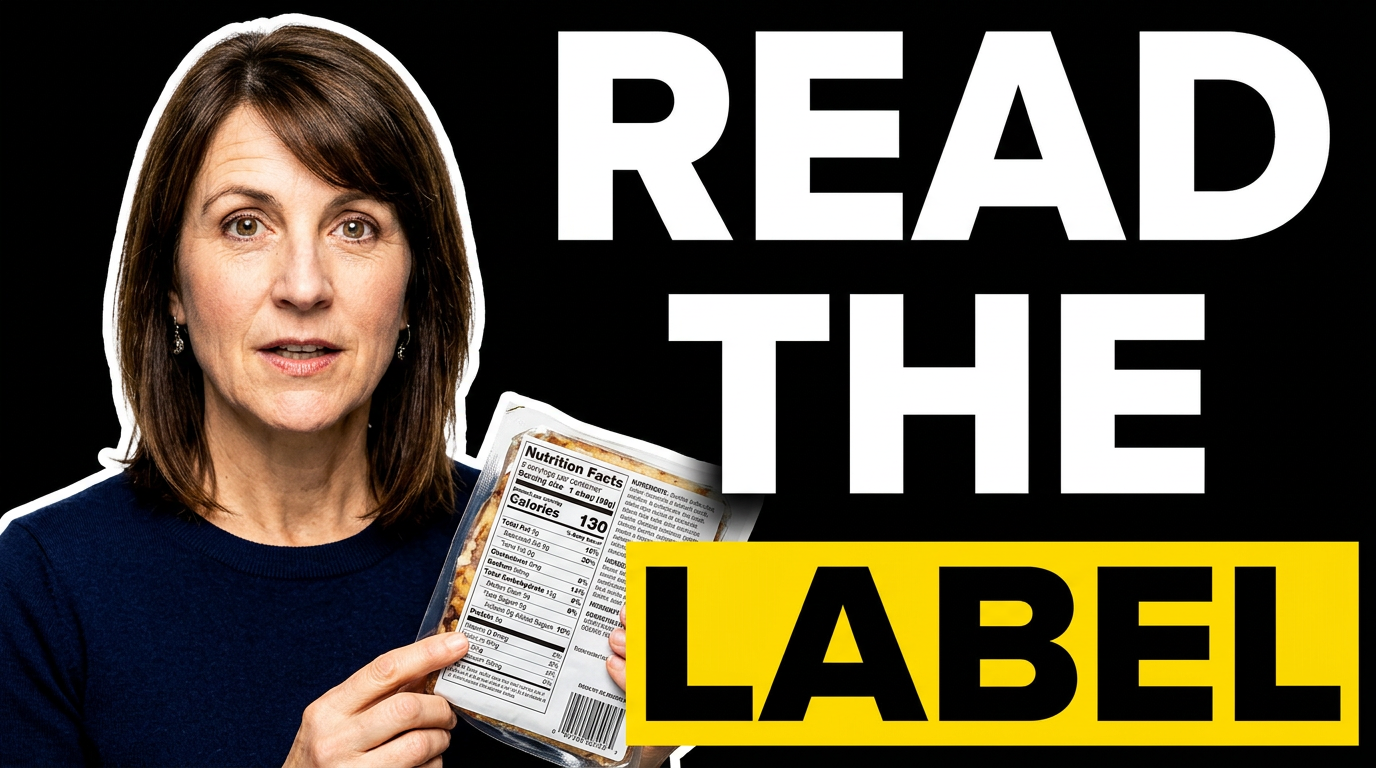
Nutrition label explainer
Make label education feel clear and approachable rather than technical.
See the visual approach
A female registered dietitian in a clean grocery aisle, holding a packaged food item toward the camera with the nutrition facts panel visually emphasized; attentive explanatory expression, softly blurred shelves in the background, bright neutral lighting, crisp educational composition, source packaging details preserved where provided, clear visual focus on the label and her face.
Make a thumbnail like this →
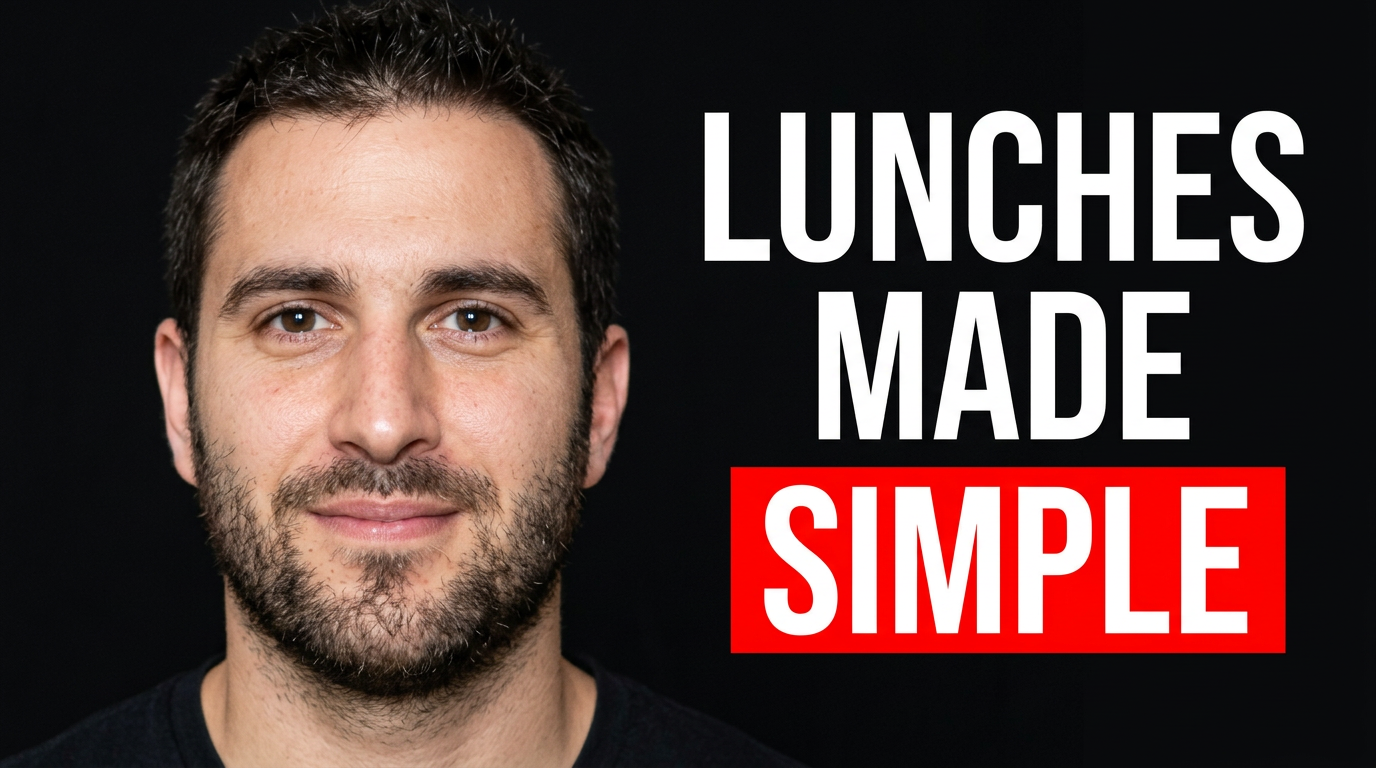
Meal prep planning video
Show the finished result and the calm, practical process behind it.
See the visual approach
A male nutrition professional at a kitchen counter arranging several colorful meal-prep containers with grains, vegetables, protein, and fruit; upbeat focused expression, top-down food elements blended with a three-quarter portrait composition, tidy modern kitchen, energetic but realistic daylight, clear emphasis on organized ready-to-pack lunches and the presenter.
Make a thumbnail like this →
These examples are starting points. Results vary based on your images, wording, and creative direction.
Thumbnail ideas for nutrition content
Match the thumbnail to the practical question your video answers, while keeping the promise specific and avoiding fear-based food messaging.
- Balanced meal and plate-building videos
- High-protein breakfast or snack ideas
- Grocery-store and pantry walkthroughs
- Meal-prep routines and recipe demonstrations
- Nutrition label and ingredient-list explainers
- Evidence-based food myth discussions
- Sports nutrition and fueling education
- Family, child, and picky-eating nutrition topics
- Dietary pattern and cultural food education
- Client-facing practice updates and FAQs
A simple workflow you can reuse
-
1
Choose the viewer question
Start with the concrete question behind the video, such as what to pack for lunch, how to read a label, or how to build a satisfying breakfast. A focused question gives the thumbnail a clear promise.
-
2
Add your trusted visual ingredients
Upload a professional headshot, your own food photography, recipe image, product label, or grocery photo. Use the source material that makes the advice feel grounded in your real practice.
-
3
Set the visible message
Use a short phrase that complements the video title rather than repeating it. Keep nutrition claims measured, specific, and appropriate to the content you are presenting.
Frequently asked questions
Answers for building a useful, repeatable thumbnail workflow—not just generating one image.
Browse all thumbnail makers →
Can I use my own food photos and headshot?
add
Yes. Upload your own portrait alongside meal photos, recipe shots, grocery images, packaging, or other source material. This is especially useful when you want the food shown to match the recipe or advice in the video.
How much text should a nutrition thumbnail have?
add
Usually, a short phrase of two to six words is easiest to scan on mobile. Let the title carry the detail, while the thumbnail highlights the main outcome, question, or food category.
Can a thumbnail cover nutrition myths without sounding alarmist?
add
Yes. Use a calm, evidence-oriented composition: your professional expression, one recognizable food or label, and concise wording that signals clarification rather than fear. Avoid visuals or language that imply a diagnosis or guarantee an outcome.
What should I show for a meal-prep video?
add
Use a bright overhead or three-quarter view of the finished containers or ingredients, with you in frame where possible. Emphasize color, organization, and the specific meal moment—such as breakfast, work lunches, or snacks.
Can I revise the wording and visual direction?
add
Yes. Give Thumbnail.AI your exact on-image text and plain-language changes, such as making the food more prominent, using a cleaner background, changing your expression, or shifting the emphasis to a nutrition label.
Create a thumbnail that reflects your nutrition expertise
Upload your photo and food imagery, add the wording you want viewers to see, and direct the visual until it fits your next nutrition video.
Create a thumbnail in Thumbnail.AI