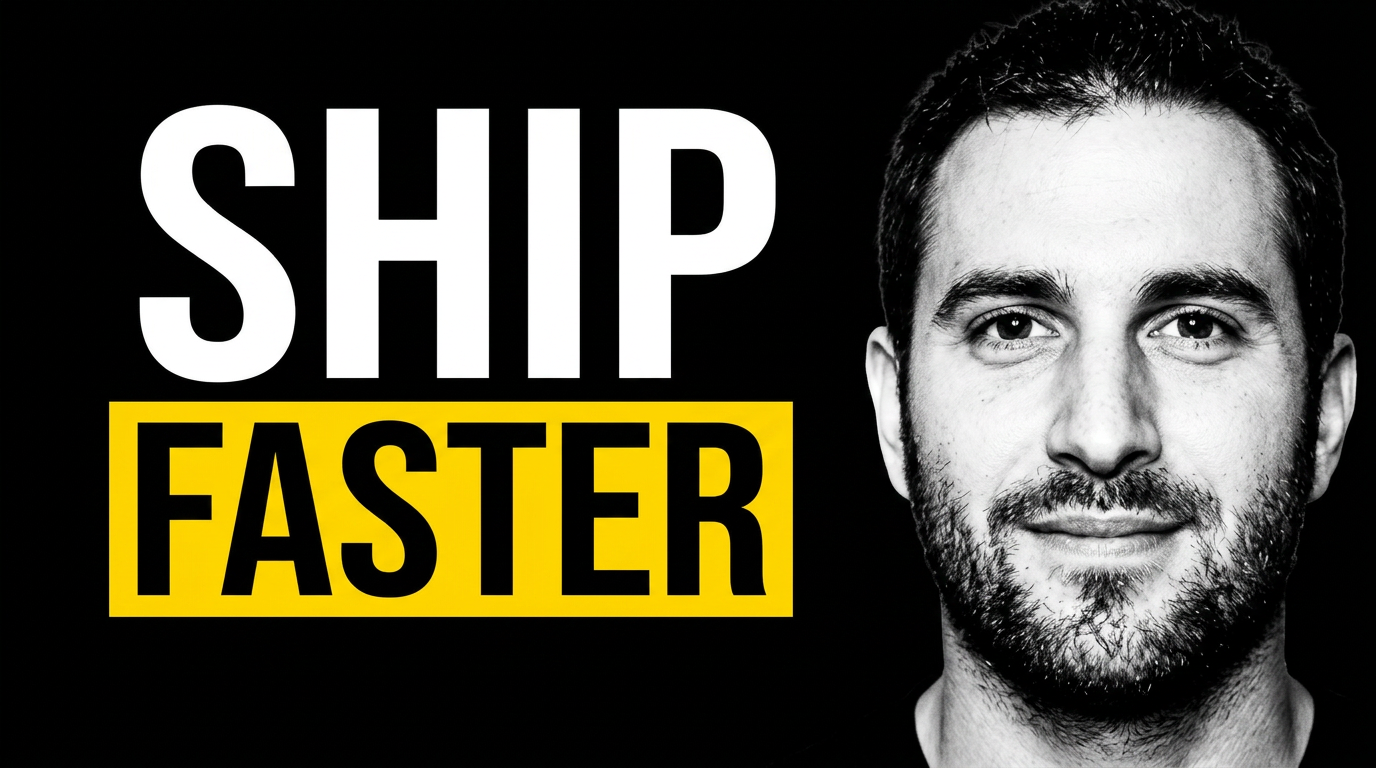
YouTube thumbnails built for SaaS founders

Turn product screenshots, founder photos, and a focused message into custom thumbnails for demos, launches, and customer-facing videos.

  • Your face
  • Your source images
  • Plain-language edits
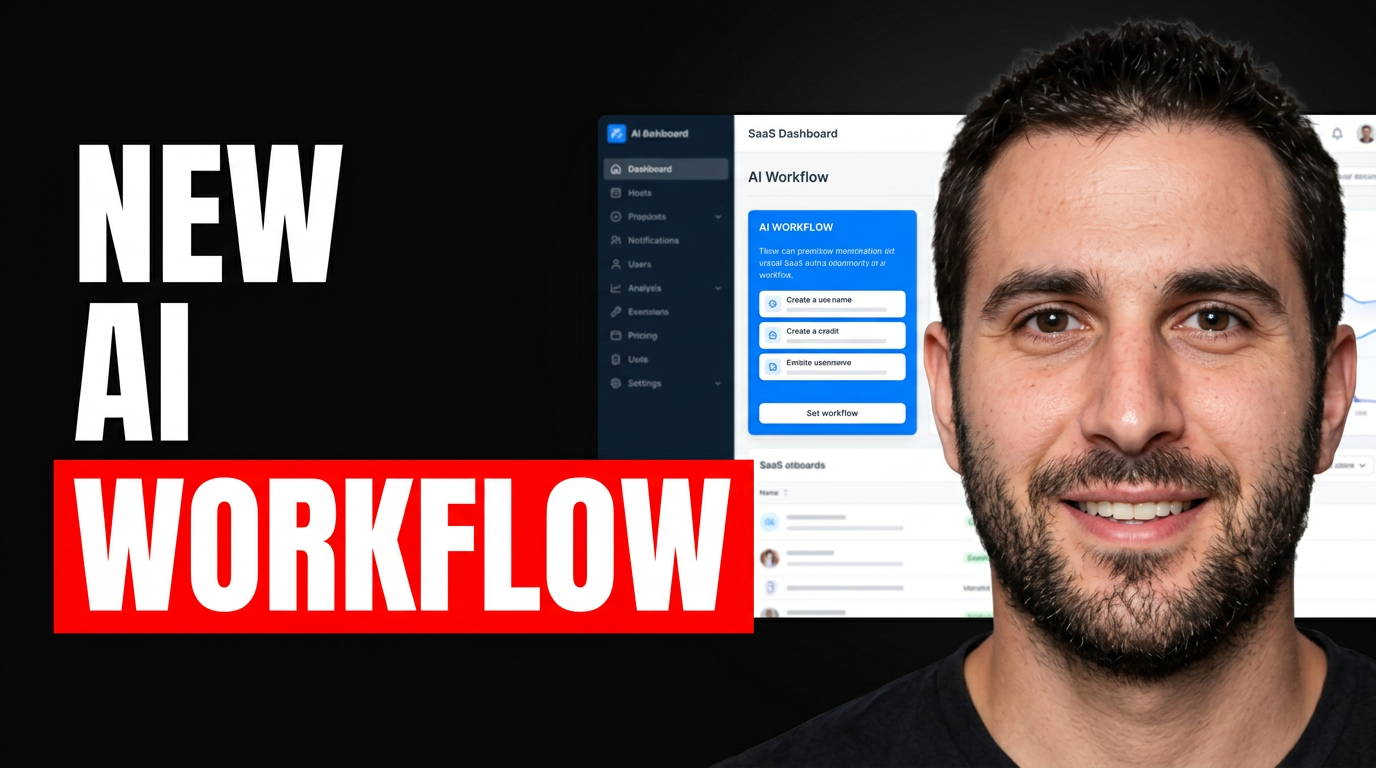
Founder reacting beside a highlighted AI workflow in a SaaS dashboard

Make the product promise visible before the click

SaaS videos often need to communicate a problem, a product change, and a reason to care in one glance. Thumbnail.AI helps founders shape those signals into a thumbnail using their own headshot, UI screenshots, brand colors, and precise wording. Describe the direction in plain language, then revise the composition until the product and the idea are easy to understand on a small screen.

Designed for founder-led channels, product marketing teams, and early-stage SaaS companies publishing demos, launch announcements, feature explainers, and build-in-public updates.

Three thumbnail ideas for saas founders

Each example explores a different visual direction and can be adapted with your own face, images, wording, and brand.

Founder reacting beside a highlighted AI workflow in a SaaS dashboard

Feature launch reveal

Pair a founder reaction with the one product area that changed.

See the visual approach

Confident male SaaS founder in the foreground, expressive reaction and direct eye contact, large clean product dashboard screenshot behind him with one AI workflow panel visually highlighted, deep blue brand-adjacent background, crisp launch energy, strong separation between person and interface, leave clear space for short headline

Make a thumbnail like this
Female founder reviewing a pricing page with a concerned expression

Pricing strategy video

Make the business tension clear without crowding the frame with plan details.

See the visual approach

Thoughtful female SaaS founder seated at a desk, looking toward a simplified pricing-page visual with one plan card emphasized, understated dark workspace, warm directional lighting, credible operator mood, clean composition with the founder and pricing visual as the focal points, leave room for a brief headline

Make a thumbnail like this
Male SaaS founder presenting a streamlined product workflow on screen

Founder product walkthrough

Use the interface to show the outcome viewers want from the workflow.

See the visual approach

Male startup founder presenting beside a large streamlined software interface, visible flow from scattered tasks into an organized completion state, modern minimal studio setting, calm confident expression, product screen readable as a visual object rather than dense tiny details, optimistic practical mood, open area reserved for short headline

Make a thumbnail like this

These examples are starting points. Results vary based on your images, wording, and creative direction.

Thumbnail ideas for SaaS video content

Use a visual angle that matches the viewer’s intent: curiosity for a launch, clarity for a walkthrough, or confidence for a pricing and strategy video.

  • Product launch announcements
  • Feature walkthroughs and release updates
  • Founder-led product demos
  • Pricing and packaging explainers
  • Customer problem breakdowns
  • Startup lessons and build-in-public updates
  • AI workflow demonstrations
  • Comparison and migration videos

A simple workflow you can reuse

  1. 1

    Start with the video’s one promise

    Choose the single outcome, tension, or change that matters most. A launch video may emphasize what is new; a demo may emphasize the task the viewer can complete.

  2. 2

    Add founder and product source material

    Upload a founder photo, a clean UI screenshot, logo assets, or a relevant product visual. This keeps the thumbnail connected to the actual software rather than relying on generic tech imagery.

  3. 3

    Use short, decision-oriented wording

    Keep the visible message concise and specific. Focus on the result, release, objection, or point of view—not the full video title.

Frequently asked questions

Answers for building a useful, repeatable thumbnail workflow—not just generating one image.

Browse all thumbnail makers
What should a SaaS founder put on a YouTube thumbnail?

Use a recognizable founder image or product screenshot, one dominant visual cue, and a short phrase that frames the payoff. For a feature video, show the relevant part of the interface; for a founder update, make the founder’s expression and the central business idea do the work.

Can I use my actual SaaS dashboard in the thumbnail?

Yes. Upload a product screenshot as source material and ask Thumbnail.AI to make that screen prominent, simplified, or placed beside your photo. Remove customer data, private metrics, and anything you do not want visible before uploading.

How is a thumbnail for a product demo different from a launch announcement?

A demo thumbnail should make the workflow or result feel immediately understandable, often with a recognizable UI element. A launch announcement should foreground the change itself with a stronger reveal, before-and-after contrast, or founder reaction.

What wording works for SaaS pricing videos?

Use a short phrase that addresses the real decision, such as a pricing change, hidden tradeoff, or buying concern. Avoid packing plan names, feature lists, or detailed numbers into the image; reserve those details for the title and video.

Can Thumbnail.AI keep thumbnails consistent with our brand?

Yes. Provide your logo, product screenshots, founder photos, and direction on color, type treatment, or visual restraint. You can ask for revisions that better match the look of your channel and product marketing.

Create your next SaaS video thumbnail

Bring your founder photo, product UI, and core message together in a custom YouTube-style thumbnail with Thumbnail.AI.

Create a thumbnail in Thumbnail.AI