Coding tutorial thumbnails that make the project clear
Create custom YouTube-style thumbnails for programming lessons, framework walkthroughs, debugging videos, and developer career content—using your own face, code screenshots, product UI, and exact wording.
- personYour face
- add_photo_alternateYour source images
- edit_notePlain-language edits
Make developer education thumbnails without hiding the technical payoff
A strong coding thumbnail gives viewers one immediate reason to click: a concrete build, a painful bug, a meaningful comparison, or a skill they want to learn. Thumbnail.AI helps you turn your source material into a focused visual—such as your reaction photo beside a recognizable code editor, terminal output, browser result, or framework logo—then refine the composition with plain-language direction. Keep the thumbnail promise specific, readable at small sizes, and aligned with what the video actually teaches.
Built for coding educators, software engineers, bootcamp instructors, technical YouTubers, DevRel teams, and developers sharing practical builds.
Three thumbnail ideas for coding & developer education
Each example explores a different visual direction and can be adapted with your own face, images, wording, and brand.
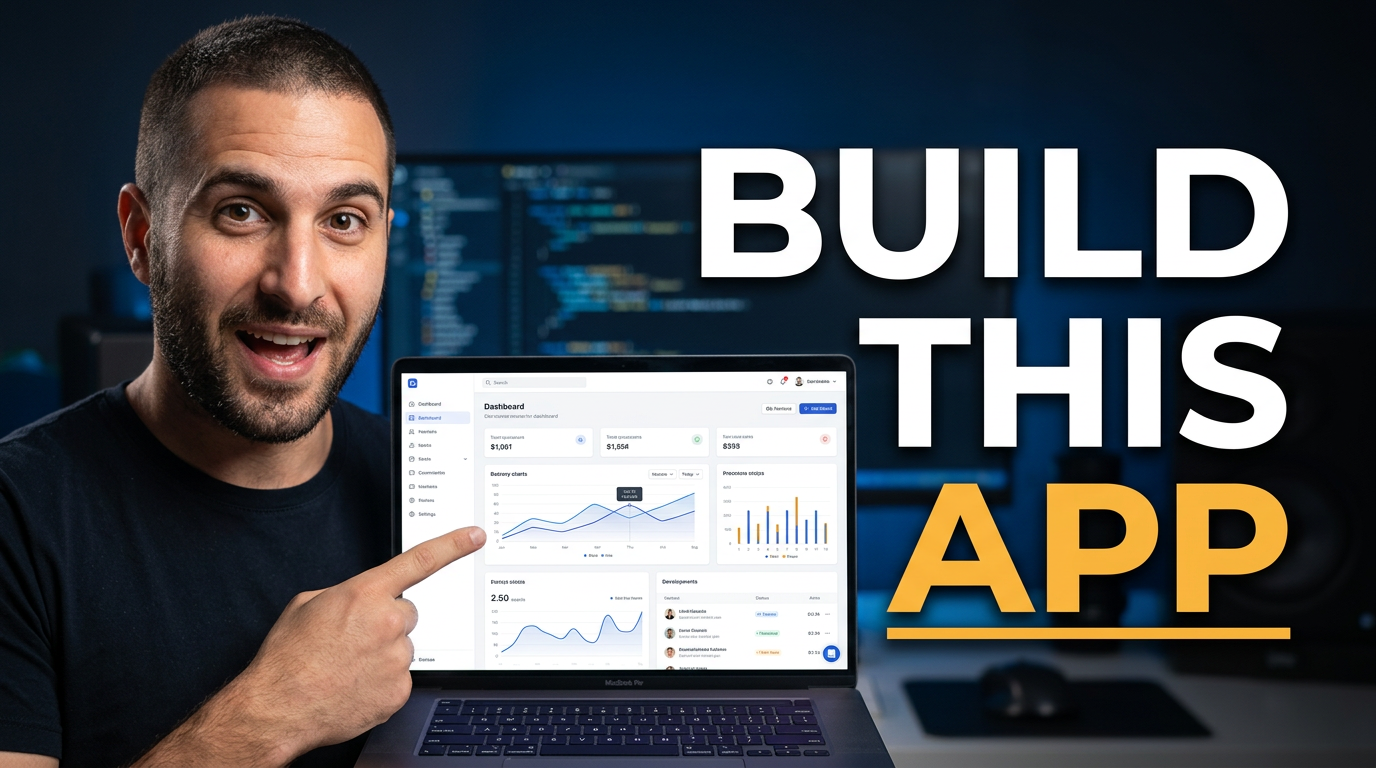
Full-stack project build
Make the finished product the visual proof behind a build-along video.
See the visual approach
Male developer using a supplied face photo, positioned on the left with an excited confident expression, beside a large supplied screenshot of a polished web application dashboard on a laptop display. Clean dark developer workspace, subtle editor-inspired background elements, strong contrast, finished interface as the main emphasis, energetic but uncluttered composition.
Make a thumbnail like this →
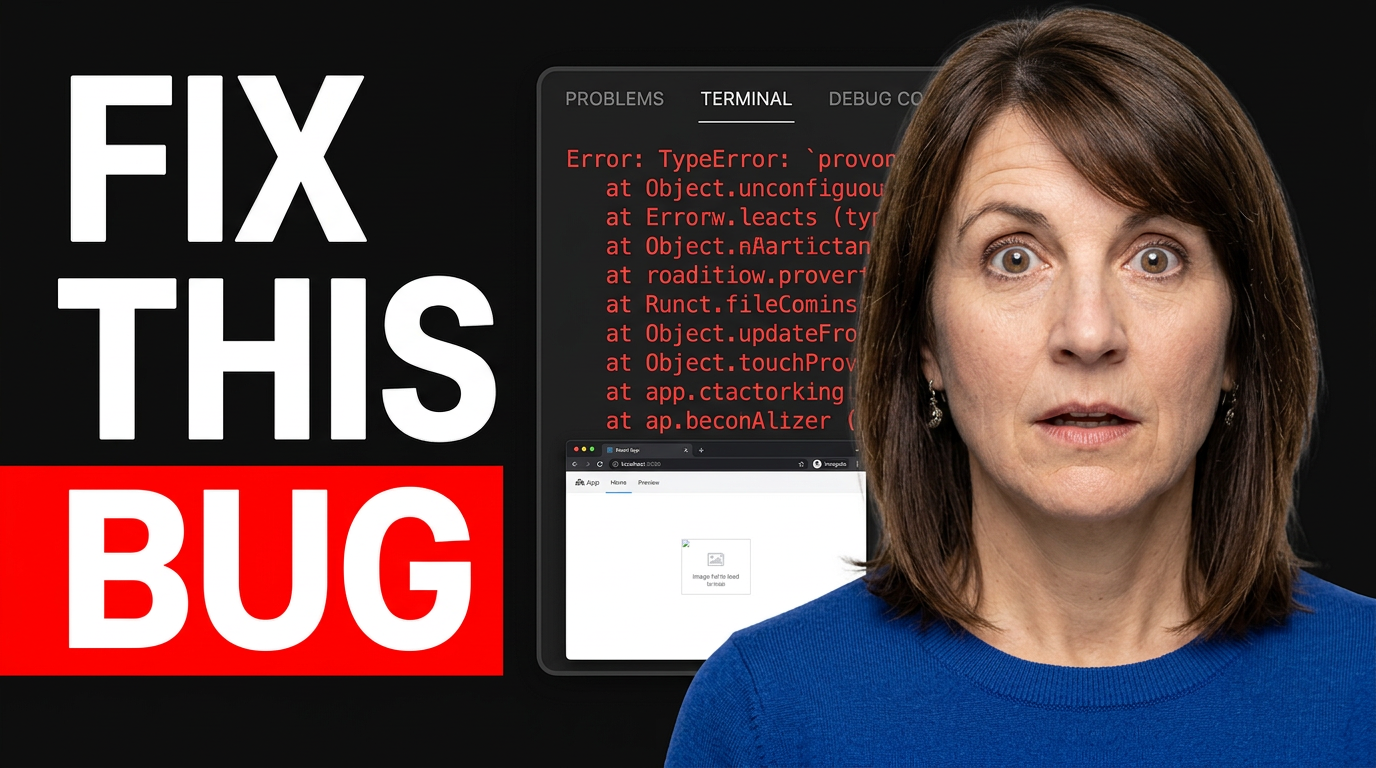
Debugging lesson
Frame the technical problem and the successful result in one quick read.
See the visual approach
Female coding instructor using a supplied face photo, on the right with a focused surprised expression. Large terminal error panel on one side and a small working browser app preview on the other, based on supplied source screenshots. Dark code-editor environment, clear visual contrast between problem and resolution, dramatic focused lighting, the error is the dominant visual element.
Make a thumbnail like this →
Framework comparison
Give a comparison video a clear decision-focused composition.
See the visual approach
Male developer using a supplied face photo centered with a thoughtful deciding expression, looking between two opposing framework symbols and distinct supplied code editor screenshots. Symmetrical split-screen composition, dark technical background, subtle directional lighting, balanced visual competition, clean space around the central subject, decision-focused mood.
Make a thumbnail like this →
These examples are starting points. Results vary based on your images, wording, and creative direction.
Thumbnail ideas for developer channels
Use a visual angle that matches the learning outcome, technical obstacle, or decision behind the video.
- Build-along projects with a finished app or interface reveal
- Debugging videos centered on an error, fix, or surprising root cause
- Framework, language, library, and tool comparisons
- System design, architecture, and backend concept explainers
- Developer workflow, editor setup, terminal, and productivity content
- Interview prep, portfolio projects, and software career lessons
- AI coding tools, code reviews, and engineering workflow updates
- Course lessons that introduce one clear concept or milestone
A simple workflow you can reuse
-
1
Start with the viewer’s technical question
Choose the single payoff that matters most: ship a project, solve a bug, understand a concept, or decide between tools. Let that outcome determine the visual hierarchy.
-
2
Add recognizable source material
Upload a clear face photo and, where useful, a code editor capture, terminal result, architecture sketch, browser UI, repository view, or finished project screenshot.
-
3
Set the wording exactly
Use short, outcome-led text that can be understood at a glance. Thumbnail.AI keeps your requested wording central while you control the surrounding visuals.
Frequently asked questions
Answers for building a useful, repeatable thumbnail workflow—not just generating one image.
Browse all thumbnail makers →
What should a coding tutorial thumbnail show?
add
Show the end result or the obstacle viewers care about. A finished dashboard, a clean terminal result, a familiar editor view, or a visible error state can work well when paired with your face and a short promise.
Can I use my own code screenshot or project UI?
add
Yes. Upload your editor, terminal, browser, architecture diagram, or product screenshot as source material. Choose a crop where the important interface or result is recognizable rather than trying to make every line readable.
How much text belongs on a programming thumbnail?
add
Usually a short phrase is enough. Use the video title for detail and reserve the thumbnail for the core outcome, comparison, or tension. Small code snippets and long commands tend to become unreadable on mobile.
How can I make framework comparison thumbnails clearer?
add
Give each option a distinct, recognizable visual treatment and make the decision the focal point. Use your face or a clear central divider to support the comparison, rather than packing in every feature.
Are thumbnails useful for debugging videos?
add
Yes. Debugging content benefits from a visible problem-and-resolution cue: an error panel, broken interface, warning symbol, or frustrated reaction contrasted with the working result. Keep the promise honest so viewers know what issue the video addresses.
Can I revise a thumbnail after I see the first version?
add
Yes. Use plain-language changes such as making the terminal larger, moving your face to the other side, reducing background clutter, emphasizing the finished app, or tightening the text placement.
Create a thumbnail for your next coding video
Bring your project screenshot, code editor, terminal output, and face photo together in a custom thumbnail that makes the lesson’s payoff easy to spot.
Create a thumbnail in Thumbnail.AI