Restaurant Review Thumbnails That Make the Meal Look Unmissable
Turn your food photos, reactions, and restaurant footage into custom YouTube-style thumbnails with the exact wording and visual direction your channel needs.
- personYour face
- add_photo_alternateYour source images
- edit_notePlain-language edits
Make every restaurant review easy to recognize at a glance
Restaurant review videos compete on appetite, curiosity, and trust. Thumbnail.AI helps you build a thumbnail around the strongest visual proof: a dramatic dish, an unmistakable reaction, a recognizable storefront, a menu surprise, or a compelling price point. Upload your own face and source images, choose the words viewers should see, and describe the direction in plain language—whether the restaurant was a hidden gem, an overrated hotspot, or a destination-worthy splurge.
Built for food critics, local dining creators, travel-and-food channels, and reviewers covering everything from neighborhood takeout to tasting menus.
Three thumbnail ideas for restaurant reviewers
Each example explores a different visual direction and can be adapted with your own face, images, wording, and brand.
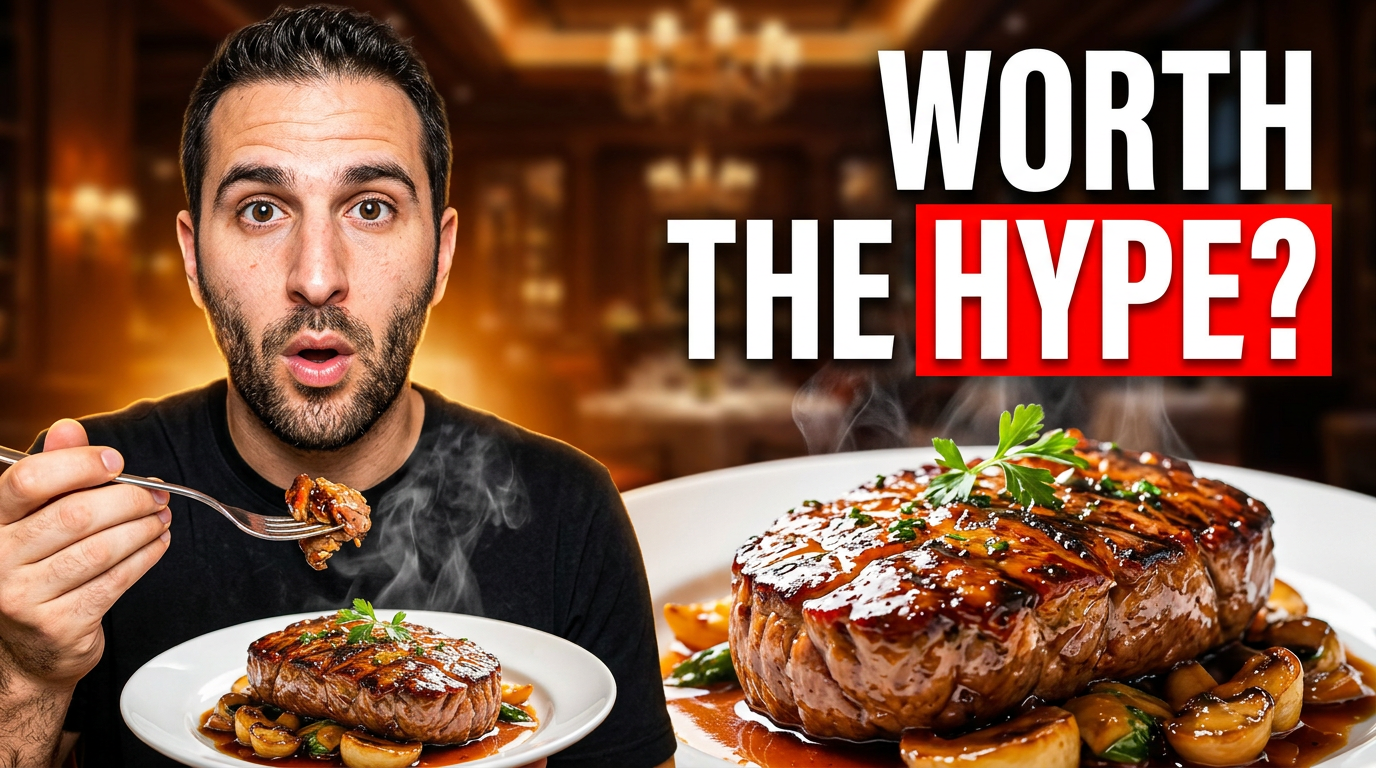
A surprising signature dish
Use a strong first-bite reaction to frame a review of a restaurant everyone is talking about.
See the visual approach
Close composition with a male restaurant reviewer on one side making a surprised first-bite reaction, and an oversized sharply detailed signature dish on the other side. Warm upscale restaurant table setting softly blurred behind them, glossy food texture and steam emphasized, high contrast, immediate curiosity, use the reviewer’s supplied portrait and supplied dish photo as source material.
Make a thumbnail like this →
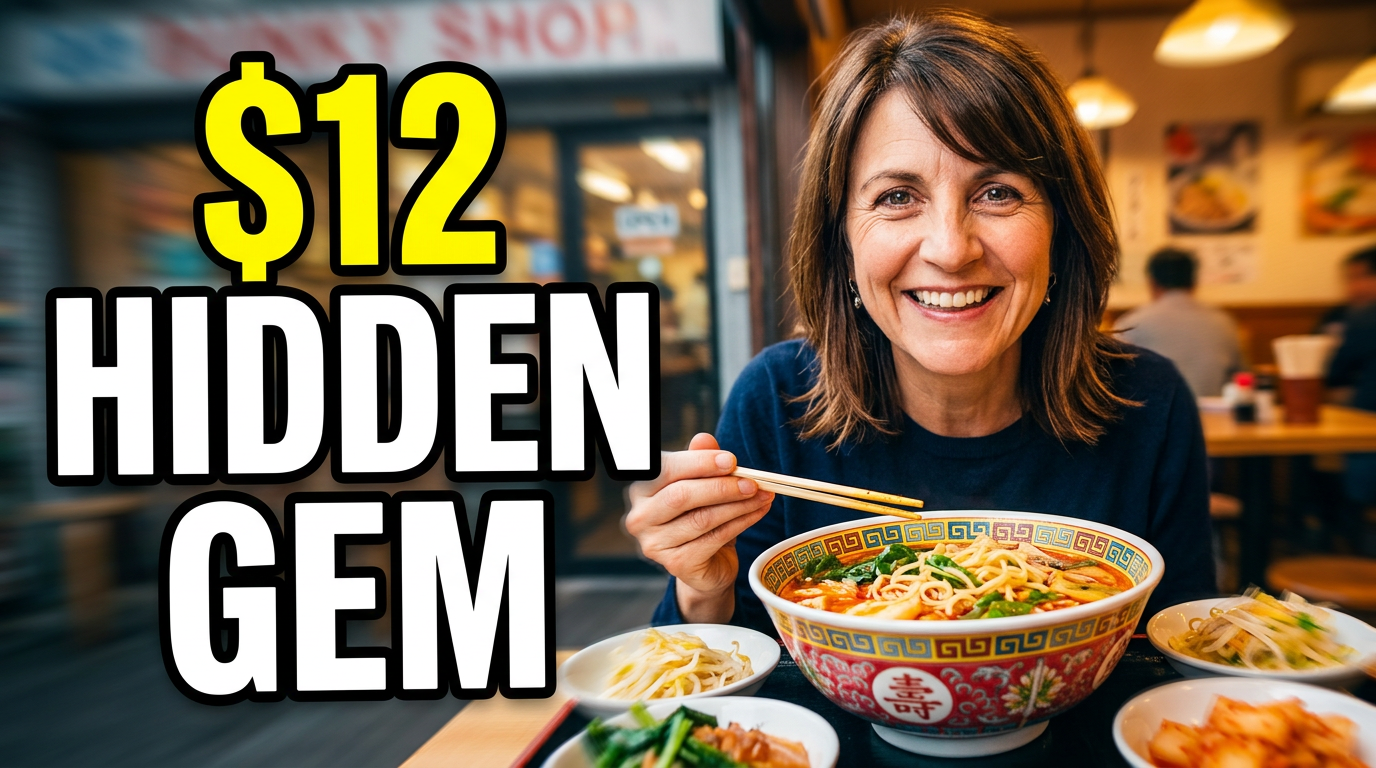
An affordable local find
Make the price and generous portion the visual center of a local value review.
See the visual approach
Friendly female food reviewer seated in a cozy neighborhood restaurant, smiling toward a large colorful bowl of noodles and visible side dishes. The meal is prominent in the foreground with a modest storefront or casual dining details in the background, warm inviting light, authentic local discovery mood, use the reviewer’s supplied portrait and supplied meal and venue photos as source material.
Make a thumbnail like this →
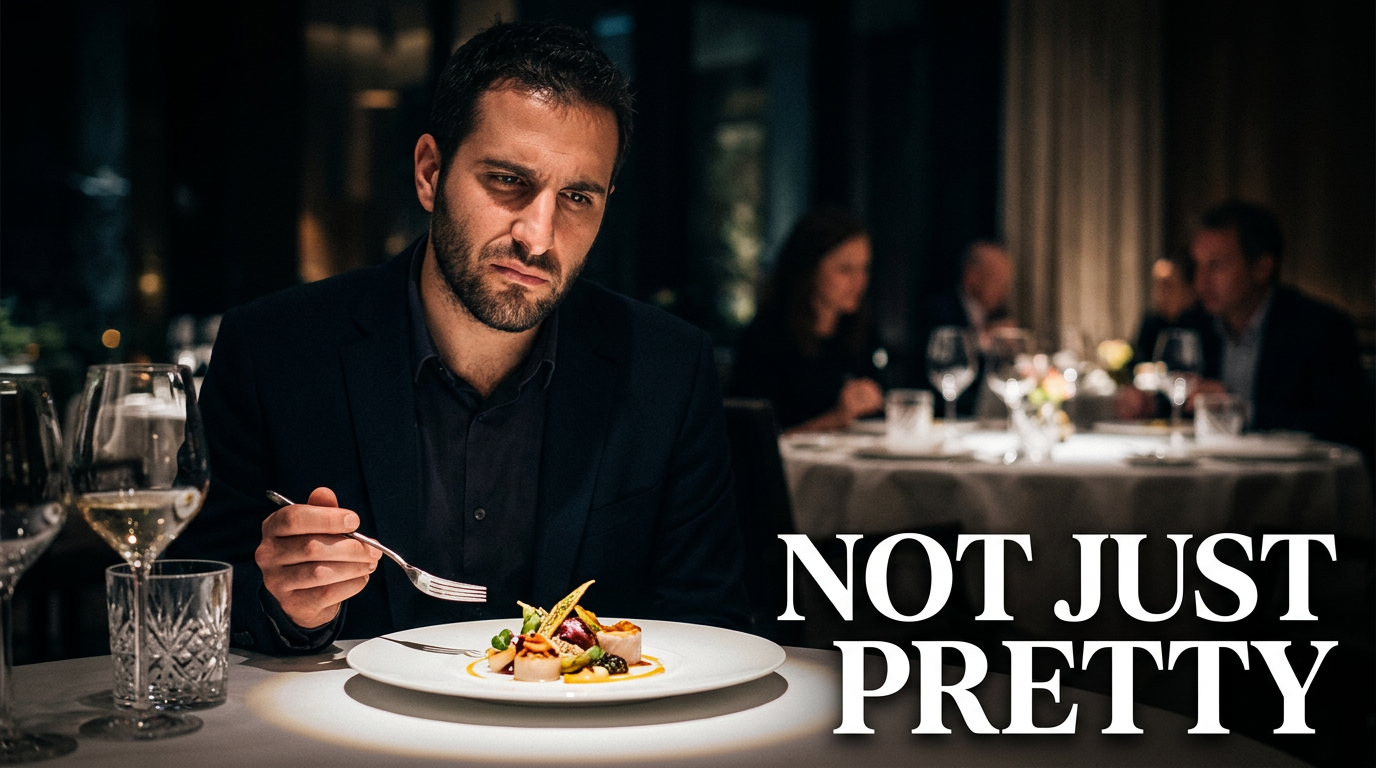
A fine-dining verdict
Contrast a beautiful plated course with a measured reviewer expression for a nuanced tasting-menu review.
See the visual approach
Male restaurant reviewer with a discerning, contemplative expression beside an artfully plated fine-dining course. Elegant dim dining room, precise table setting, shallow depth of field, dramatic spotlight on the dish, refined but slightly skeptical mood, use the reviewer’s supplied portrait and supplied plate photograph as source material.
Make a thumbnail like this →
These examples are starting points. Results vary based on your images, wording, and creative direction.
Thumbnail angles for restaurant review channels
Keep the visual promise aligned with what viewers will get from the review, while making the food, verdict, or dining moment clear on a small screen.
- First-bite reactions and standout dishes
- Honest verdicts on viral restaurants
- Hidden local spots and neighborhood finds
- Affordable meals, lunch specials, and value reviews
- Fine-dining tastings and special-occasion restaurants
- Street food, food halls, and market stalls
- New restaurant openings and menu launches
- Head-to-head comparisons between restaurants or dishes
A simple workflow you can reuse
-
1
Choose the review’s strongest proof
Start with the dish, reaction, restaurant exterior, menu item, receipt, or table scene that best communicates why this review matters.
-
2
Upload the images that make it yours
Add your own portrait plus food photography, screenshots, venue photos, or frame grabs from the visit. Thumbnail.AI can compose around the material you provide.
-
3
Set the visible words precisely
Use a short, direct phrase that matches your verdict or hook. Keep the main claim readable and let the food image carry the rest of the story.
Frequently asked questions
Answers for building a useful, repeatable thumbnail workflow—not just generating one image.
Browse all thumbnail makers →
What should a restaurant review thumbnail show?
add
Lead with one unmistakable visual: the signature dish, an expressive tasting reaction, the restaurant facade, or a close-up of a surprising menu item. Pair it with a short verdict, price cue, or question that the video honestly answers.
Can I use my own food photos and face?
add
Yes. Upload your own dish photos, dining-room shots, restaurant exterior images, and portrait. Using your actual visit footage and photography helps the thumbnail match the review viewers will see.
How much text works on a food review thumbnail?
add
Usually two to six words is enough. A concise verdict or hook is easier to scan than a full restaurant name and description. If the venue name is essential, make it the clearest supporting detail rather than crowding the image.
How can I signal an honest restaurant verdict without making the thumbnail misleading?
add
Use wording and expressions that reflect the conclusion of the video. If the review is mixed, show the dish and a thoughtful or uncertain reaction instead of implying an extreme result the review does not support.
What if the restaurant is visually plain but the meal is interesting?
add
Focus tightly on the plate, a cut-open interior, a sauce pull, a menu detail, or your reaction to the first bite. A close crop and clear emphasis can make the food—not the dining room—the main attraction.
Build the next review thumbnail around the dish and your verdict
Upload your restaurant photos and face, add the exact words you want shown, and direct the look in plain language with Thumbnail.AI.
Create a thumbnail in Thumbnail.AI