Yoga thumbnails that feel as grounded as your teaching

Turn your class photos, poses, and video focus into custom YouTube-style thumbnails with clear text and a visual mood that fits your practice.

  • Your face
  • Your source images
  • Plain-language edits
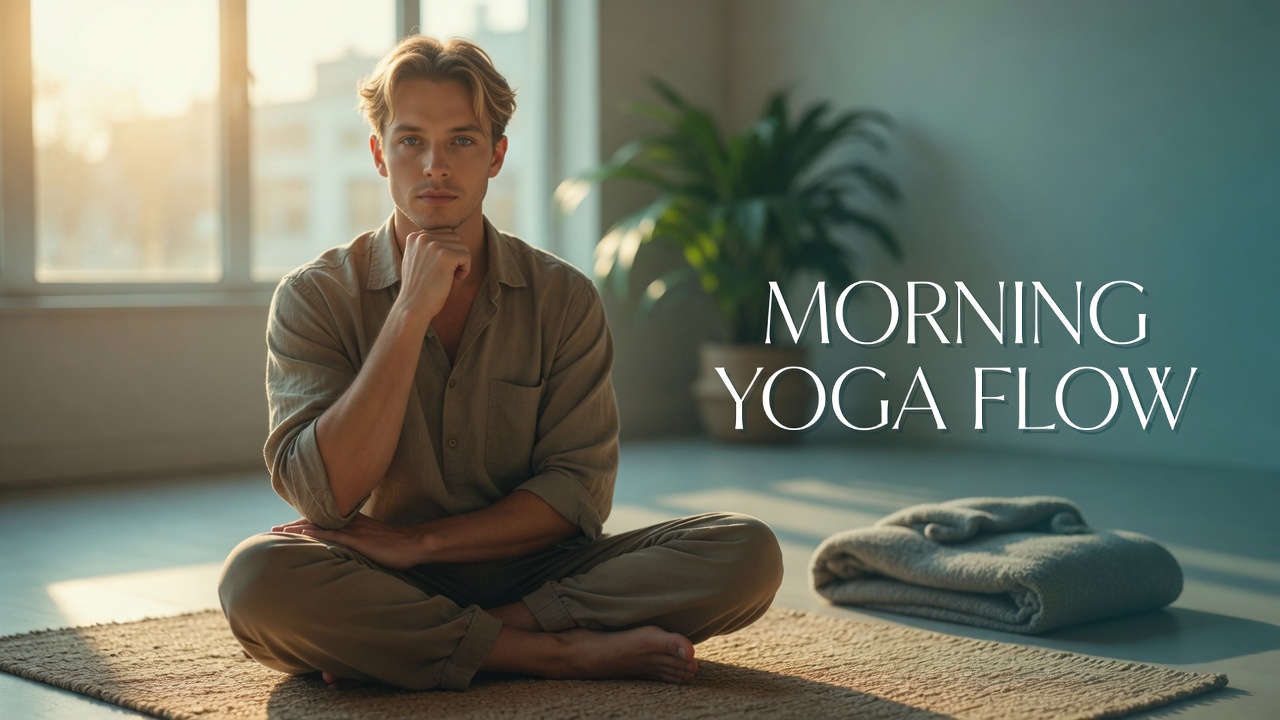
Yoga instructor seated on a mat in a bright morning studio for a morning flow thumbnail

Custom thumbnails for yoga classes, practices, and teaching content

Thumbnail.AI helps yoga instructors shape thumbnail concepts around the actual promise of each video: a gentle morning flow, hip-opening practice, beginner sequence, restorative reset, or teacher insight. Upload a photo of yourself, provide the words you want viewers to see, and describe the setting, pose, energy, or audience in plain language. Revise the direction until the thumbnail matches your channel and the class inside.

Built for instructors sharing on-demand classes, pose tutorials, meditation practices, yoga philosophy, and studio content.

Three thumbnail ideas for yoga instructors

Each example explores a different visual direction and can be adapted with your own face, images, wording, and brand.

Yoga instructor seated on a mat in a bright morning studio for a morning flow thumbnail

Gentle morning practice

A warm, accessible opening visual for a gentle practice.

See the visual approach

Male yoga instructor seated comfortably on a yoga mat in a bright, uncluttered studio with soft sunrise window light, calm direct expression, folded blanket and plant in the background, spacious clean framing with room for a short headline, warm peaceful mood, source photo of the instructor as the central subject.

Make a thumbnail like this
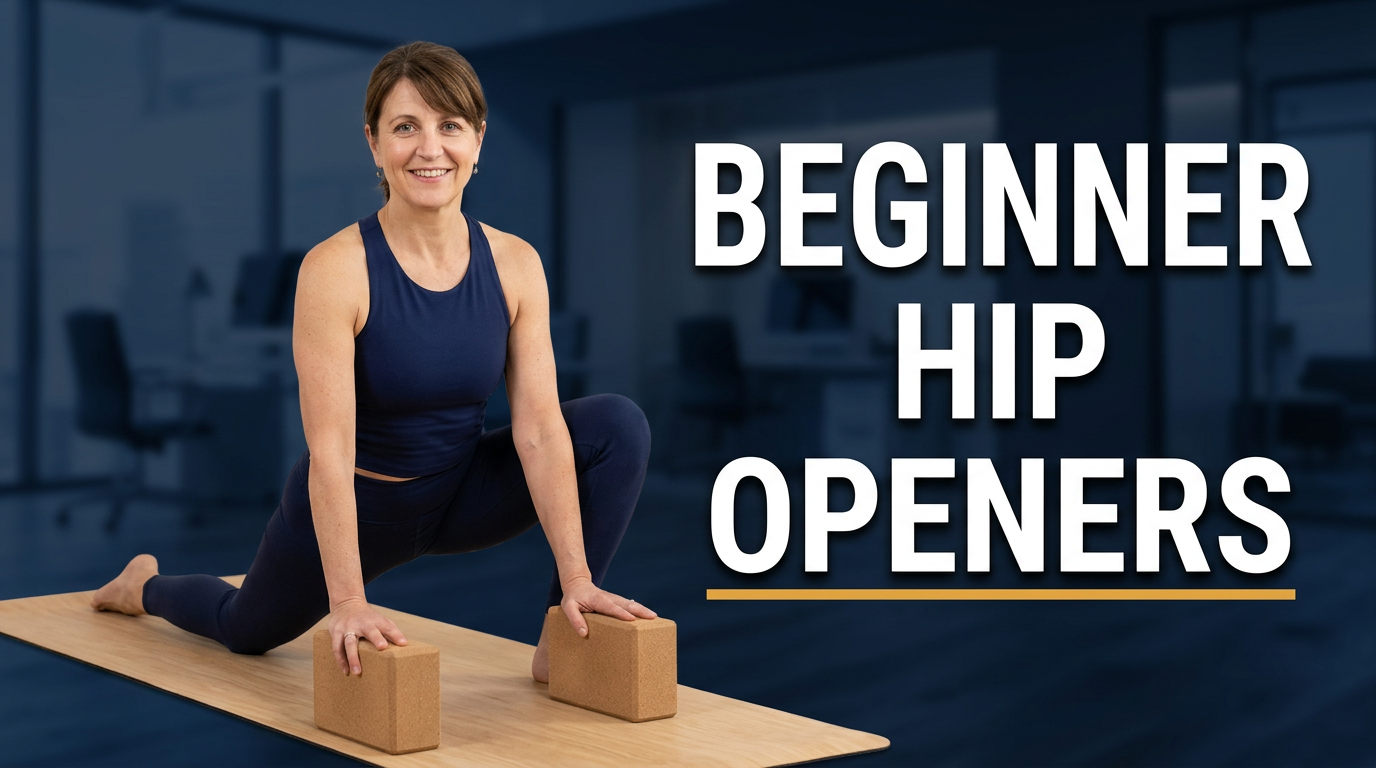
Female yoga instructor demonstrating a low lunge in a neutral studio for a beginner yoga thumbnail

Beginner hip-opening class

Make the body focus and welcoming level immediately clear.

See the visual approach

Female yoga instructor demonstrating an accessible low lunge on a mat in a softly lit neutral studio, supportive blocks nearby, friendly confident expression toward the viewer, full pose visible with uncluttered negative space, gentle earthy palette, source photo of the instructor emphasized as the main subject.

Make a thumbnail like this
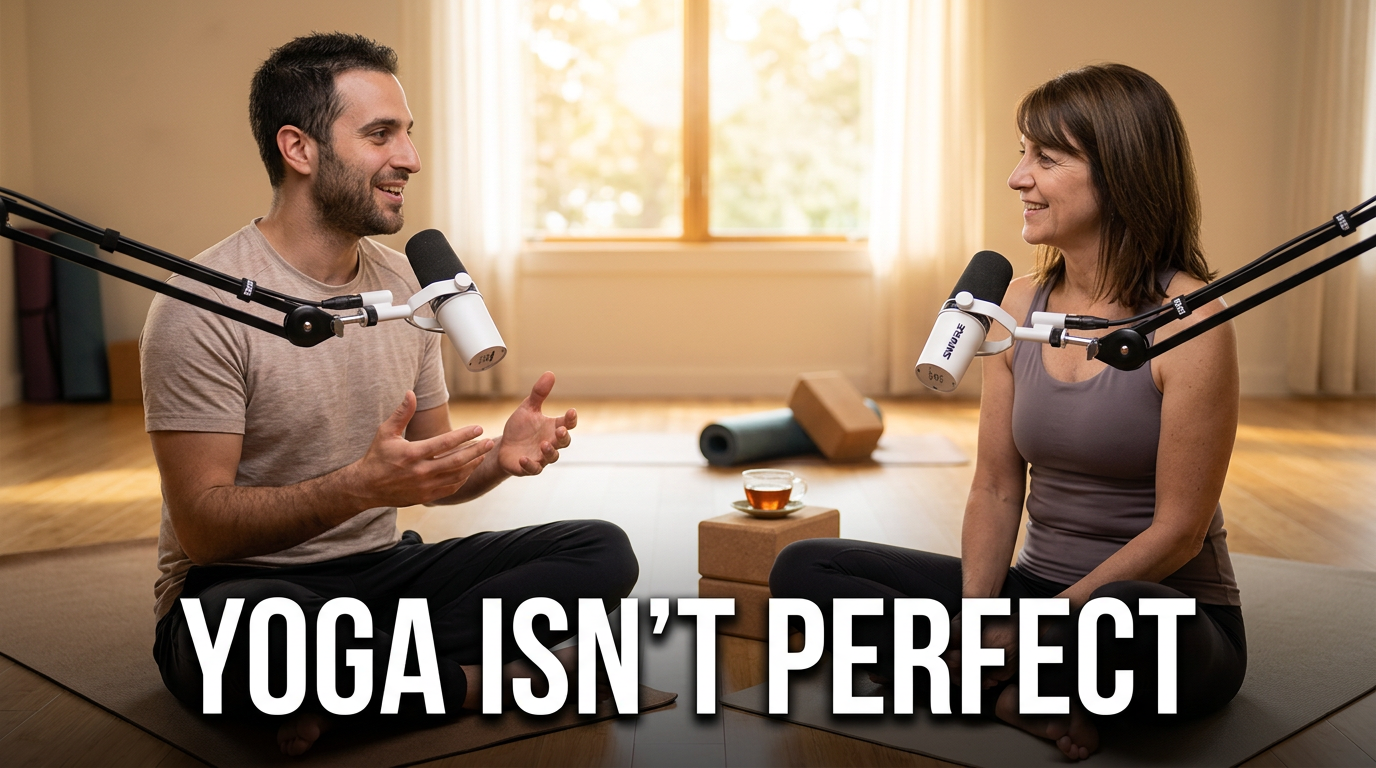
Two yoga teachers in conversation in a calm studio for a yoga discussion thumbnail

Yoga teacher conversation

A human, conversational direction for teaching reflections and philosophy.

See the visual approach

Two yoga teachers seated facing each other on mats in a calm sunlit studio, engaged natural conversation and expressive gestures, one male and one female instructor clearly visible, tea cups and simple yoga props nearby, intimate balanced composition with space for a concise headline, thoughtful welcoming mood, source photos of both instructors incorporated.

Make a thumbnail like this

These examples are starting points. Results vary based on your images, wording, and creative direction.

Make the class focus easy to see

A useful yoga thumbnail gives prospective students a quick sense of what they will practice and how it may feel, while keeping your presence recognizable across the channel.

  • Beginner-friendly yoga foundations and approachable pose instruction
  • Morning flows, evening wind-downs, and short daily practices
  • Restorative, yin, chair yoga, and gentle mobility sessions
  • Focused sequences for hips, back comfort, balance, flexibility, or strength
  • Breathwork, meditation, yoga philosophy, and teacher-to-student reflections
  • Studio announcements, workshop invitations, and online class updates
  • Prenatal, postnatal, and other audience-specific movement content
  • Seasonal practices and calming routines for busy days

A simple workflow you can reuse

  1. 1

    Start with the class promise

    Name the practice type, duration or level when relevant, and the feeling or body area the video centers on. This gives the thumbnail a clear point of emphasis.

  2. 2

    Add your own presence

    Upload a photo of yourself in a recognizable pose, teaching moment, or calm portrait. Use source images from your studio, home practice space, or outdoor setting.

  3. 3

    Set the visual direction

    Describe the atmosphere in everyday terms: warm sunrise light, quiet neutral studio, grounded earth tones, energetic flow, or spacious minimal composition.

Frequently asked questions

Answers for building a useful, repeatable thumbnail workflow—not just generating one image.

Browse all thumbnail makers
What should a yoga class thumbnail say?

Use a short phrase that clarifies the practice, such as “Gentle Morning Flow,” “Beginner Hip Openers,” or “10-Minute Reset.” Keep the wording focused on one promise rather than trying to list every pose in the class.

Can I use a photo of myself doing a yoga pose?

Yes. Upload your own pose photo or teaching portrait as source material, then direct Thumbnail.AI on the crop, setting, mood, and visual emphasis you want. A clear image of you helps students recognize the instructor behind the class.

How can I make beginner yoga content feel welcoming?

Choose an open, unhurried composition, a relaxed expression or accessible pose, and plain language that signals the level. Avoid crowded visuals or overly technical wording when the class is intended for new students.

Should every yoga video use the same thumbnail design?

Keep a few recognizable elements consistent, such as your face, color family, font treatment, or framing style. Then vary the pose, setting, and short headline so students can distinguish a restorative class from a stronger flow or meditation.

Can Thumbnail.AI help with thumbnails for meditation and breathwork too?

Yes. Describe the practice and desired tone, such as still, spacious, intimate, or sunrise-focused, and use your own portrait or relevant source image. The visible wording can distinguish breathwork, guided meditation, or a short pause practice.
Create a thumbnail that invites students onto the mat

Bring your class focus, your photos, and your exact wording to Thumbnail.AI. Shape a thumbnail that reflects the practice before viewers press play.

Create a thumbnail in Thumbnail.AI