Can I use my Minecraft skin or Roblox avatar in a thumbnail?
add
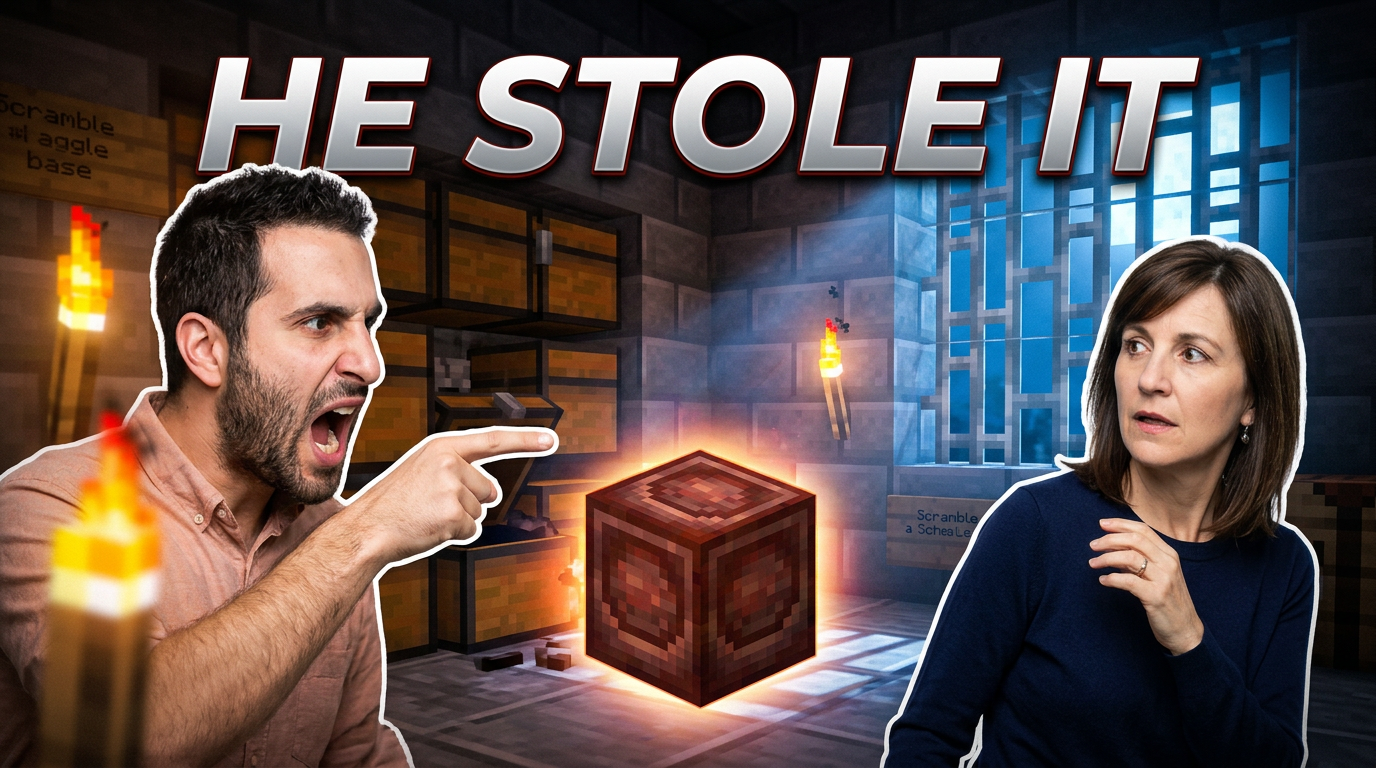
Yes. Upload the skin render, avatar image, gameplay capture, or other source image you want represented. Describe its role in the scene, such as facing a boss, standing beside a build, or reacting to an item.
Can I include my own face alongside gameplay?
add
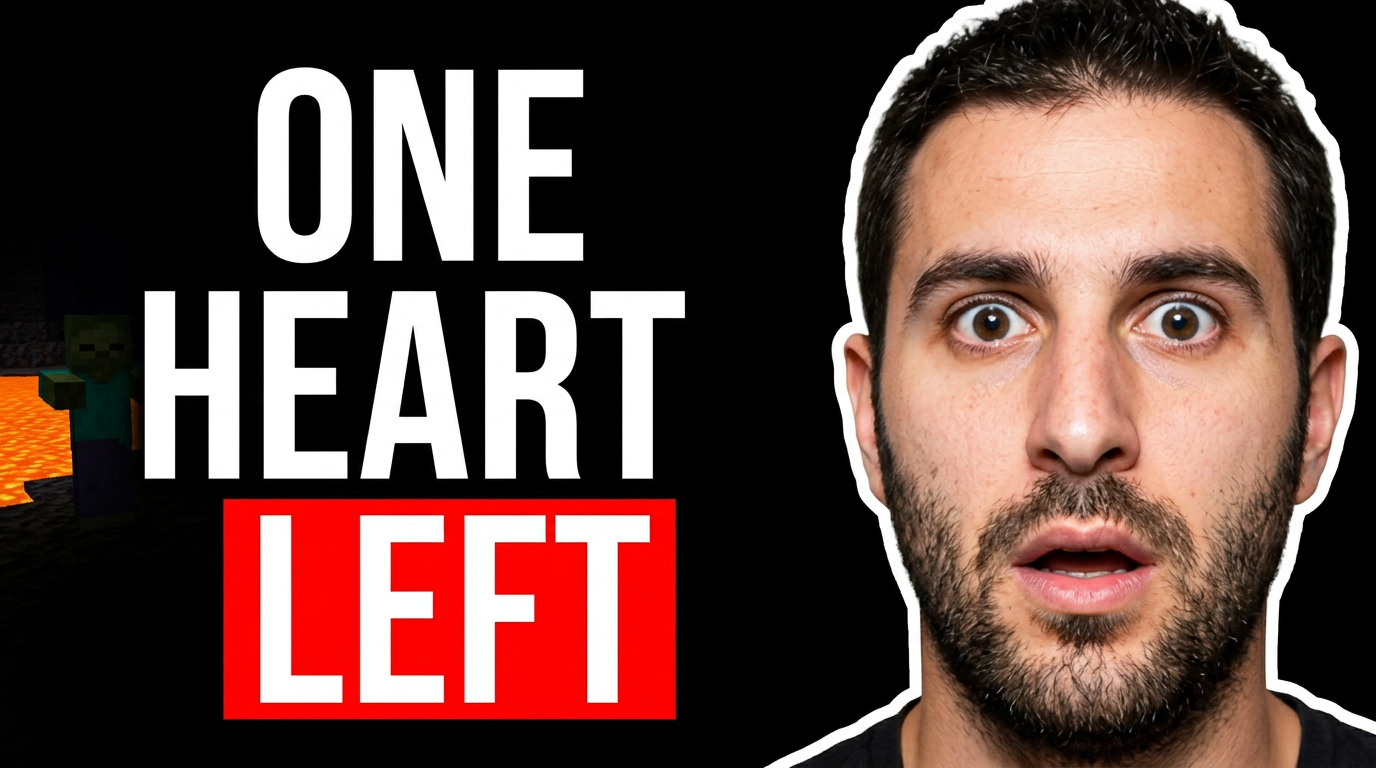
Yes. Add a face photo and a gameplay or character image, then explain the intended arrangement. For example, you can ask for a large reaction in the foreground with your survival world or Roblox game scene behind it.
How do I keep the thumbnail text short and readable?
add
Start with the single promise of the video: the challenge, reveal, update, or outcome. Use a short phrase rather than a full title, and ask Thumbnail.AI to make the wording the primary text element.
What should a thumbnail for a Minecraft build video show?
add
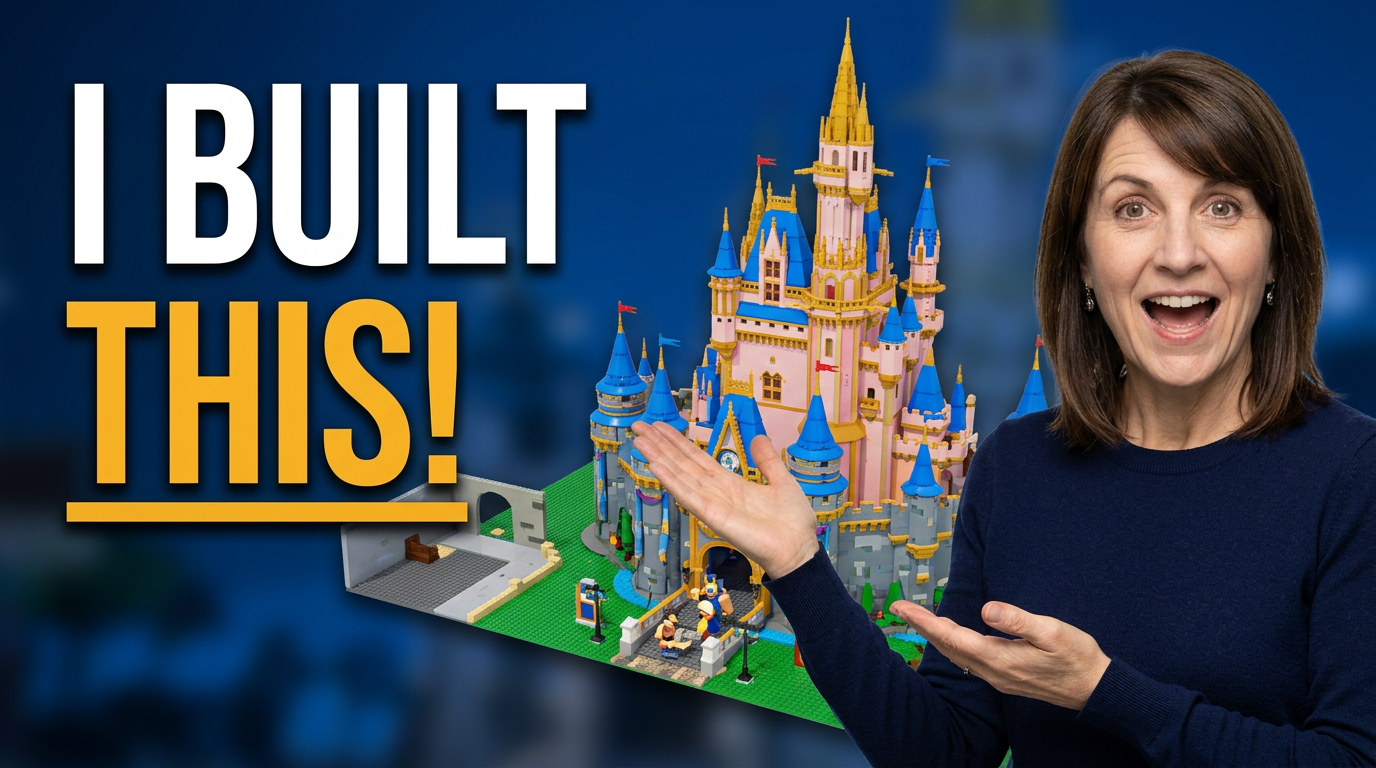
Lead with the finished build or the most dramatic stage of its transformation. Pair it with your face or skin for channel recognition, and make sure the environment and lighting make the build’s scale clear.
What works for Roblox update and event videos?
add
Focus on the new character, item, map area, reward, or game mechanic that gives the update its identity. A reaction face or avatar can add urgency, but the new feature should remain immediately recognizable.
Can I revise a thumbnail after the first version?
add
Yes. Use plain-language feedback to request changes such as a closer crop, a different emotion, a larger avatar, fewer background details, a brighter scene, or replacement wording.