Mortgage Broker Thumbnails That Make the Numbers Feel Clear

Create custom YouTube-style thumbnails for rate updates, loan scenarios, and homebuyer questions—using your own photo, listing imagery, brand cues, and exact wording.

  • Your face
  • Your source images
  • Plain-language edits
Mortgage broker reacting beside a home and an interest-rate chart

Built for mortgage content that needs trust at a glance

Mortgage videos often ask viewers to make sense of rates, repayments, deposits, approvals, and changing lending conditions. Thumbnail.AI helps you turn that complexity into a focused visual: your face, a relevant property or document image, a short promise, and a professional composition that fits your channel. Start from a source photo or describe the direction in plain language, then revise the layout, expression, emphasis, and copy until it matches the video.

Useful for independent brokers, loan officers, mortgage advisers, brokerage marketing teams, and finance educators publishing home-loan content.

Three thumbnail ideas for mortgage brokers

Each example explores a different visual direction and can be adapted with your own face, images, wording, and brand.

Mortgage broker reacting beside a home and an interest-rate chart

Interest-rate update

Frame a timely lending update around the broker and one unmistakable market signal.

See the visual approach

A male mortgage broker in a tailored business-casual outfit positioned on the left, alert but composed expression, modern suburban home on the right, simplified upward interest-rate chart in the background, clean high-contrast finance-news composition, strong emphasis on the broker and rate movement, deep blue and neutral palette, polished professional lighting.

Make a thumbnail like this
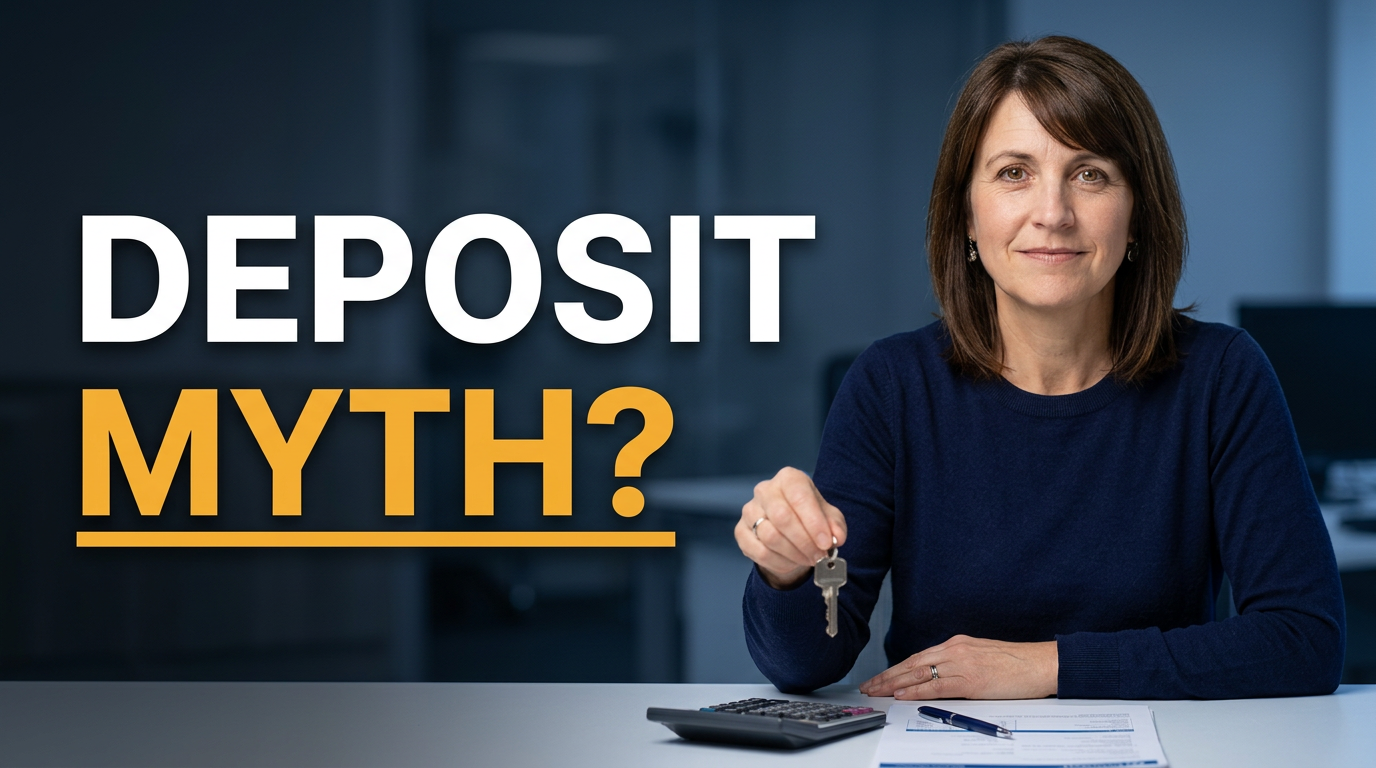
Female mortgage adviser explaining deposits with a house key and calculator

First-home buyer deposit video

Make a first-home buyer question feel approachable and practical.

See the visual approach

A female mortgage adviser at a bright desk, confident helpful expression, holding a house key near a calculator and neatly arranged paperwork, softly blurred starter home interior in the background, warm approachable financial-advice mood, clear focus on the adviser and deposit-planning materials, clean editorial composition.

Make a thumbnail like this
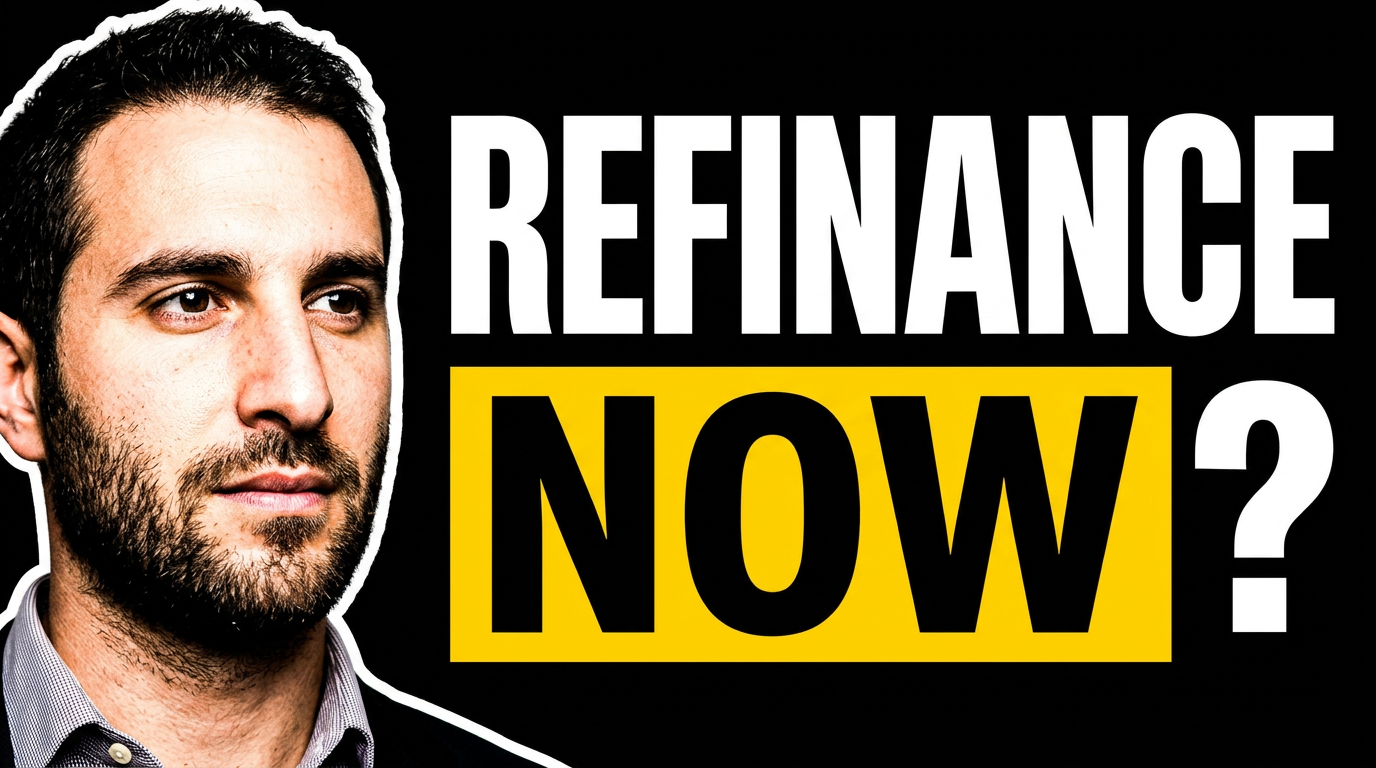
Mortgage broker comparing two loan options at a desk

Refinancing comparison

Use a straightforward comparison scene for a refinancing decision video.

See the visual approach

A male mortgage broker seated at a desk reviewing two clearly separated loan-document stacks, thoughtful decision-making expression, subtle home silhouette and calculator in the environment, balanced composition with visible contrast between the two options, trustworthy calm mood, emphasis on the broker and side-by-side comparison, refined office lighting.

Make a thumbnail like this

These examples are starting points. Results vary based on your images, wording, and creative direction.

Thumbnail directions for mortgage broker videos

Use a distinct visual angle for the question your video answers, while keeping your face and branding recognizable across your channel.

  • Interest-rate updates and borrowing-power changes
  • First-home buyer deposits, grants, and eligibility
  • Fixed versus variable rate comparisons
  • Pre-approval and application preparation
  • Refinancing, repricing, and lender-switch decisions
  • Repayment examples and affordability breakdowns
  • Property-market updates tied to lending conditions
  • Common mortgage mistakes and lender questions

A simple workflow you can reuse

  1. 1

    Add the people and images viewers should recognize

    Upload a professional headshot, a property photo, a loan document, or a relevant market graphic. Thumbnail.AI can center the broker while making the supporting image easy to understand at small sizes.

  2. 2

    Set the one idea the video should communicate

    Choose concise wording that reflects the video’s strongest takeaway, such as a rate movement, approval issue, or deposit question. Keep the thumbnail focused on one decision or outcome.

  3. 3

    Describe the visual direction in plain language

    Ask for an authoritative office look, a high-contrast rate-update composition, or a practical buyer-focused scene. Specify what should receive the strongest visual emphasis.

Frequently asked questions

Answers for building a useful, repeatable thumbnail workflow—not just generating one image.

Browse all thumbnail makers
What should a mortgage broker put on a YouTube thumbnail?

Lead with one viewer concern: rates, repayments, deposit size, refinancing, pre-approval, or borrowing capacity. Pair a short phrase with a recognizable broker photo and one supporting visual, such as a home, rate chart, calculator, or loan paperwork.

Can I use my own headshot and property images?

Yes. Upload your own headshot, listing or property imagery, logo assets, and other source materials. This helps keep the thumbnail connected to your brokerage and the specific video topic.

How much thumbnail text works for mortgage videos?

Keep it brief enough to read on a phone—usually a short question, warning, or outcome. Put detailed qualifications, rate assumptions, and explanatory context inside the video rather than trying to fit them all on the image.

Can Thumbnail.AI help with recurring rate-update videos?

Yes. Begin with a consistent visual direction using your photo, colors, and layout preferences, then revise the wording and supporting market imagery for each new rate or lending update.

How can I make a mortgage thumbnail feel credible instead of sensational?

Use a clear expression, clean typography, restrained visual elements, and imagery that directly supports the subject. Avoid clutter and make sure the thumbnail’s promise is addressed accurately in the video.

Can a brokerage team create thumbnails for different advisers?

Yes. Use each adviser’s approved headshot and create a shared visual system for backgrounds, colors, and text placement. This can give individual videos a recognizable brokerage look while retaining the presenter’s identity.

Turn your next mortgage topic into a clear visual promise

Upload your headshot and source images, choose the words that matter, and refine a thumbnail that fits your mortgage content.

Create a thumbnail in Thumbnail.AI